🎬 튜토리얼 에피소드
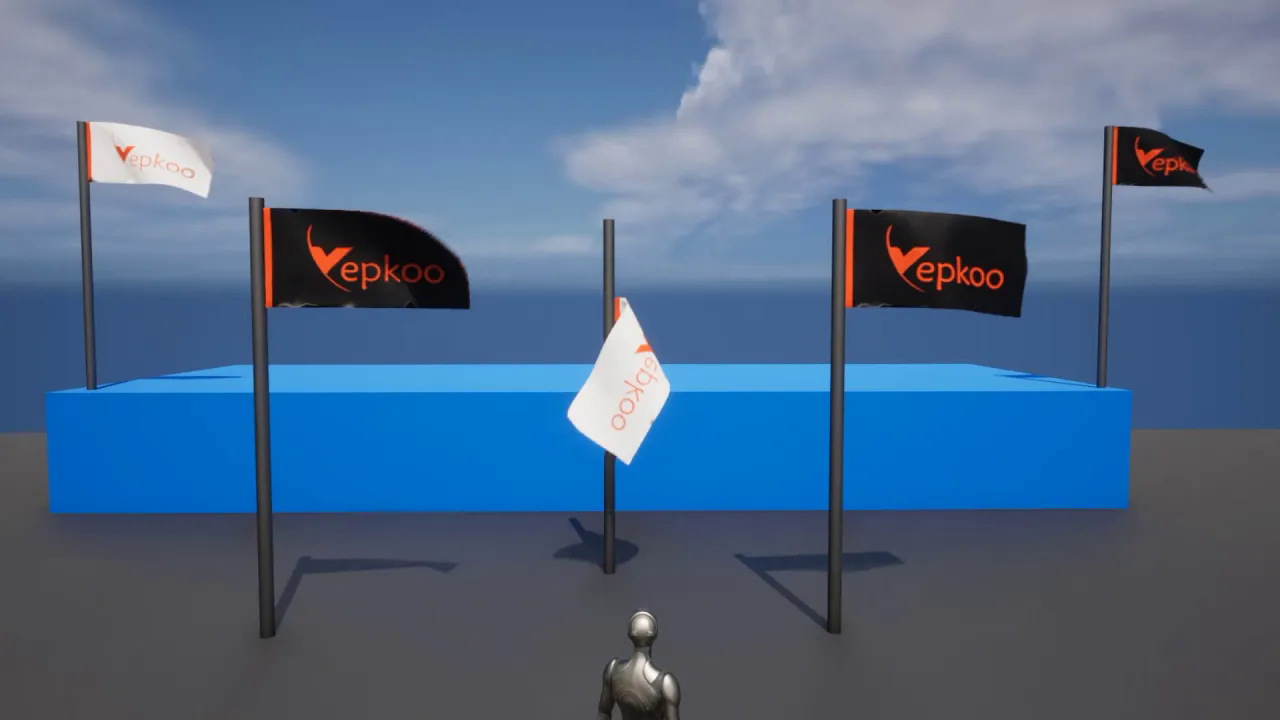
Flag making with UE5 cloth system. Wind effect with Clothing Simulation Interacter (Subtitle)
에피소드 99
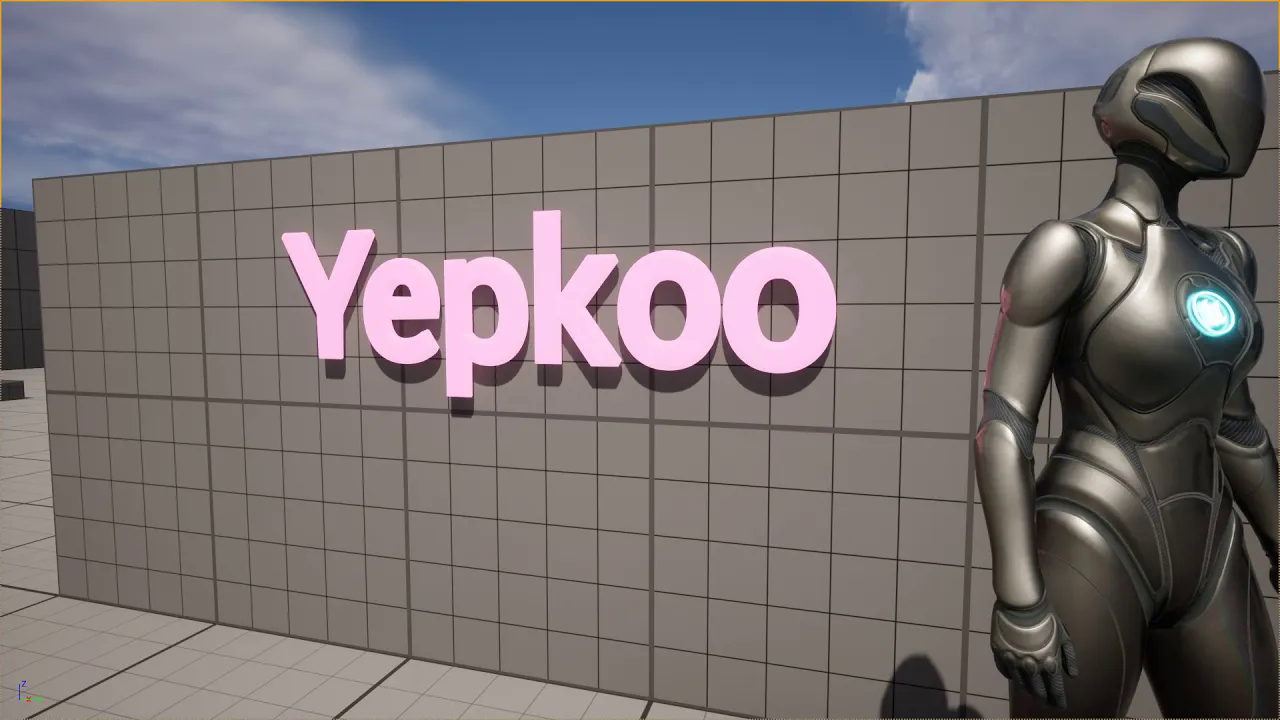
Using the UE5 3D Text plugin. Let's make auto-changing 3D text and text lighting
에피소드 98
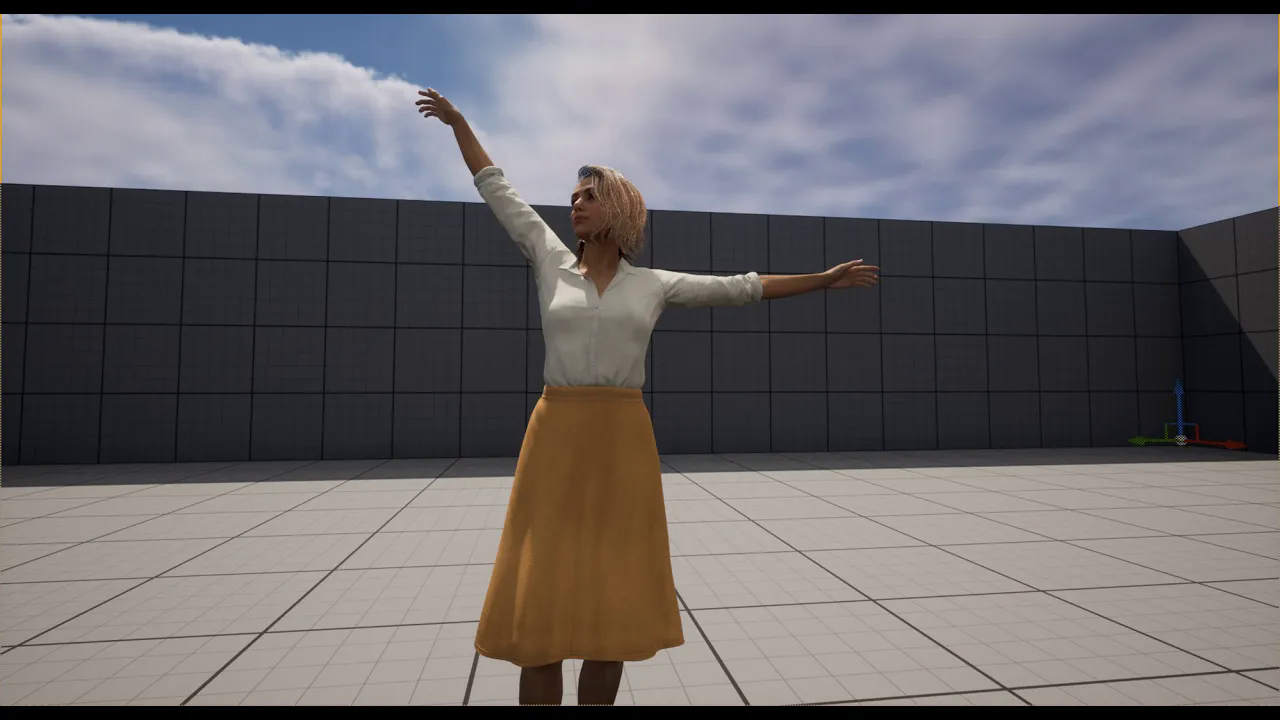
Change transfer character with iClone Unreal Live Link. Animate imported character from CC4 to UE
에피소드 97
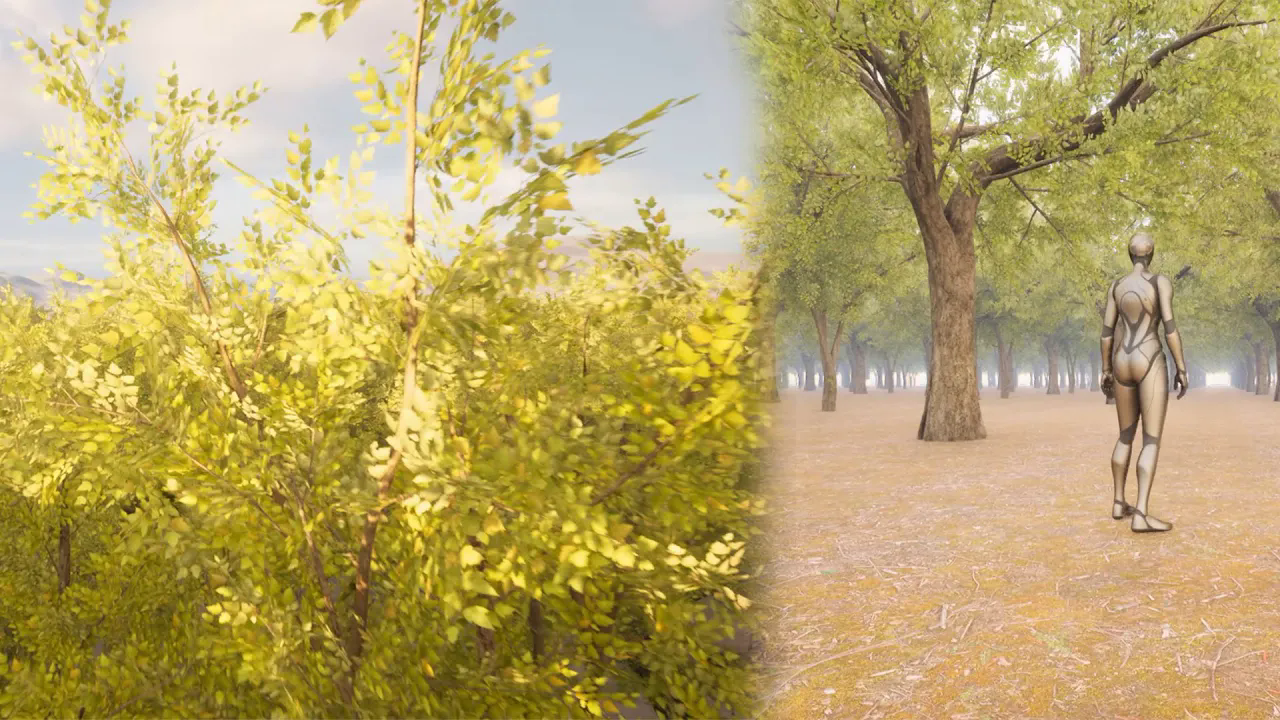
Mesh duplication using the UE 5.1 new pattern tool. Let's create a simple forest (Subtitle)
에피소드 96
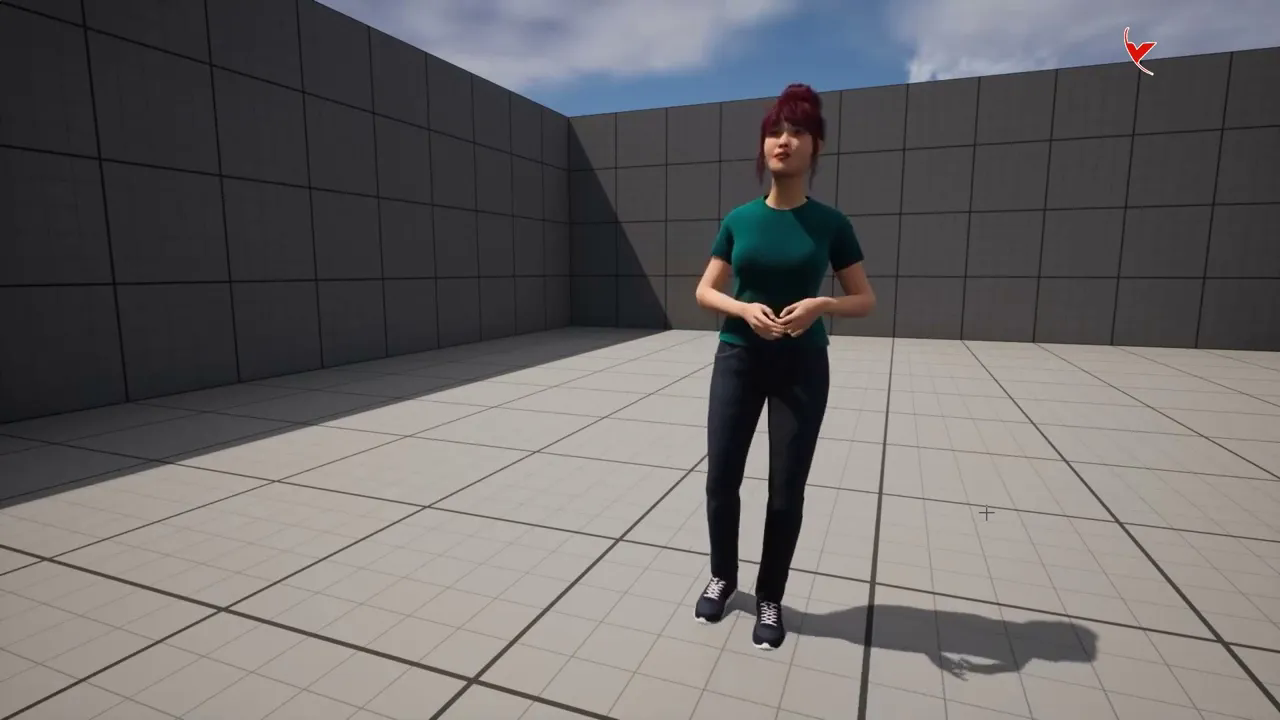
New Metahuman Update + iClone # Animate MetaHuman in Unreal 5 with iClone Live Link (Subtitle)
에피소드 95
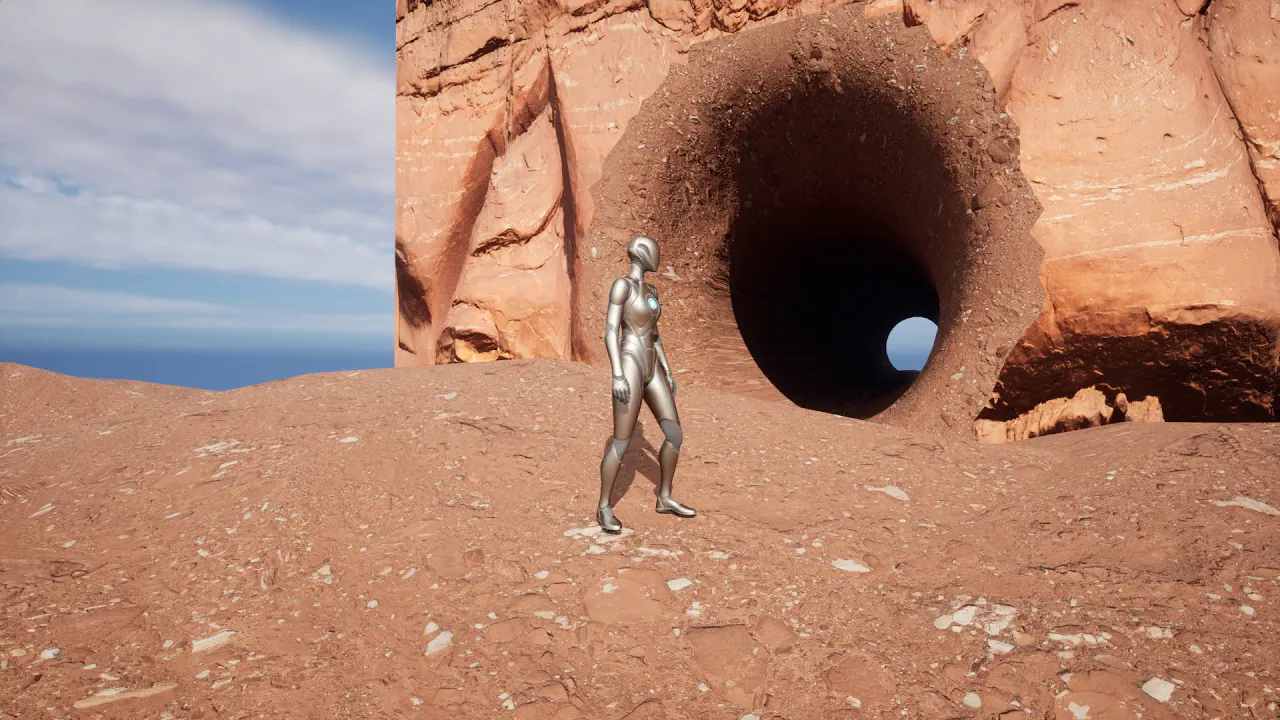
Let's make a tunnel with UE5 modeling tools and enable Nanite. (Subtitle)
에피소드 94
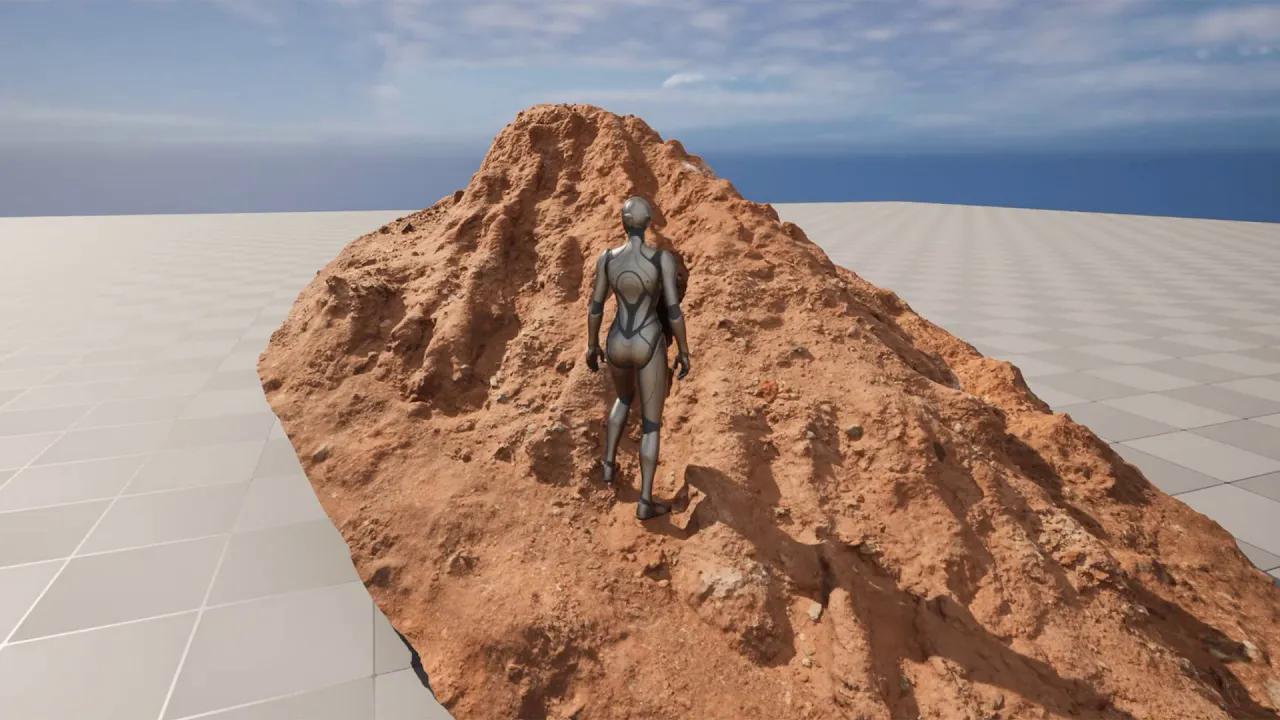
UE5 - Using Quixel nanite and enabling Nanite Mesh Collision
에피소드 93
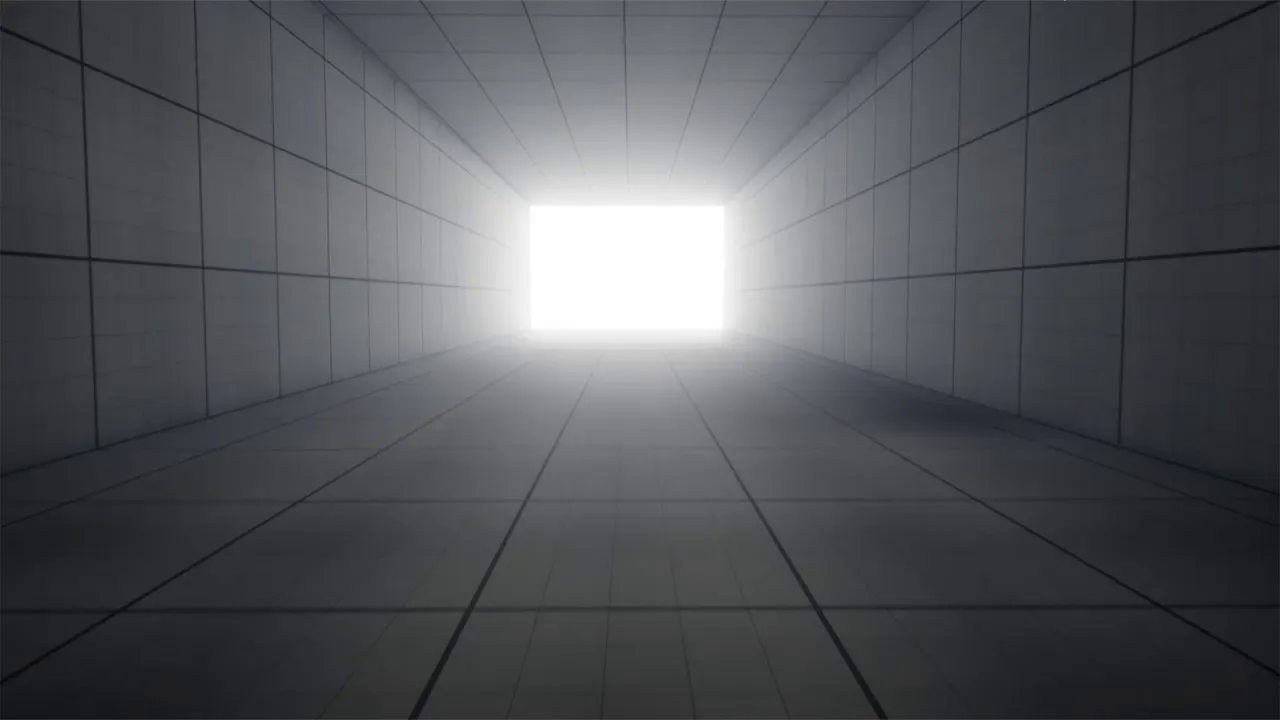
UE5 tutorial - Walking into the light using post process volume
에피소드 92
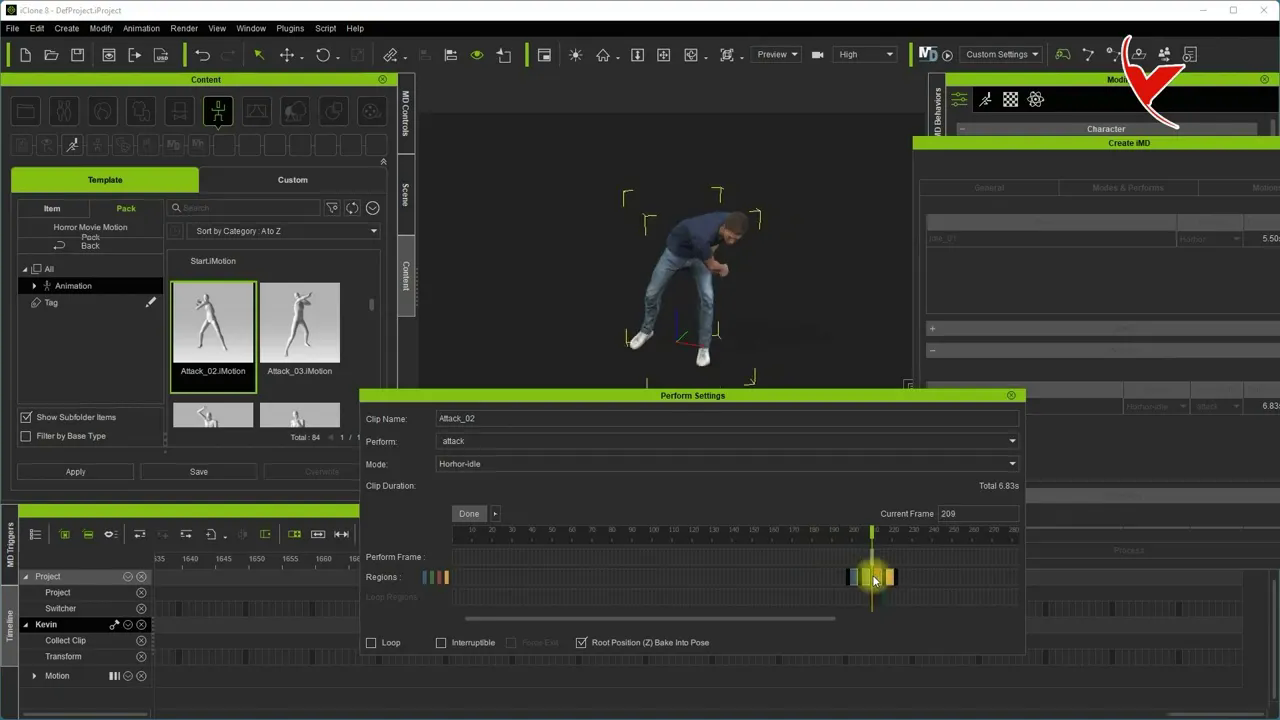
iC8 Motion Direction Beta Test 2 - Define custom idle animation (Subtitle)
에피소드 91
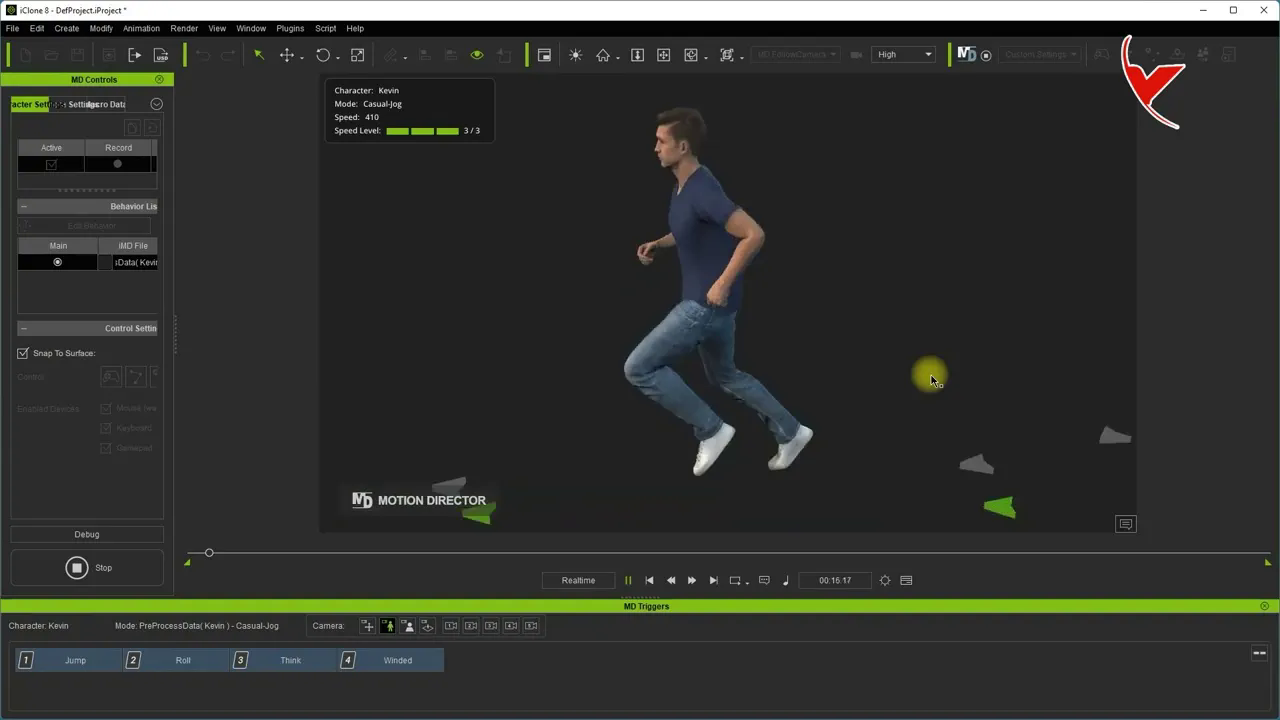
iC8 Motion Direction Beta Test 1 - Adding custom animation (Subtitle)
에피소드 90
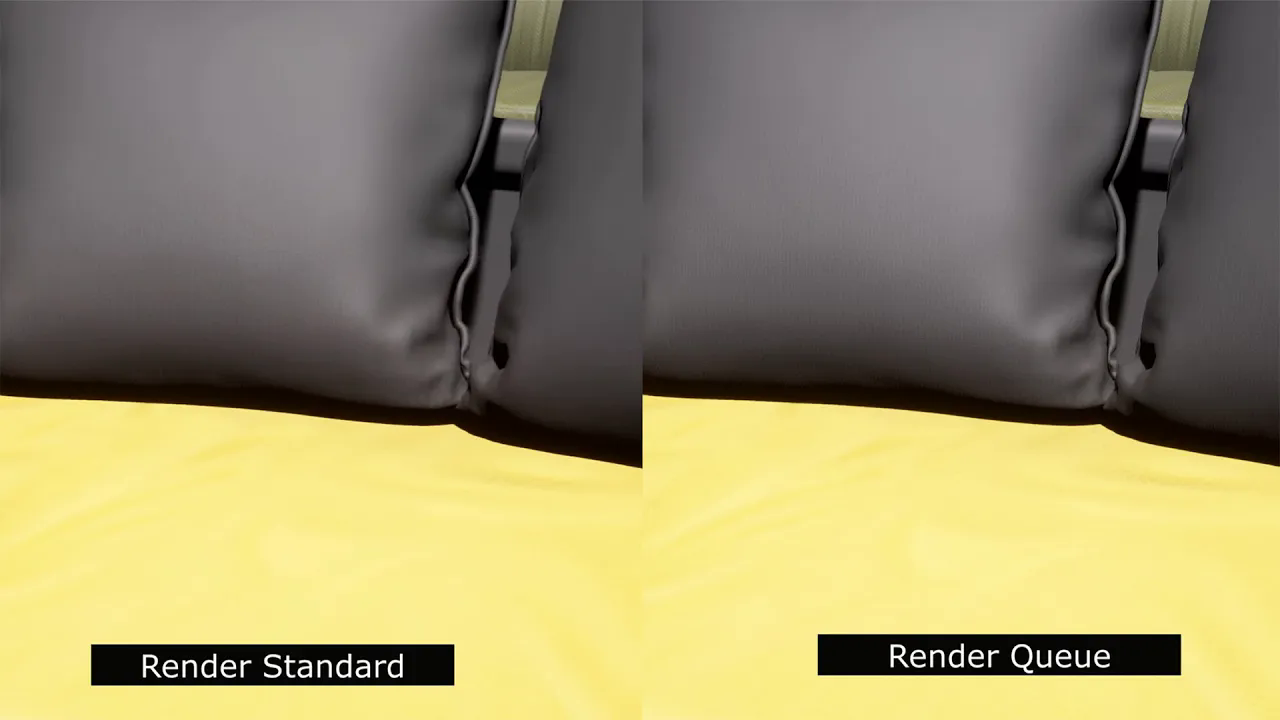
Rendering UE5 cinematic scenes in standard .avi format or .mov format
에피소드 89
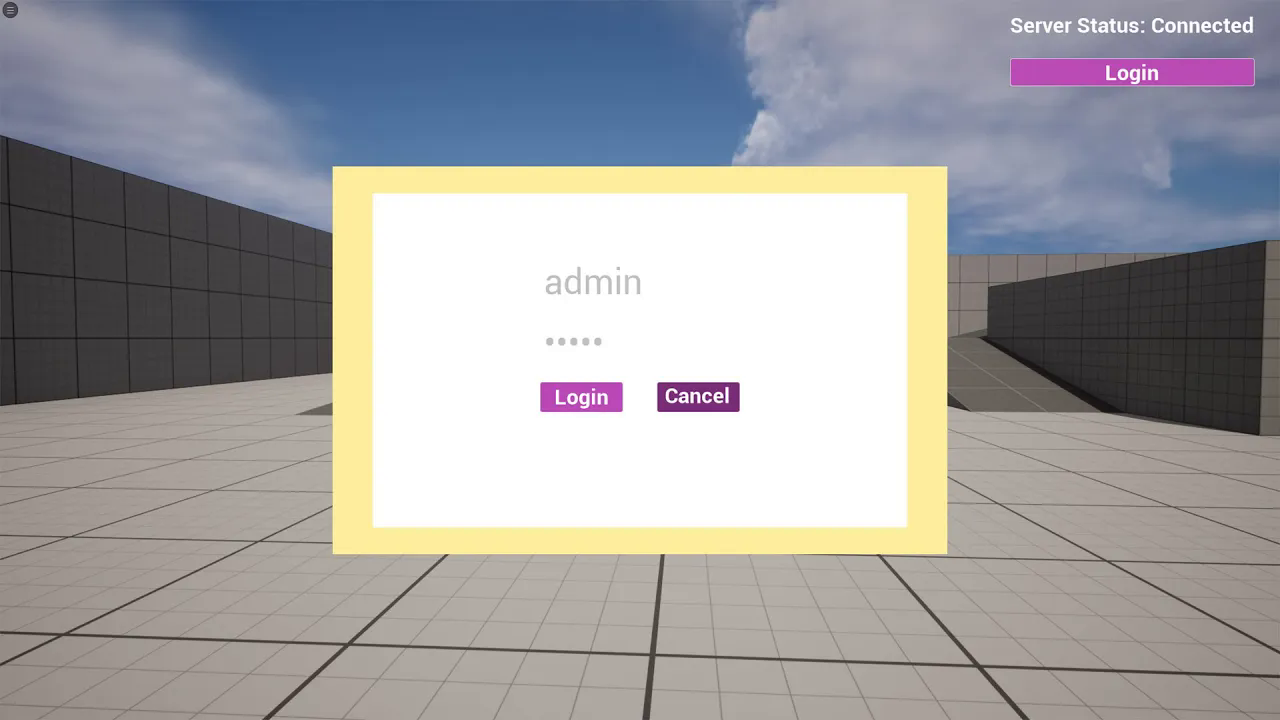
Member login and coin data record using mysql with UE5 (Subtitle)
에피소드 88
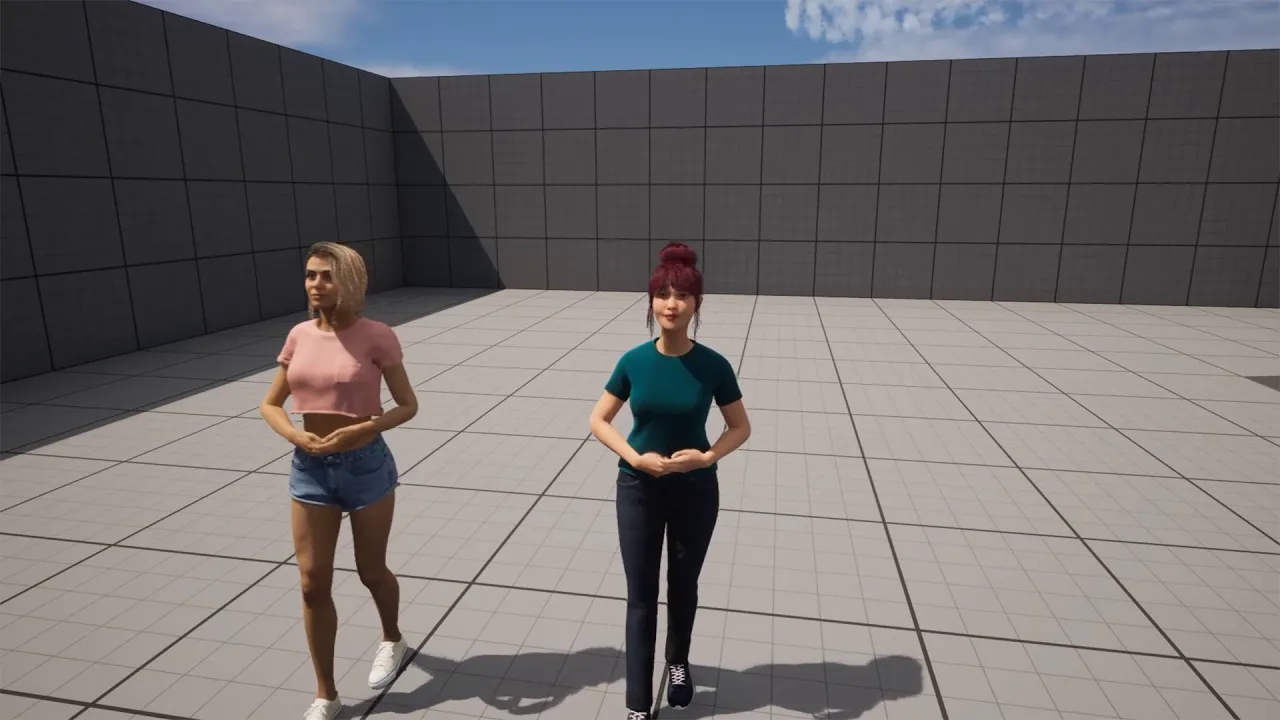
Applying CC4 character's face and body animation to metahuman characters. Face and body retargeting
에피소드 87
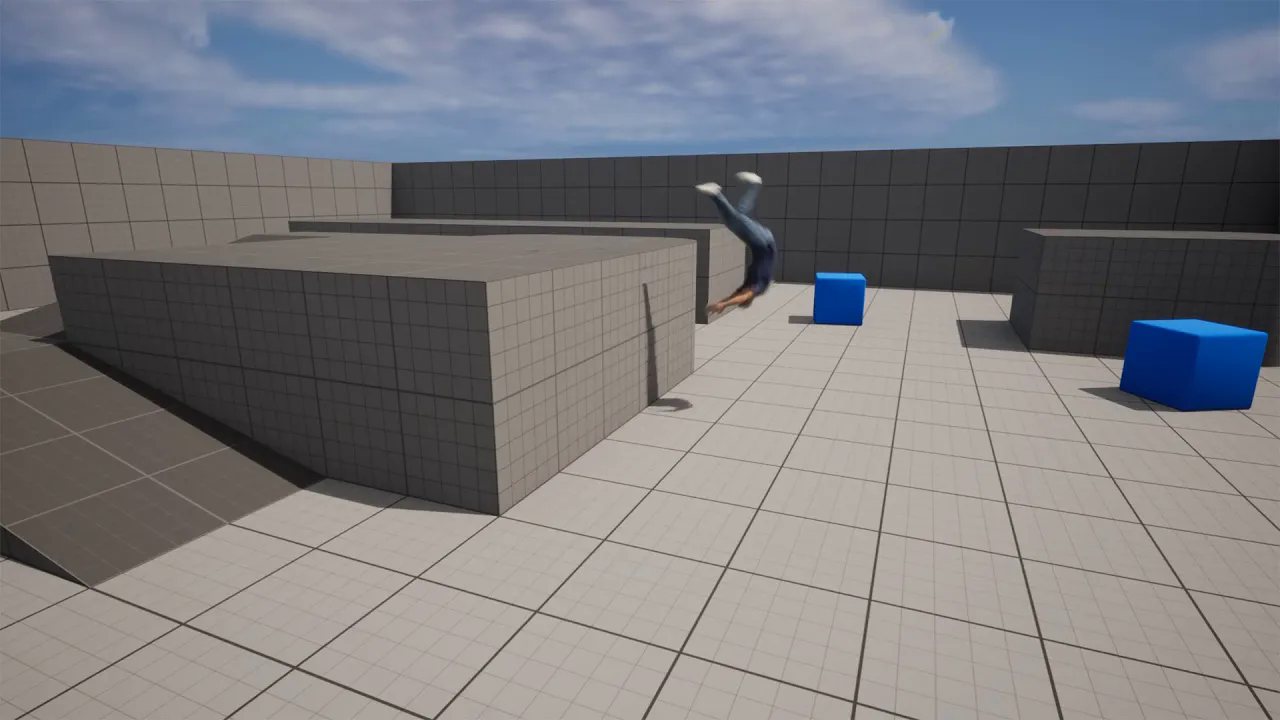
iClone 8 - #Snap to Surface# test with iClone Unreal LiveLink and sequence recording using timecode
에피소드 86
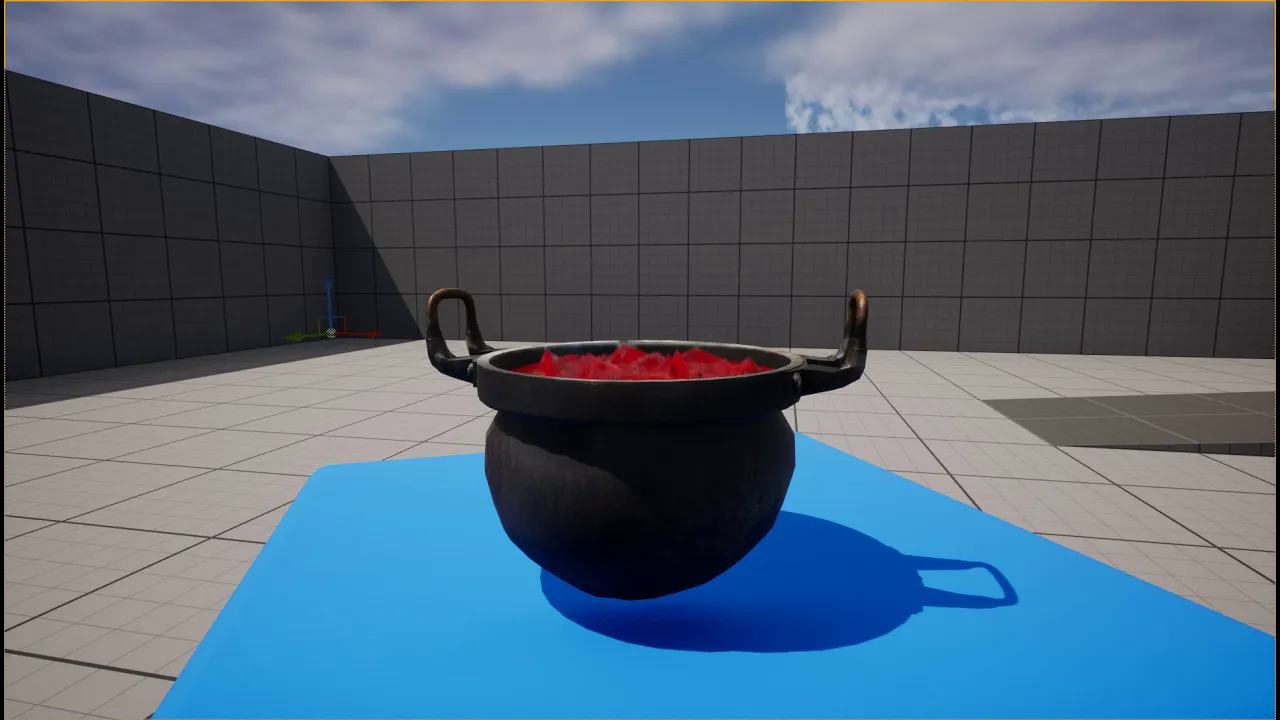
iClone 8 morph creation test, let's create soup cooking morph and transfer it to UE
에피소드 85
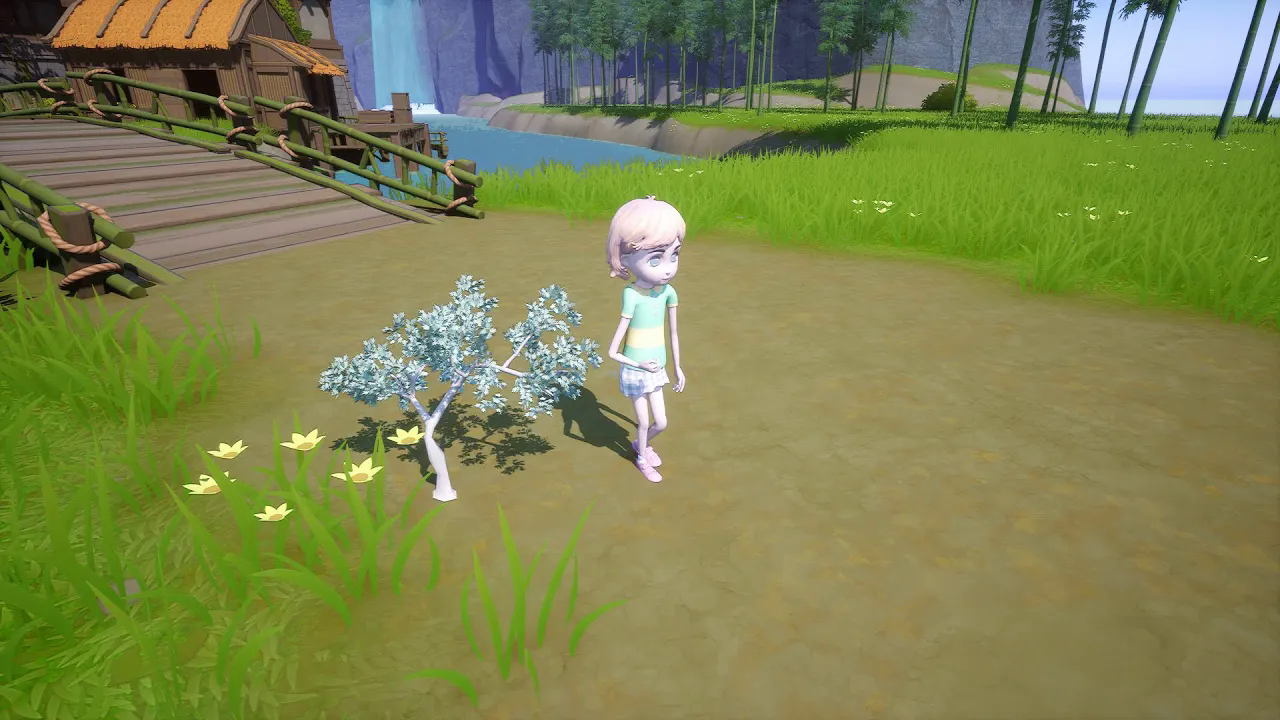
CC4 AccuRig Test; Let's rig Tree and Cartoon Character with CC4 AccuRig and transfer them to Unreal
에피소드 84
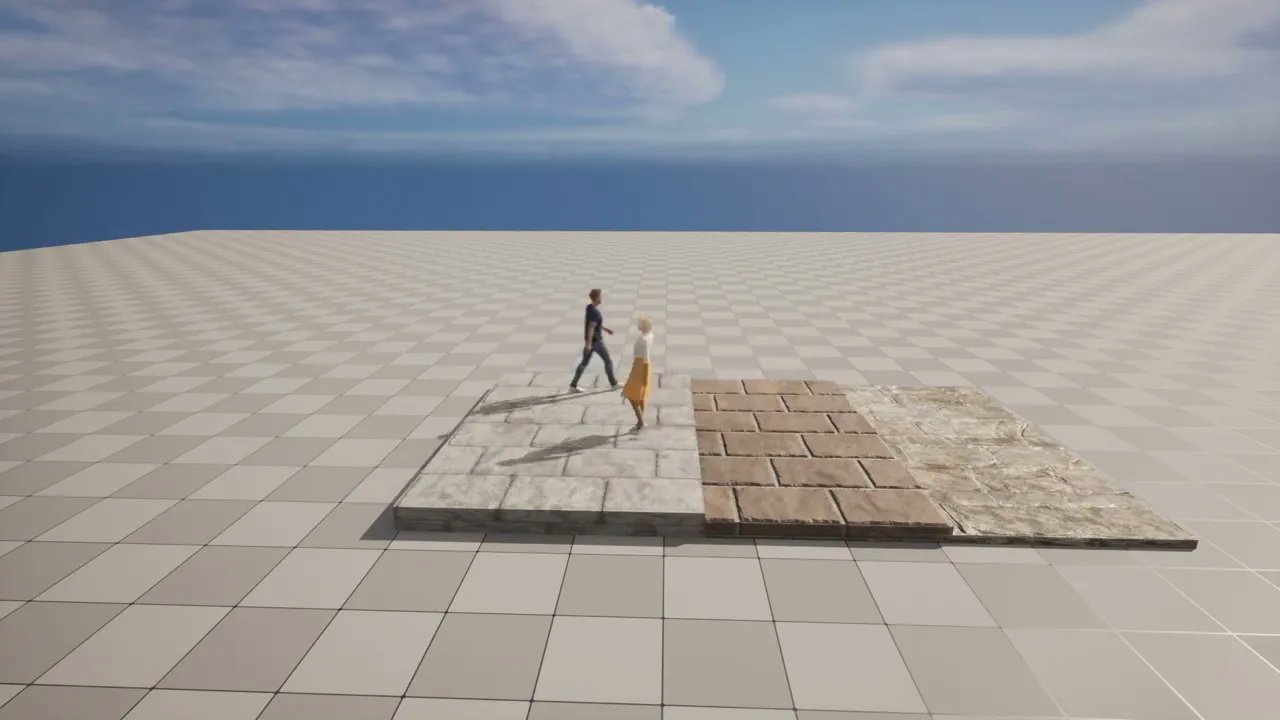
iClone livelink ve UE Test 2# Snap to Surface test using Mouse Way point and Path trace
에피소드 83
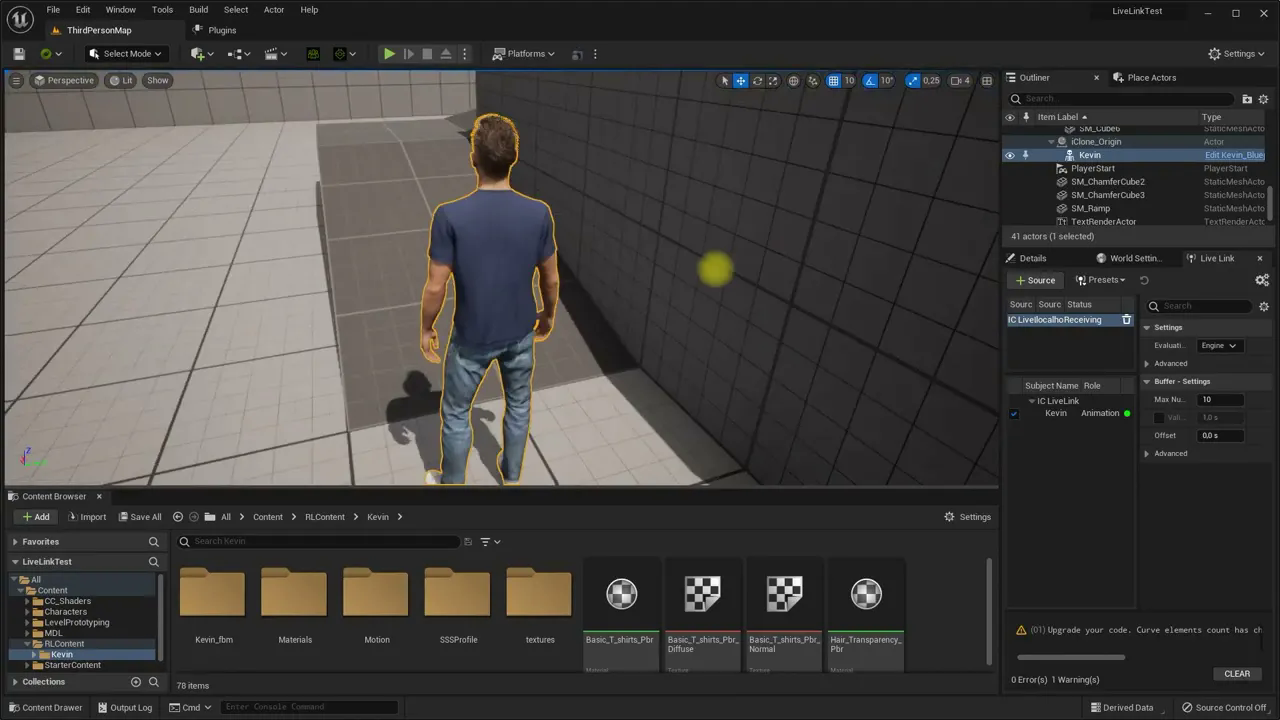
iClone livelink and UE Test 1# Snap to Surface, Scene transfer and timecode recording tests
에피소드 82
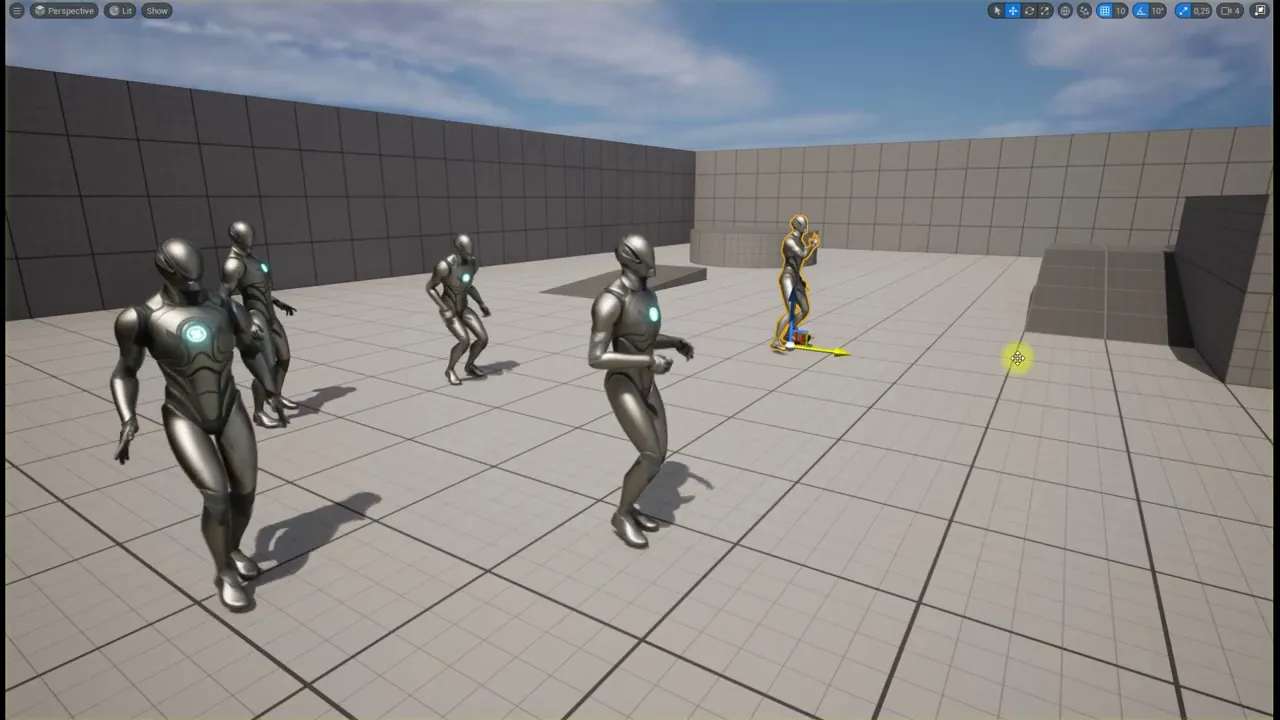
Retargeting free ActorCore Sample Motions to UE5 mannequin
에피소드 81
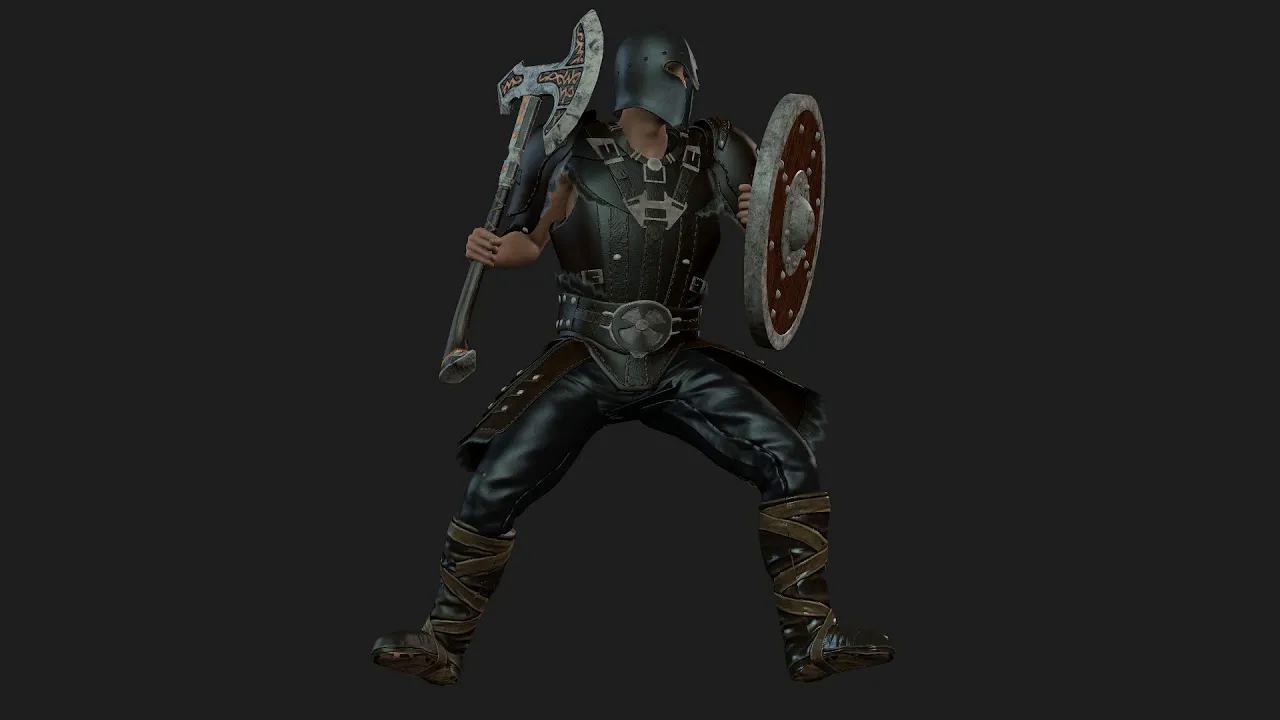
Import armor and accessory from UE5 to Character Creator 4
에피소드 80
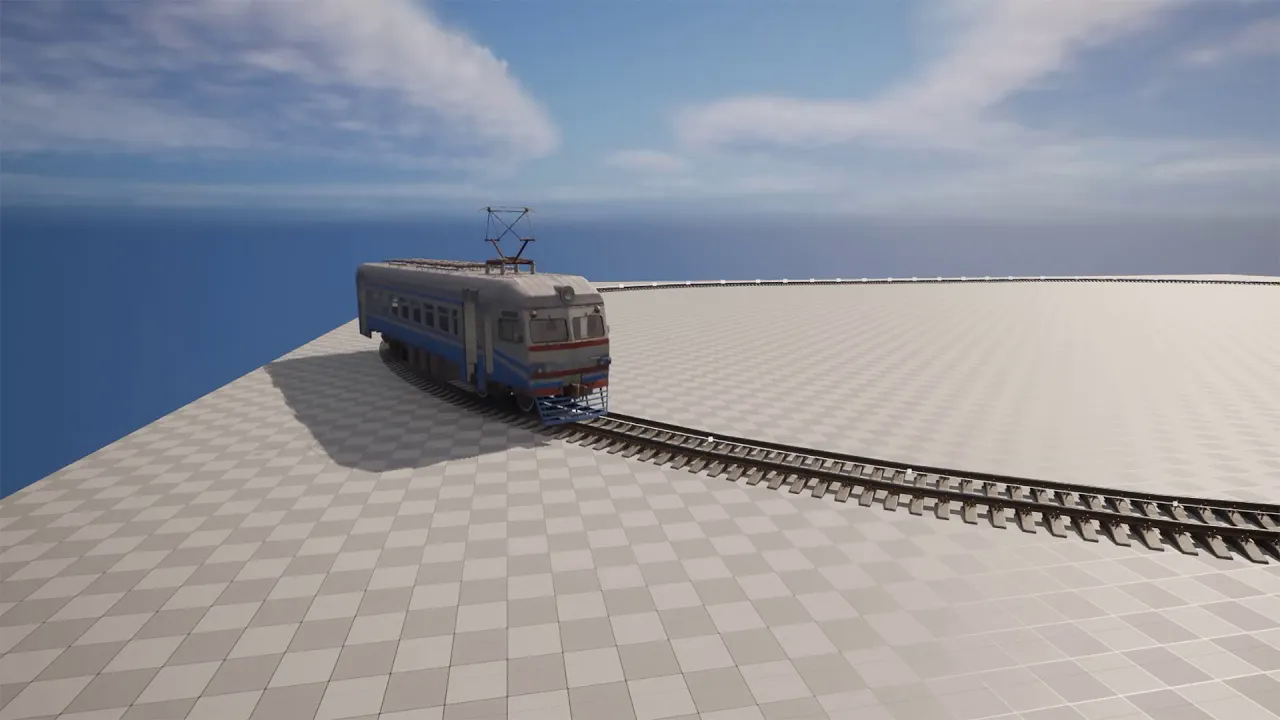
UE5 - Basic Train Simulation #1 - Mesh preparation and Movement - (Subtitle)
에피소드 79
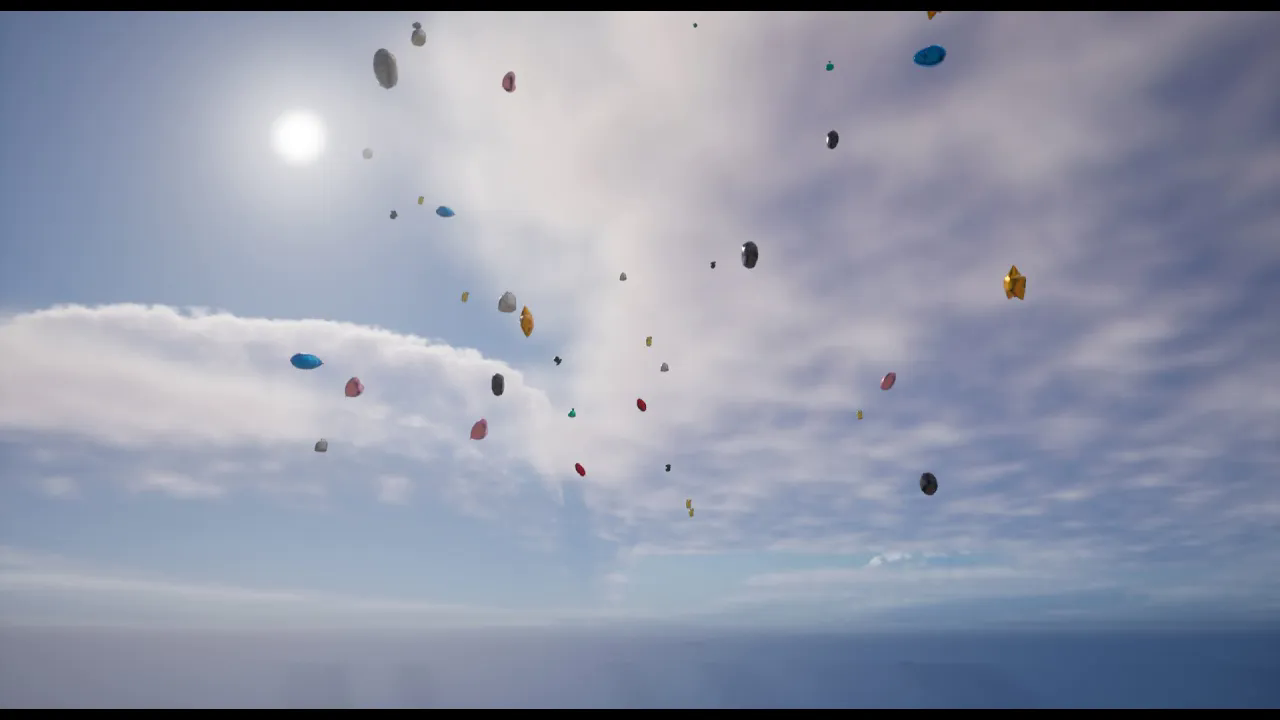
UE5 - Physics Constraint and flying balloon feast (Subtitle)
에피소드 78
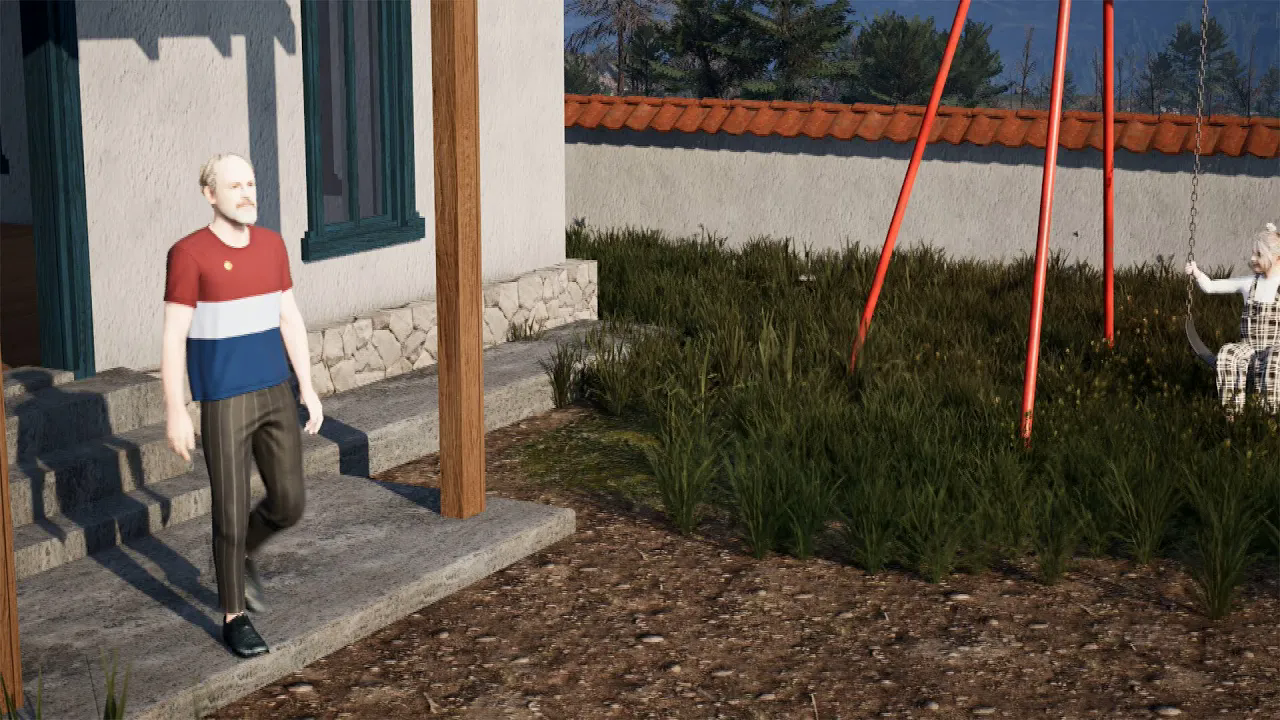
UE5 + iClone short animation tutorial - Part 2#2
에피소드 77
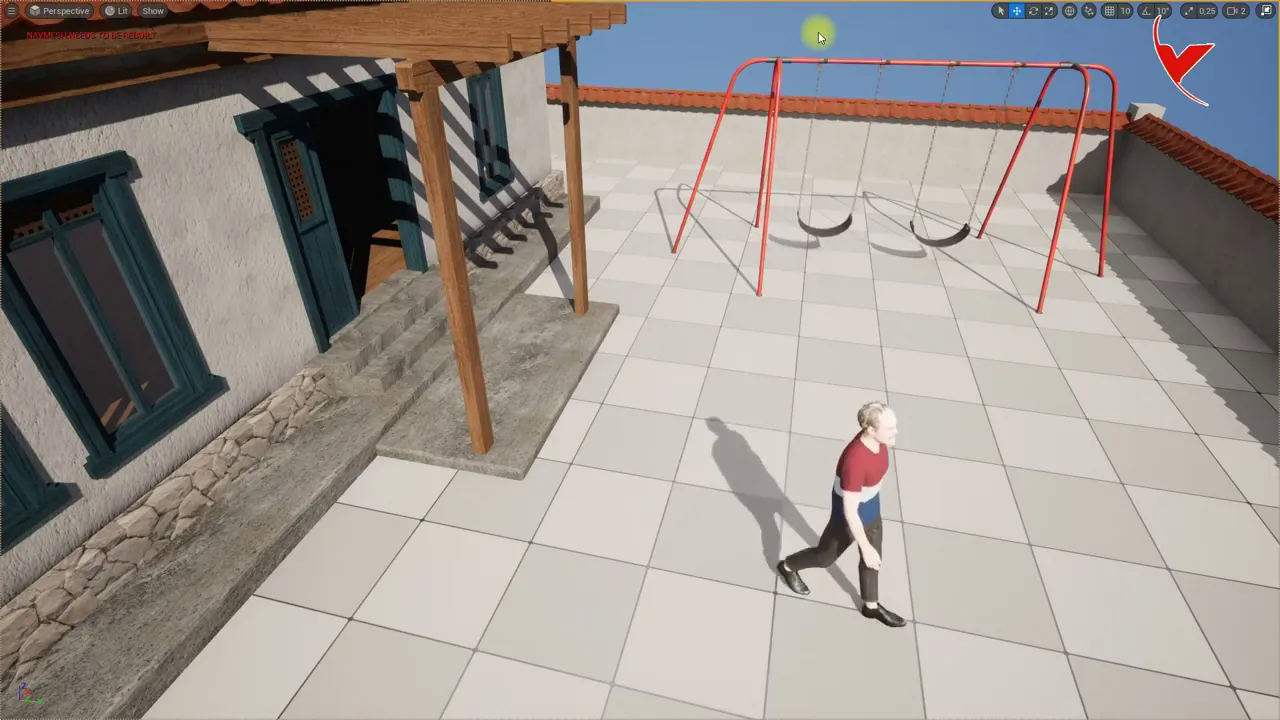
Making stair descent animation using iClone 8 and exporting to UE
에피소드 76
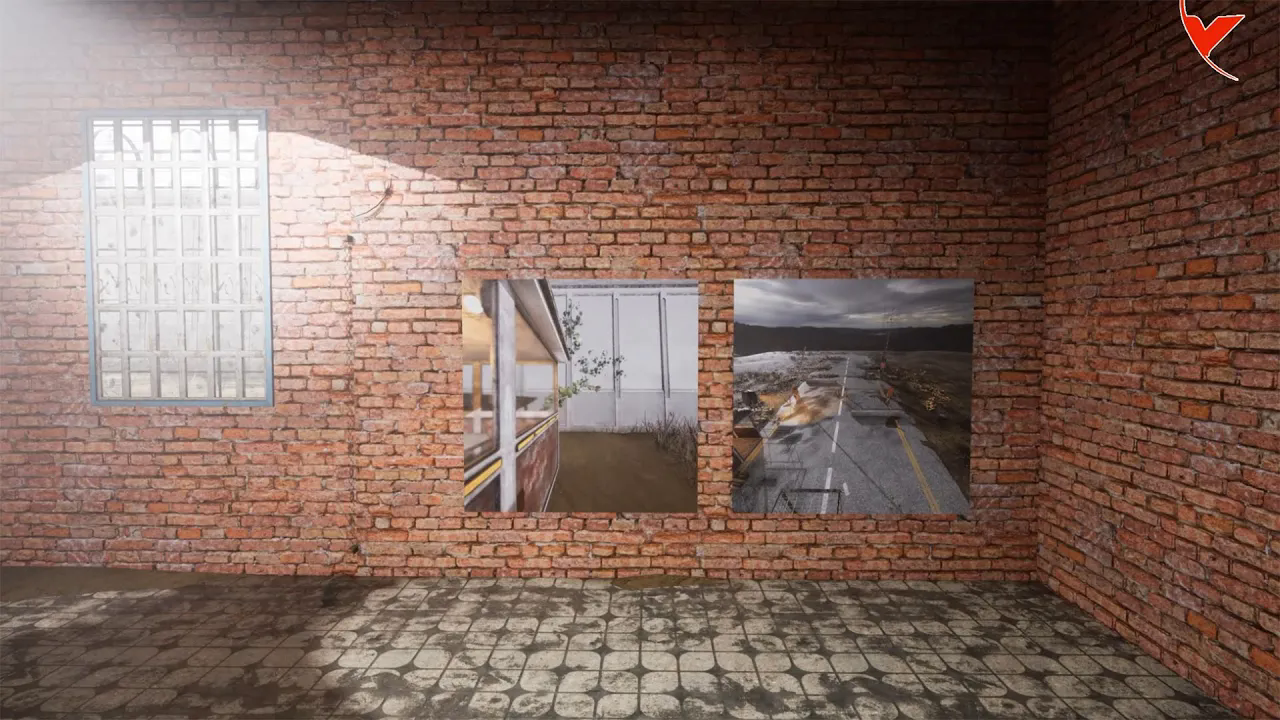
UE5 - Let's make a Security and Helmet camera using Scene Capture
에피소드 75
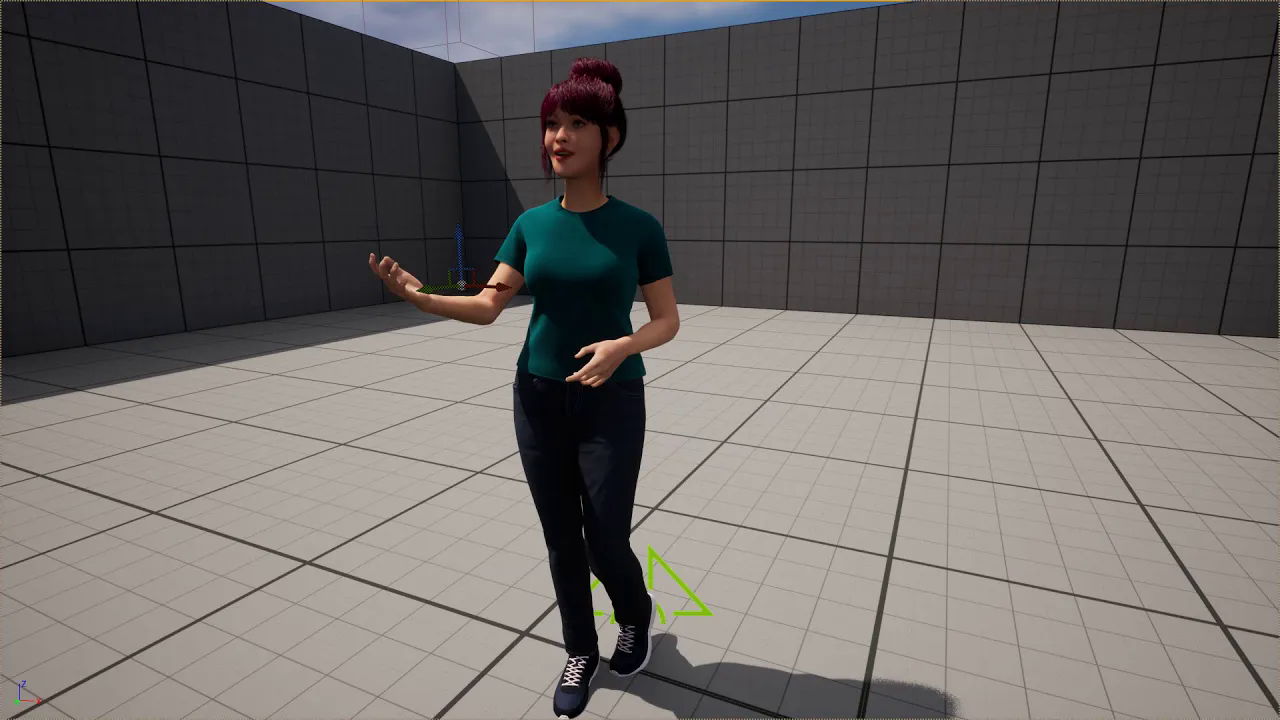
Let's animate the face and body of the Metahuman character with iClone Live Link. (with Subtitles)
에피소드 74
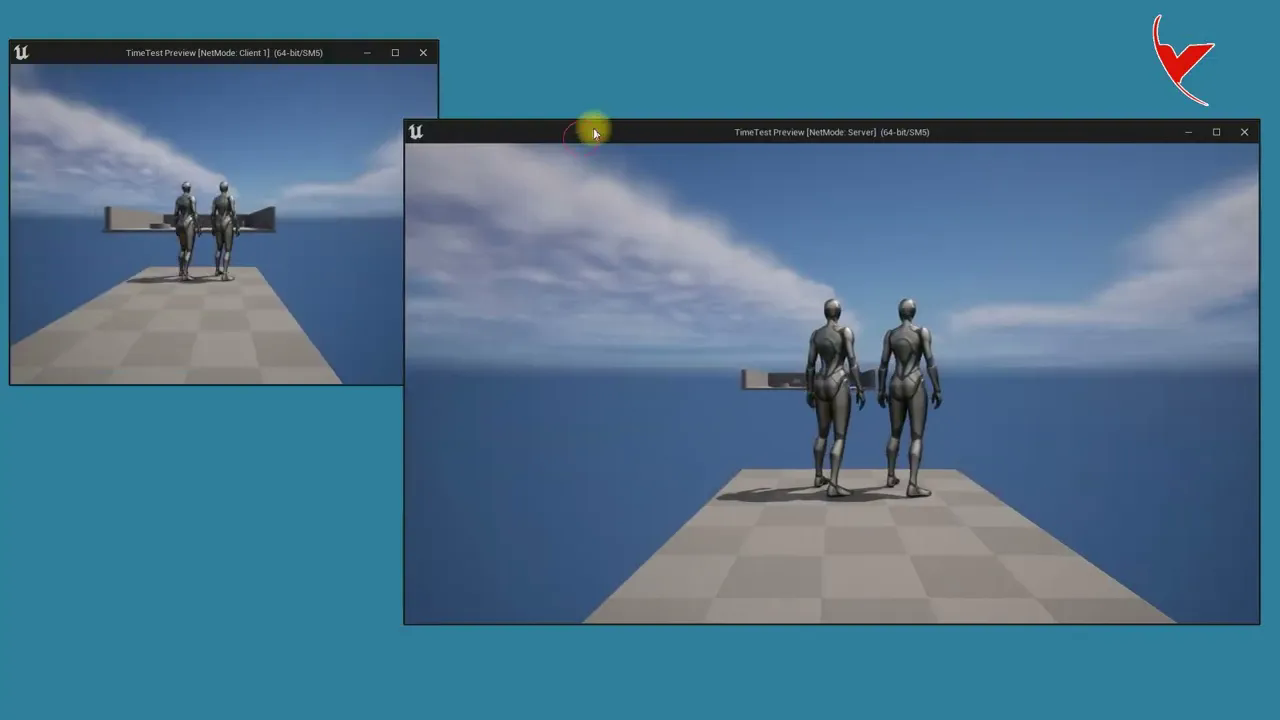
UE5 - Let's make slider with Timeline and create Network replication (Subtitle)
에피소드 73
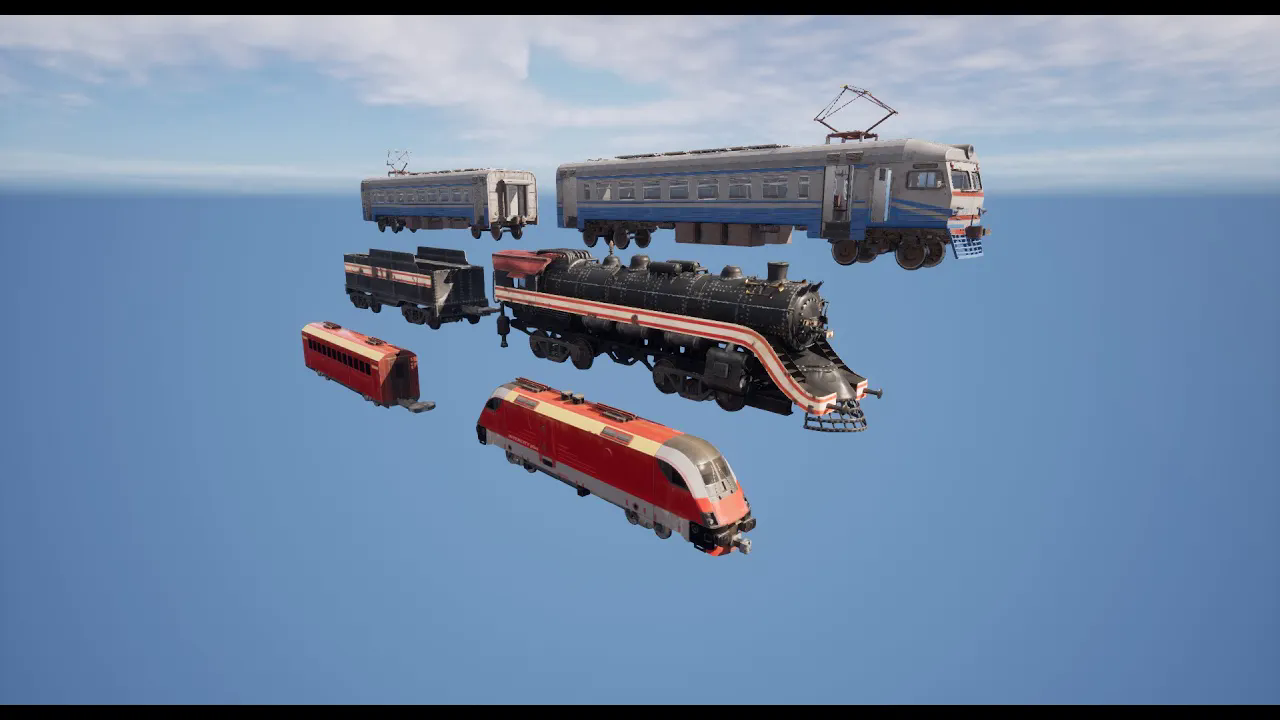
Our Unreal Marketplace Product# UE5 - Sample train simulations created with Train Template
에피소드 72
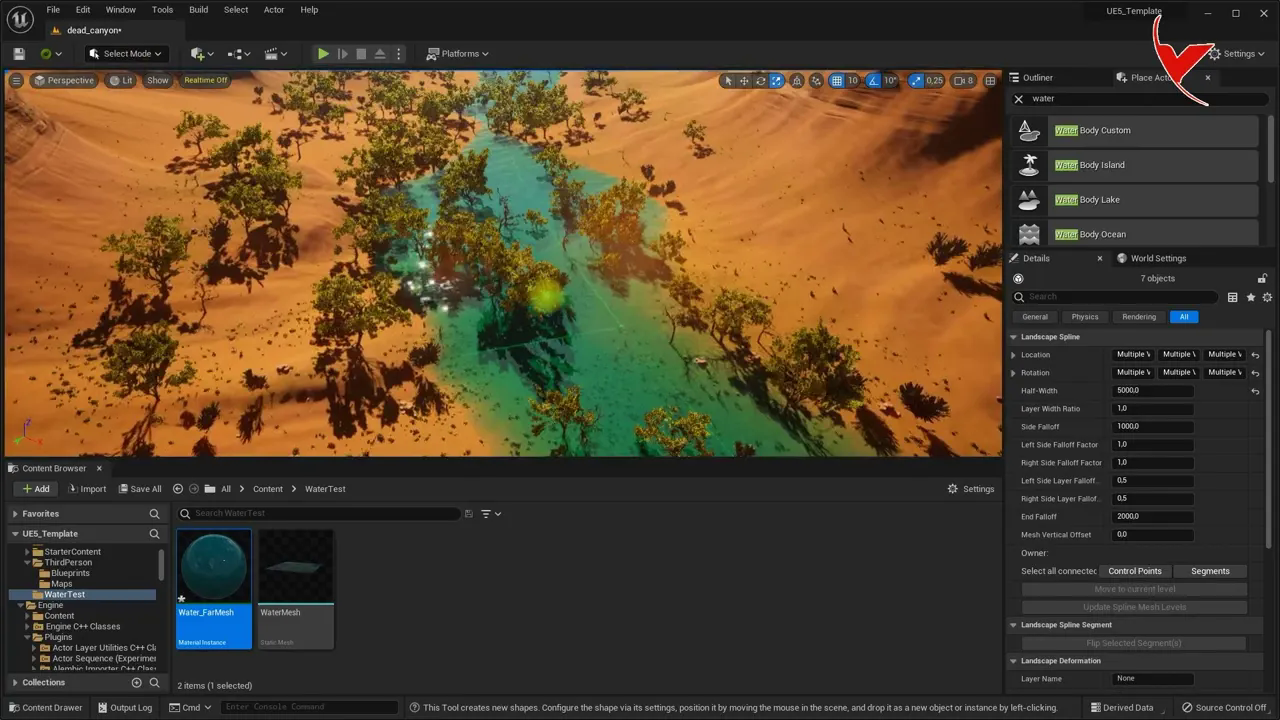
Let's create a river using a landscape spline and save the stream we created as a static mesh
에피소드 71
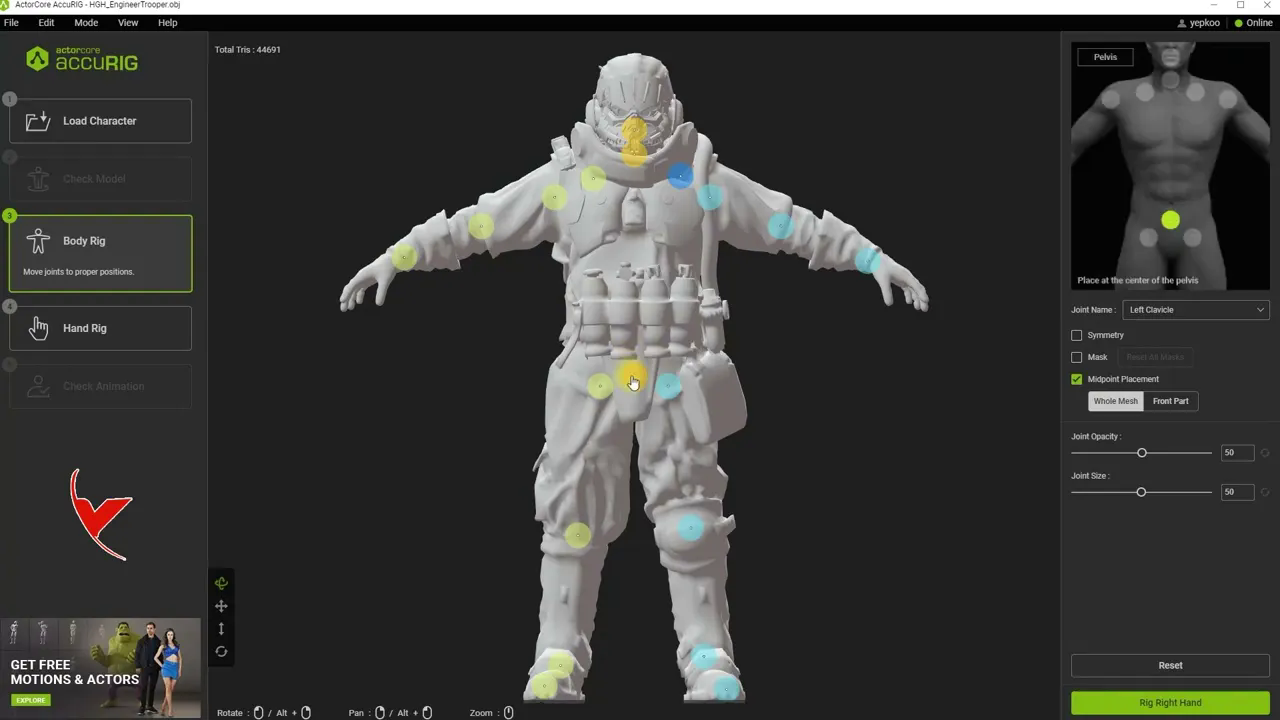
I tested Reallusion's new free auto rigging tool and it's very successful. (Obj,Fbx)
에피소드 70
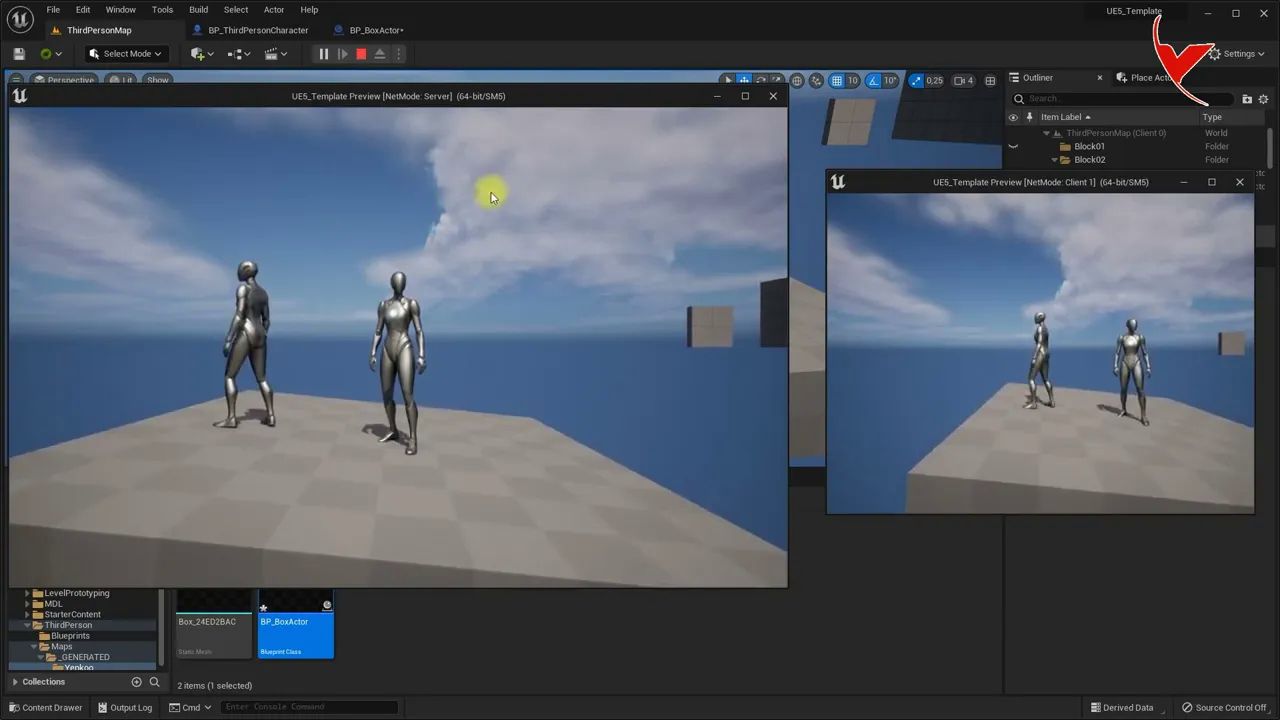
UE5 Multiplayer test, Animated mesh replication, Simultaneous character motion replication - Subtitle
에피소드 69
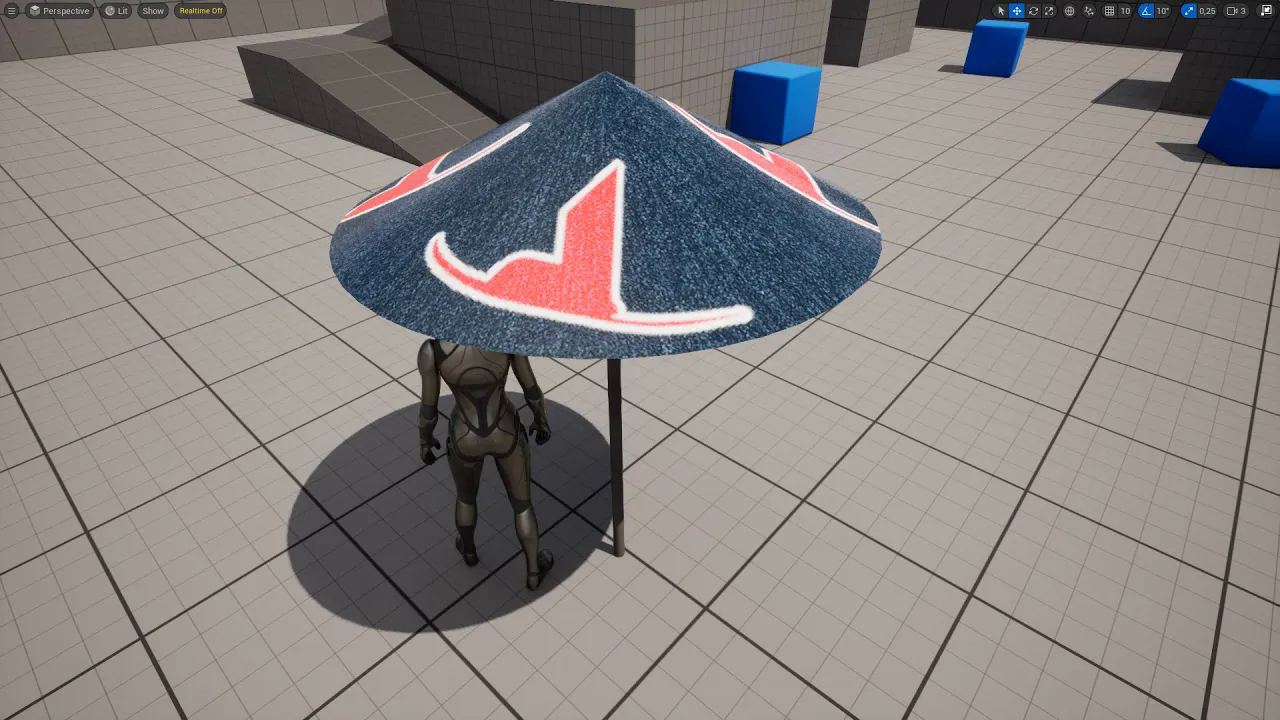
UE5 - Adding UV channel, Let's create material by modeling a sample umbrella
에피소드 68
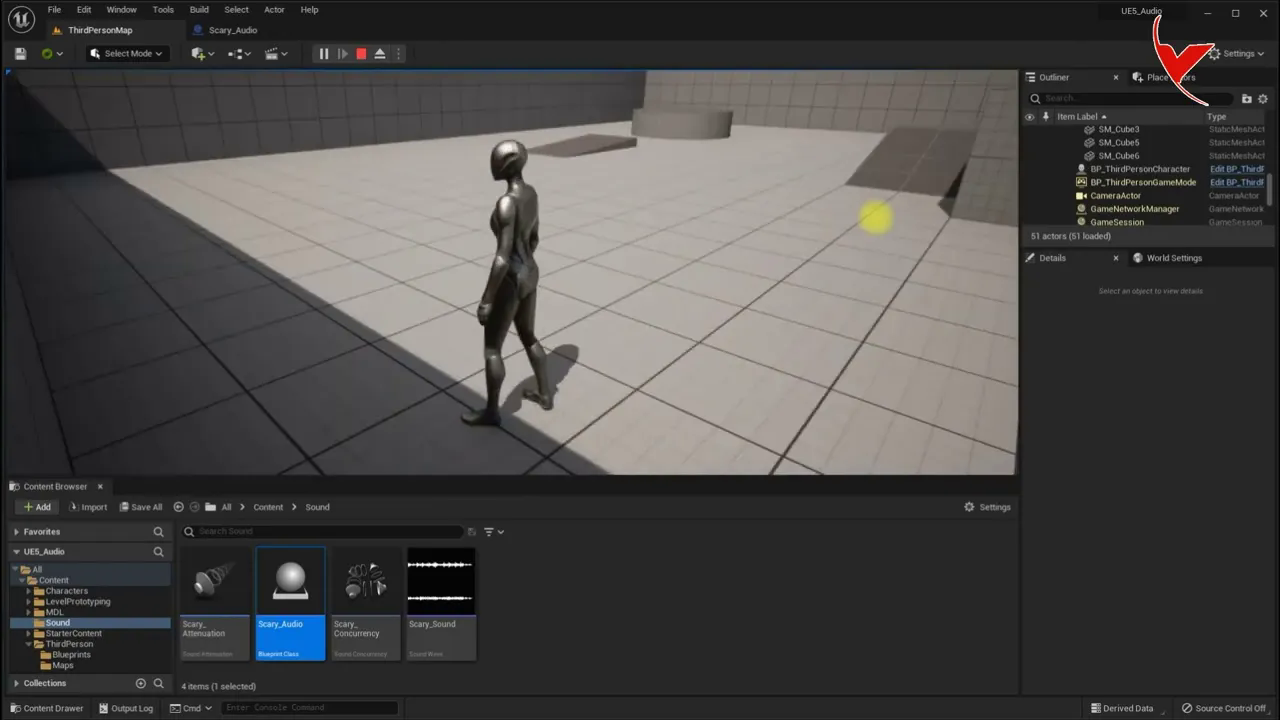
UE5 Tips - Increase the audio according to the proximity of the character to the object
에피소드 67

An example of making cinematic movies in Unreal 5 using CC4 and iClone 8 (for idea) - Subtitle
에피소드 66

Let's fix the issue where the character imported from CC4 to UE5 is intertwined with the dress
에피소드 65
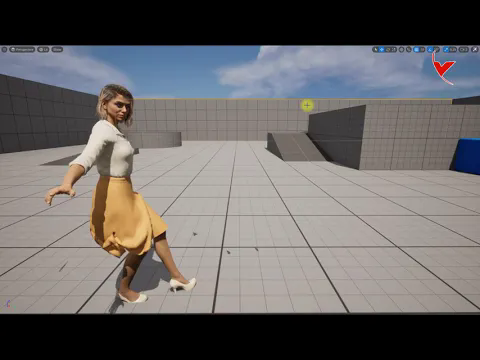
Auto Setup plugin installation and testing for Character Creator 4 and Unreal 5
에피소드 64
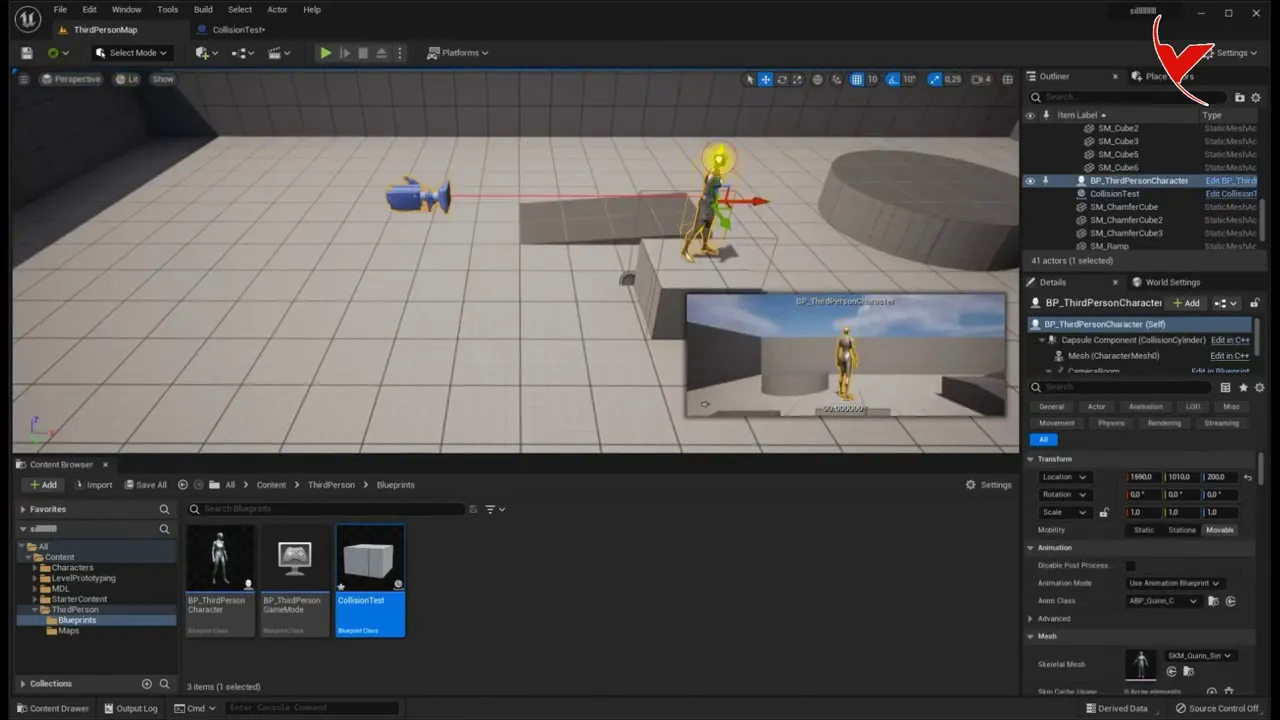
UE5 - Detect if any actor, character or pawn is already in an overlapping collision
에피소드 63
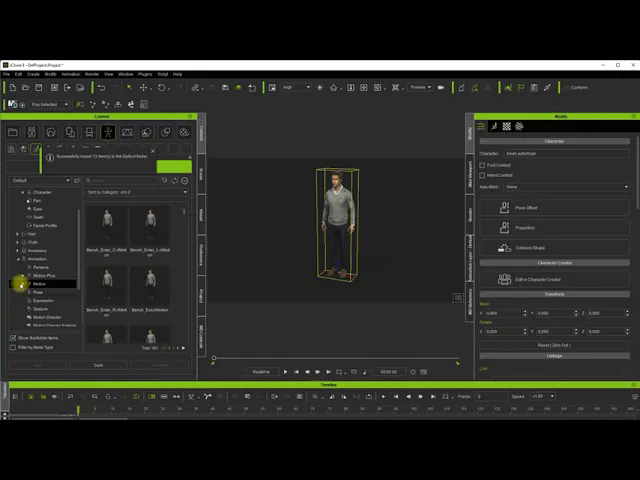
How to import UE5 City Sample animations into iClone 8 for editing#
에피소드 62
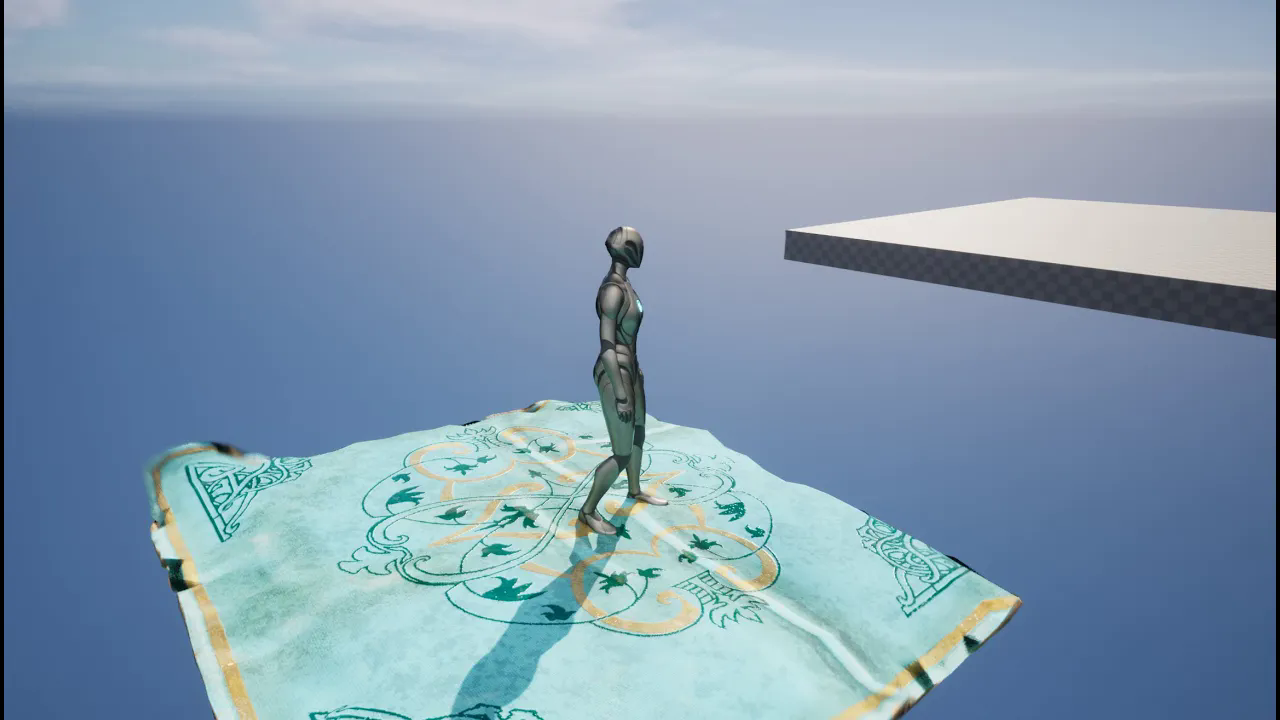
ue5 Spline collision detection, character location detection and interaction - Subtitle
에피소드 61
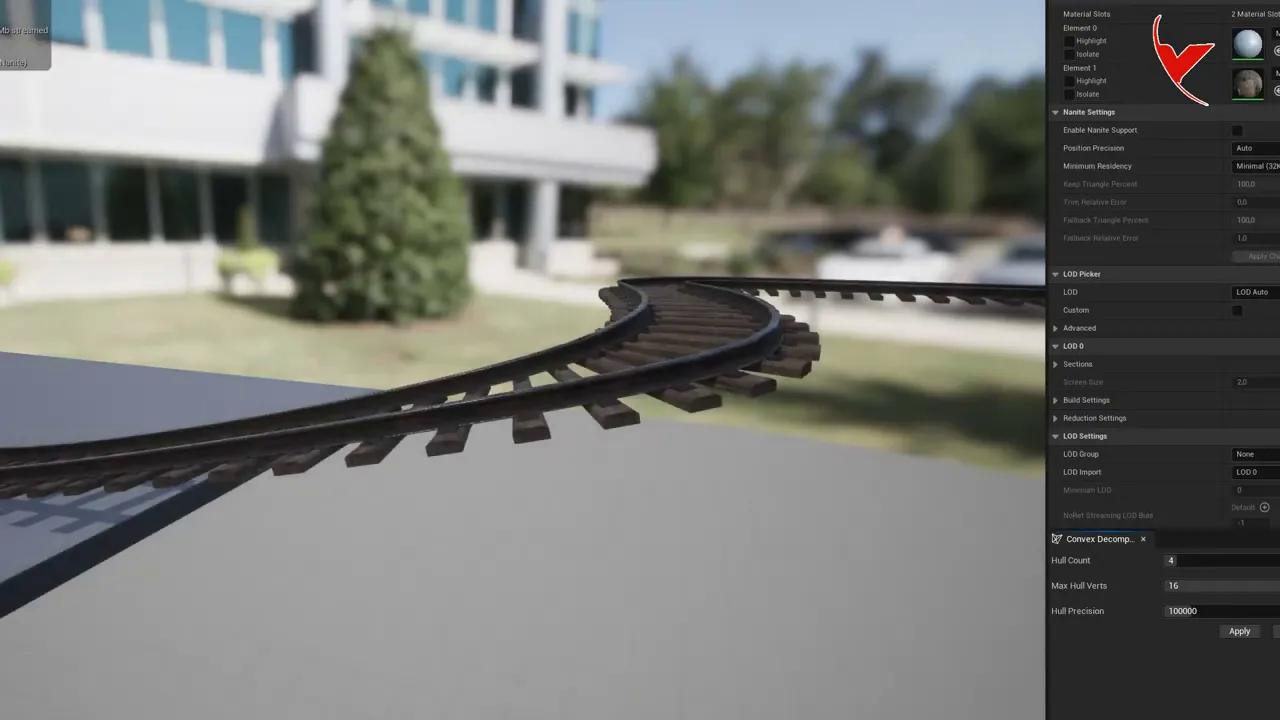
Convert Spline to static mesh with UE5
에피소드 60
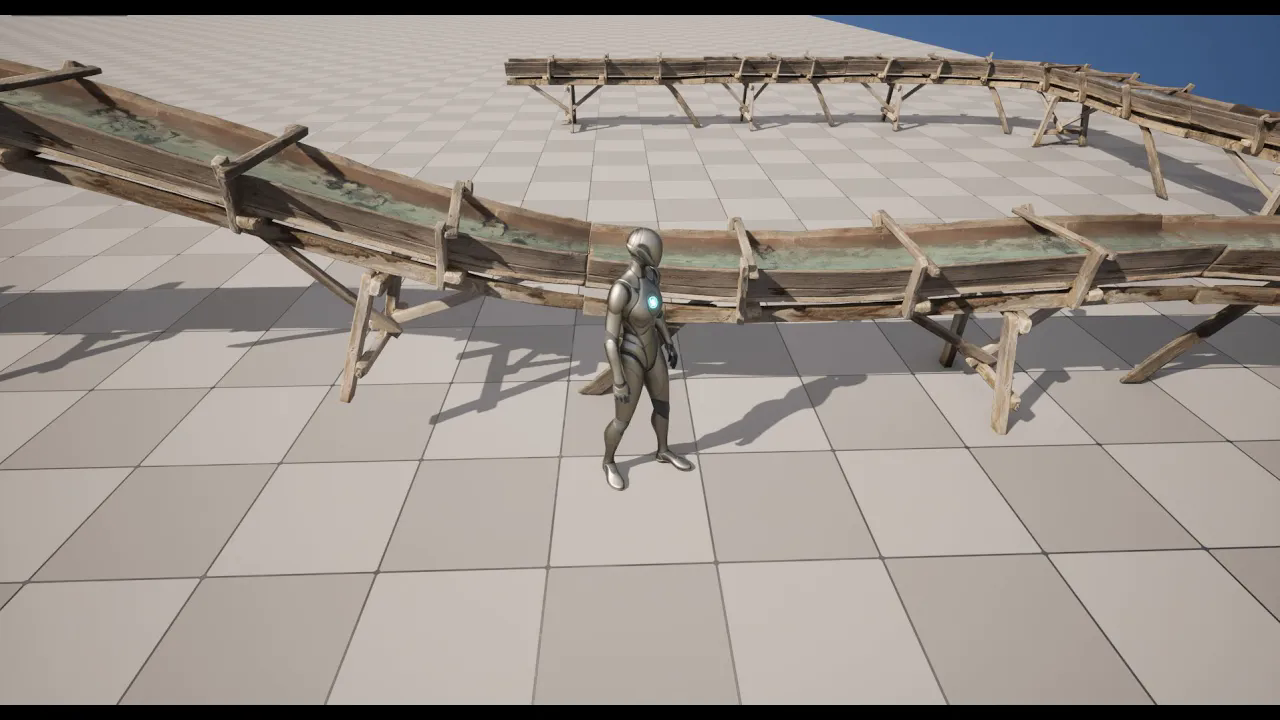
Let's make a Water Channel using the UE5 water plugin and the Quixel sluice mesh
에피소드 59
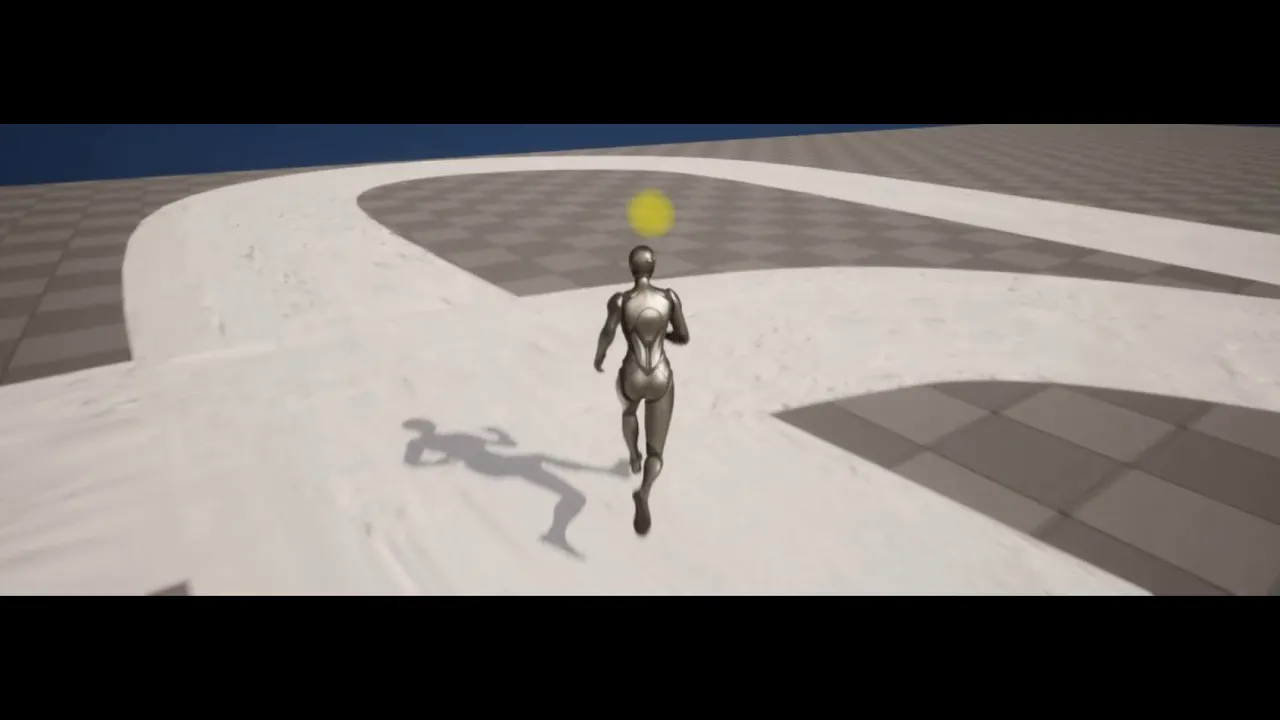
Combination of UE5 Spline and Quixel, For example, let's make a snowy road
에피소드 58
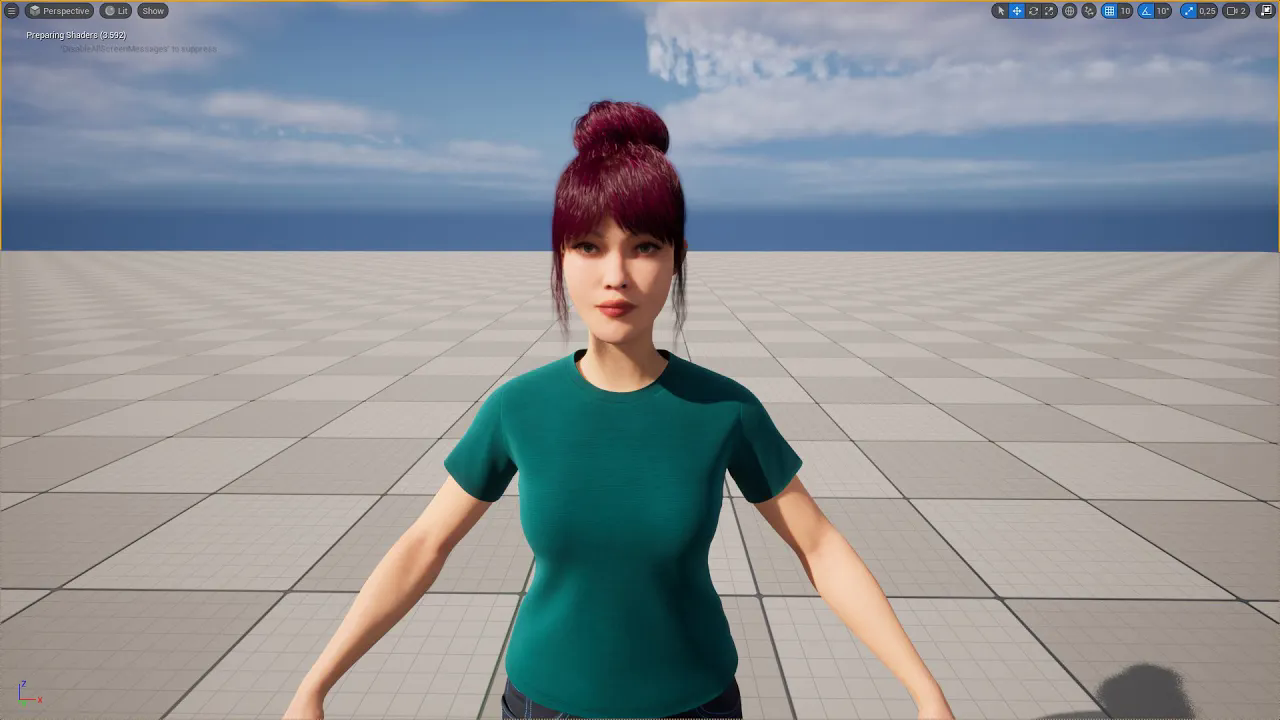
Random Metahuman - Let's generate random characters using Fuse for Metahuman - Fuse to #metahuman
에피소드 57
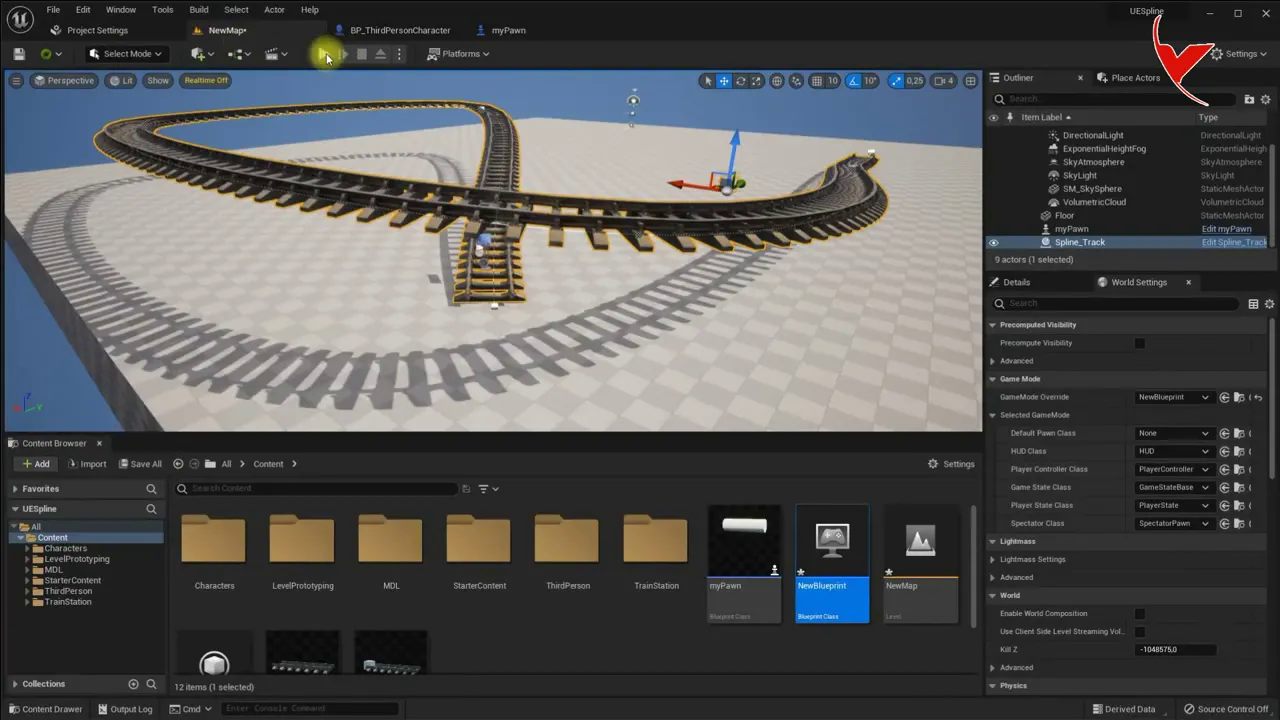
UE5 characters and their pawns Zooming with the mouse wheel and rotating the camera with the mouse
에피소드 56
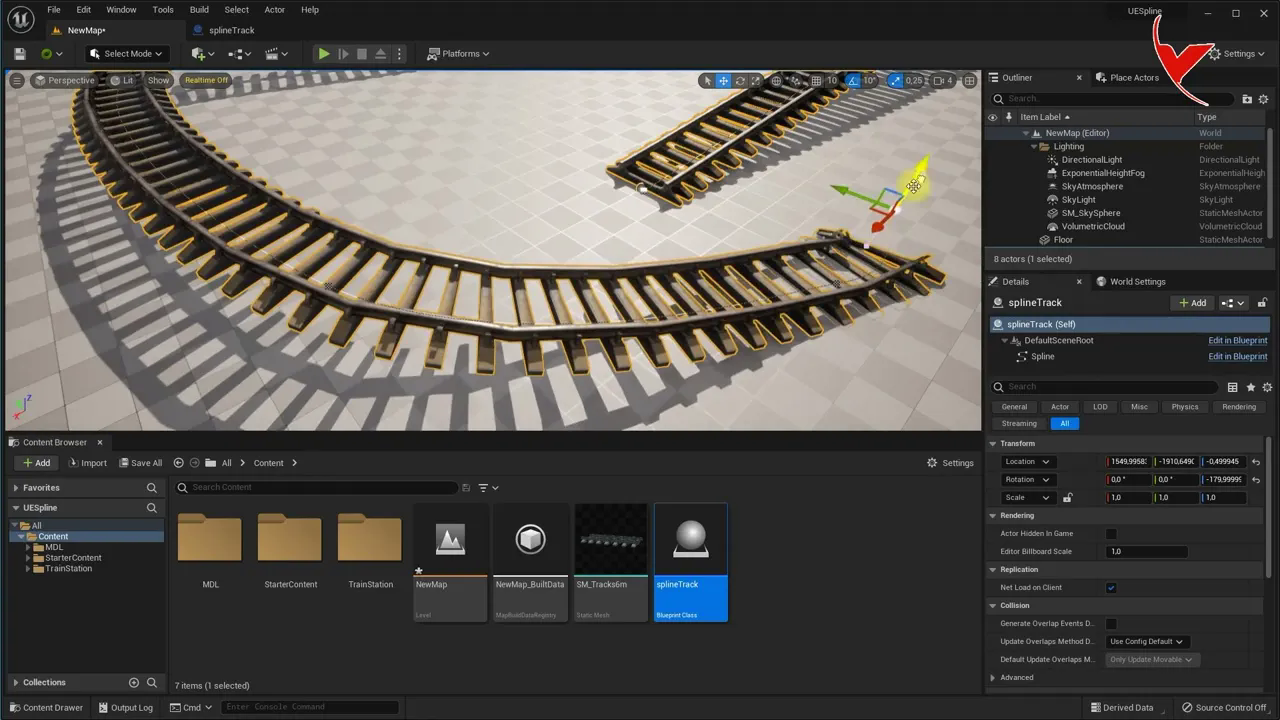
UE5 spline # Automatic Mesh duplication and bending using splines - Train track example
에피소드 55
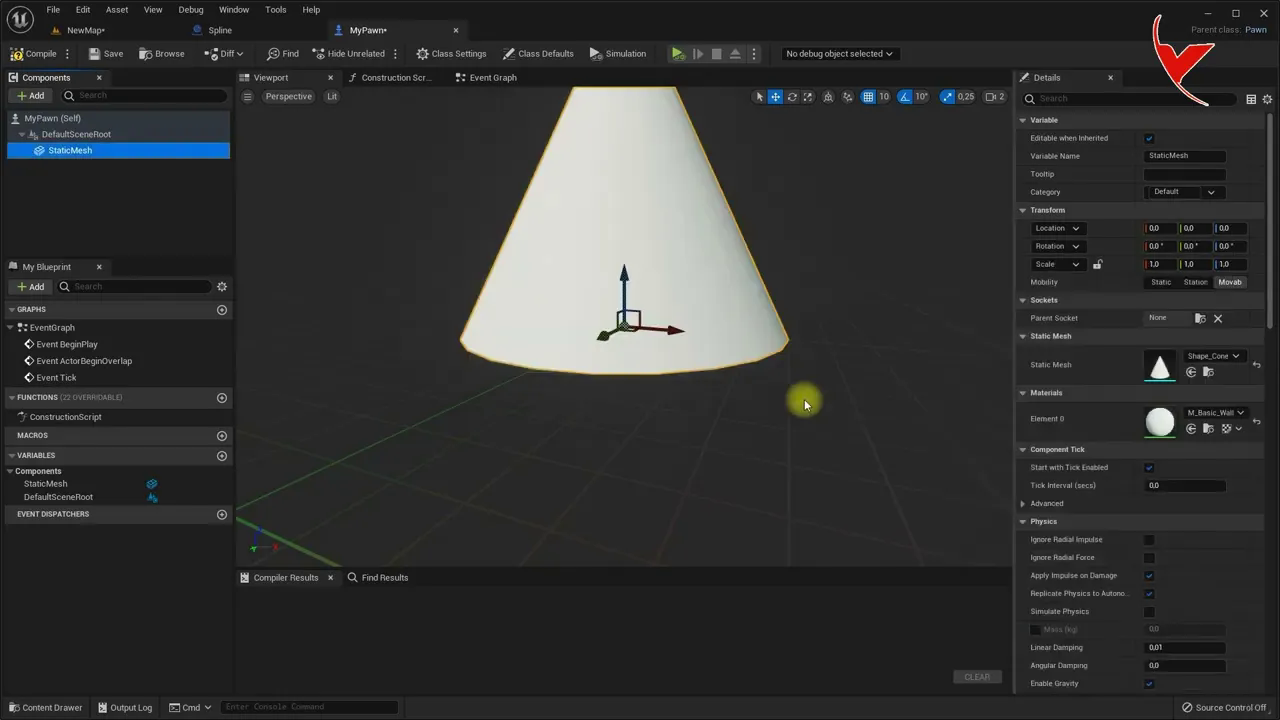
How to use UE5 Spline and how to activate spline with Collision#
에피소드 54
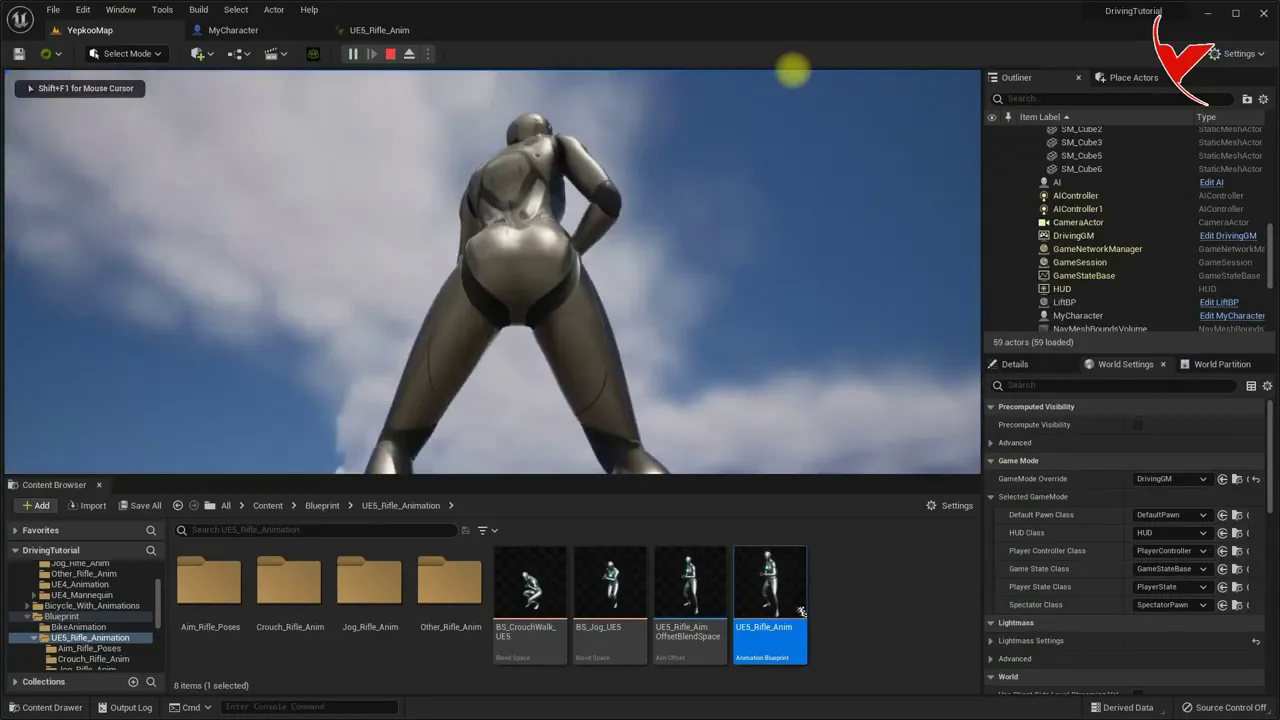
Enemy system with UE5 (Part 3#3) - UE5 Mannequin Let's adjust aim offset and enemy settings
에피소드 53
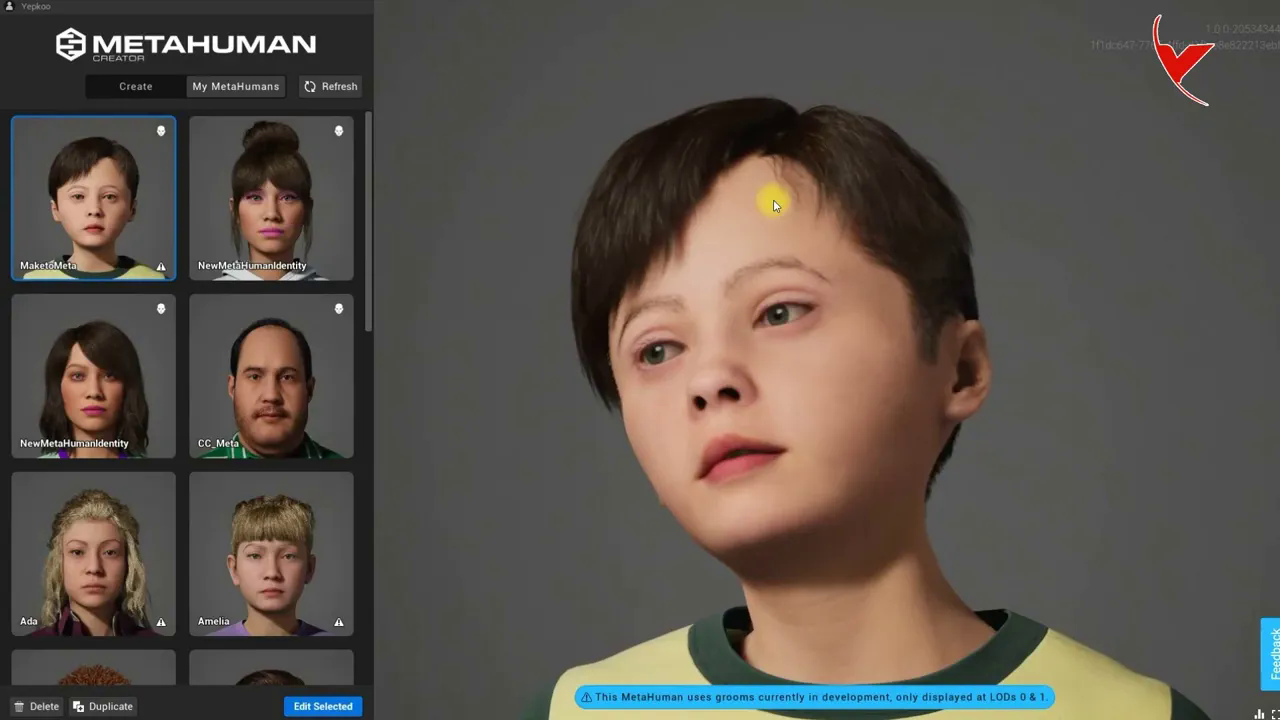
Makehuman to Metahuman, How to create a Metahuman child character with the free Makehuman character#
에피소드 52
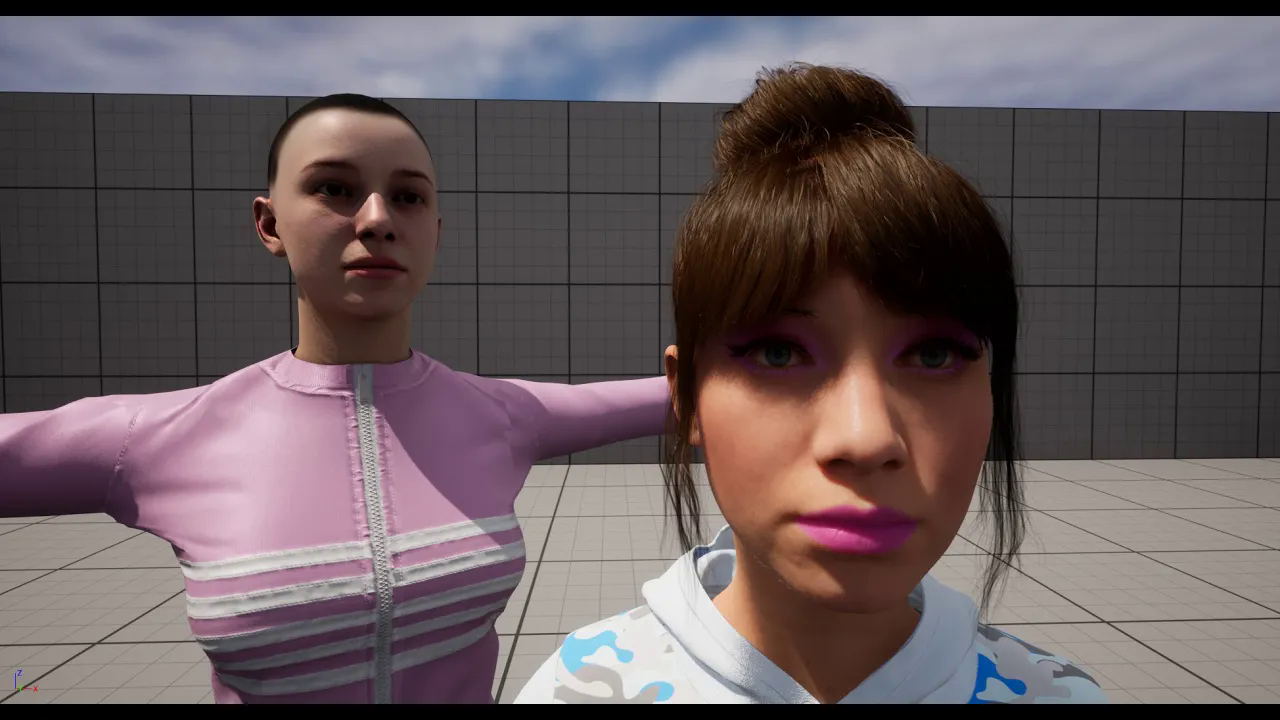
Mixamo to Metahuman, How to create a Metahuman character using Mixamo characters#
에피소드 51
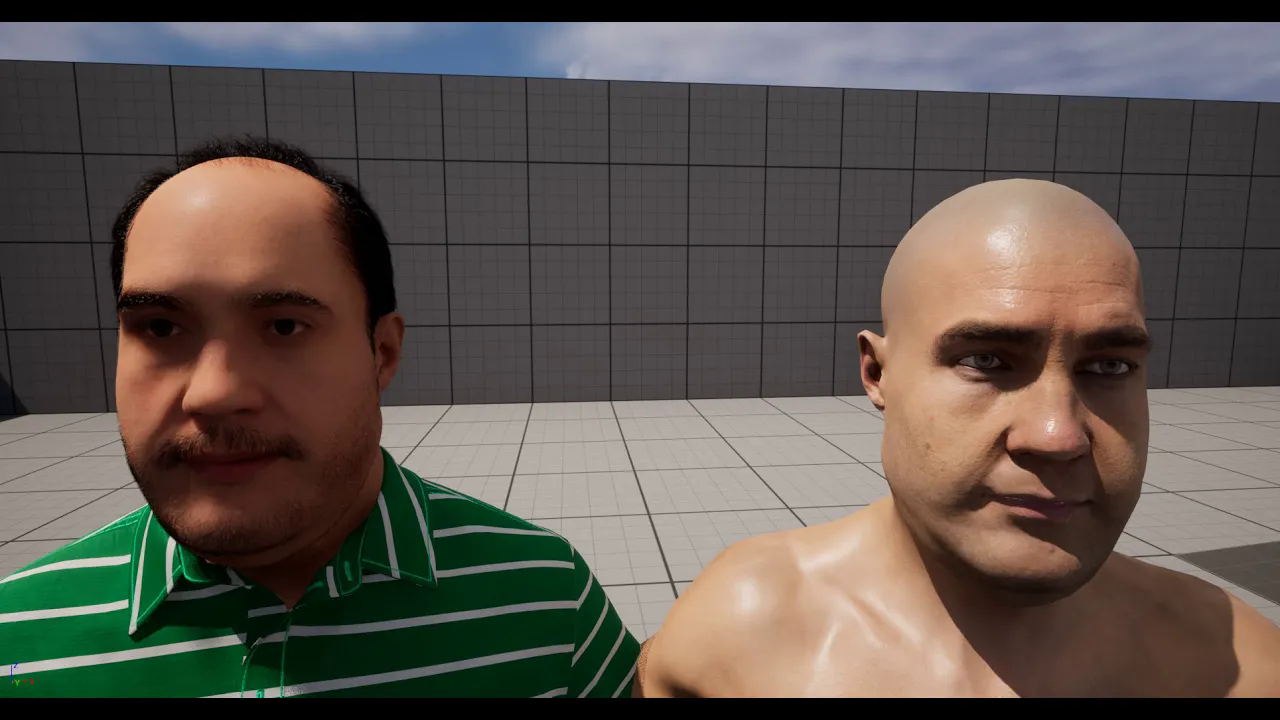
CC to Metahuman, How to create Metahuman character with Character Creator (CC3#CC4) characters#
에피소드 50
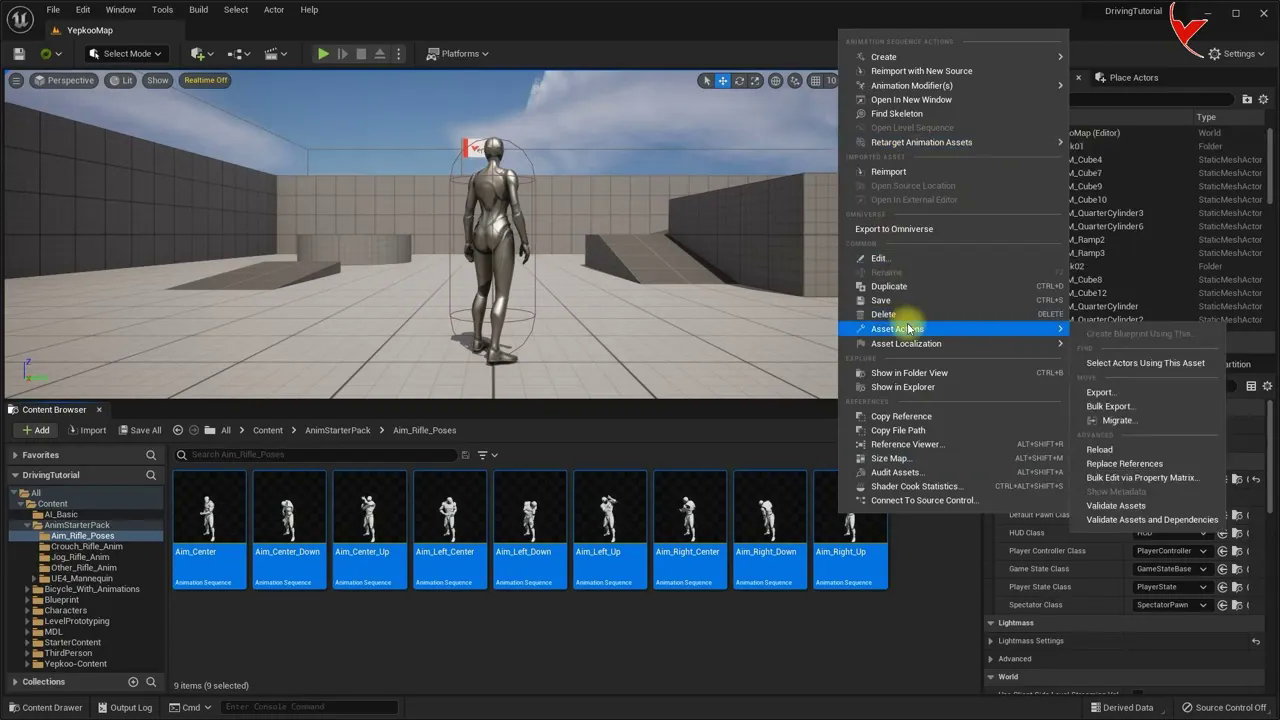
Enemy system with UE5 (Part 2#3) - UE4 Mannequin Let's adjust aim offset and enemy settings
에피소드 49
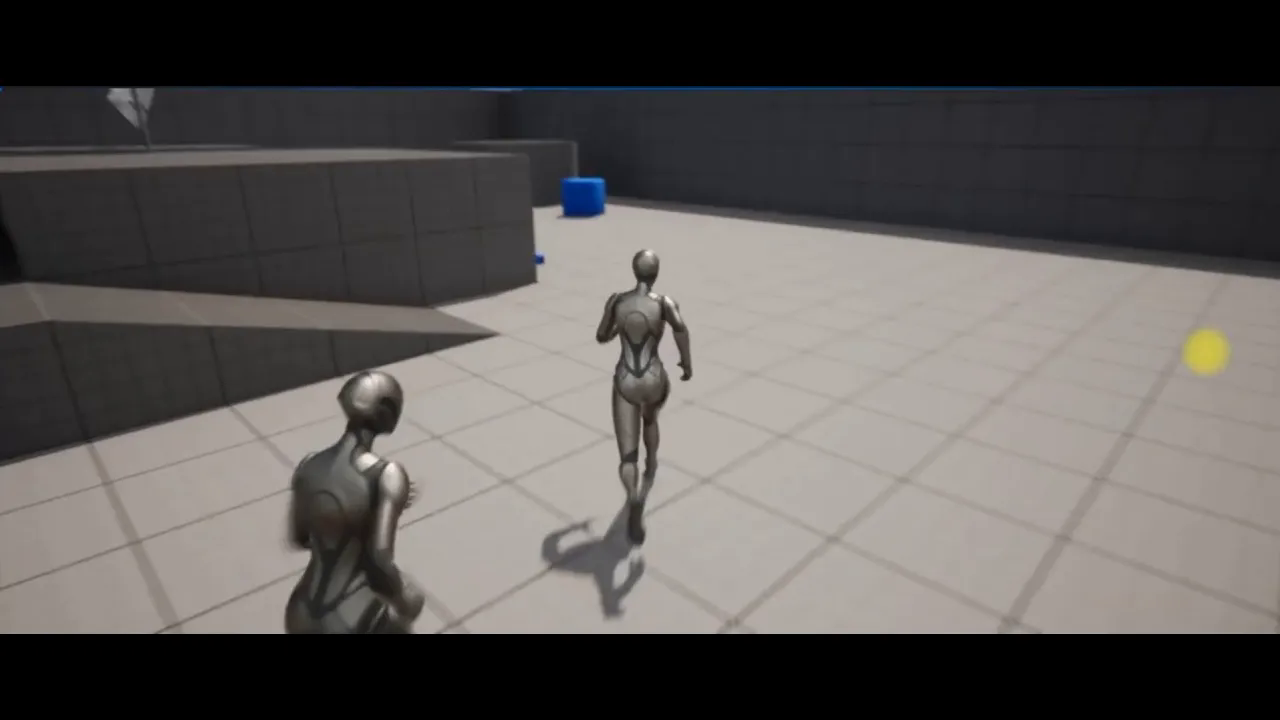
Enemy system with UE5 (Part 1#3) - Let's create a simple AI (Enemy) system - Subtitle
에피소드 48
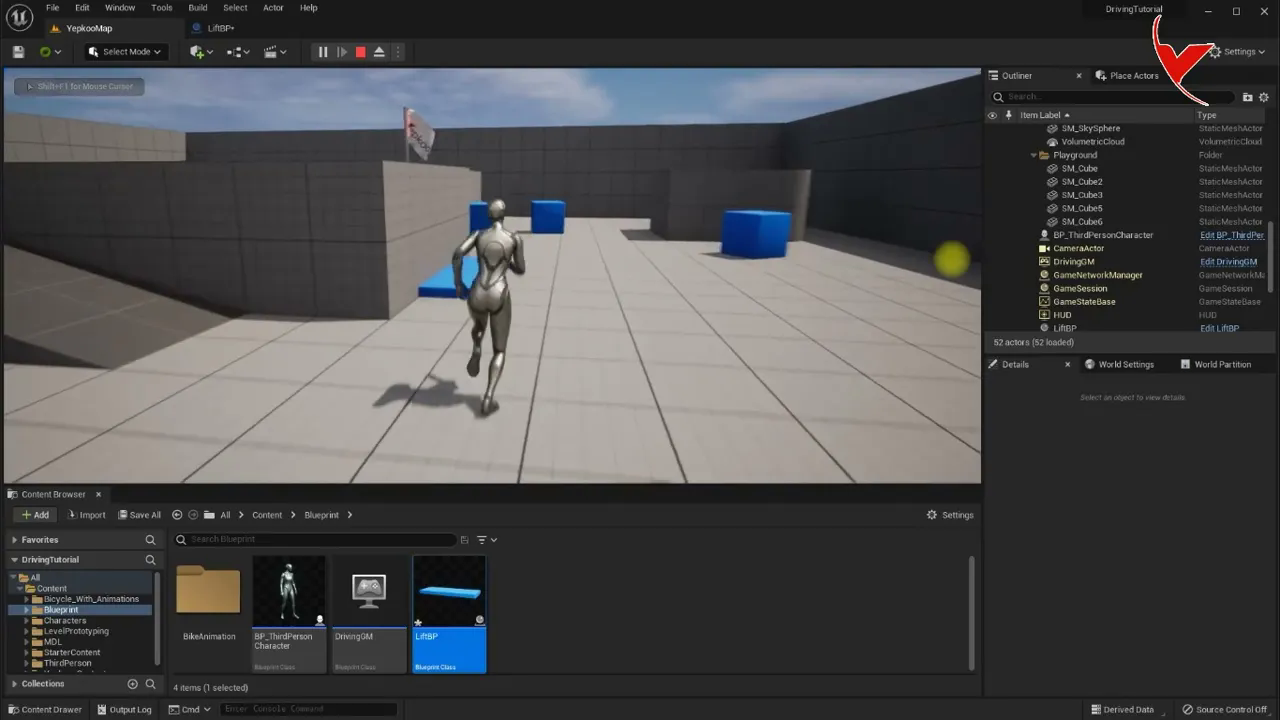
Let's movement objects without using sequence using timeline with UE5. Elevator example
에피소드 47
Let's fix the LOD problem that occurs in the hands of the Metahuman after Cinematic recording
에피소드 46
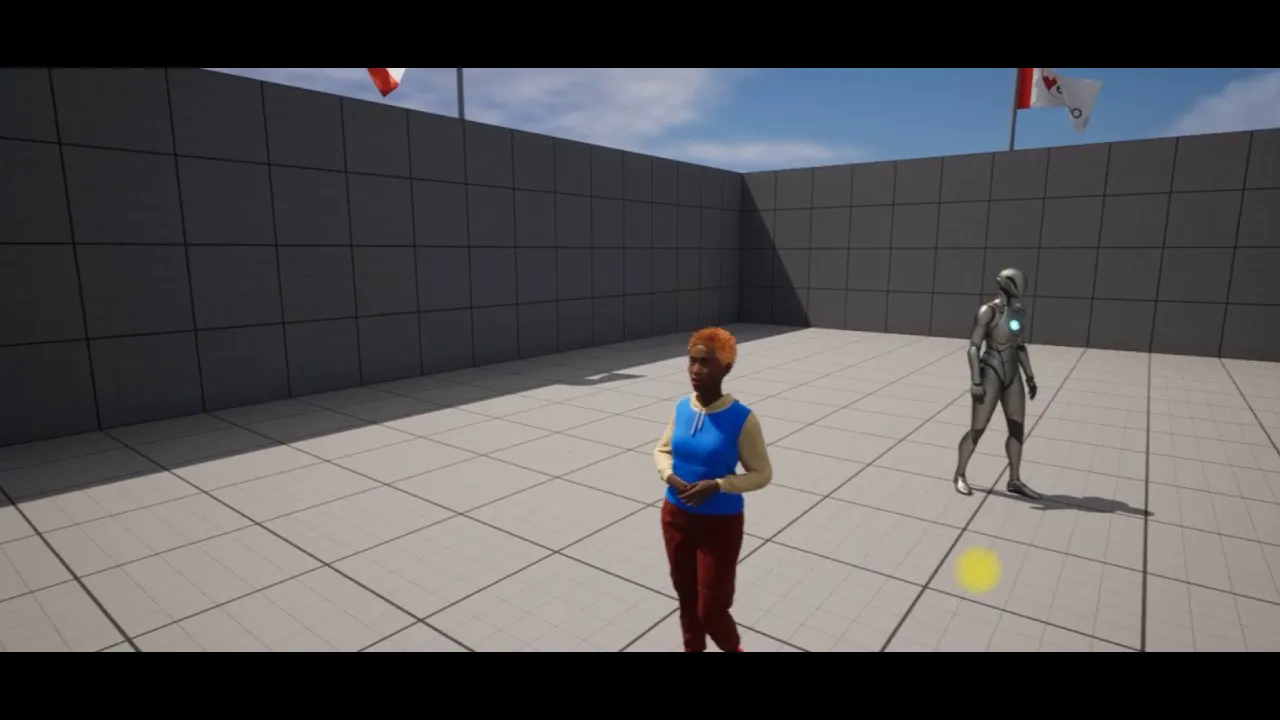
Face, body animation of metahuman characters with UE5 and iClone 7#8 Live Link - Subtitle
에피소드 45
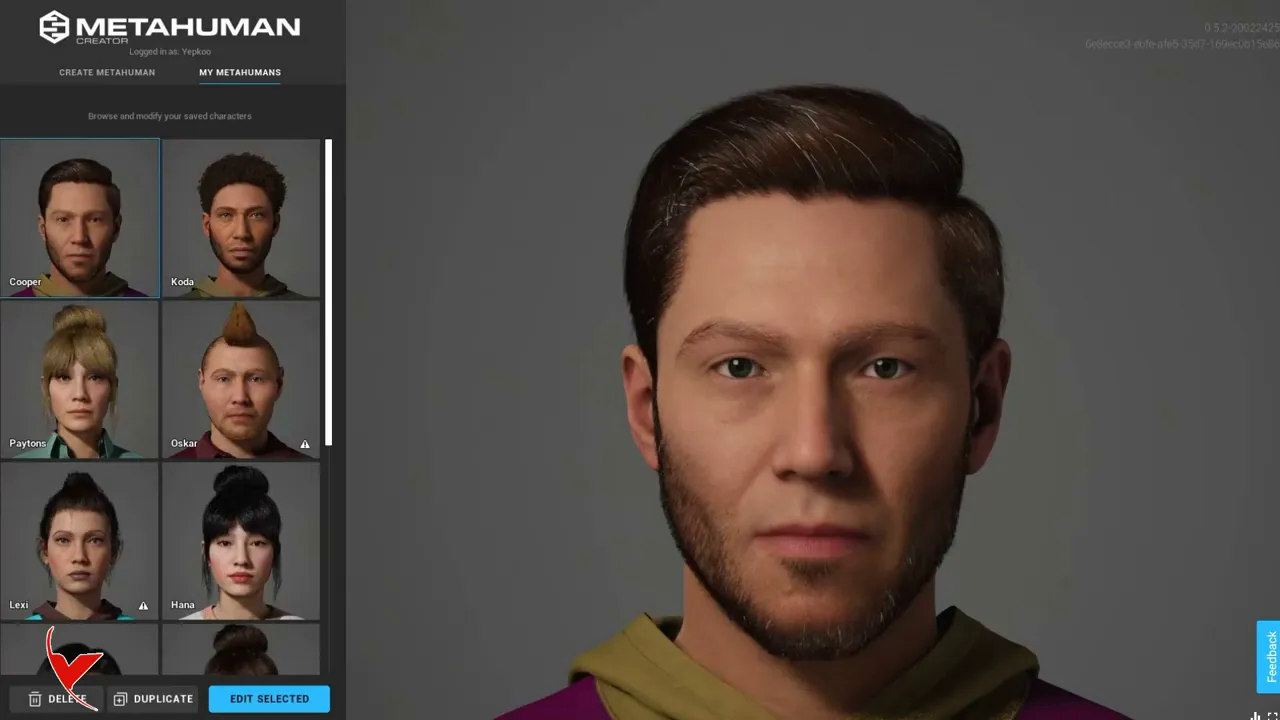
How to add Metahuman characters to UE5# Fix texture loss in character's clothes and eyes
에피소드 44
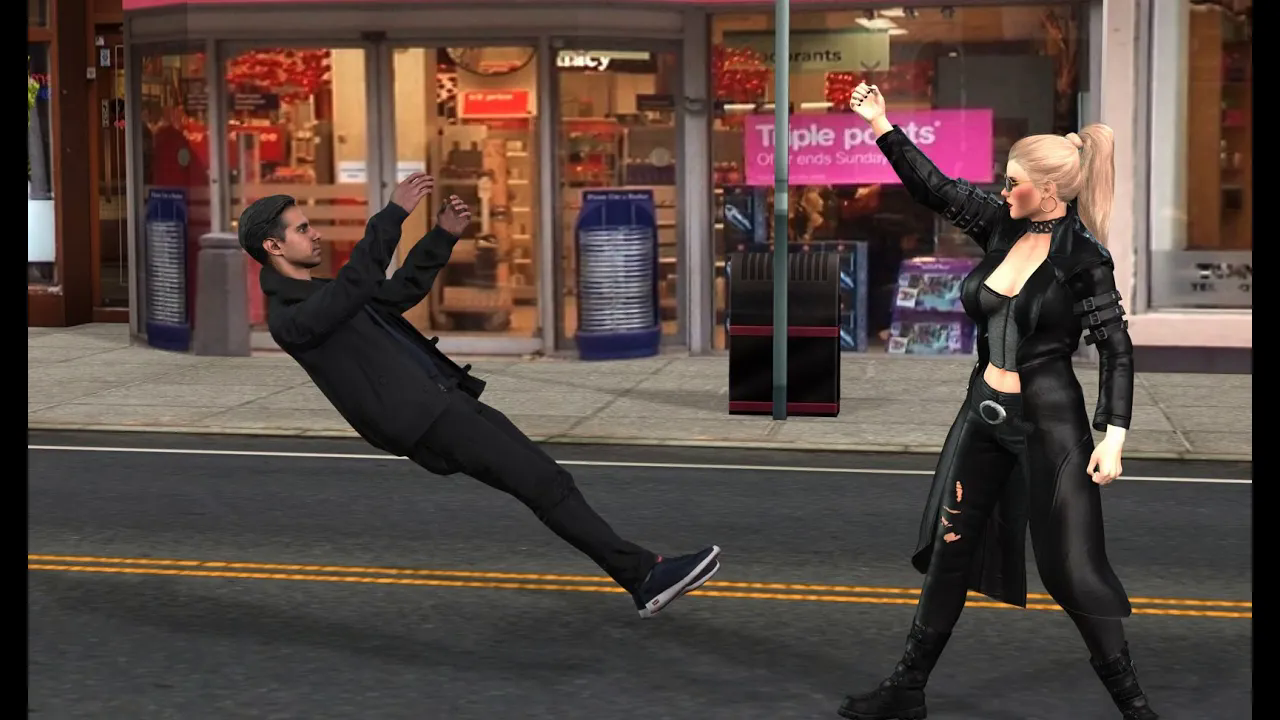
How to create animation with Video Reference with #iclone 8# (Let's simulate the Matrix mini scene)
에피소드 43
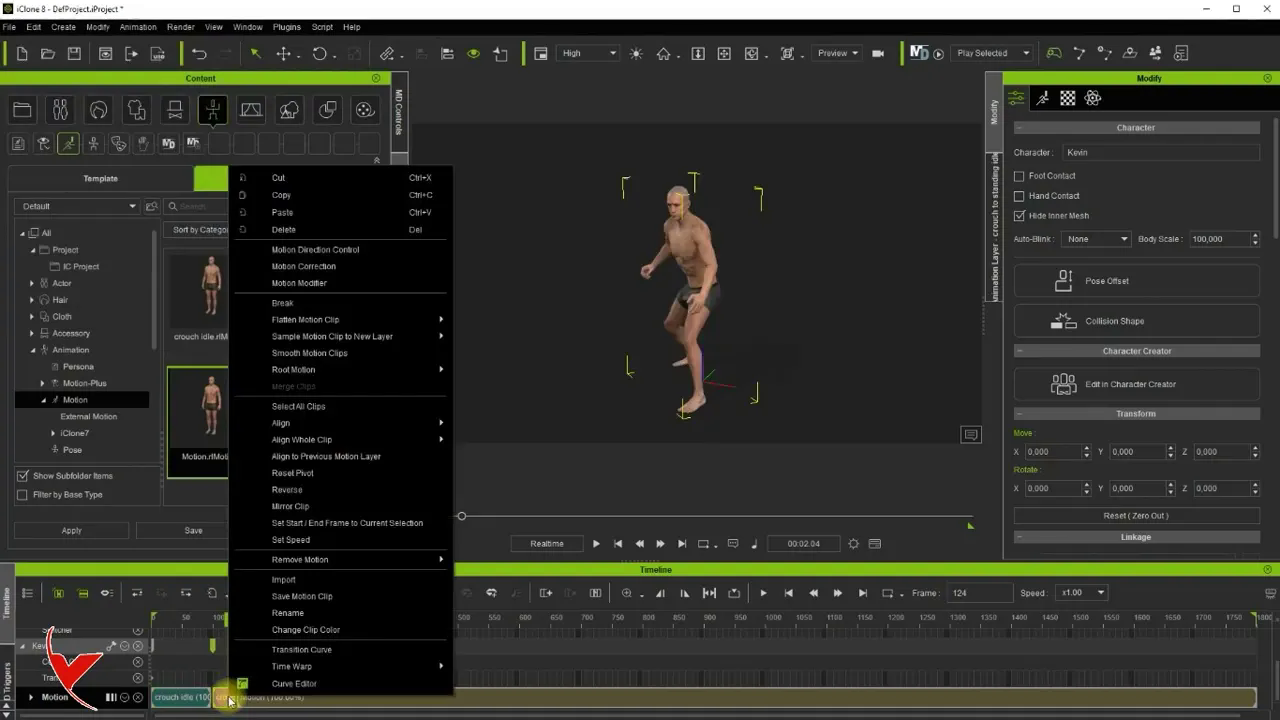
Export Mixamo motions to iClone 8 and save as rlMotion to fix motion previews
에피소드 42
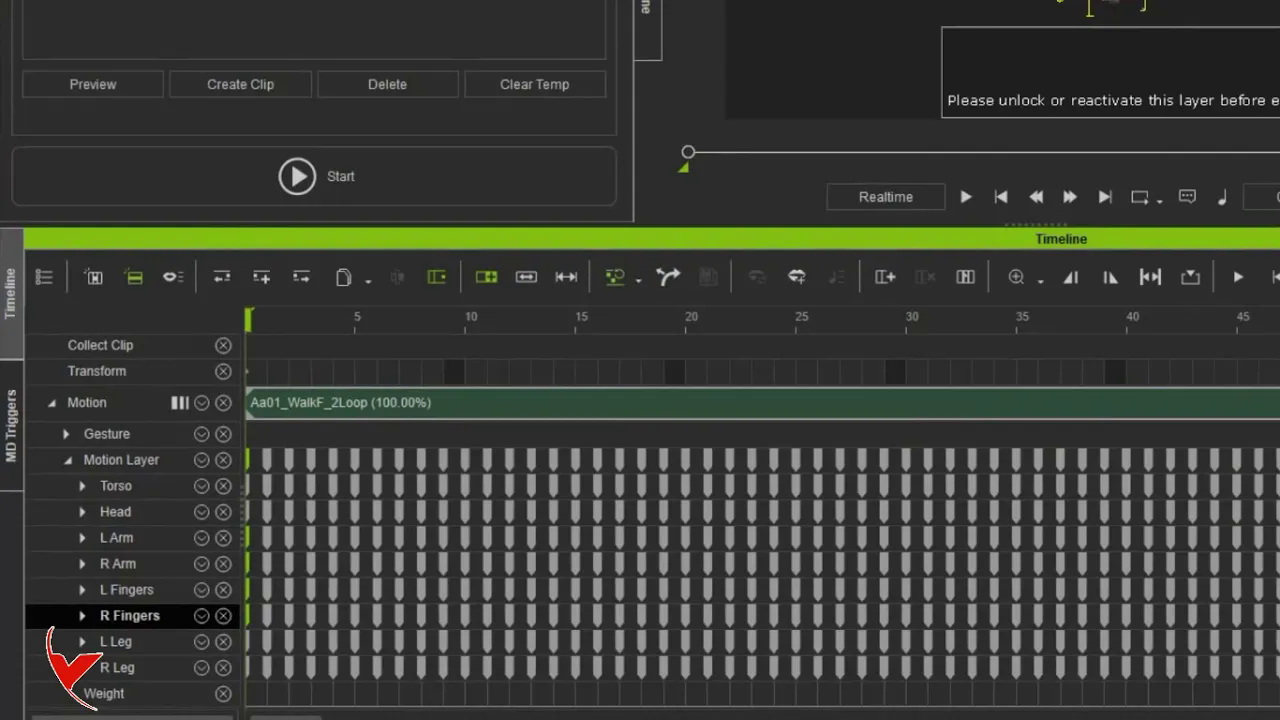
How to use iClone 8 Motion Director (MD) and how to combine it with custom motions (It is subtitled)
에피소드 41
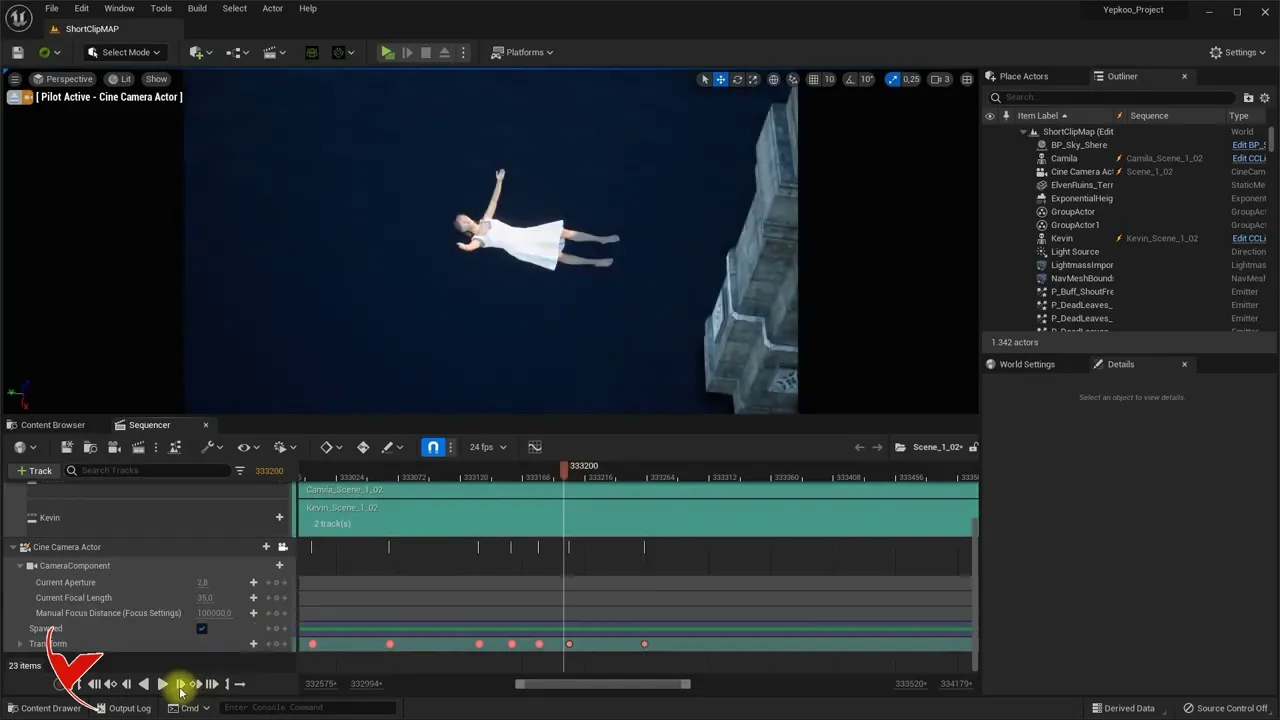
Short Film Tutorial Part 5#5 - Let's render our iC8 animations with Unreal 5 using cinamatic
에피소드 40
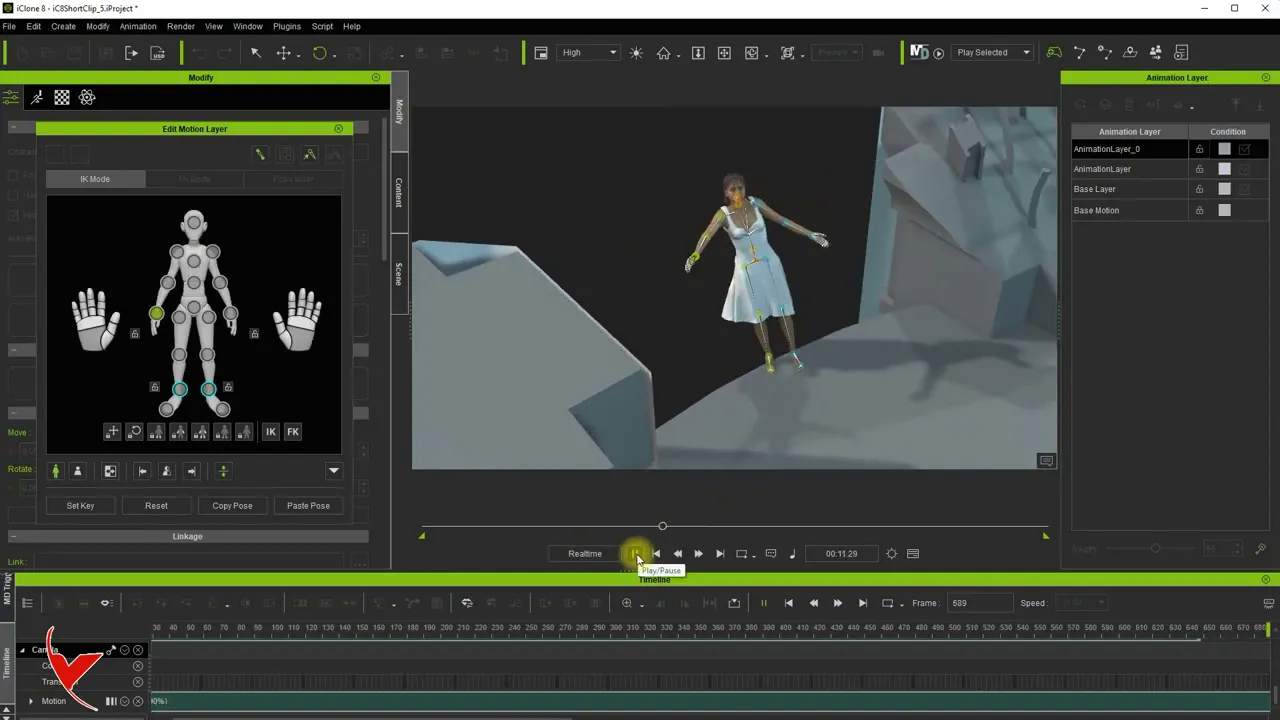
Short Film Tutorial Part 4#5 - Creating animations using iC8 Motion and Animation Layer
에피소드 39
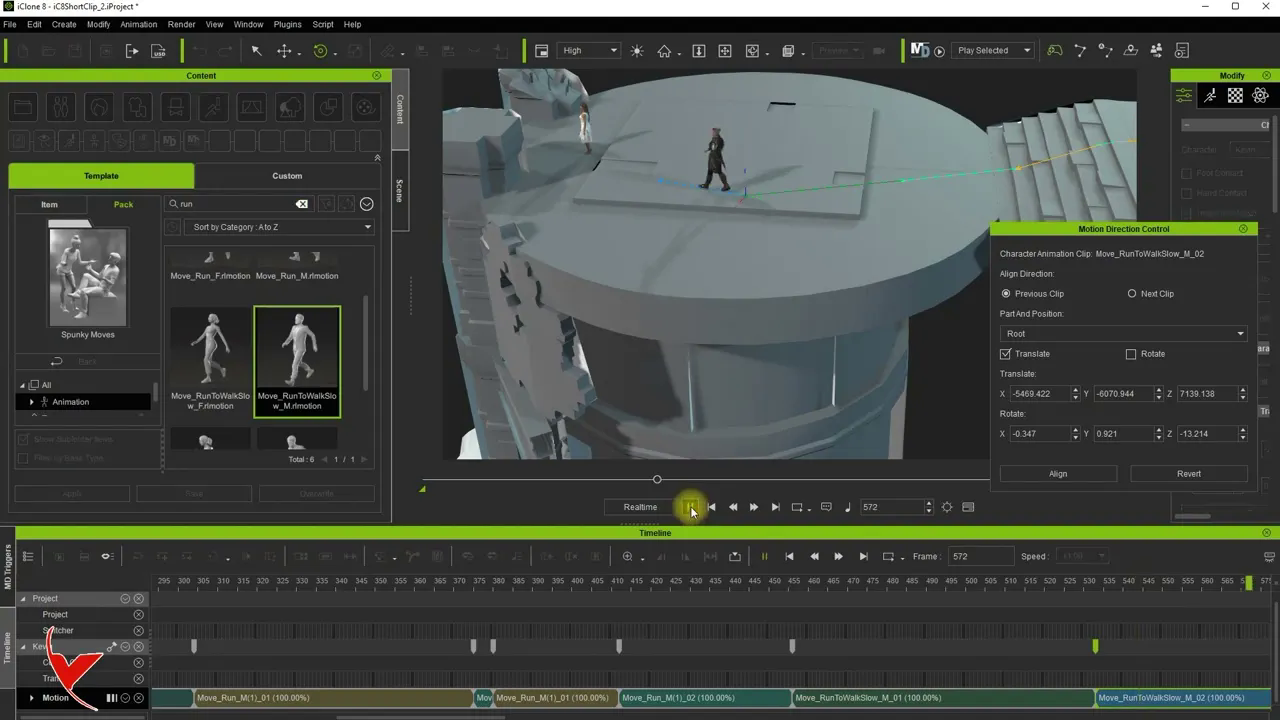
Short Film Tutorial Part 3#5 - Let's apply animations with iClone 8 Motion Direction Control
에피소드 38
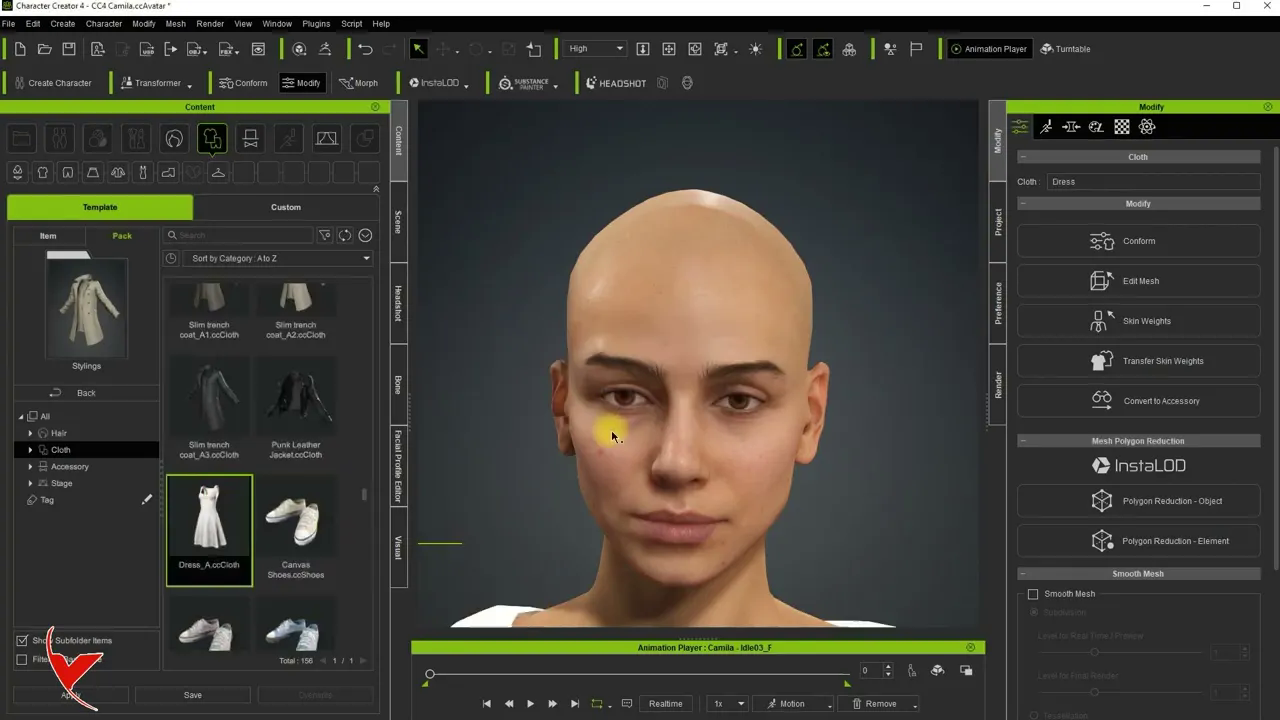
Short Movie Tutorial Part 2#5 - Preparation
에피소드 37
Short Movie Tutorial Part 1#5 - INTRO - UE5 + CC4 + iC8
에피소드 36
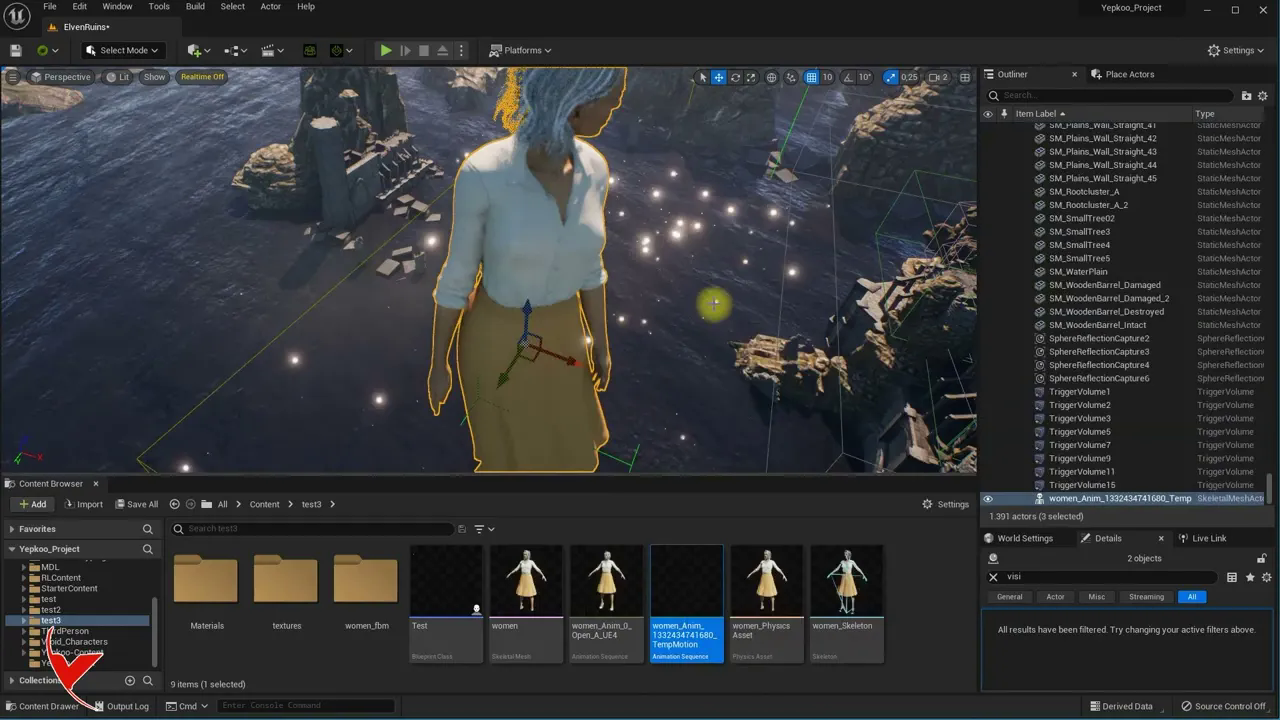
Let's fix Pivot issue in characters and#or animations imported to UE with a simple trick
에피소드 35
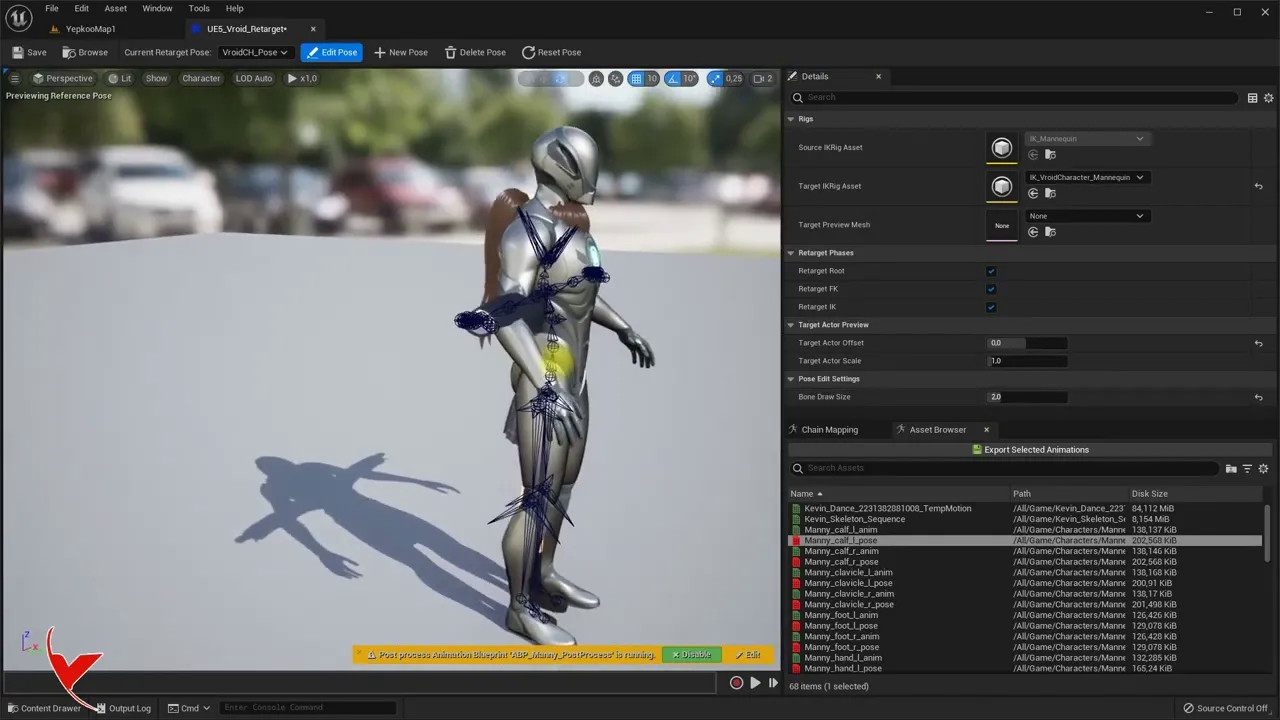
Transferring Vroid Studio anime character to UE5 with VRMU plugin and applying animation
에피소드 34
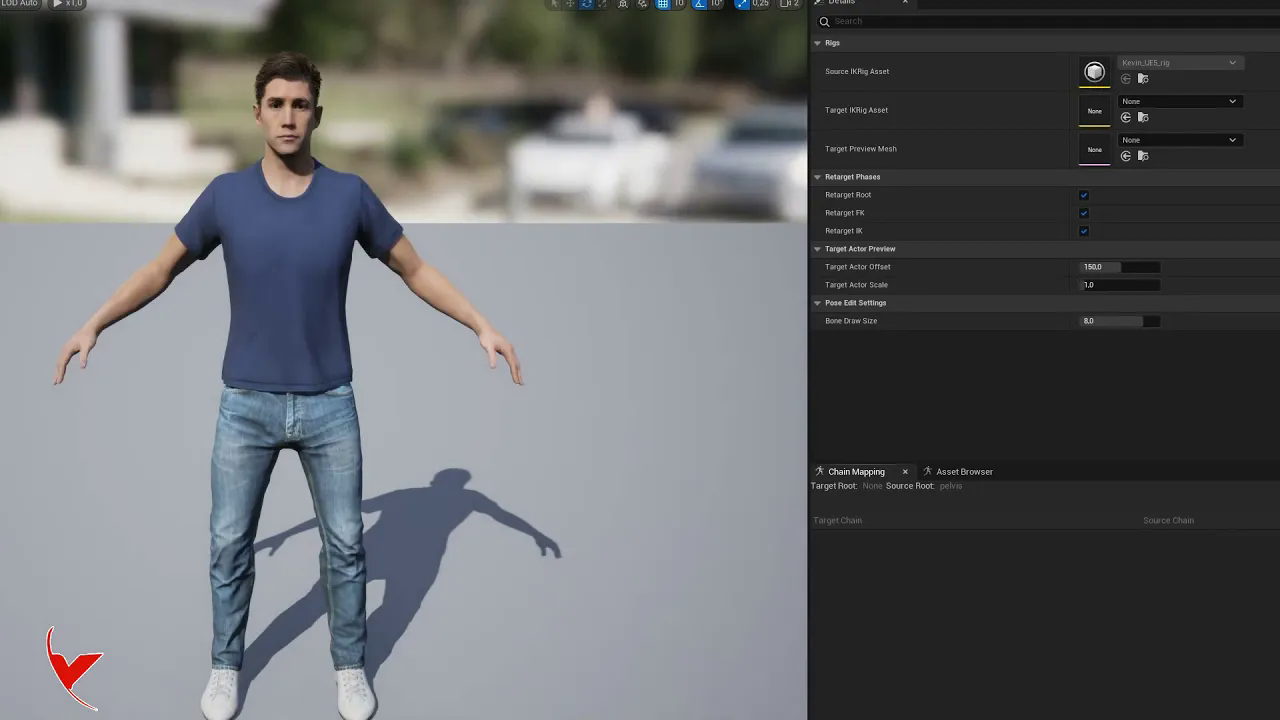
Retarget CC4 character to UE5 Character (UE5 Mannequin) and then reverse target
에피소드 33
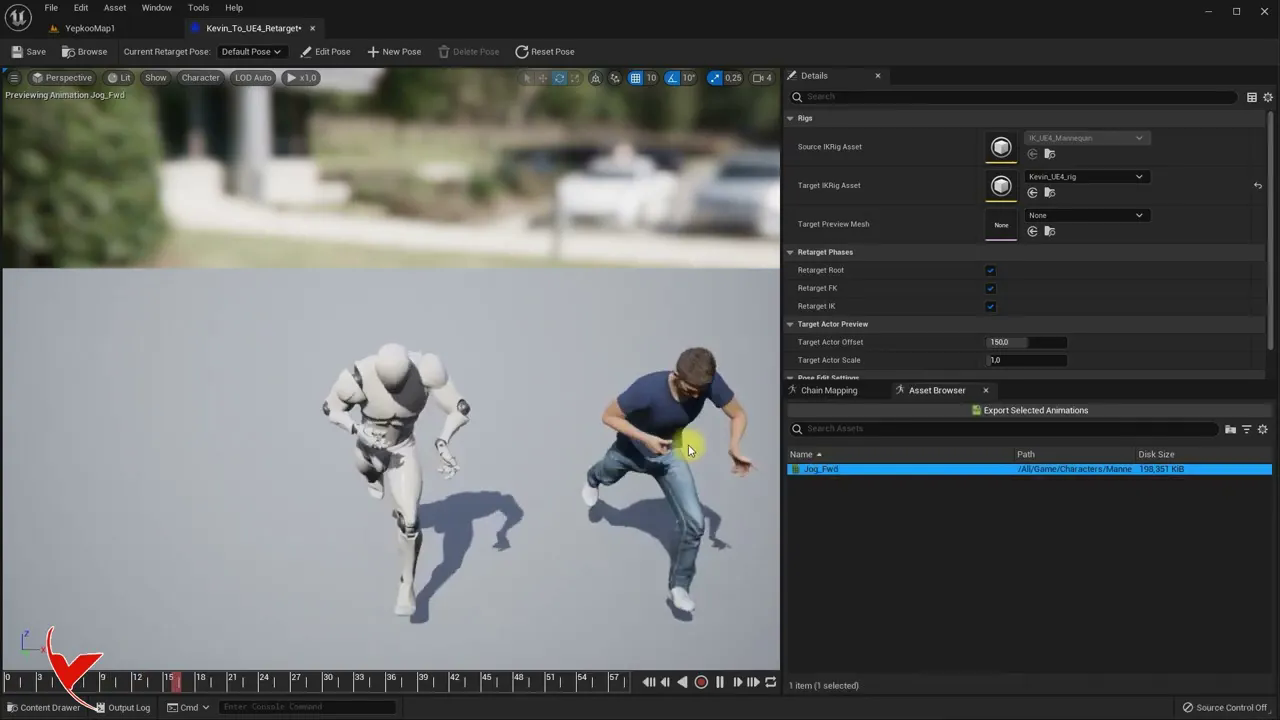
Retarget Character Creator 4 (CC4) character to UE4 Mannequin in UE5 Then reverse target
에피소드 32
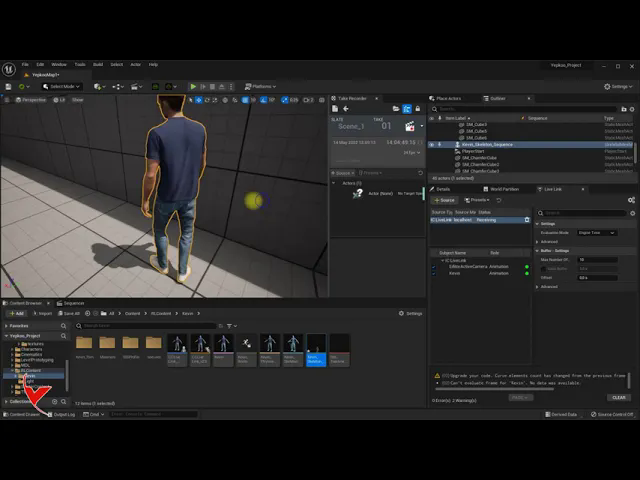
Record animation in UE5 using iClone 8 and Unreal Live link and then save animation as root
에피소드 31
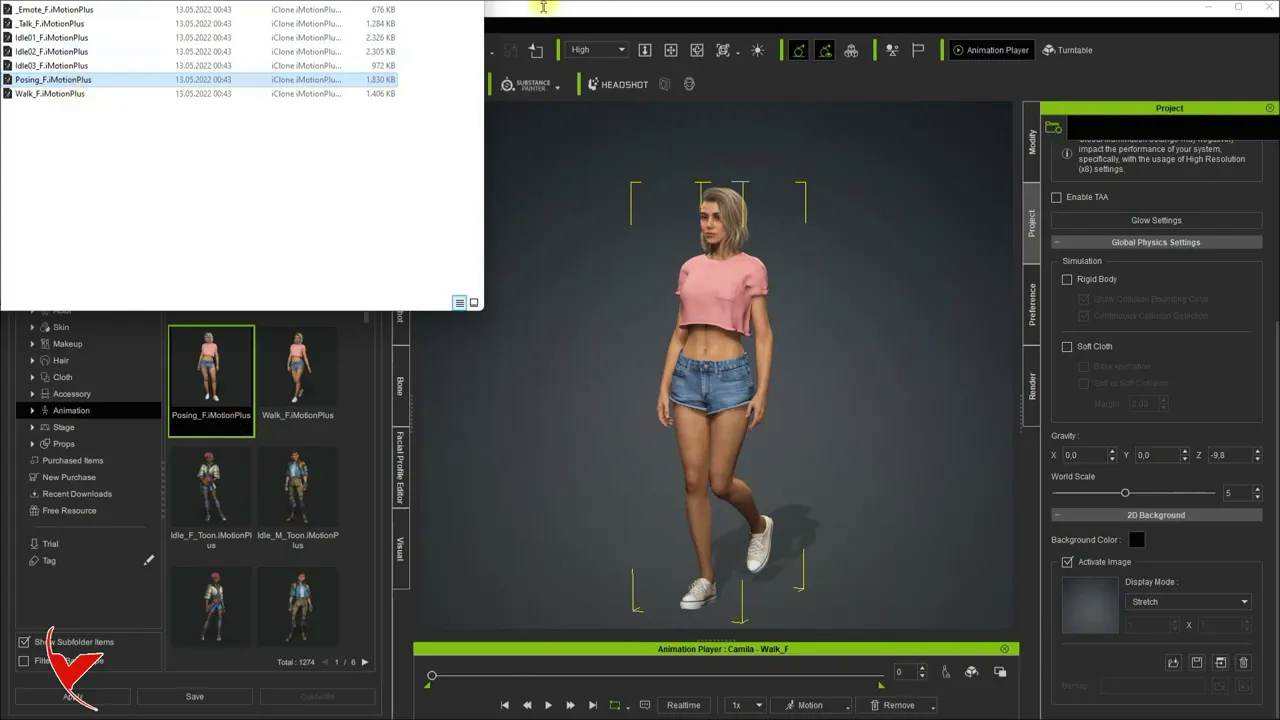
Importing characters#animations to UE5 with Character Creator 4 - Adding extra animation afterwards
에피소드 30
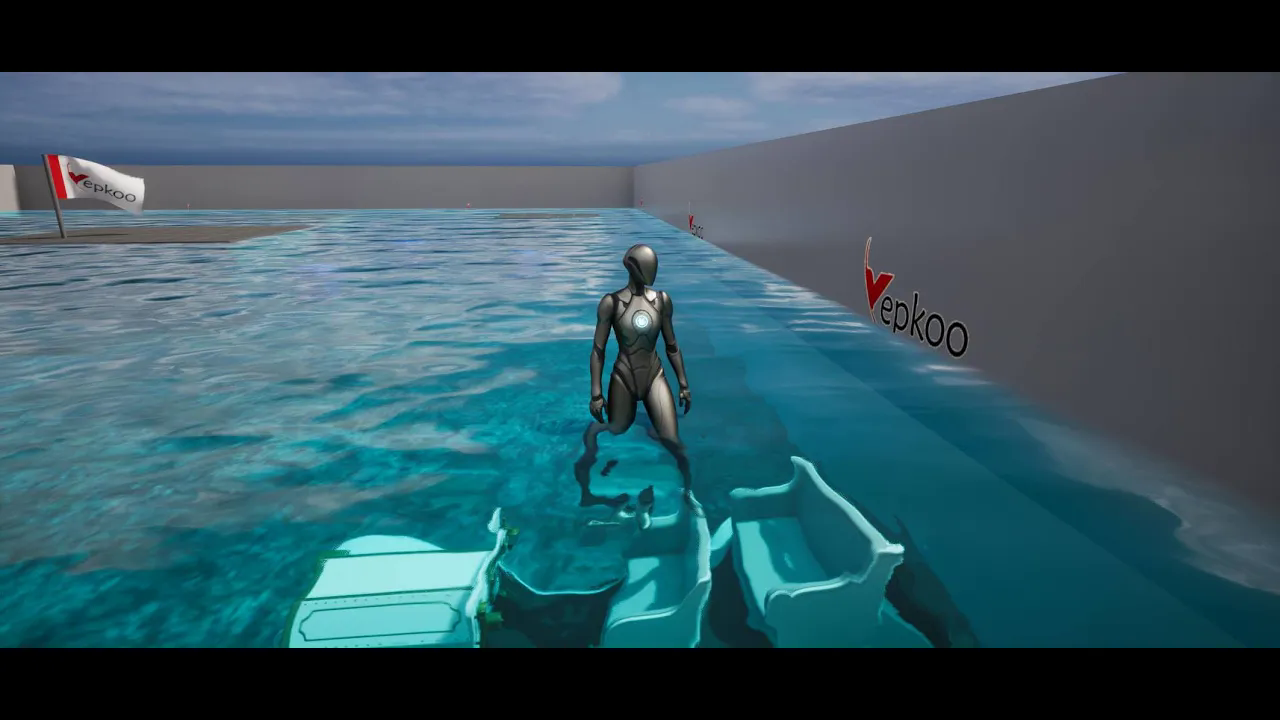
Water system plugin installation and effect application with UE5
에피소드 29
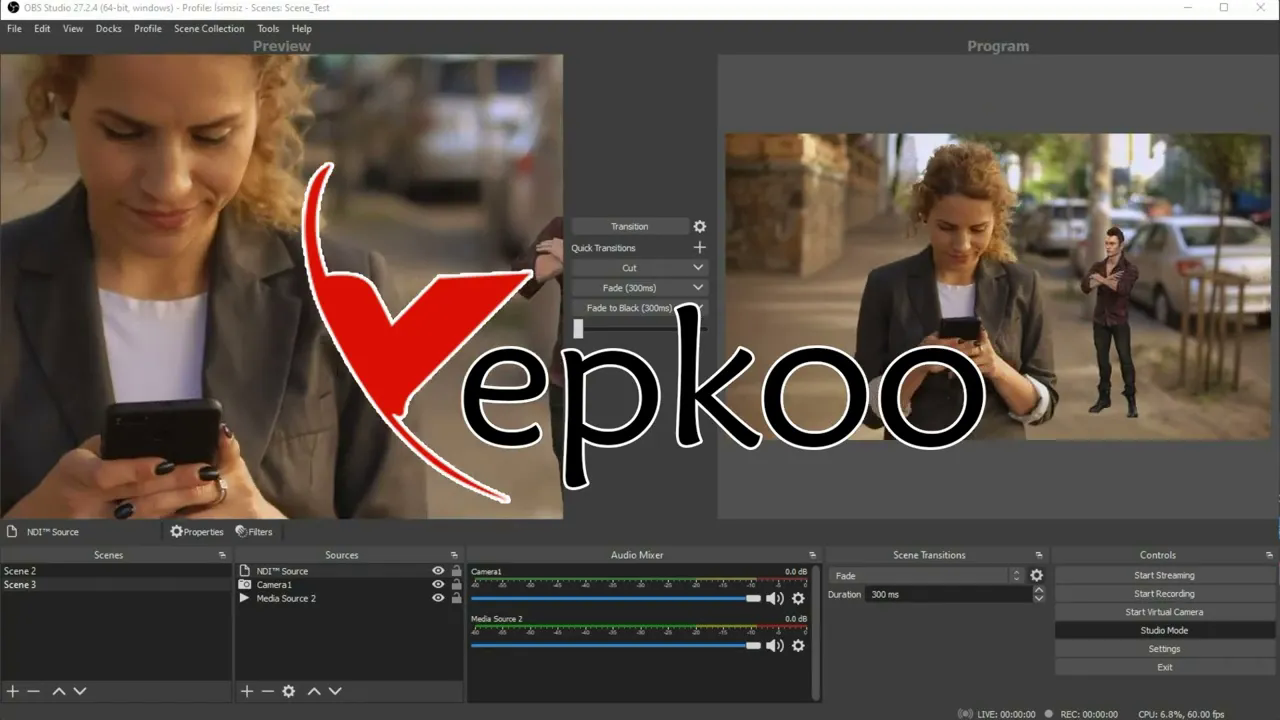
OBS Studio quick tutorial
에피소드 28
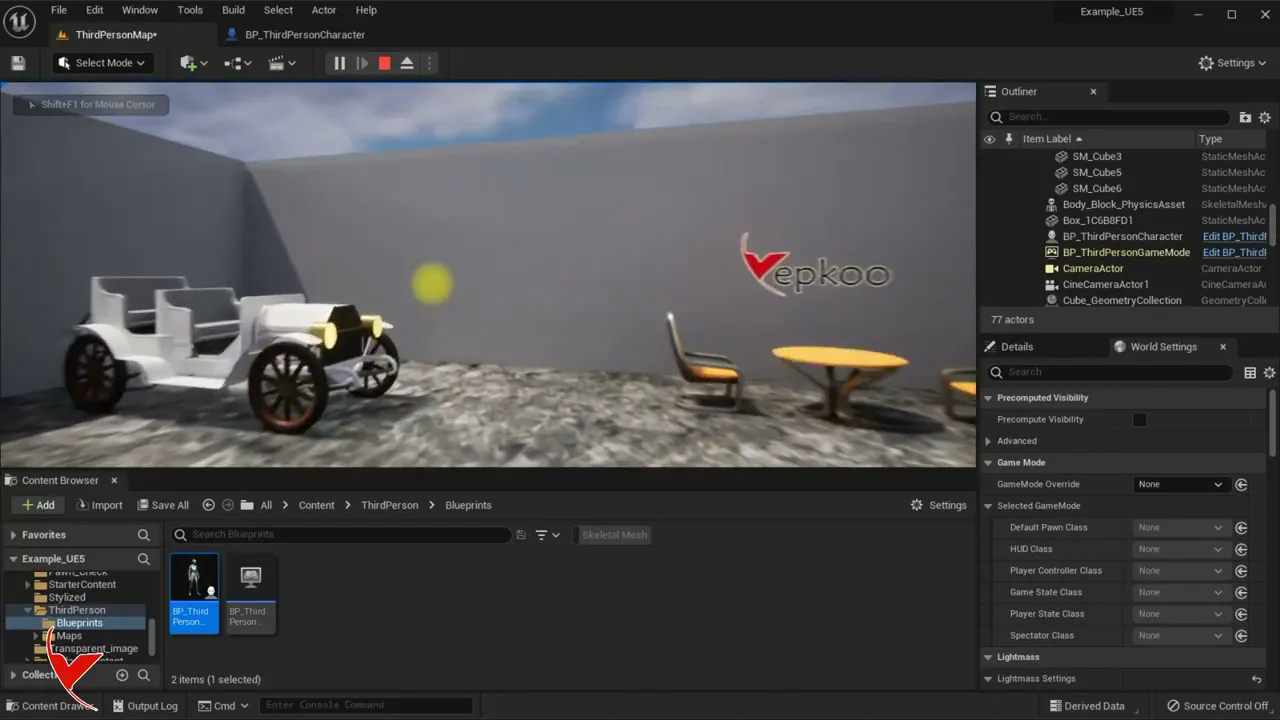
Changing the Character and Actor camera with the keyboard - UE
에피소드 27
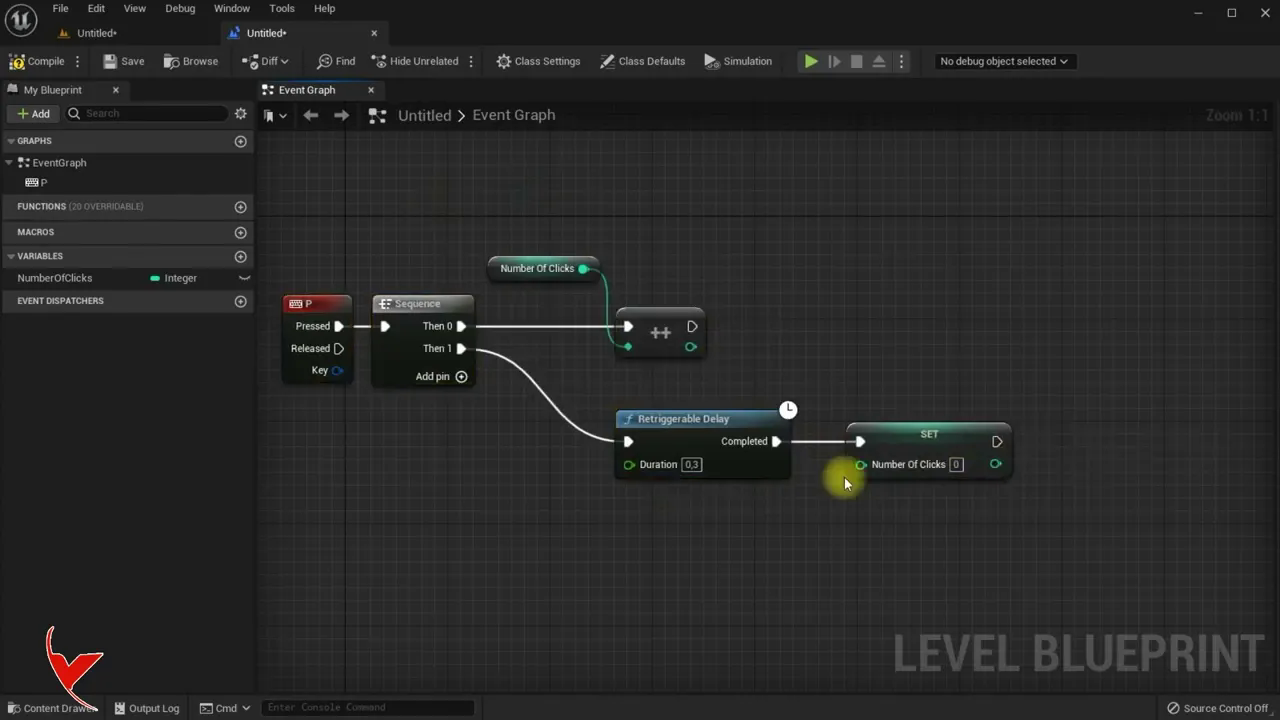
UE Double Click or Double Tap detection
에피소드 26
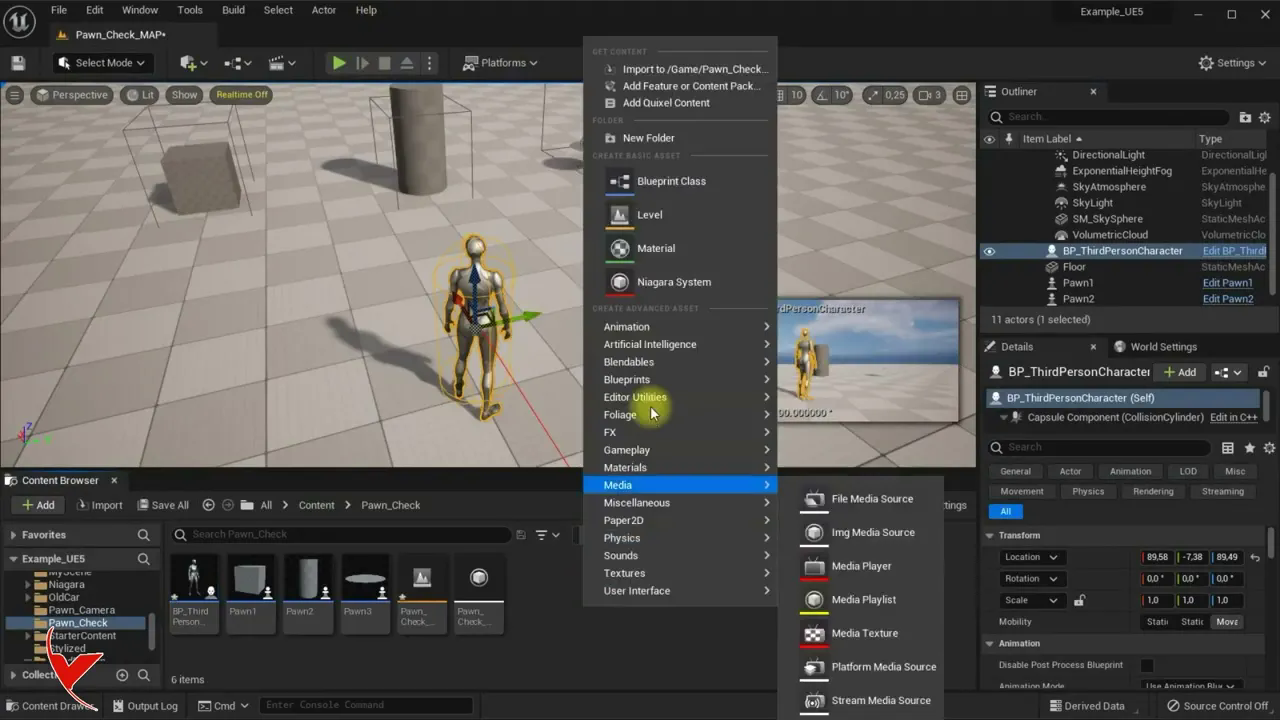
UE # How can we detect which pawns our character collides with#
에피소드 25
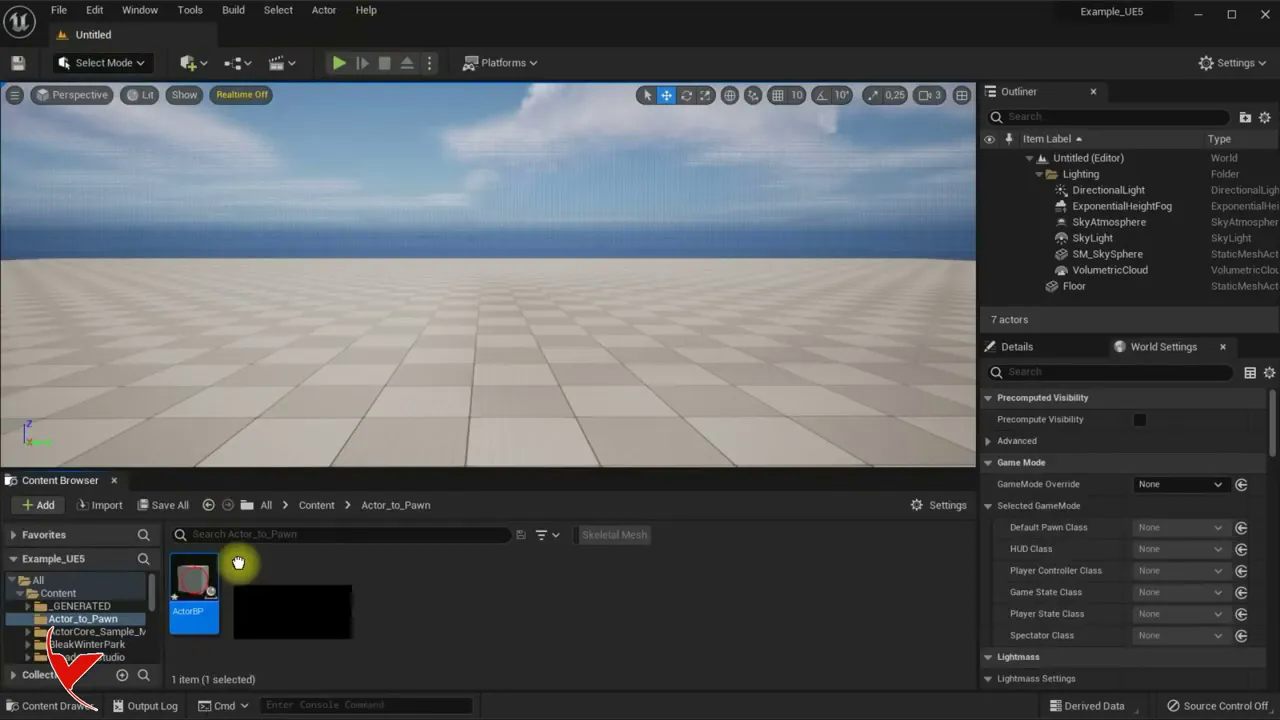
UE; How to change the blueprint type. For example, let's convert actor BP to Pawn BP
에피소드 24
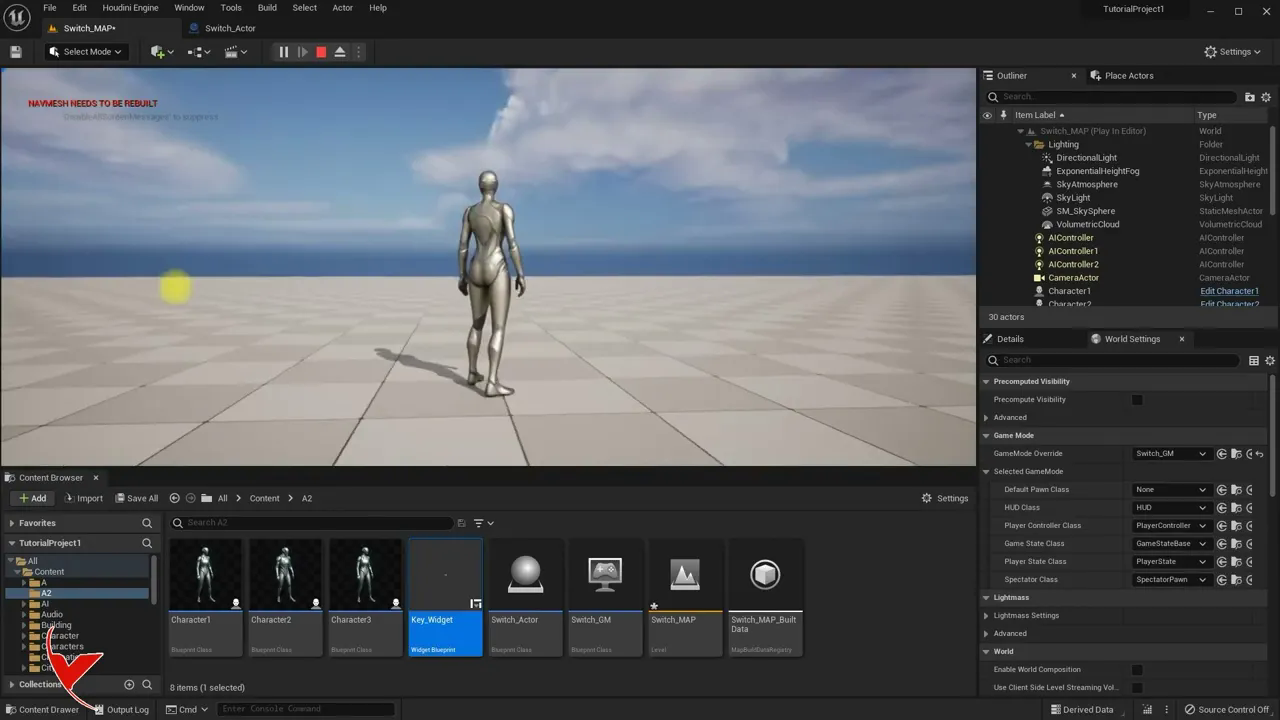
UE5 - Changing characters with keyboard & Switching characters with keyboard when collision occurs
에피소드 23
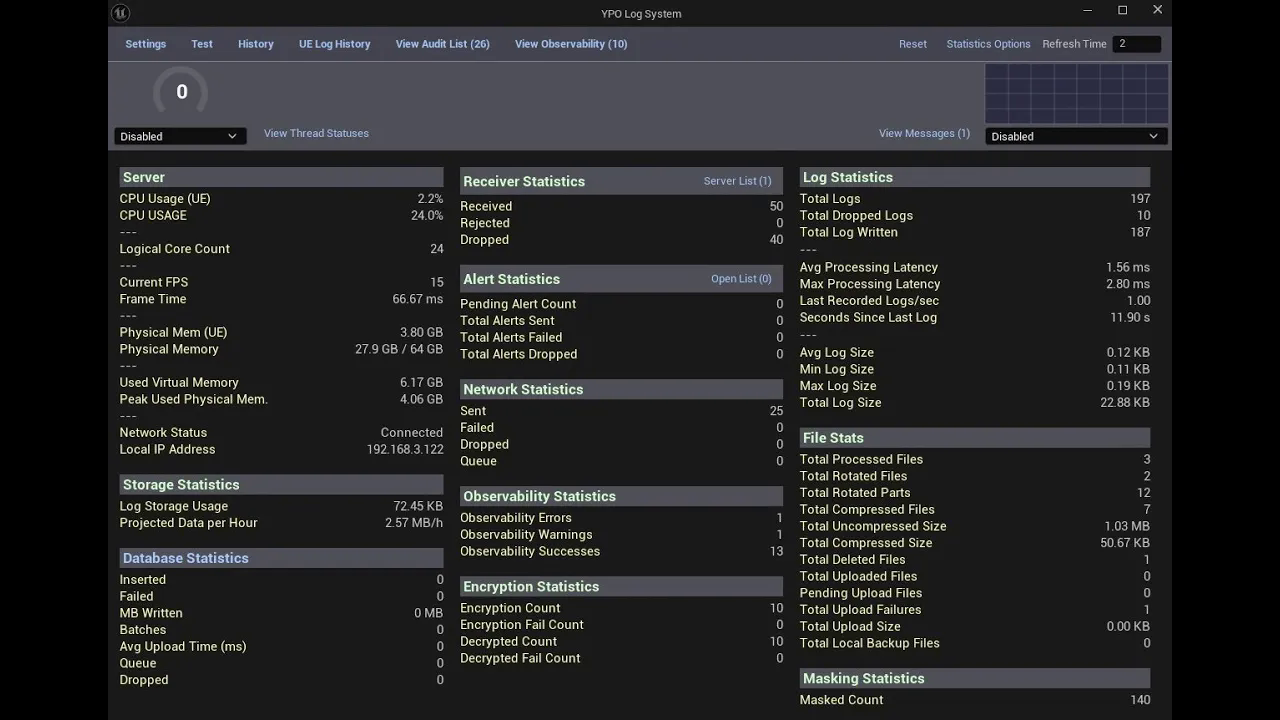
Advanced Logging System for Unreal Engine - YPO Nexus Log (My Fab Plugin)
에피소드 220
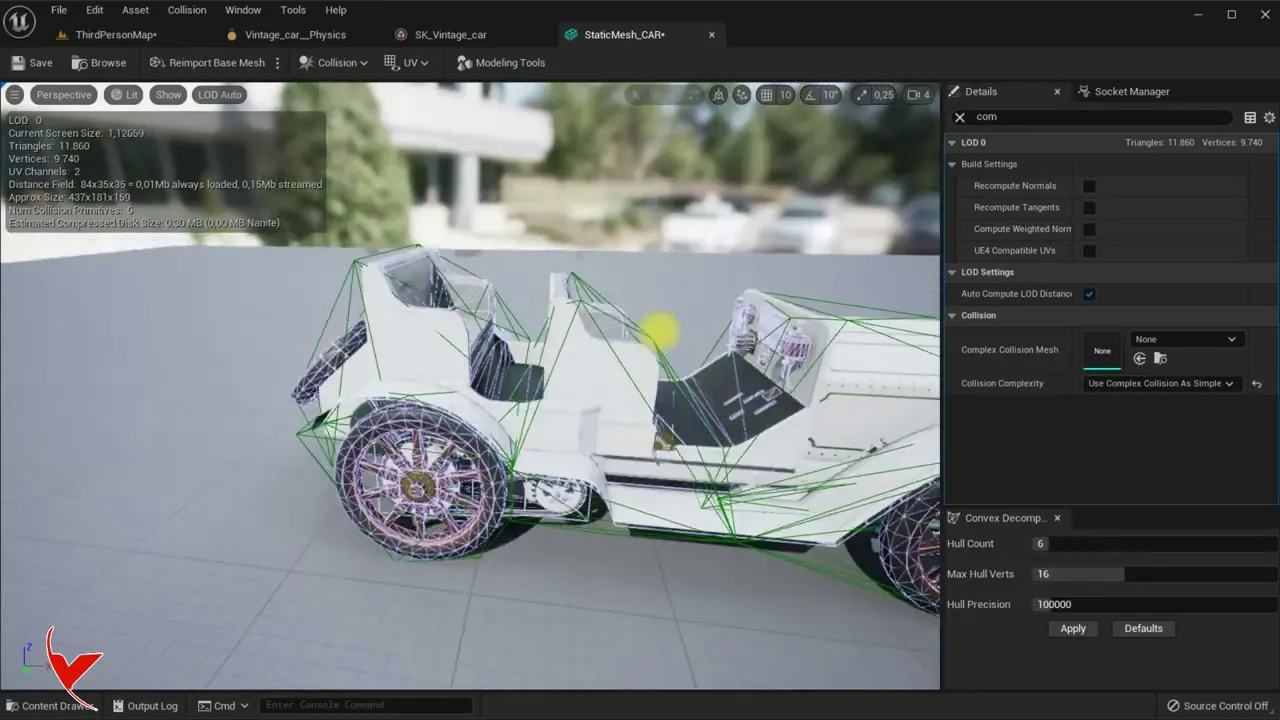
Creating physics for Skeleton Mesh by defining custom collision (UE 4 - UE5)
에피소드 22
Unreal Engine 5.8 - Quick Mega Lights Test
에피소드 219
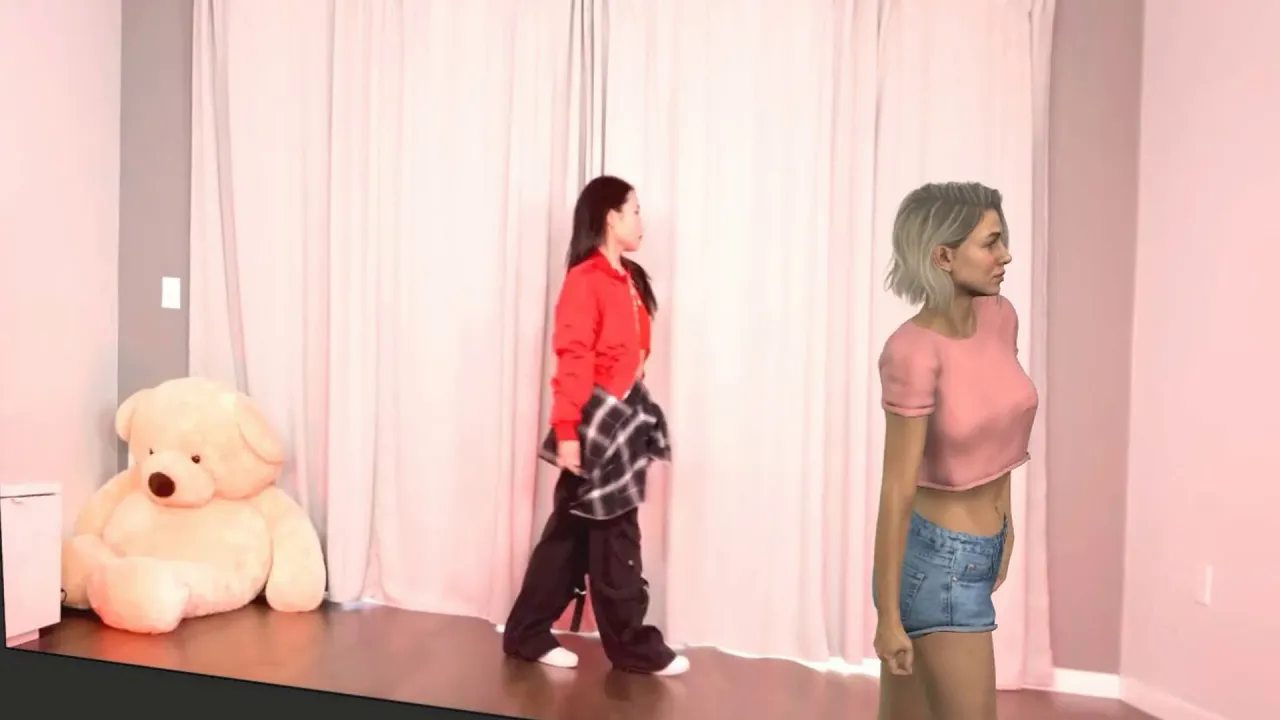
iClone Video Mocap plugin testing
에피소드 218
UE5 Async Save#Load System # Player Data Saving (Subtitled)
에피소드 217
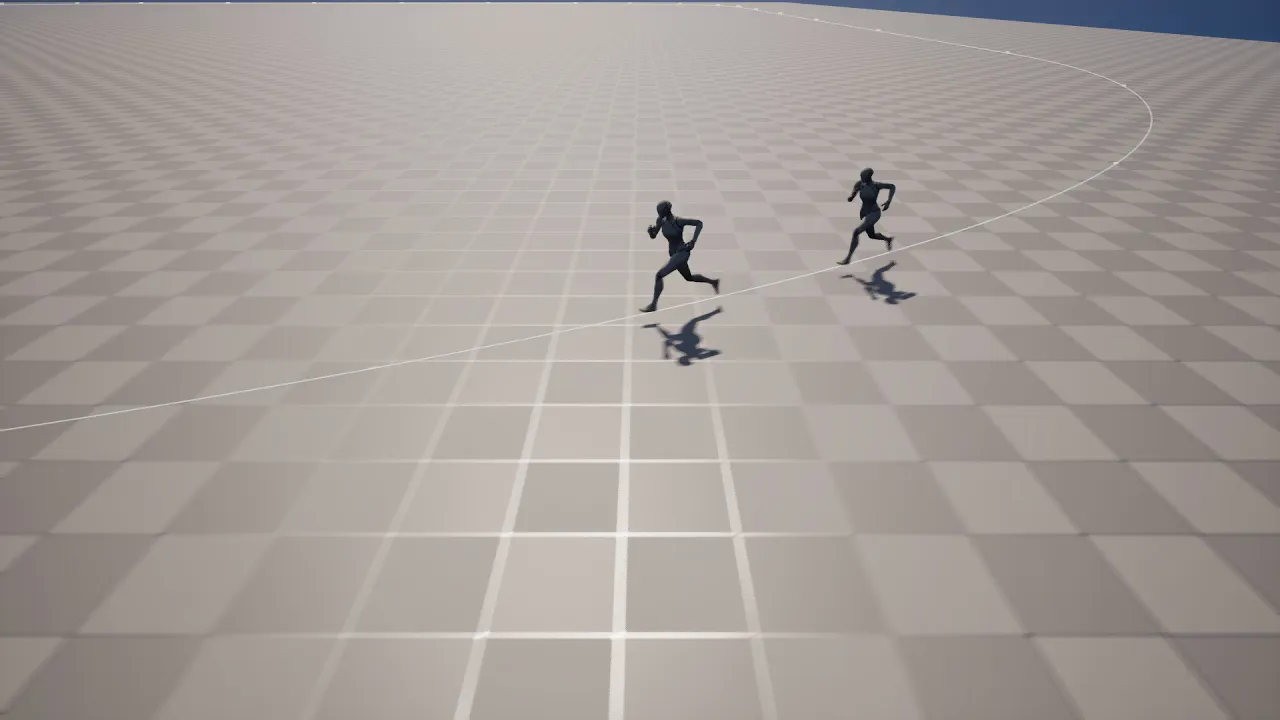
UE - Character Physically Following a Spline Path (Subtitled)
에피소드 216
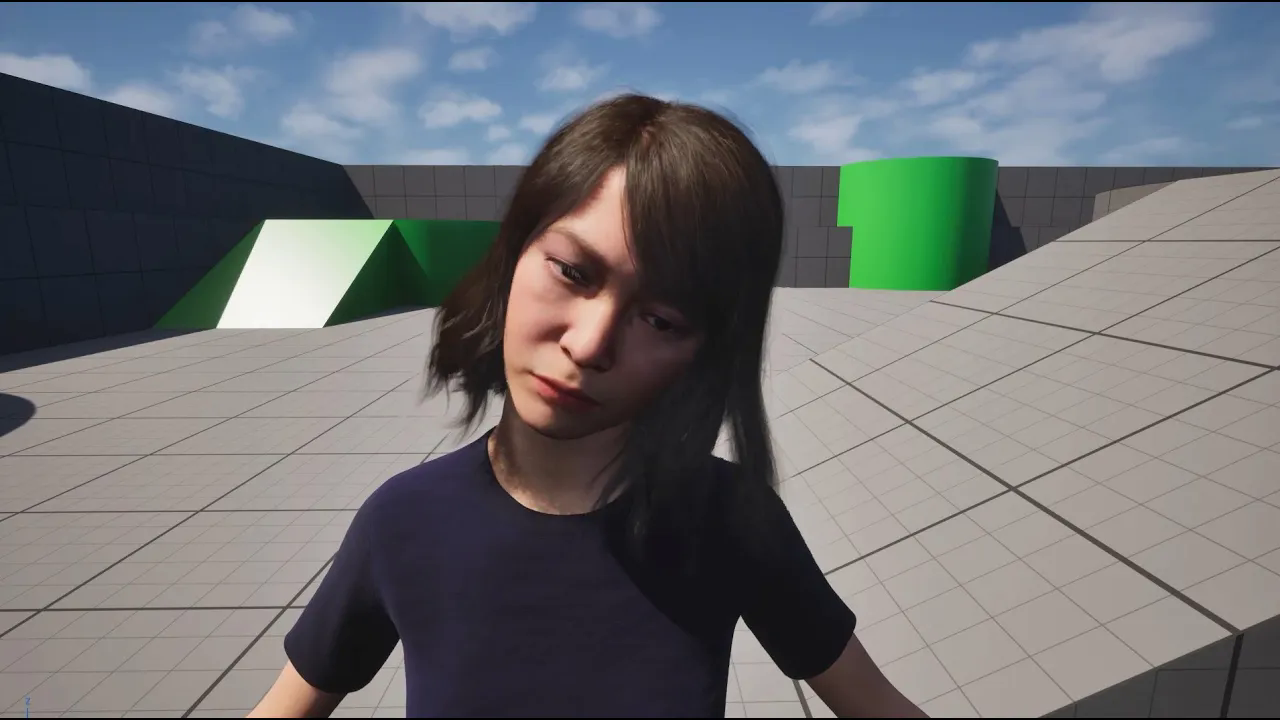
UE 5.6 - MetaHuman Real-time Facial Animation from Single Camera Test (with webcam) (Subtitled)
에피소드 215
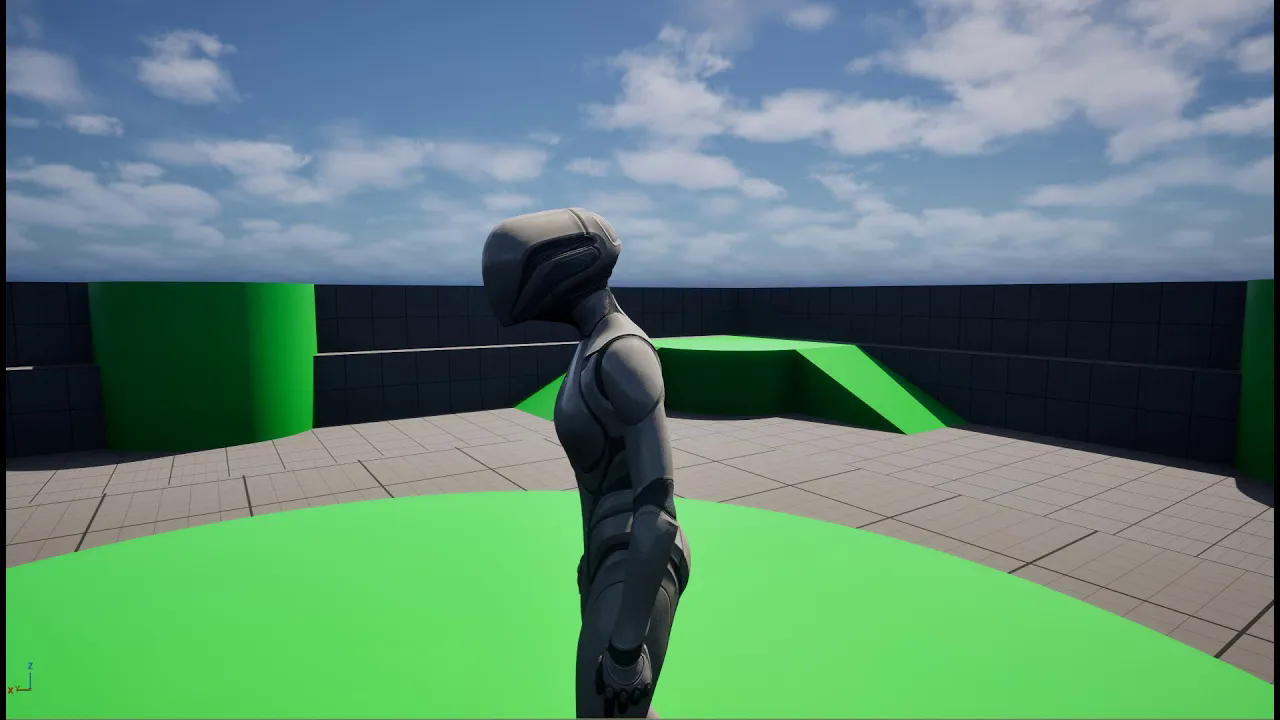
UE 5.6 - Sculpt Morph Shapes_ Create Unlimited Morphs (Subtitled)
에피소드 214
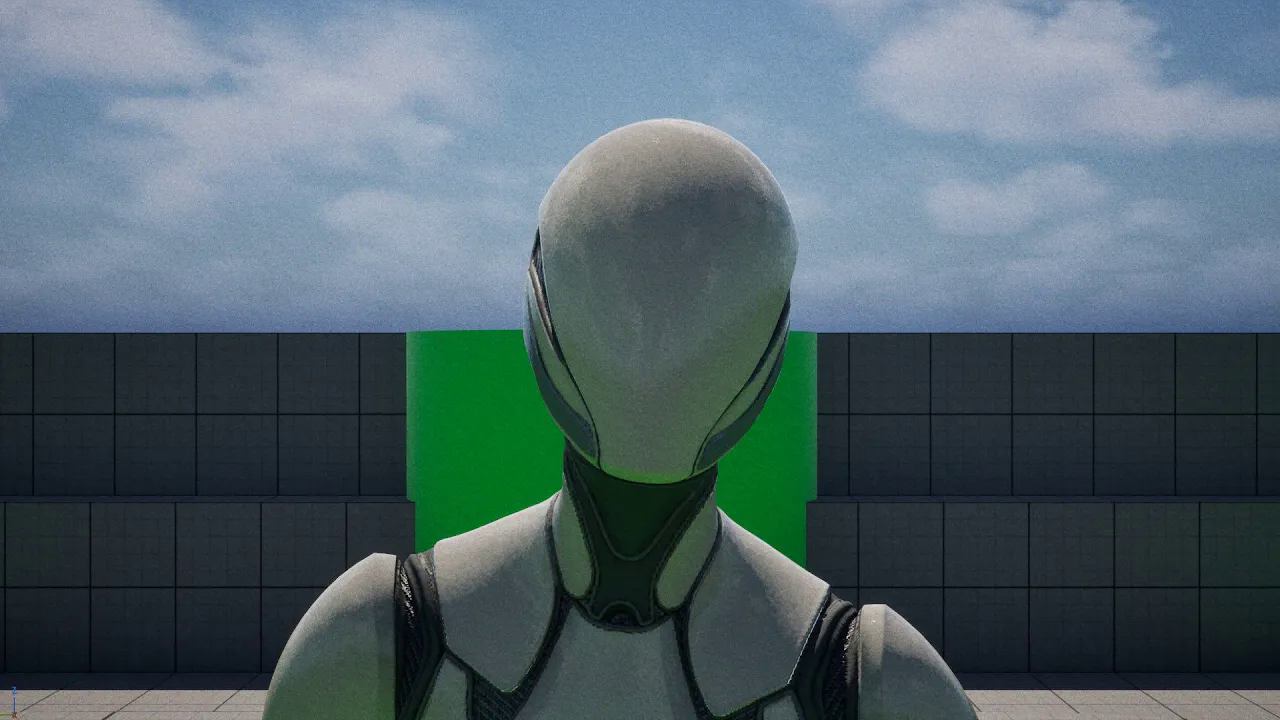
UE 5.6 - Gameplay Camera Integration in Sequencer_ 2-Camera System Test (Subtitled)
에피소드 213

UE 5.6 - Seamless Gameplay to Cinematics_ 2 Animation Test with Sequencer Anim Mixer (Subtitled)
에피소드 212
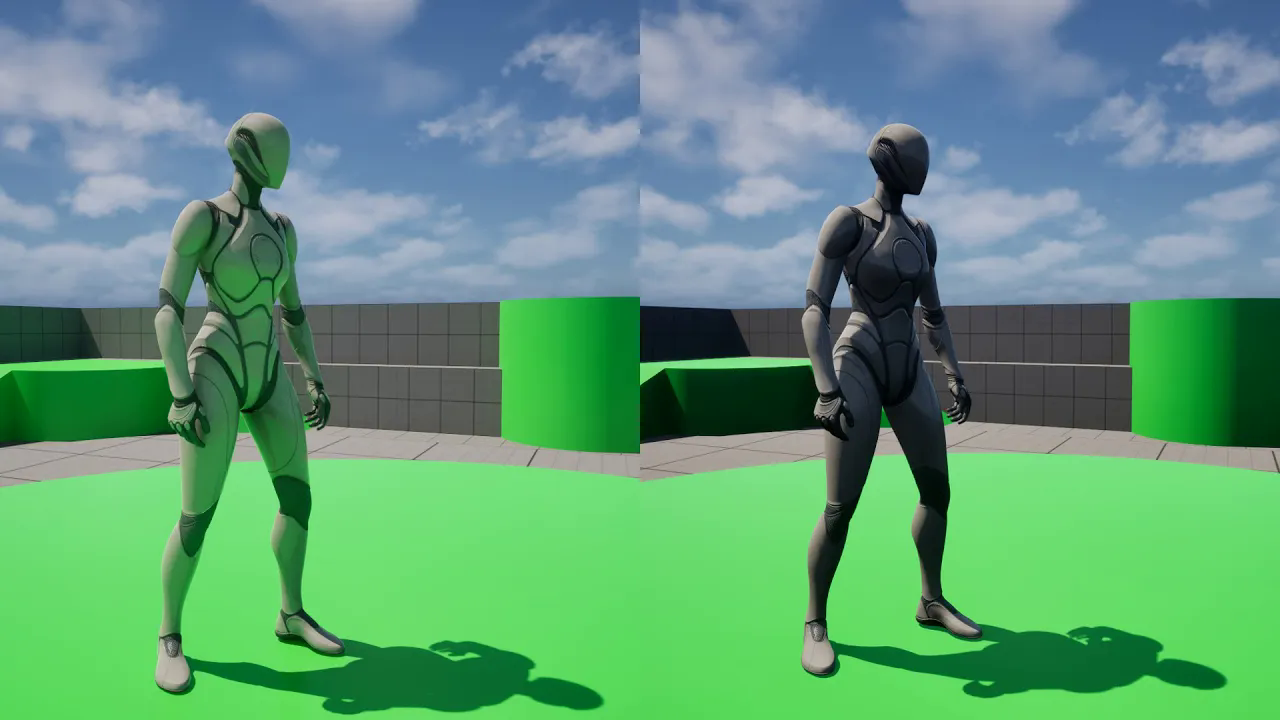
UE 5.6 Lumen HWRT# Quick Test & Color Reflections! (With DX12 & RHI Parallelization) Subtitled
에피소드 211
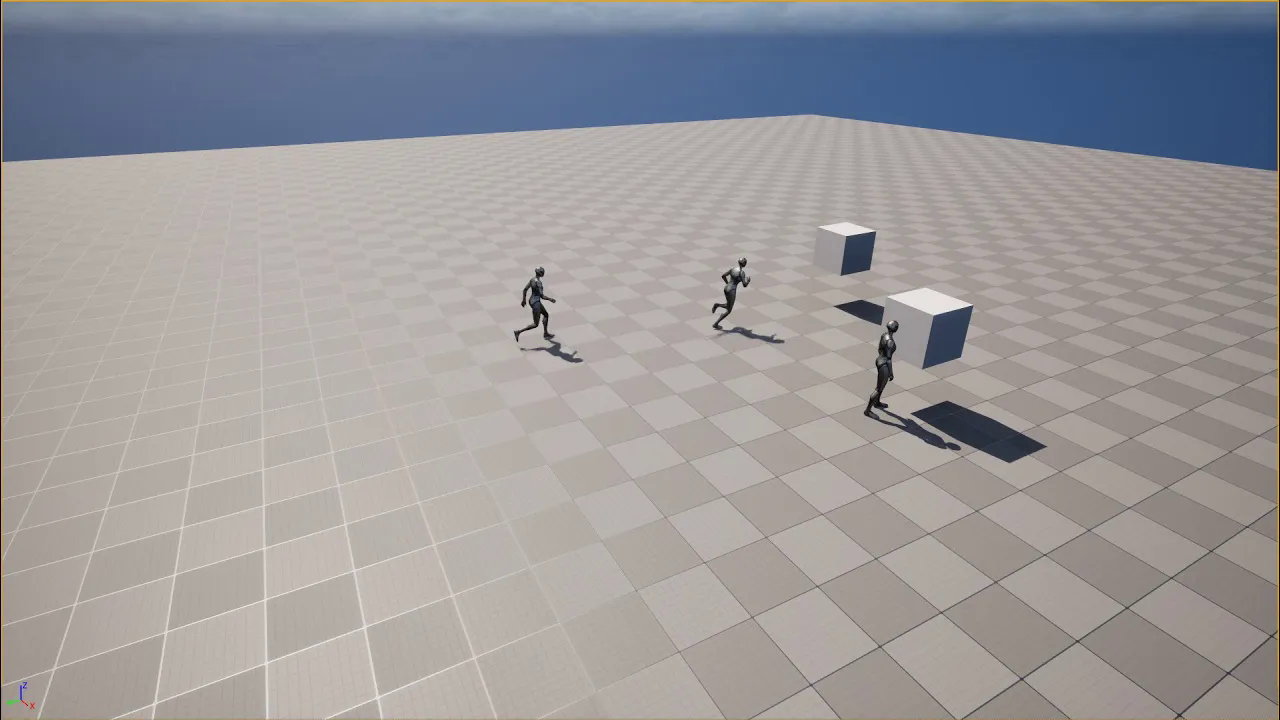
UE5 # Move to Location or Actor Without NavMesh (Subtitled)
에피소드 210
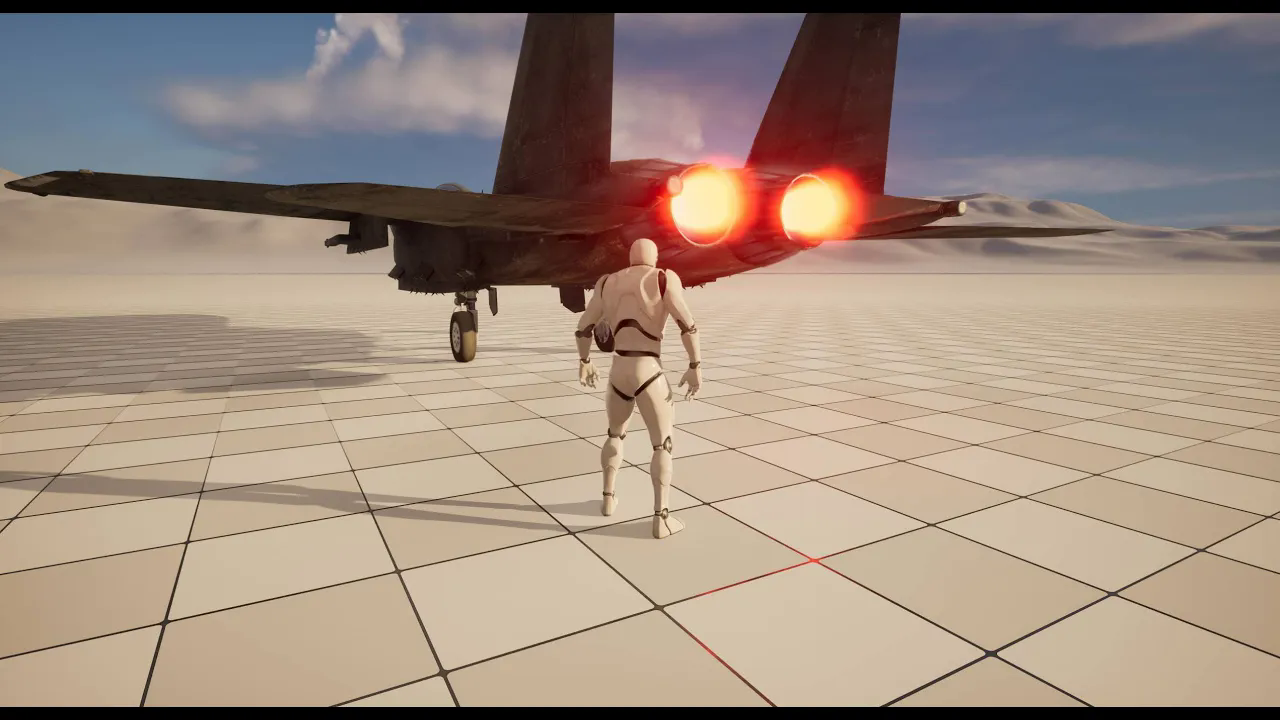
UE5 Niagara# Engine ignition and temperature effect for jet aircraft
에피소드 21
UE5.5 - Sequence Playback with Widget Slider Soft or Sharp Transition (Subtitled)
에피소드 209
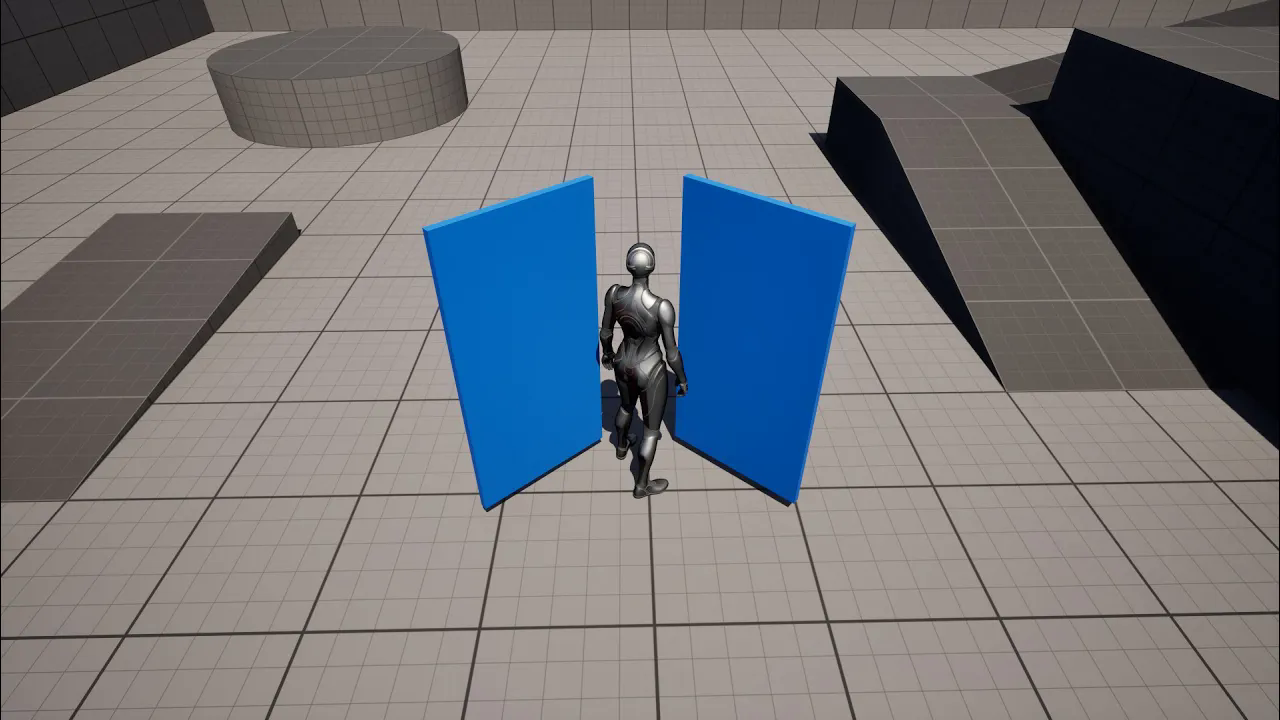
Unreal 5 - Opening the door using physics (Physics Control and Physics Constraint) (Subtitle)
에피소드 208
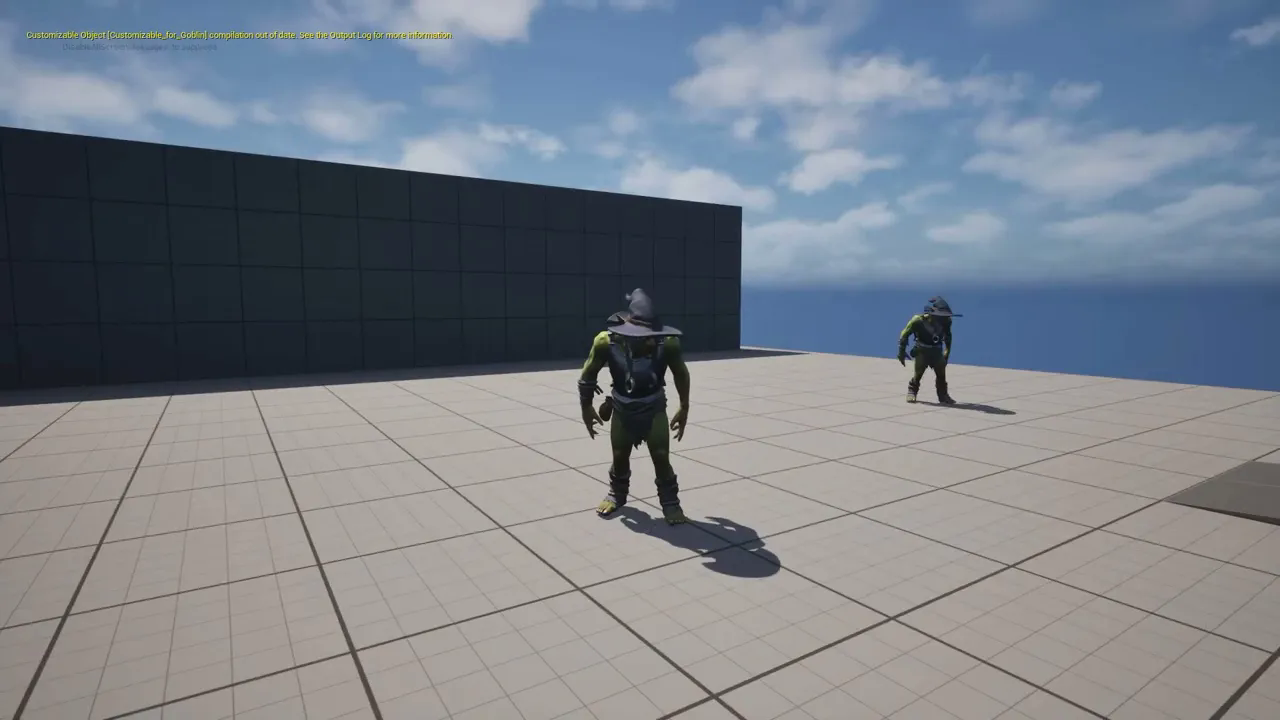
UE5.5 - Mutable Part 2 - Change player character mesh by hiding parent character's skin (Subtitle)
에피소드 207
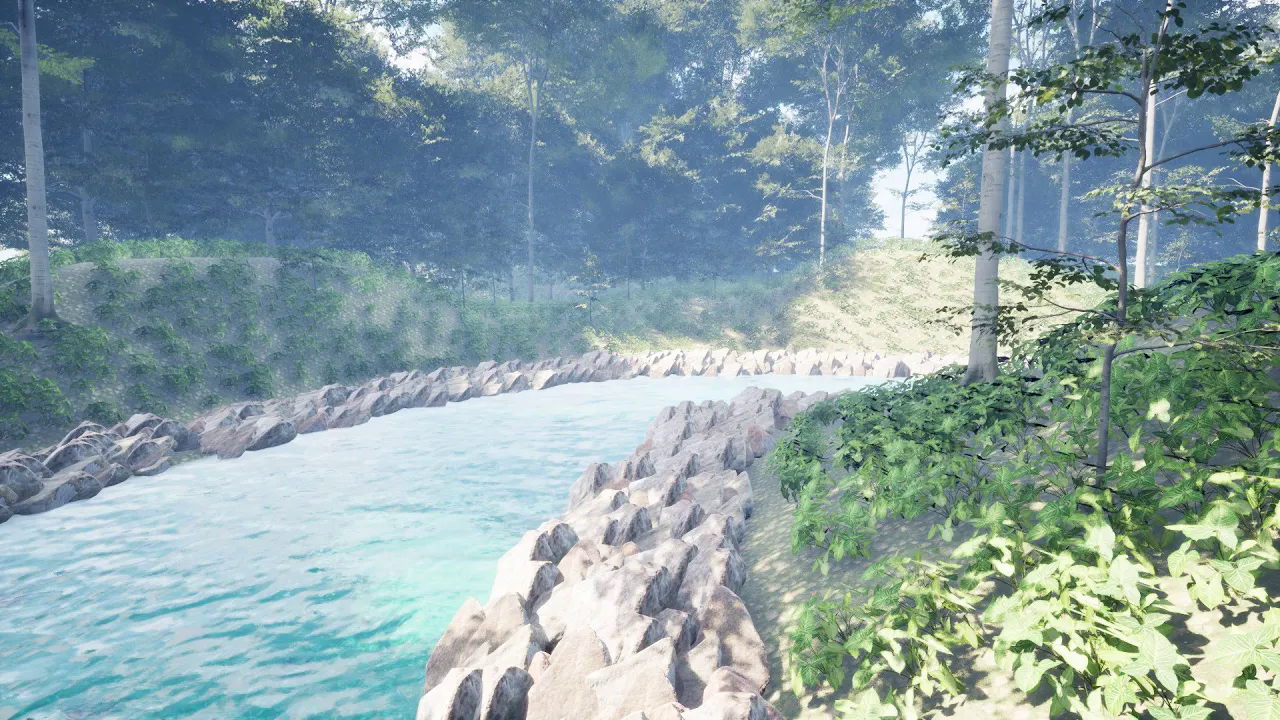
UE5.5 - Procedural Content (PCG) and water interaction - (Subtitled)
에피소드 206
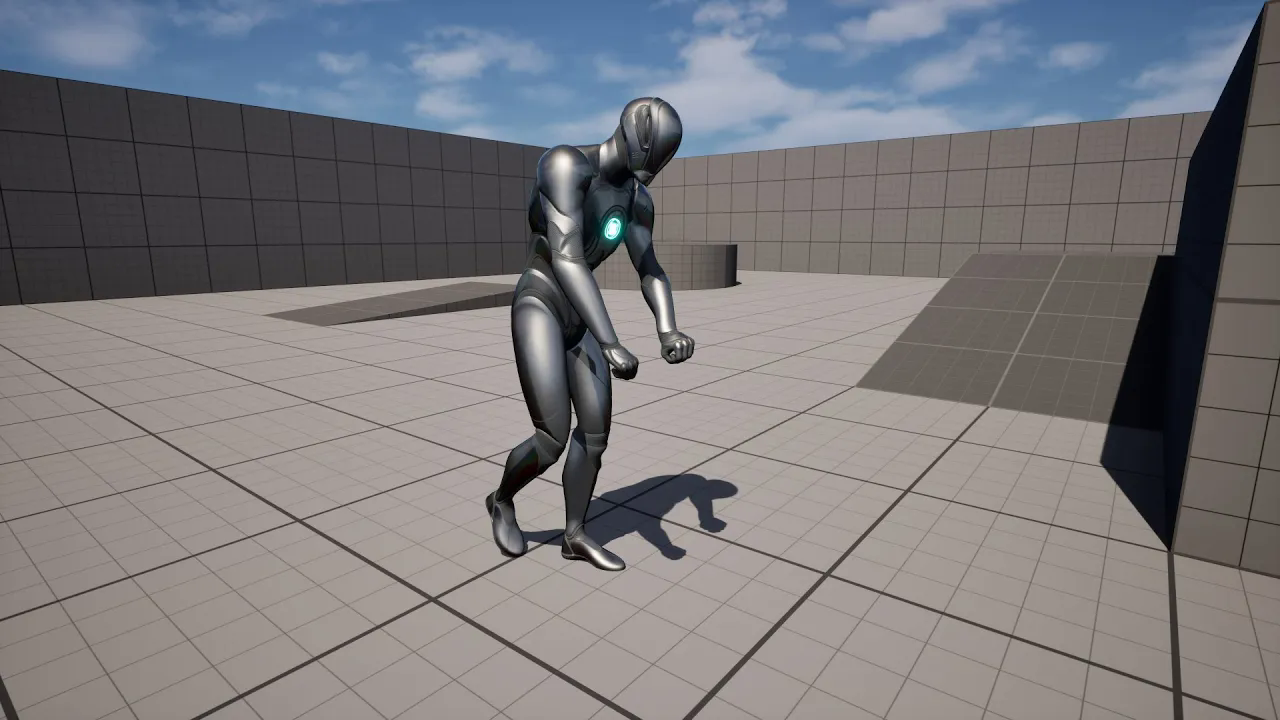
Unreal - iClone, Let's animate the UE5 mannequin with iClone Live Link. (Subtitle)
에피소드 205
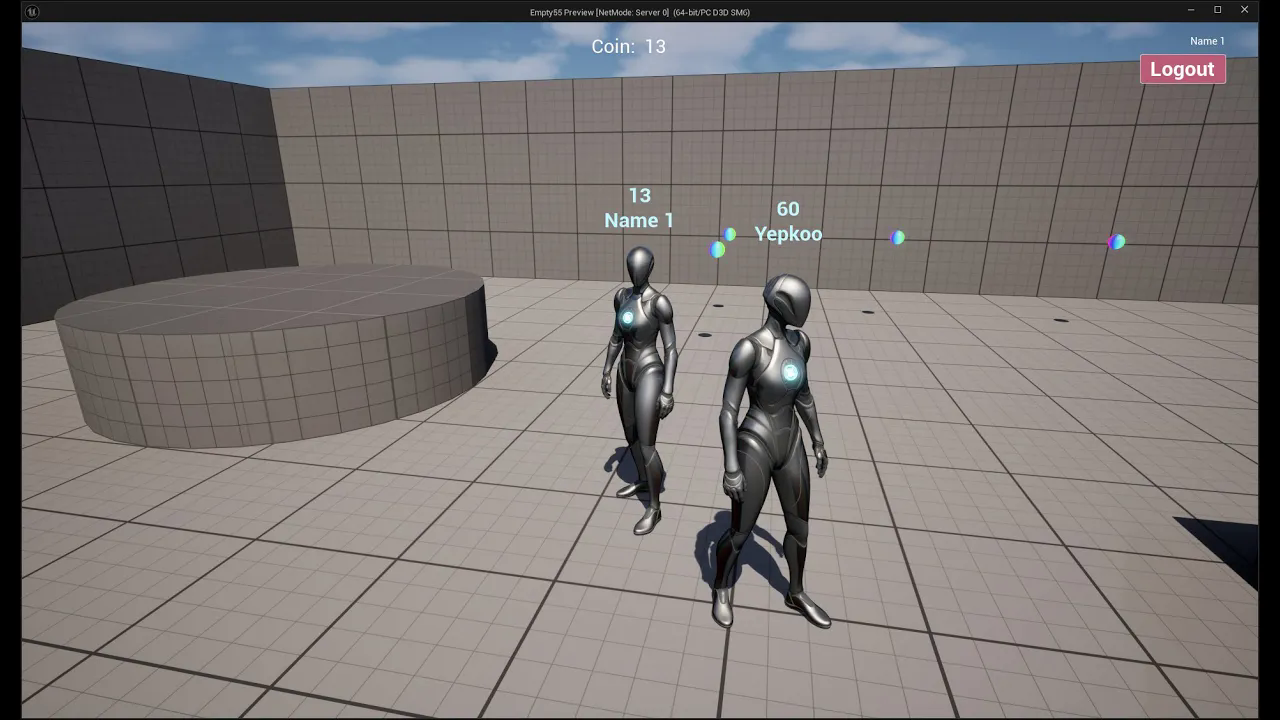
UE5 - Http Blueprint - Using mysql with Http Request, multiplayer login and adding coins (Subtitle)
에피소드 204
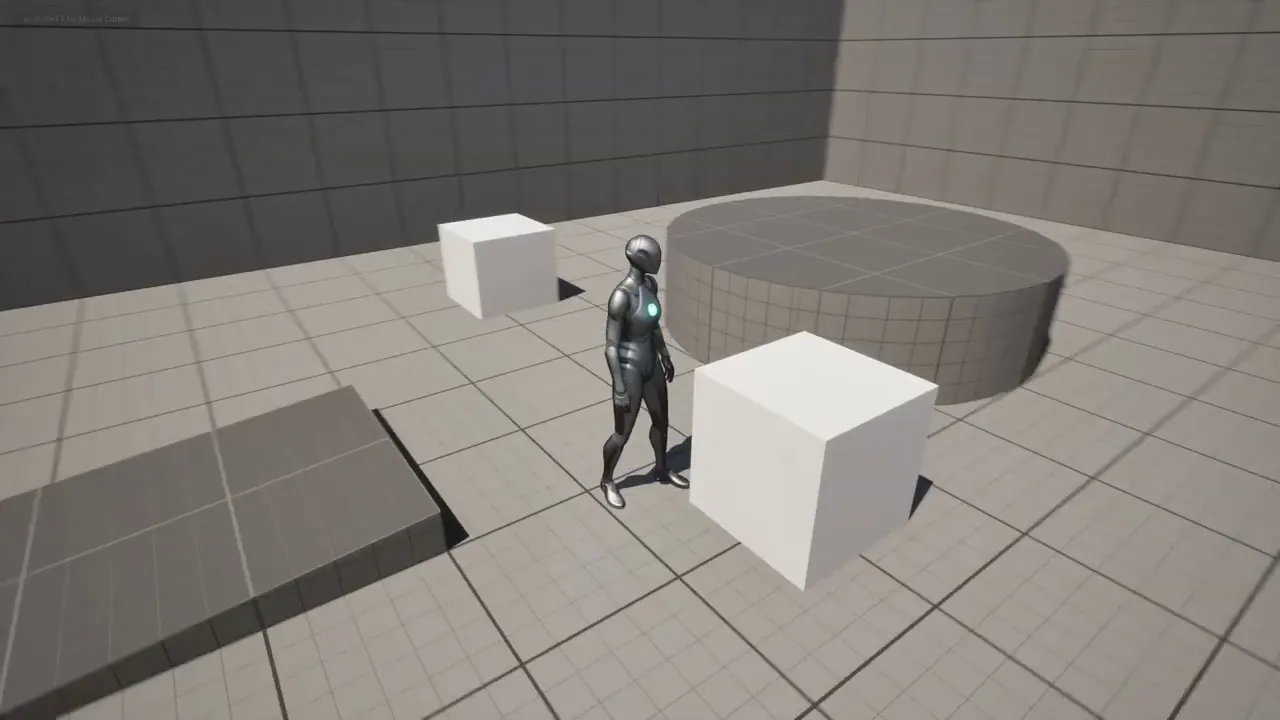
UE5 - In-game Voice notifications with Text to Speech (Subtitle)
에피소드 203
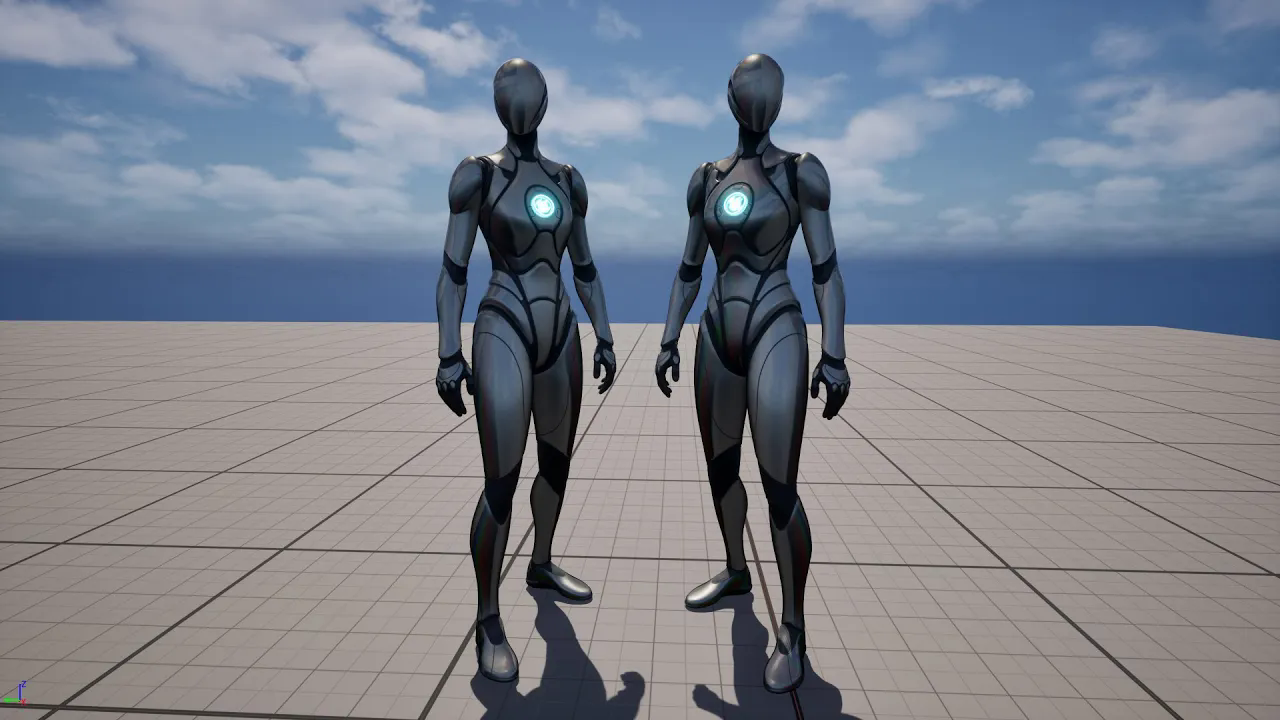
Unreal 5 - Mirror animations. (Subtitle)
에피소드 202
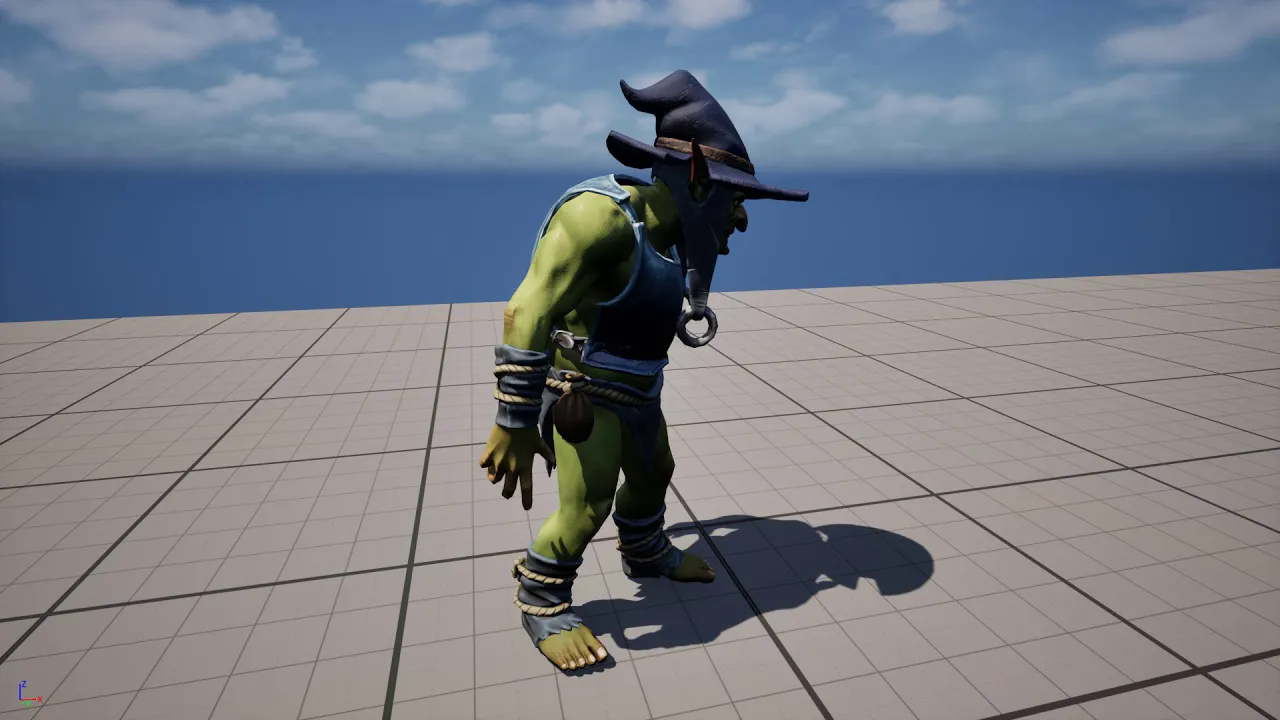
UE5.5 Mutable - Customizable character with Mutable plugin, make changes with blueprint. (Subtitle)
에피소드 201
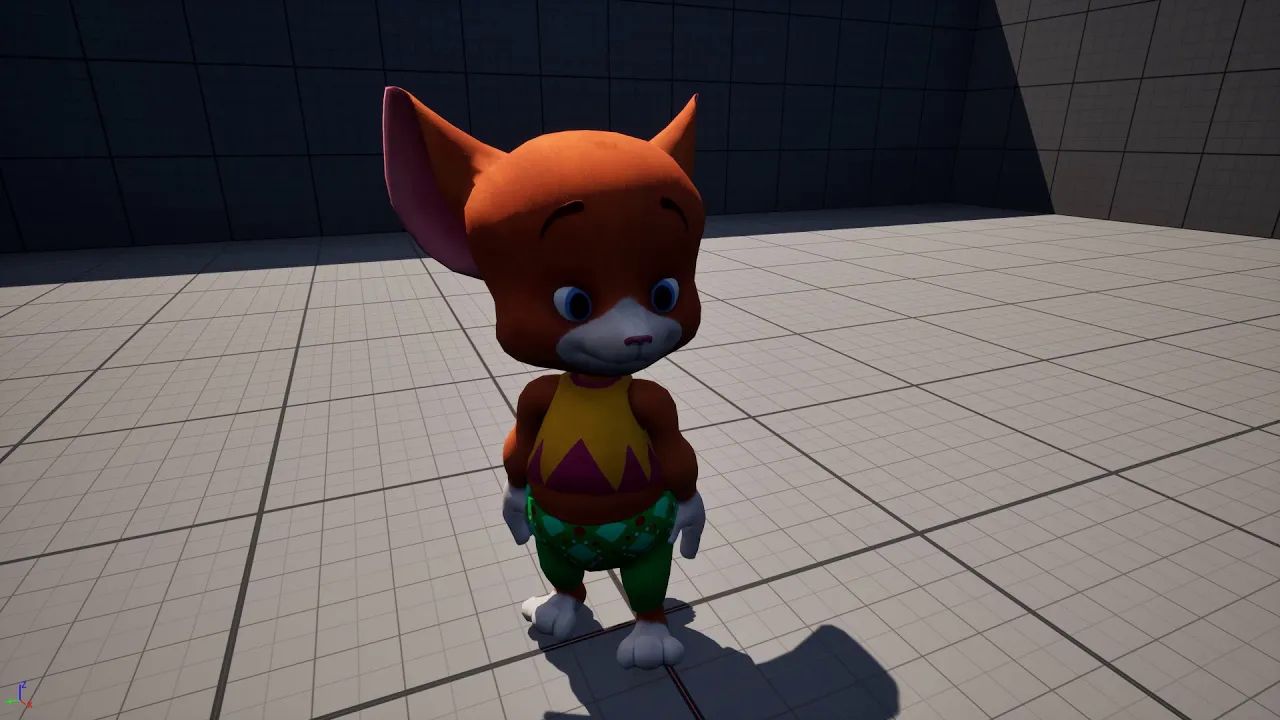
UE5.5 - Fast auto retarget Mixamo to UE5 mannequin. (Subtitle)
에피소드 200
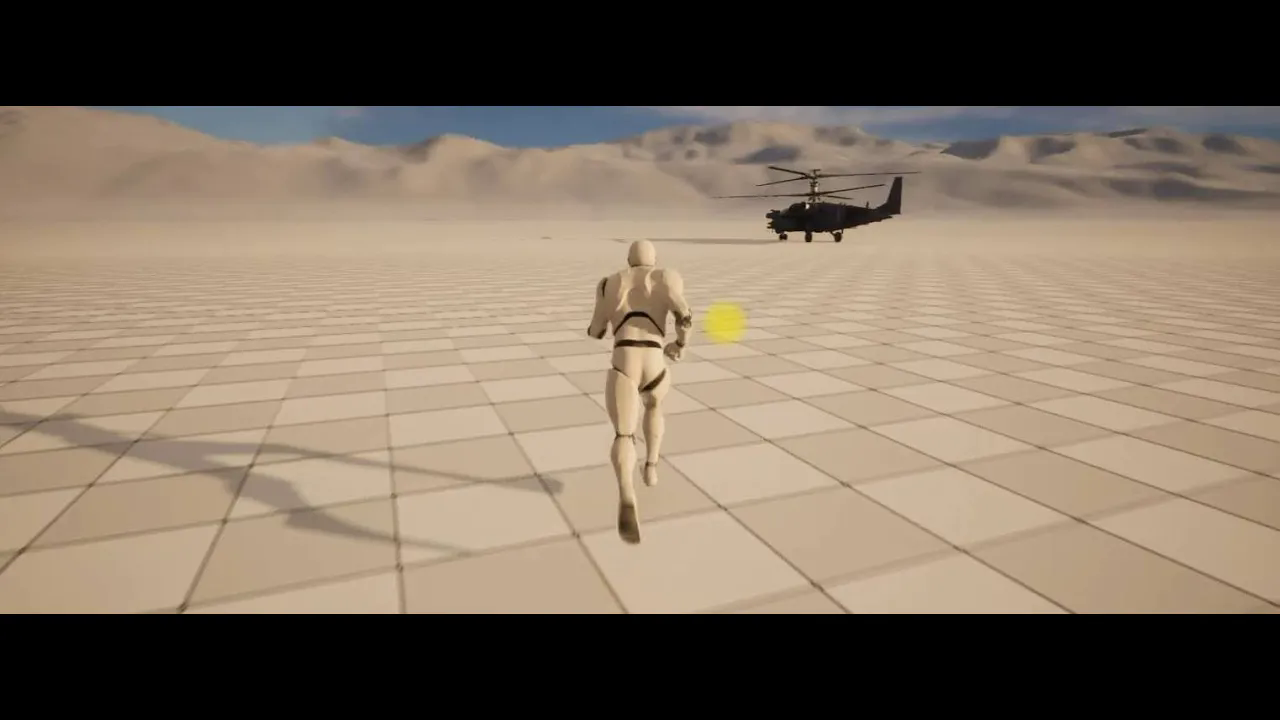
UE5 Niagara Applying Desert Temperature Effect
에피소드 20
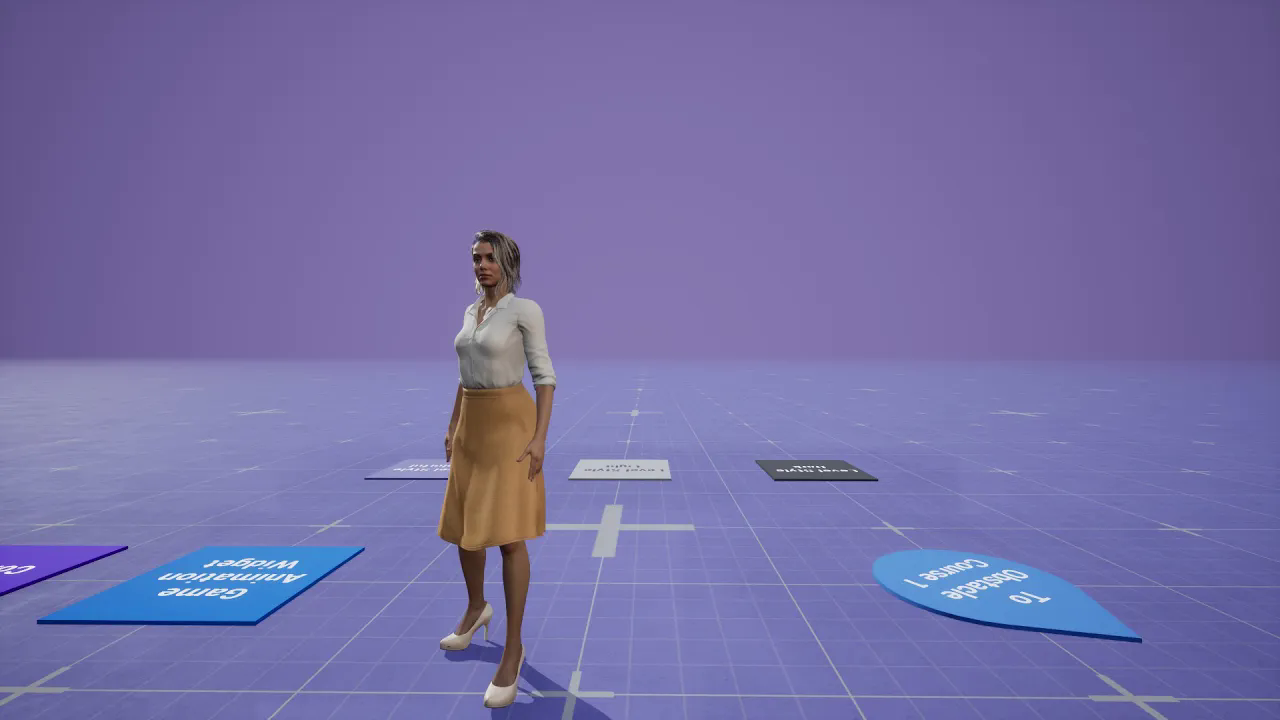
UE5.5 - Let's add a CC4 character to the Game Animation Sample characters. (Subtitle)
에피소드 199
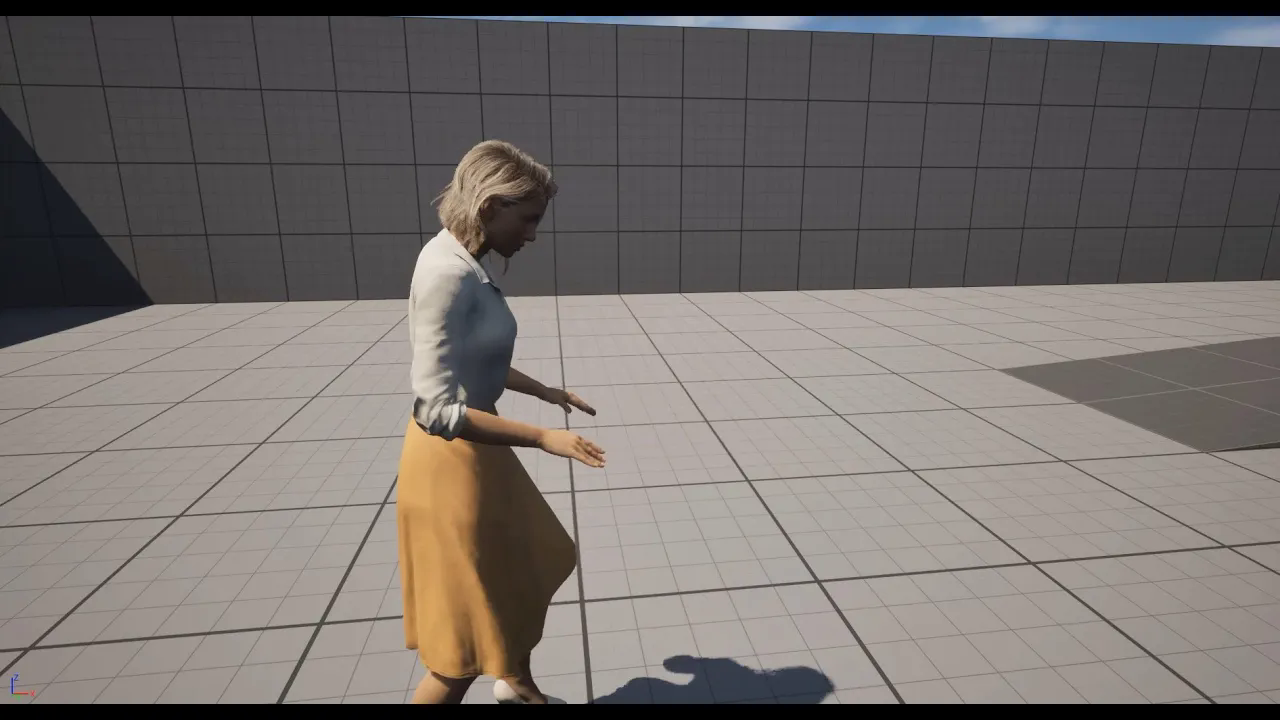
UE5.5 - CC4 to UE5 and UE4 mannequins auto fast Retargeting - Character Creator 4 to UE5 (Subtitle)
에피소드 198
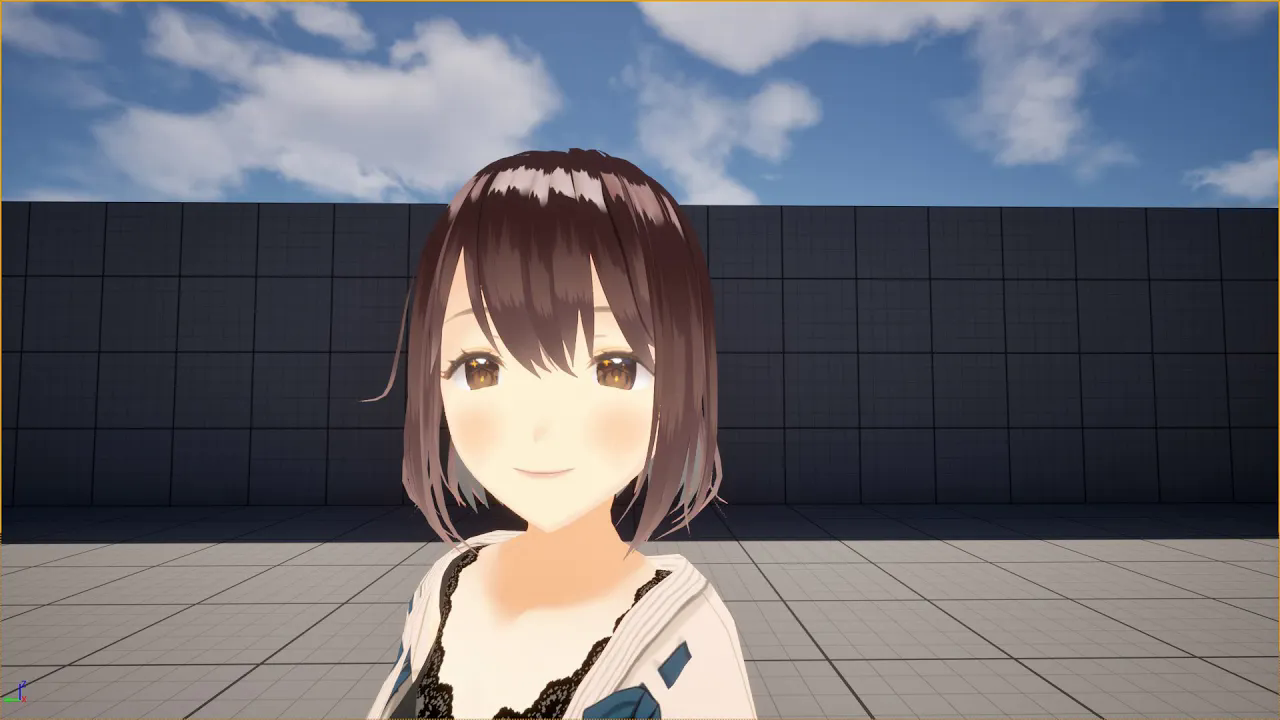
UE 5.5 - Vroid Anime morphs, add wink and happiness - Using morphs with Timeline in Unreal - Subtitle
에피소드 197
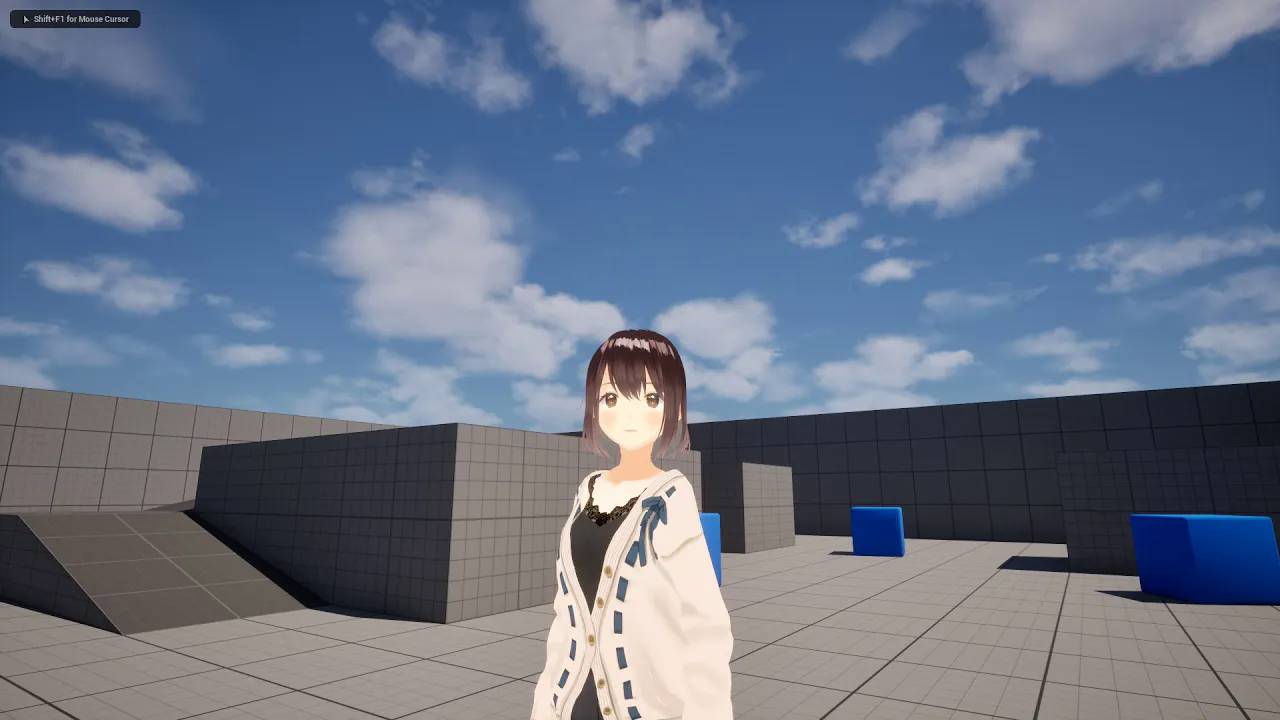
UE5.5 - Let's fast setup the Vroid anime character in Unreal and apply the animation. (Subtitled)
에피소드 196
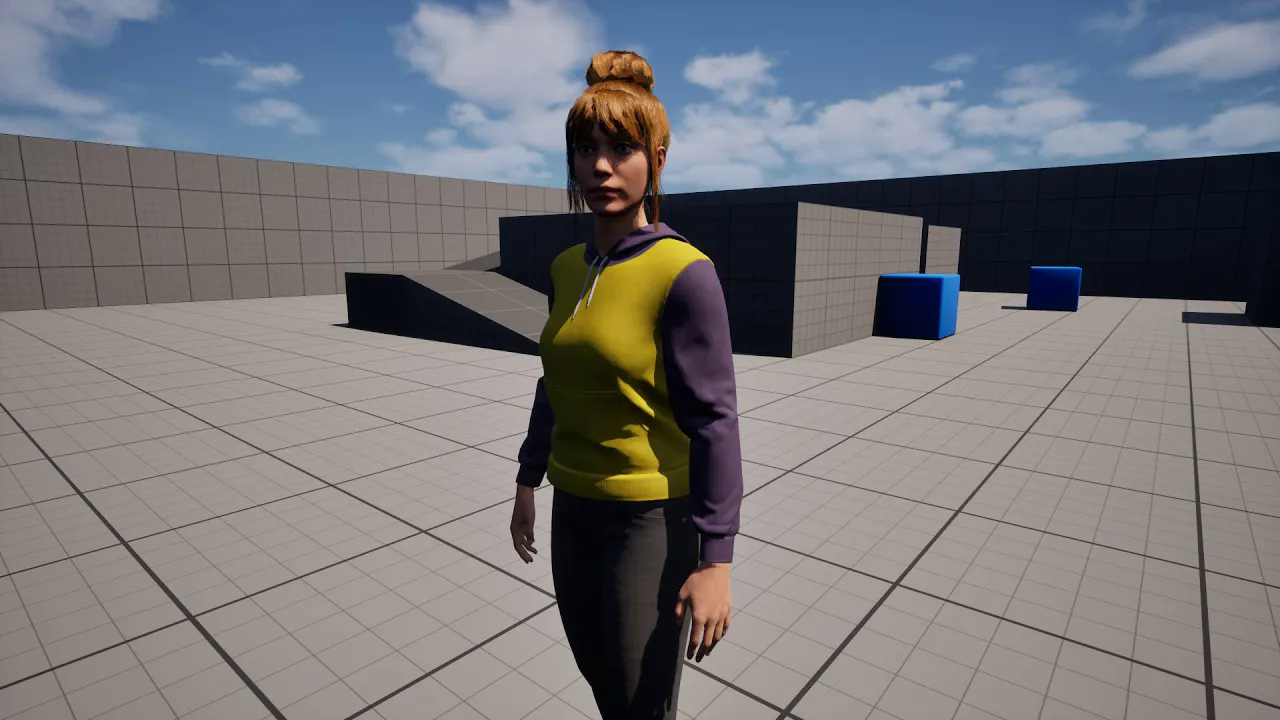
UE 5.5 Playable Metahuman Character (Method 2) - (Subtitle)
에피소드 195
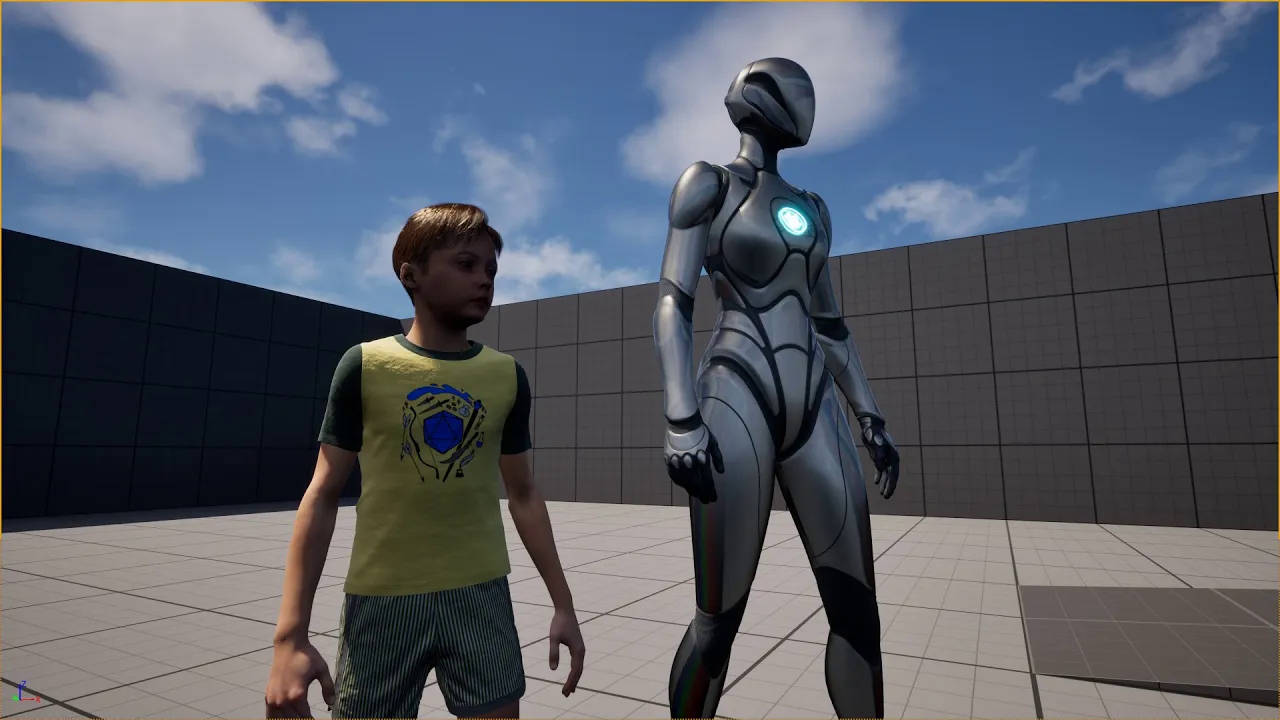
UE 5.5 Playable Metahuman (Method 1) - Let's make our Metahuman child character playable. (Subtitle)
에피소드 194
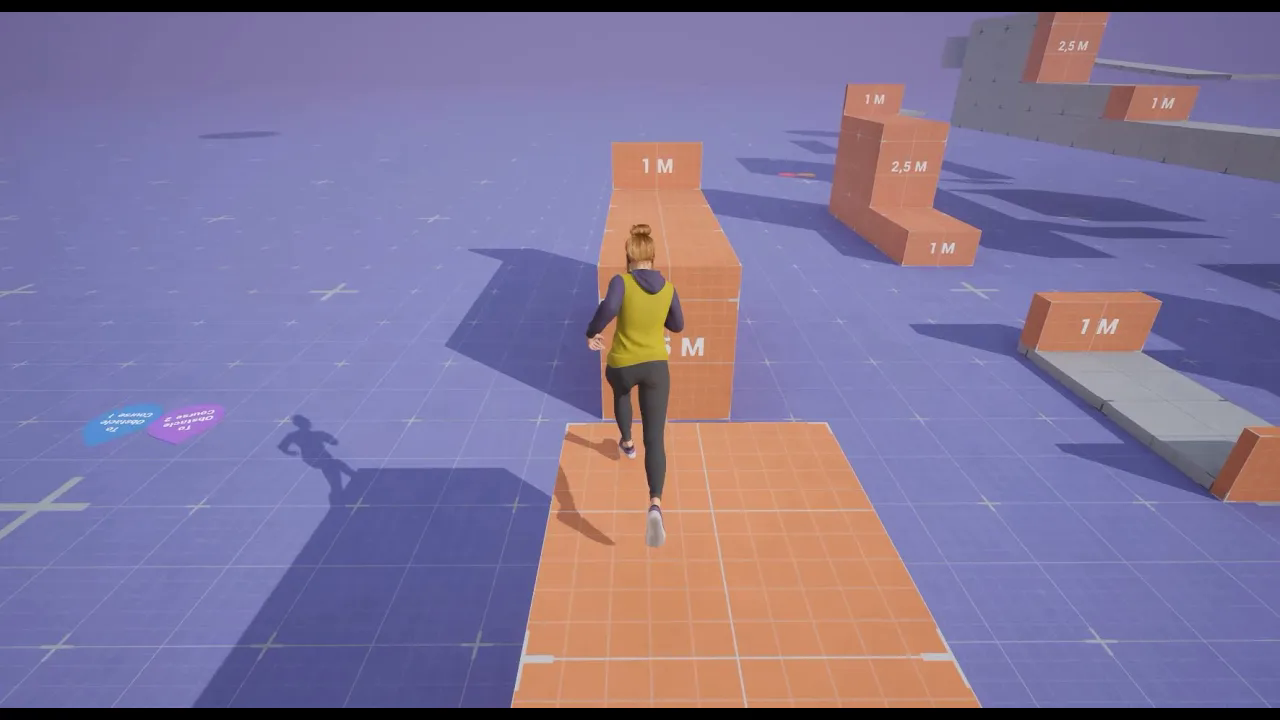
Unreal 5.5 - Adding a Metahuman character to Game Animation Sample (Subtitle)
에피소드 193
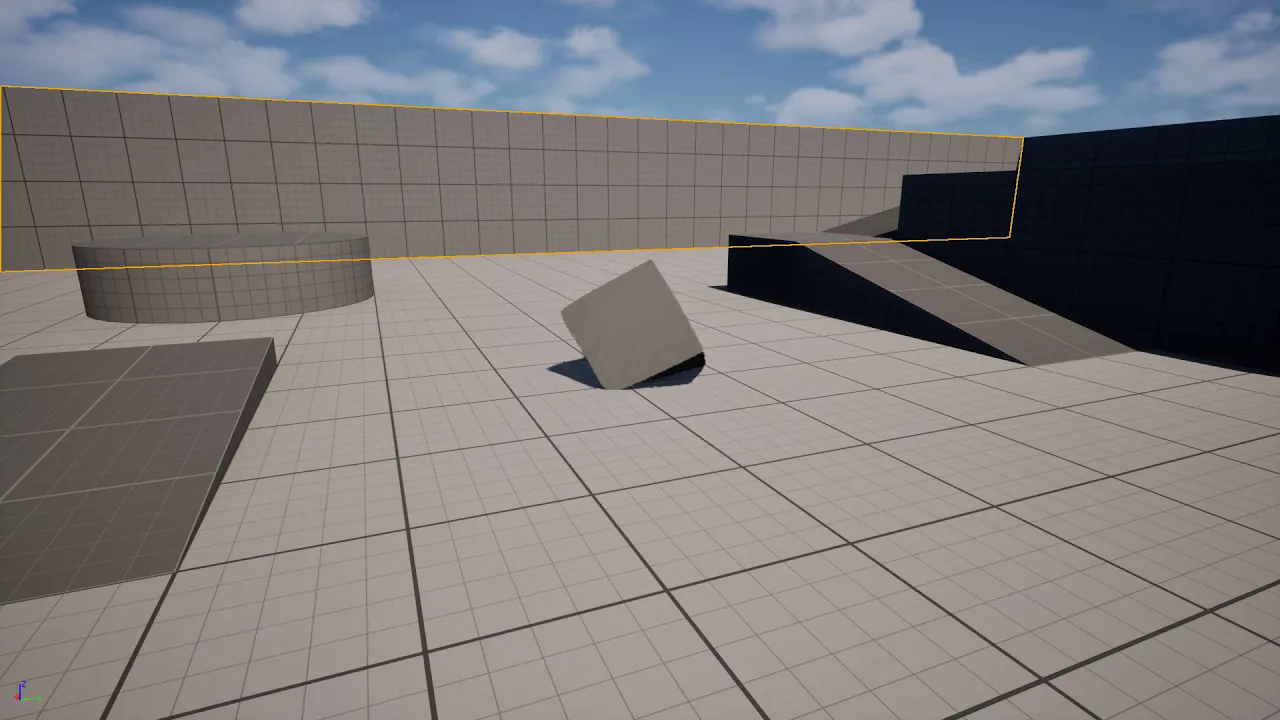
UE 5.5 - Chaos Flesh Basic (Nodes that have been changed) - Subtitle
에피소드 192
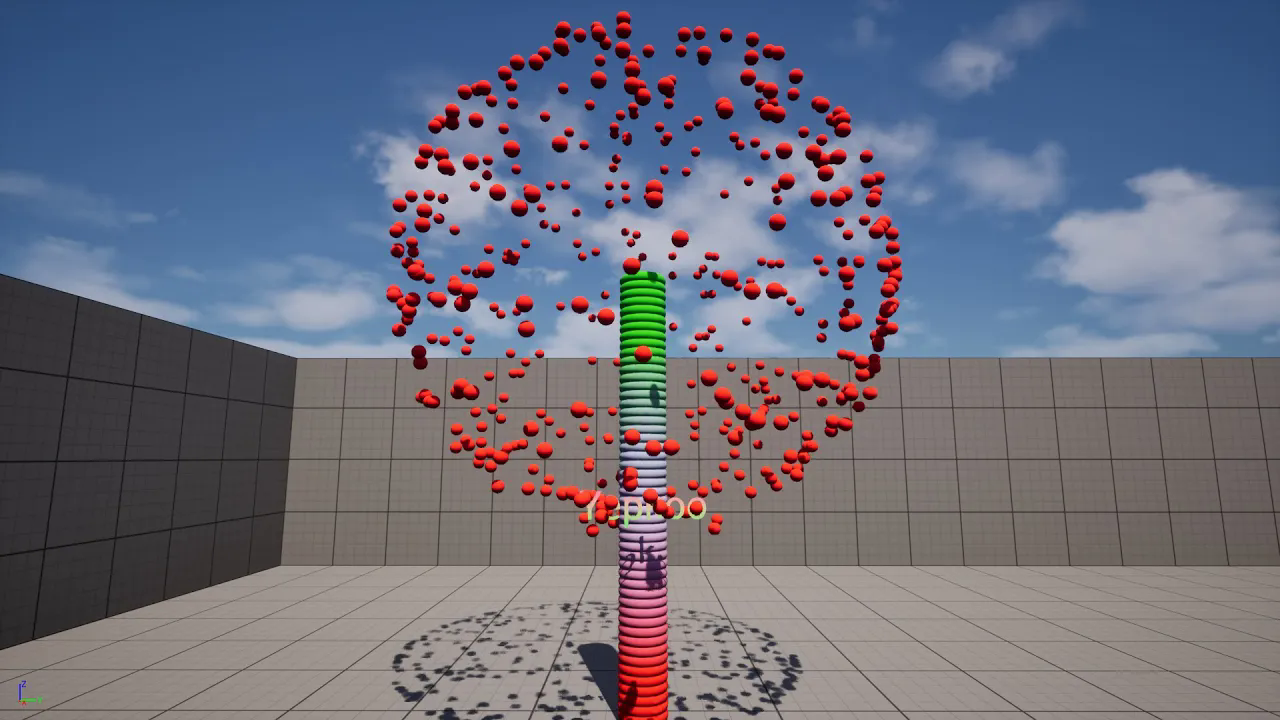
UE 5.5 - Cloner, Effector, Motion Design, Visualize Color Effect, Push Effect, Text Effect (Subtitle)
에피소드 191
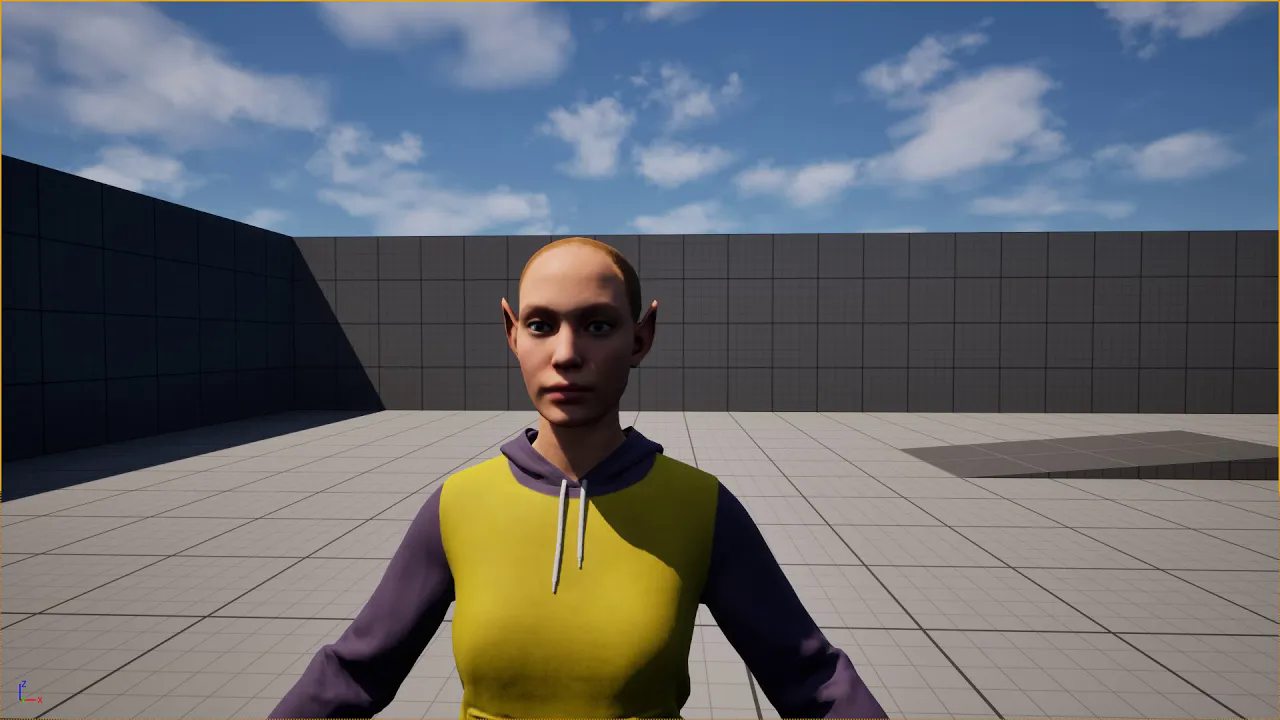
UE 5.5 - Metahuman Elf Ear with Animation Deformers. (Subtitle)
에피소드 190
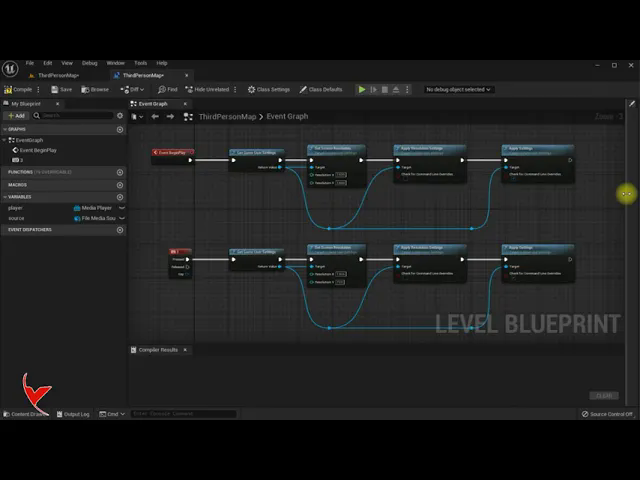
Changing the screen resolution for UE5 (UE5) and UE4
에피소드 19
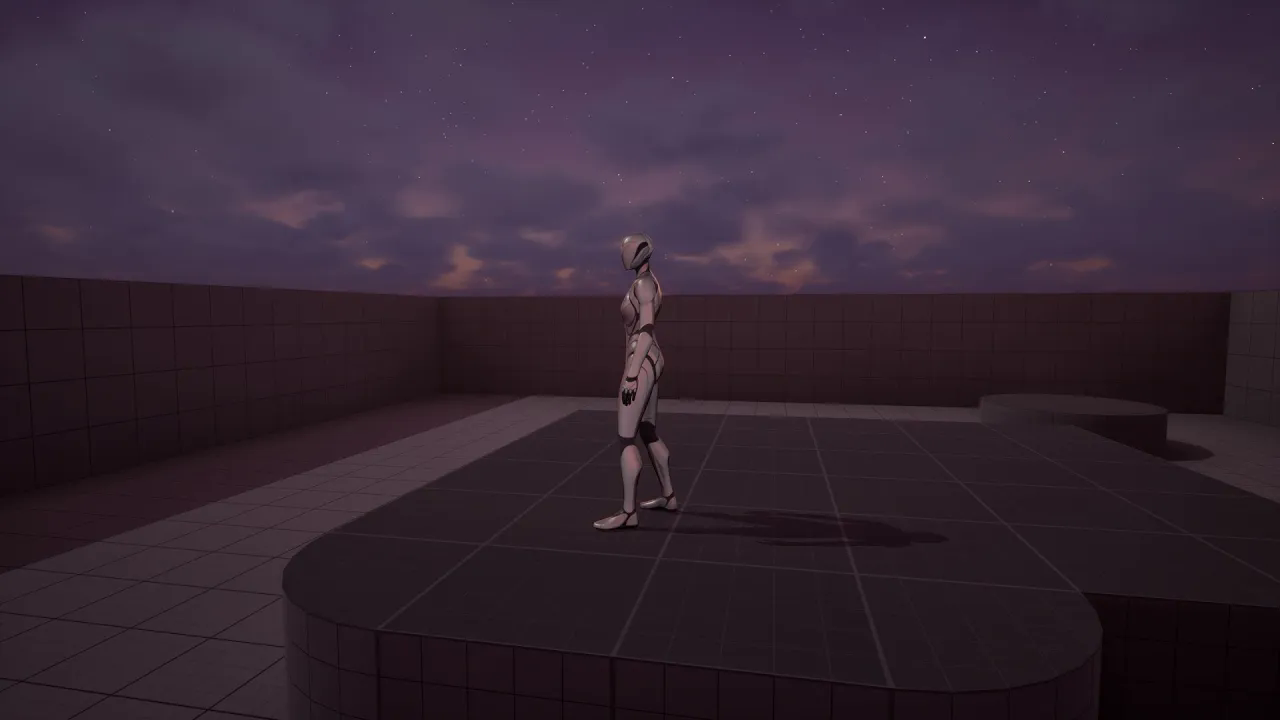
UE 5.5 - Day Sequence Plugin Test (Subtitle)
에피소드 189
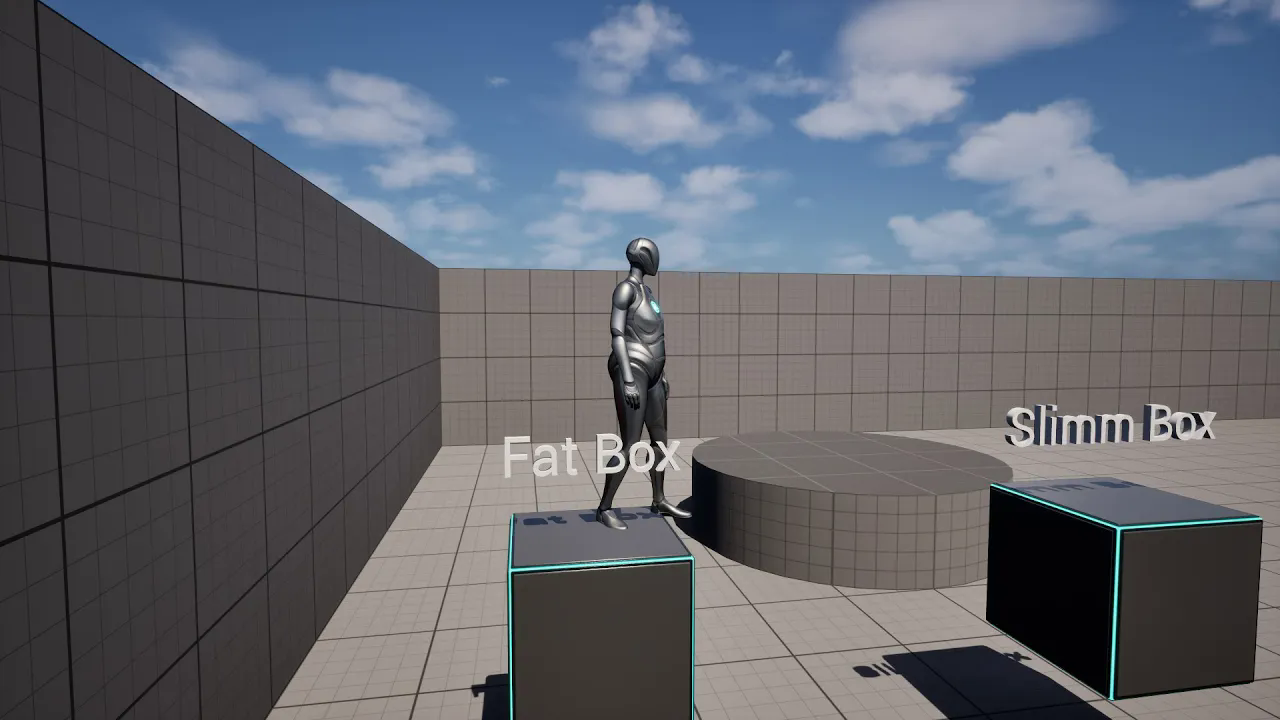
UE 5.5 - Animate deformers Sequencer. Create a fattening and slimming character animation (Subtitle)
에피소드 188
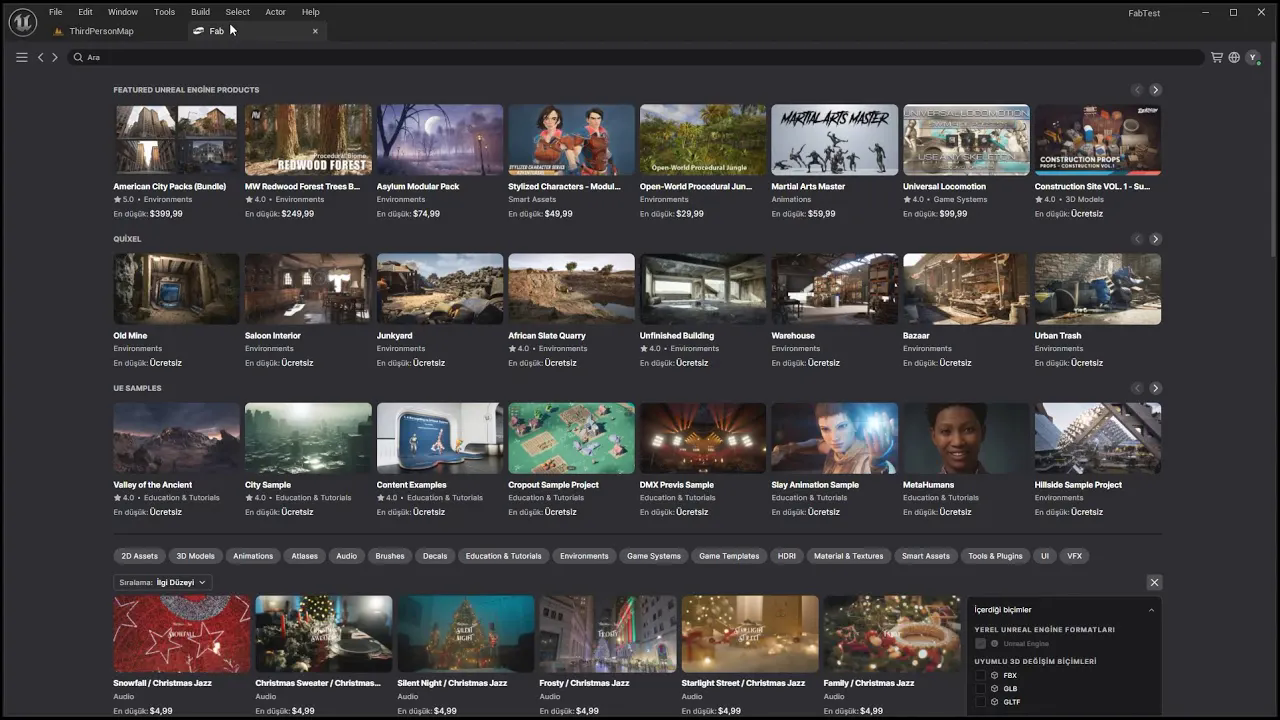
UE Fab Plugin installation and usage (Subtitle)
에피소드 187
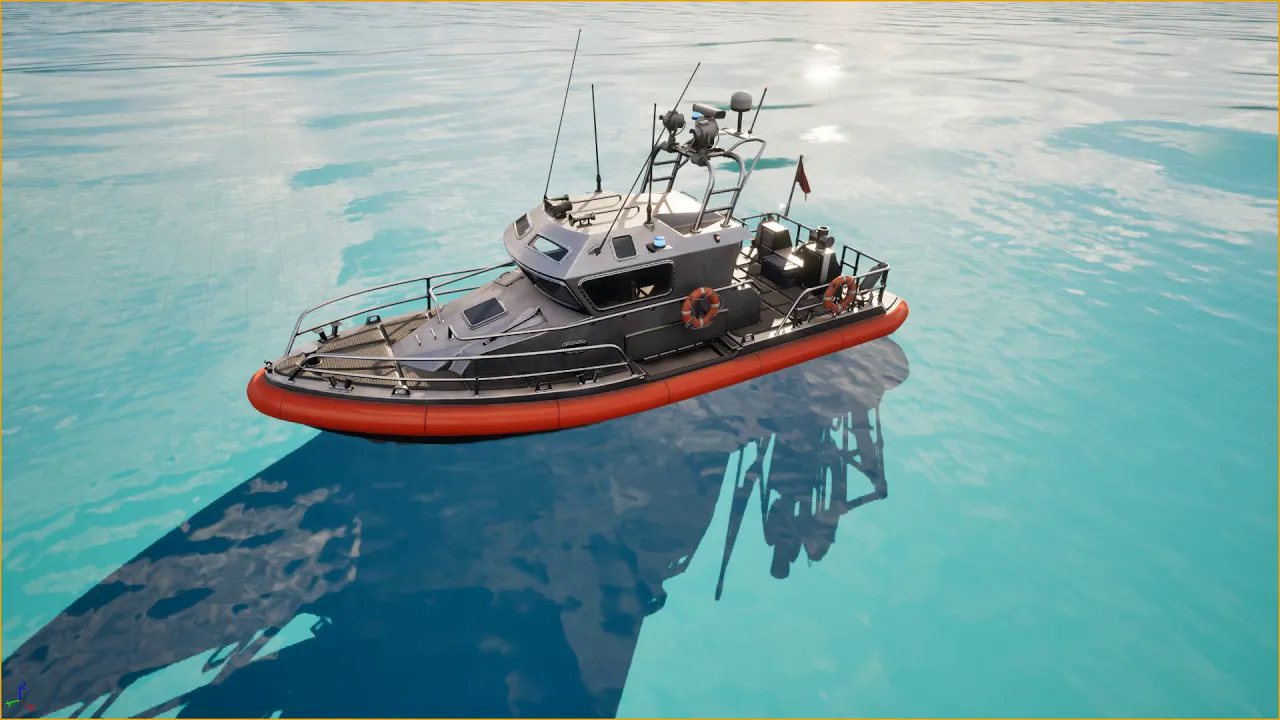
UE5 Water - Ocean, River, Lake, Island creation. Let's test the buoyancy by adding a boat (Subtitle)
에피소드 186
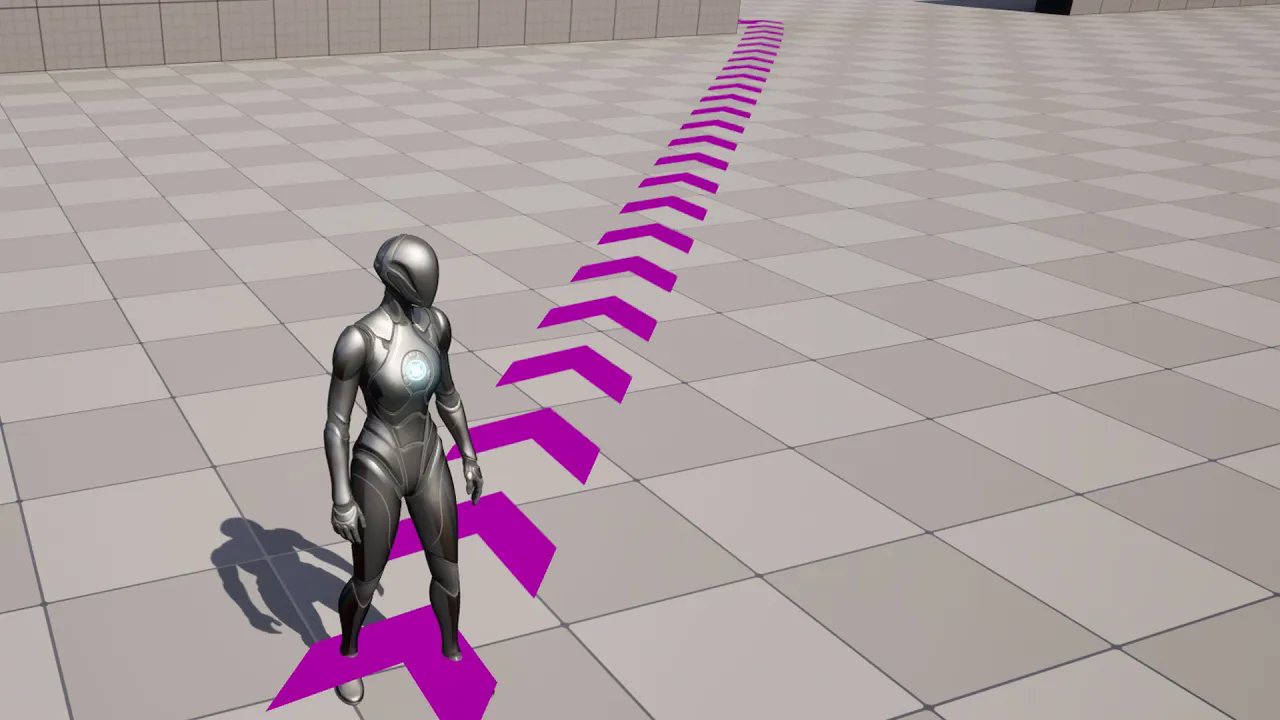
UE5.4 - Let's create an animated Navigation Path with Cloner and Motion Designer plugins. (Subtitle)
에피소드 185
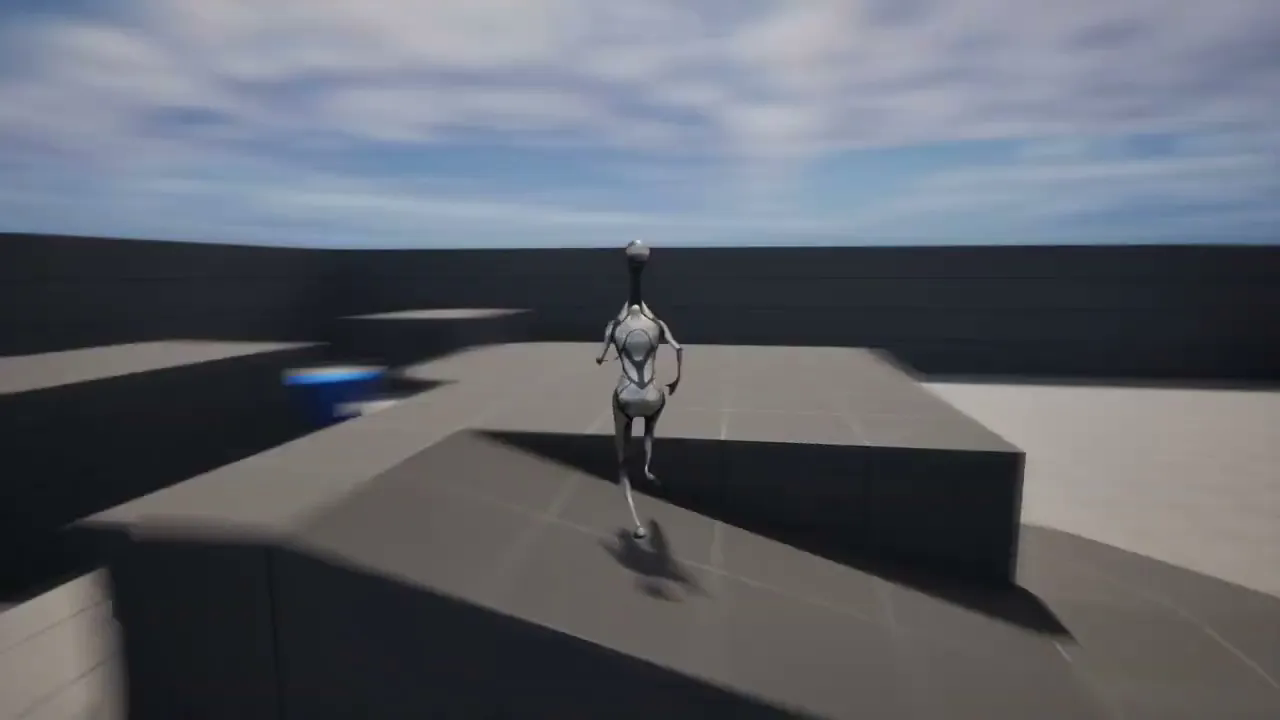
UE5.4 New - Skeletal Editor - Let's test it on Mannequin and Car skeleton. (Subtitle)
에피소드 184
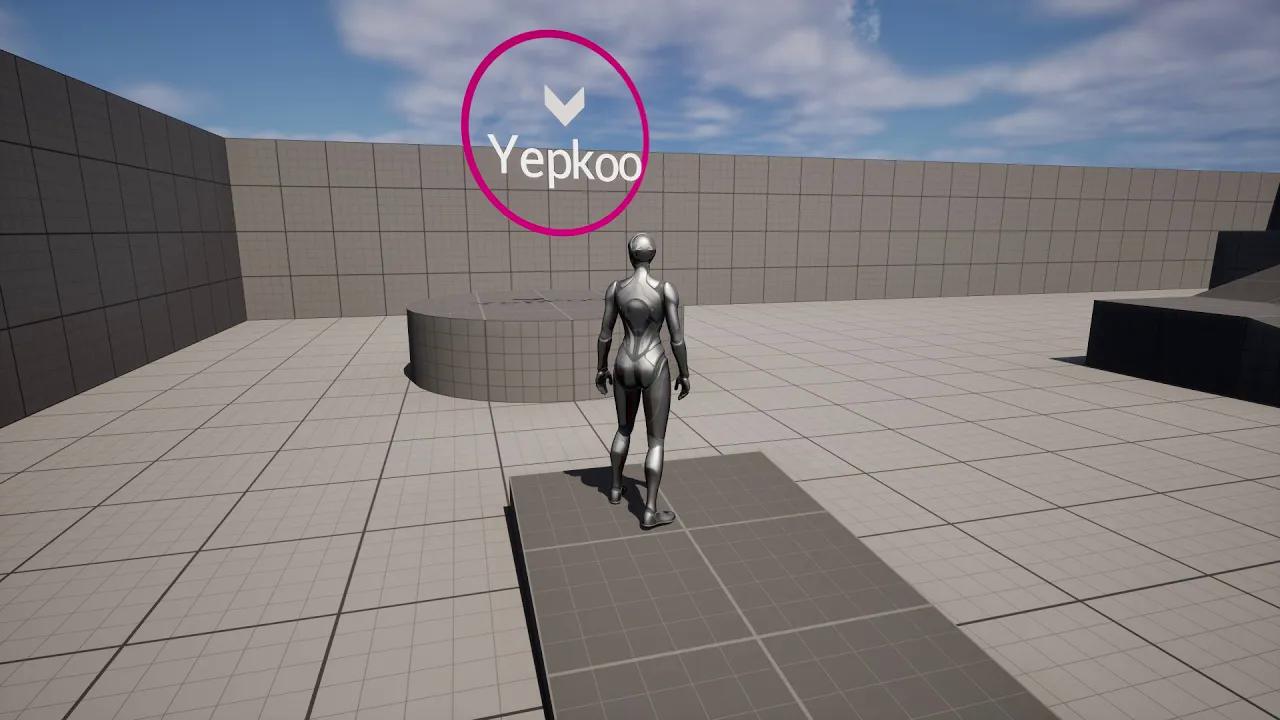
UE5.4 - 2D, 3D Primitives, Motion Design Let's add animated notification text to the scene (Subtitle)
에피소드 183
UE5.4 New # Material Designer and FX Layers - Let's make an animated Transparent logo. (Subtitle)
에피소드 182
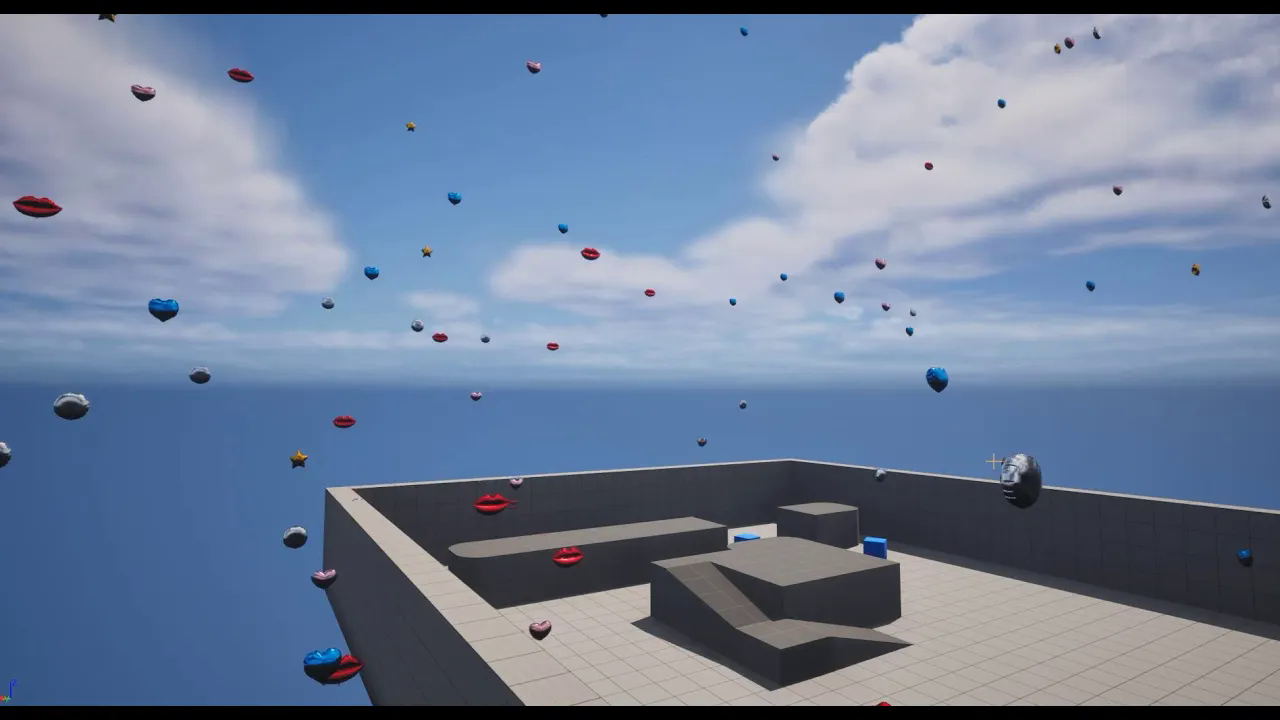
UE5.4 New feature# Cloners and Effector. Example, let's make it rain particles from the sky (SUB.)
에피소드 181
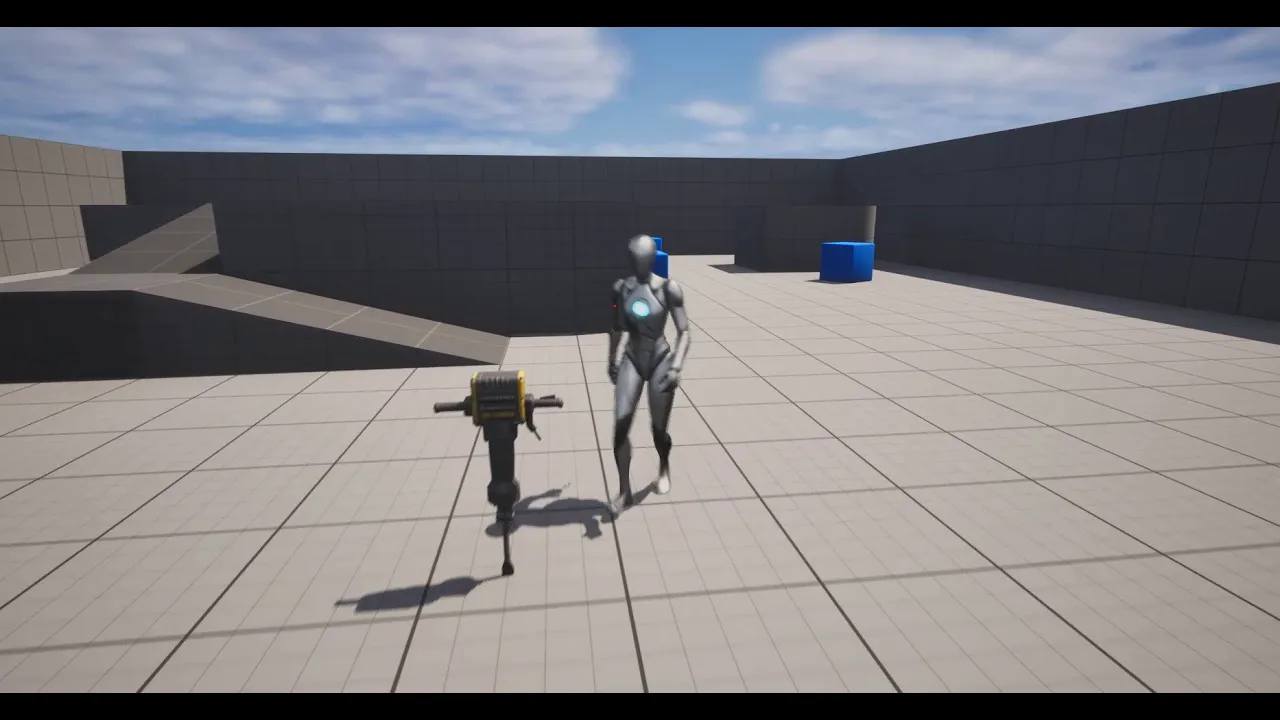
UE 5.4 Motion Design - Example# Let's make a Jack Hammer animation. (Subtitle)
에피소드 180
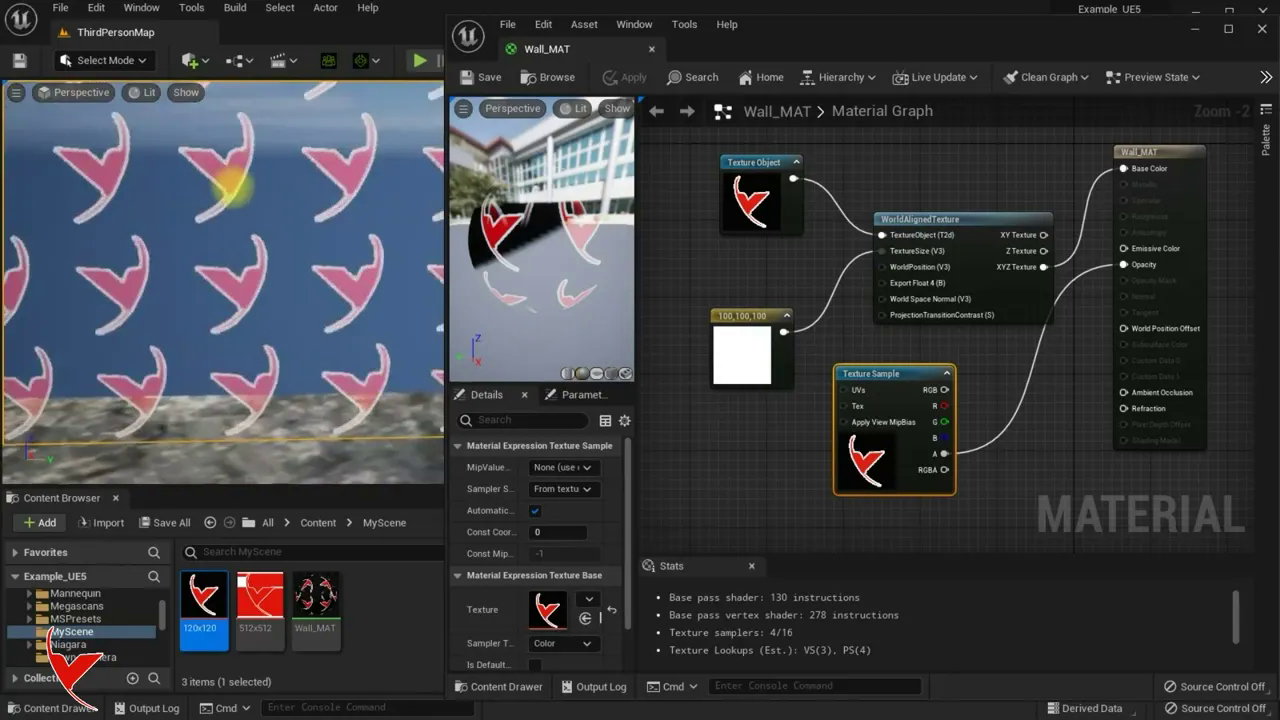
UE5 - Size and align the texture in the material (world alignment and size)
에피소드 18
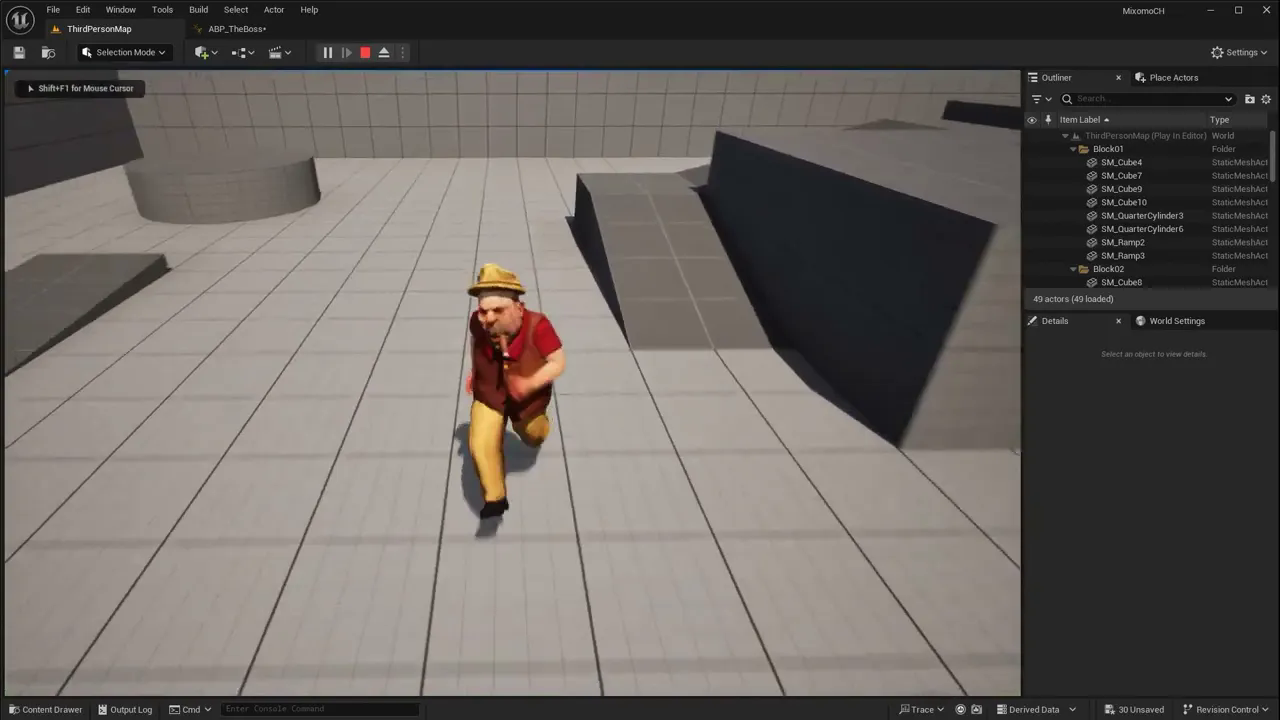
UE 5.4 Auto Retargeting - Example# Let's target the Mixamo character to the UE5 mannequin (Subtitle)
에피소드 179
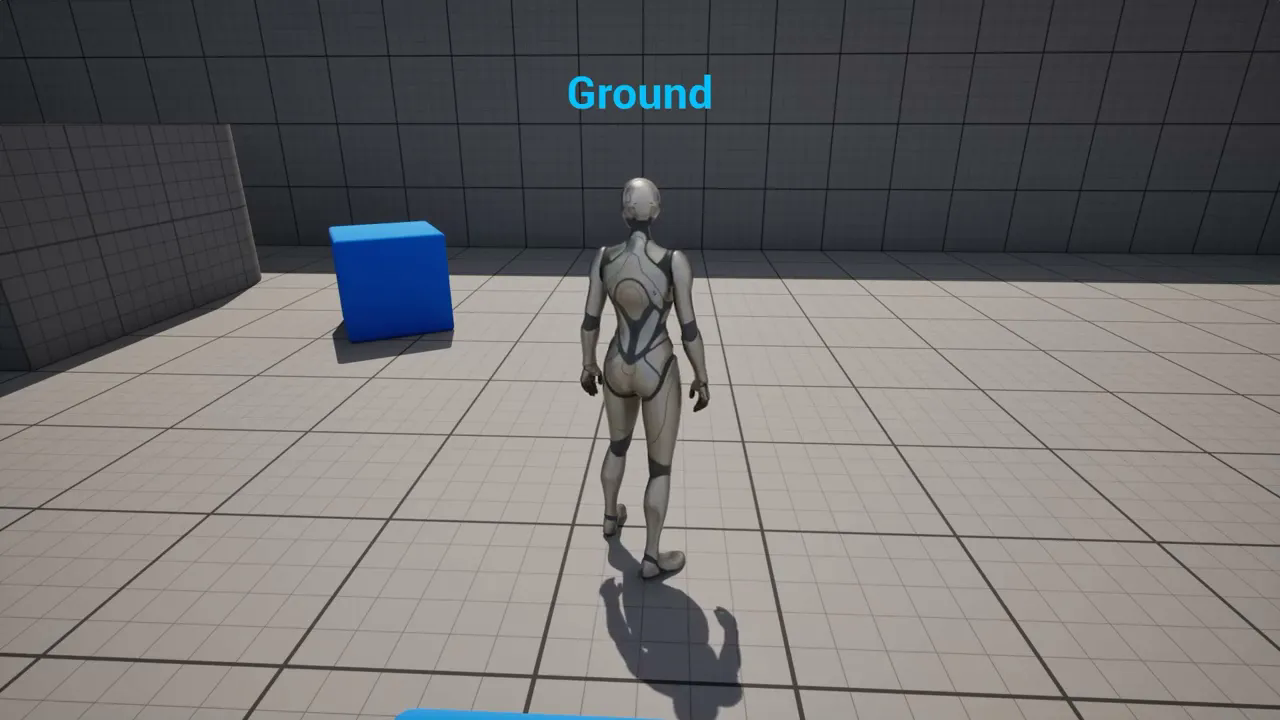
Unreal - For new users, #Jump - Falling - Ground# detect without looping with Tick event (Subtitle)
에피소드 178
UE5 - Using Image button and animation in User widget (Subtitle)
에피소드 177
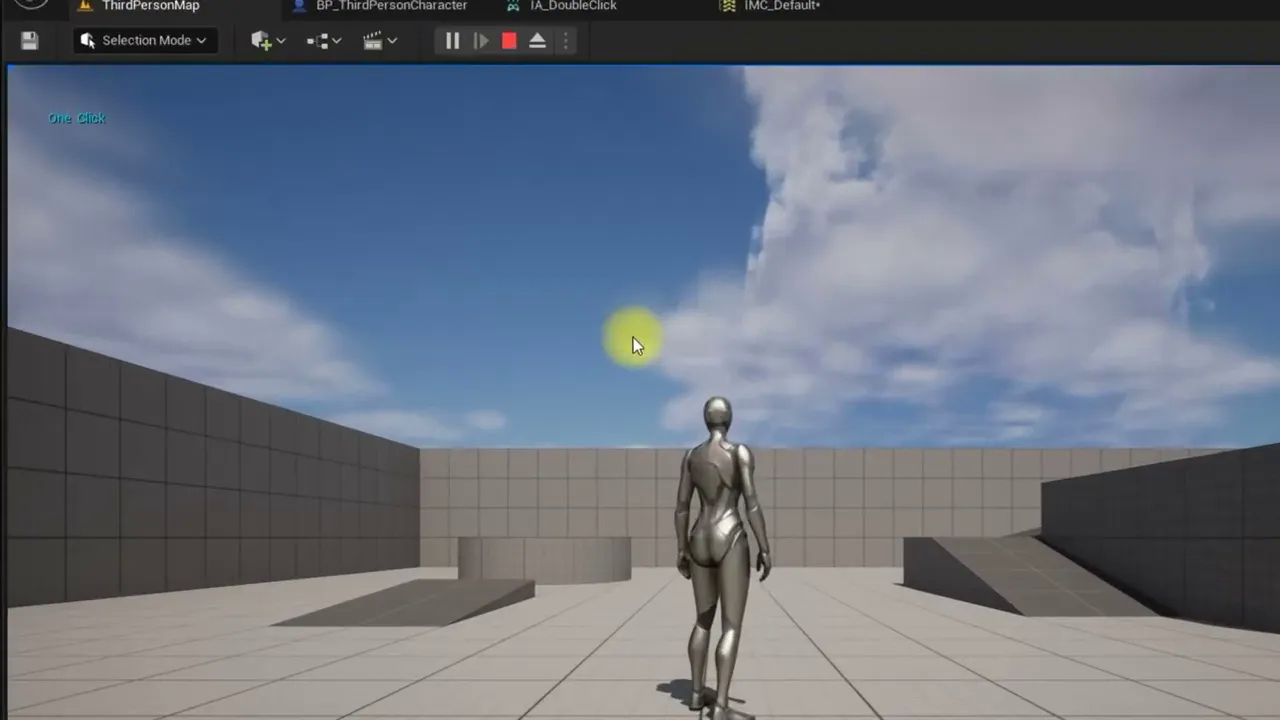
UE5 - Double and Single click. Hold the mouse for a long time (Subtitle)
에피소드 176
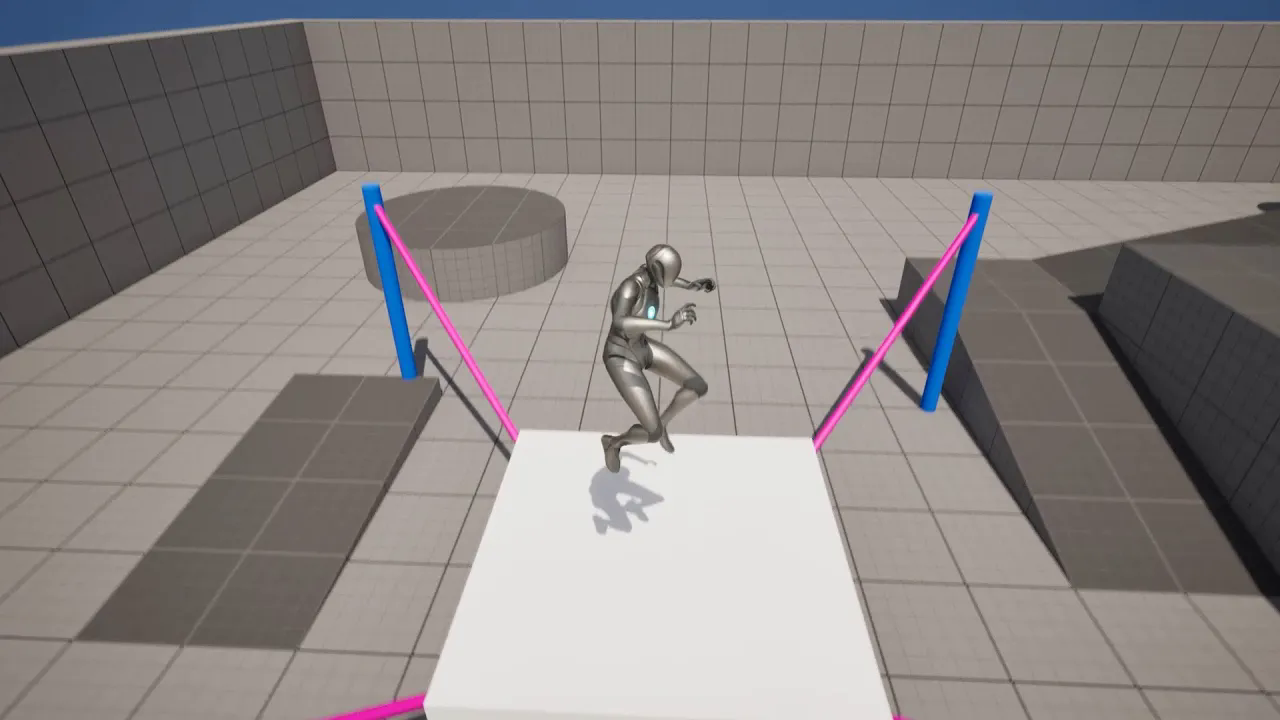
UE5.2 - Trampoline - Let's create a Trampoline using Physics Control and Physics Constraint (Subtitle)
에피소드 175
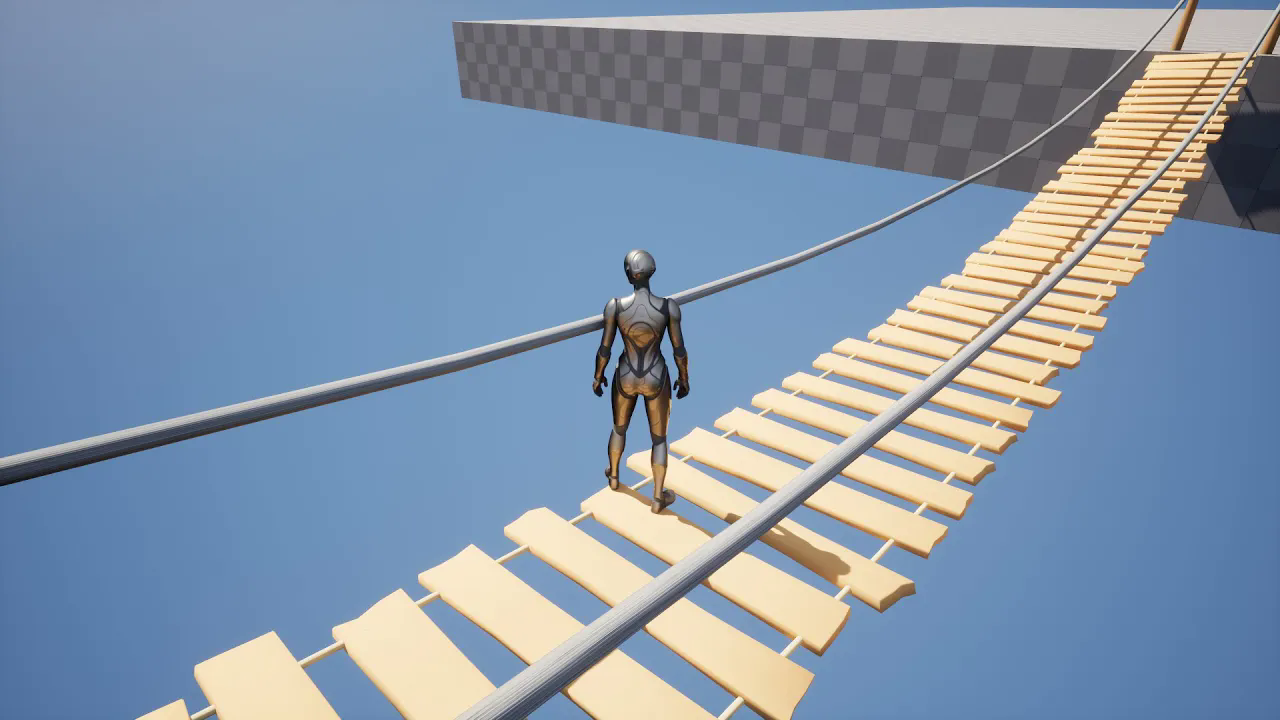
UE5.2 - Physics Control Component - Let's make a swinging rope bridge. (Subtitle)
에피소드 174
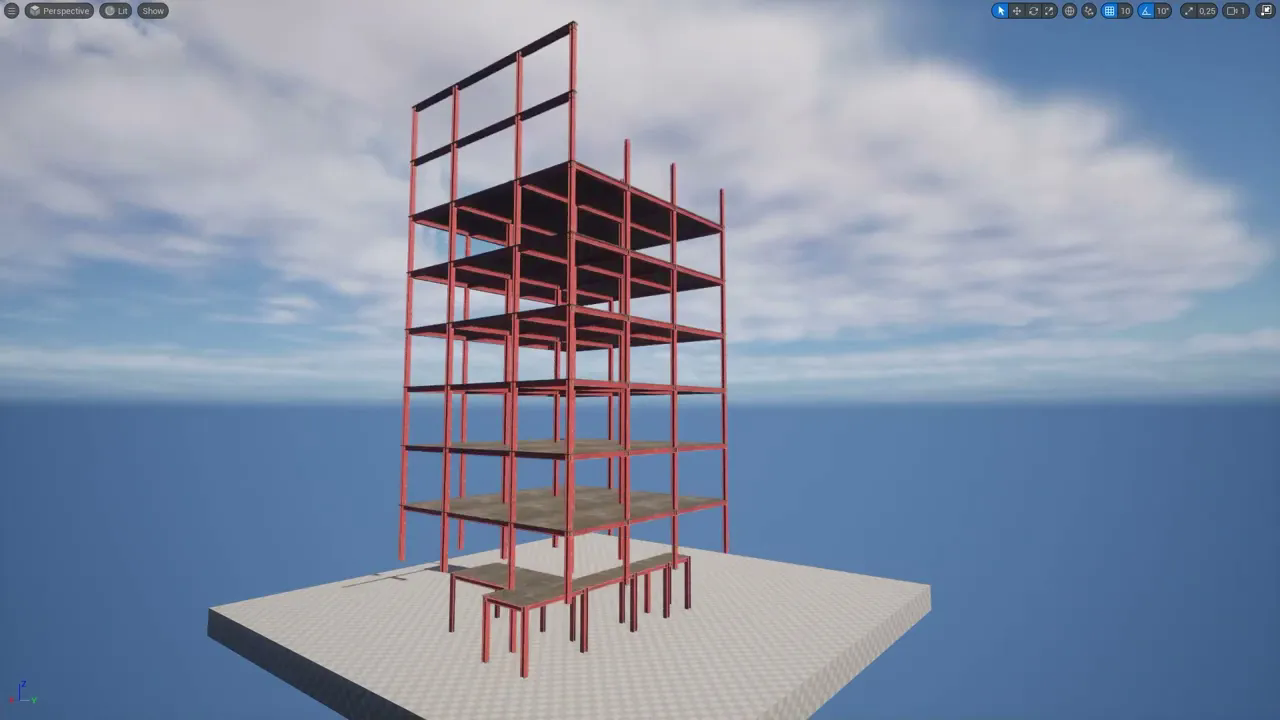
UE5 - Hide the Actor#Mesh behind the invisible wall. Character invisibility, building effect (SUB)
에피소드 173
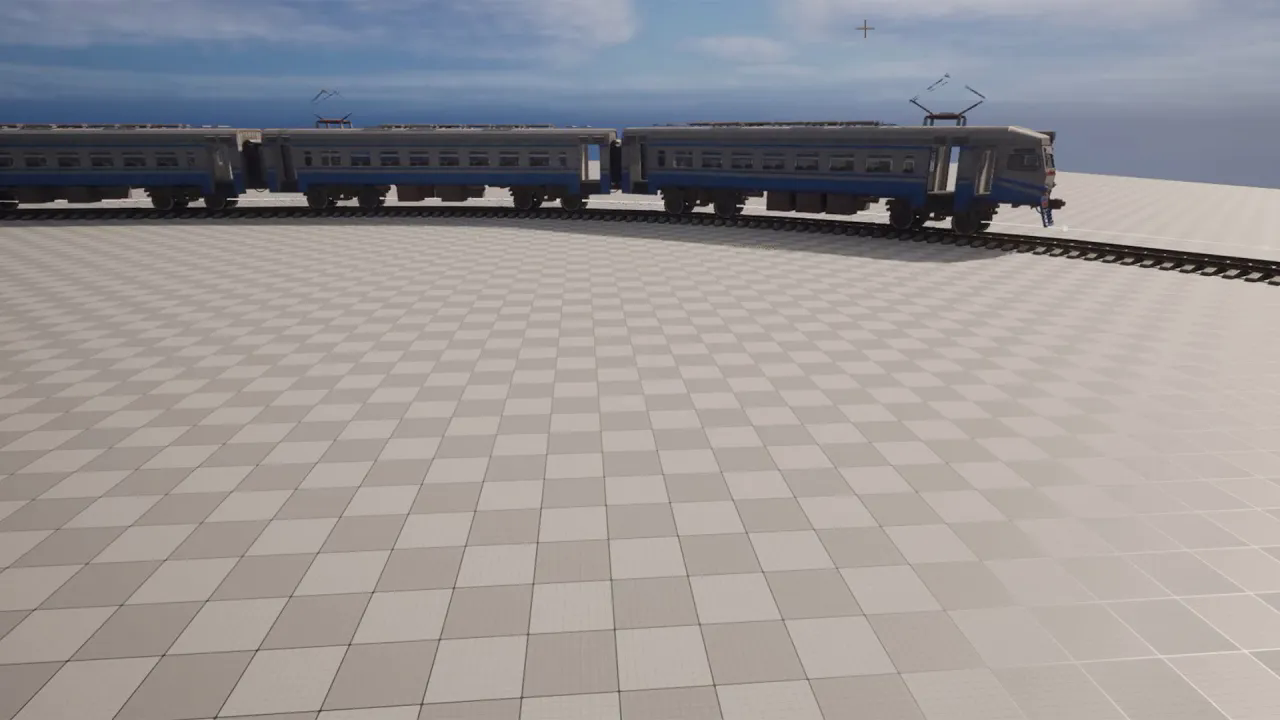
UE5 - Basic Train Simulation #2 - Wagon Addition - (Subtitle)
에피소드 172

UE5 - Animating Metahuman with IClone live Link and recording with Take Recorder. Save the animation
에피소드 171
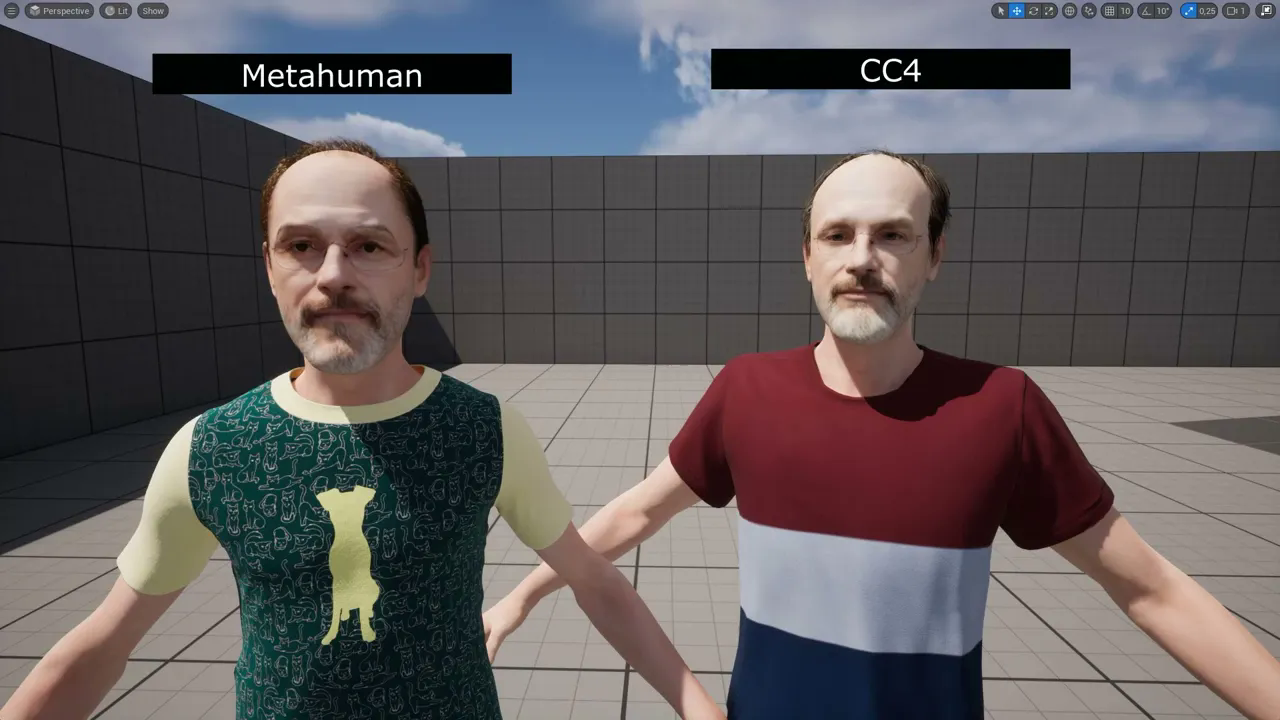
UE5 - CC4 to Metahuman. Applying the CC4 texture to the Metahuman character - Metahuman Plugin
에피소드 170
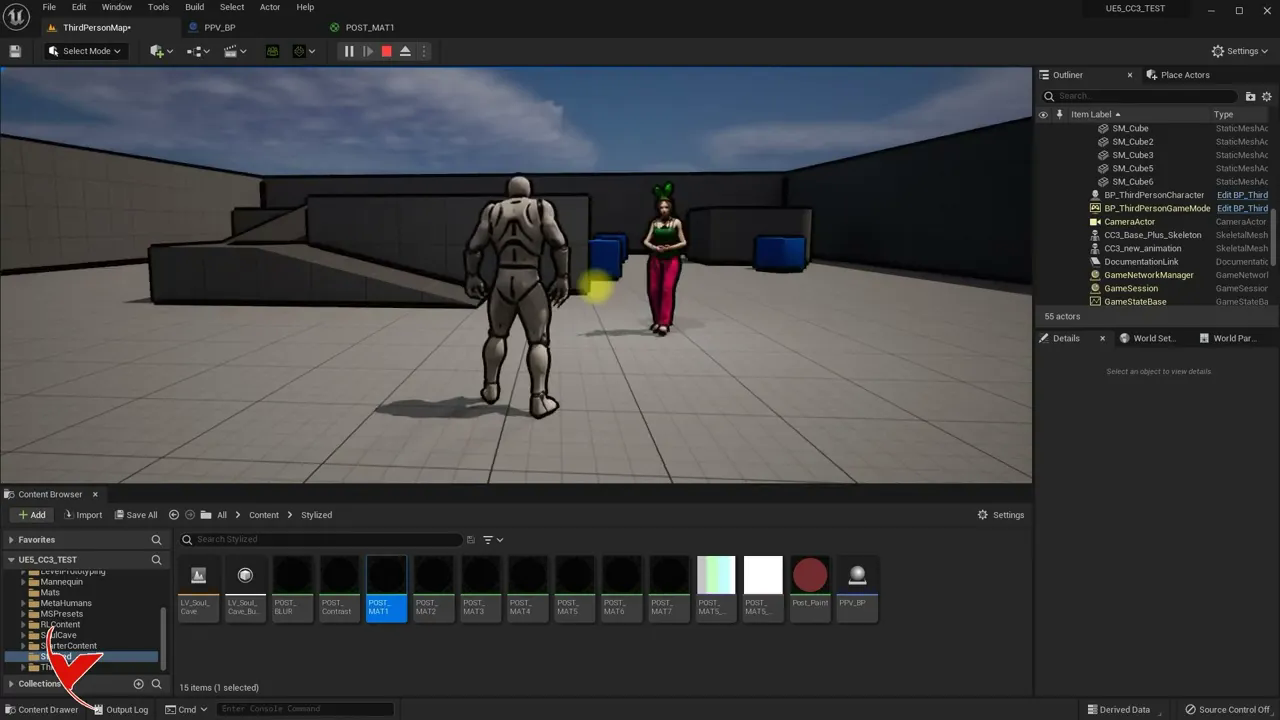
UE5 - Making settings and material definitions using Post Process Volume with Blueprint actor
에피소드 17
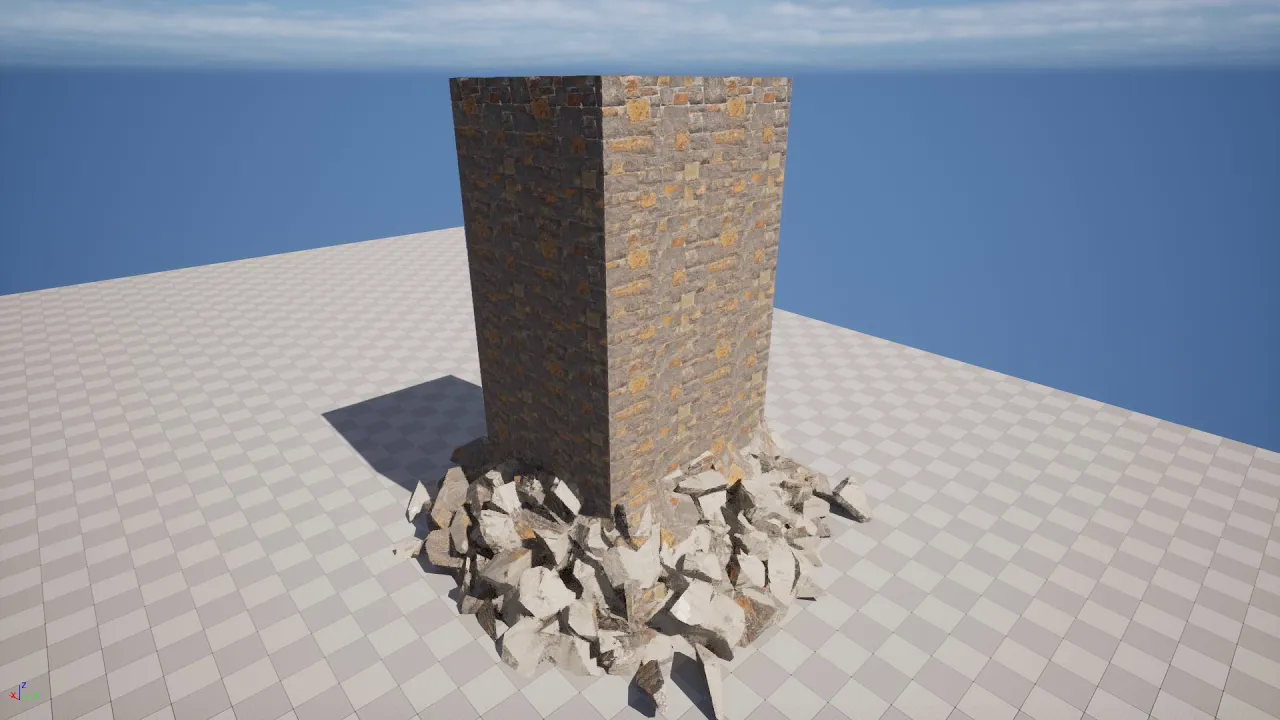
UE5 - Chaos Destruction in Sequencer with Chaos Cache. Cinematic playback and optimization
에피소드 169
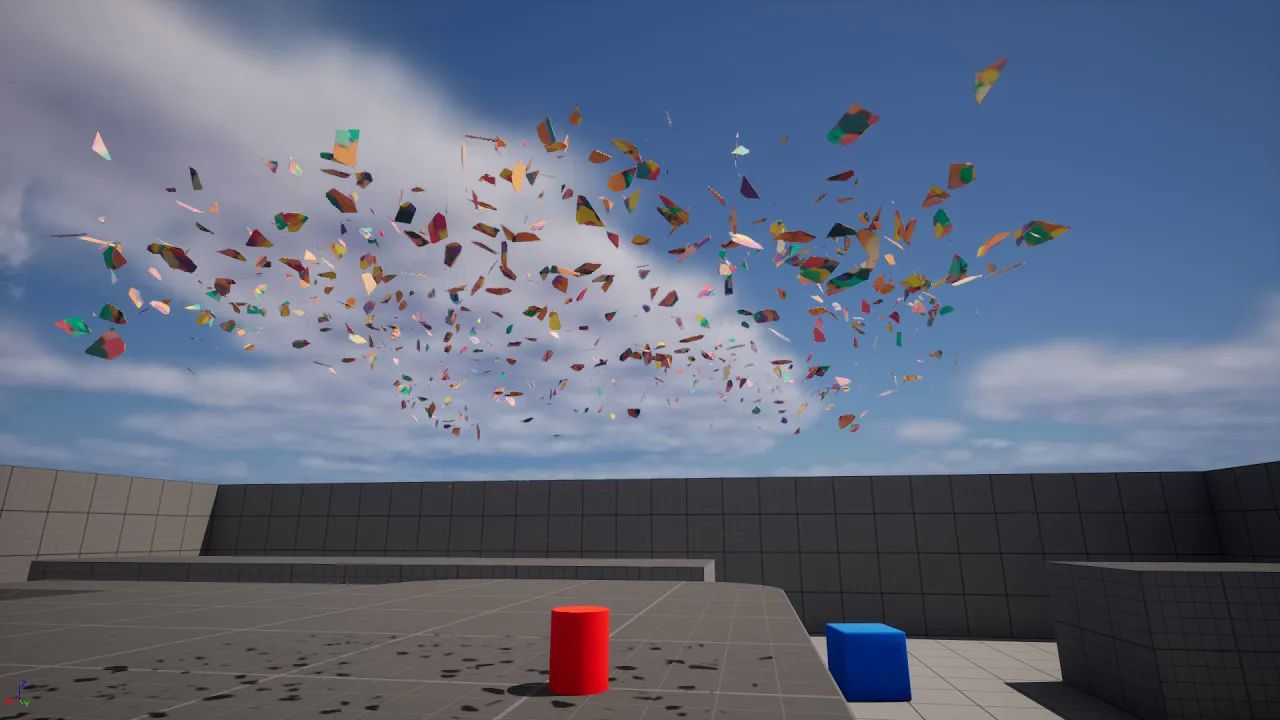
UE5.2 - Let's confetti with Chaos destruction
에피소드 168
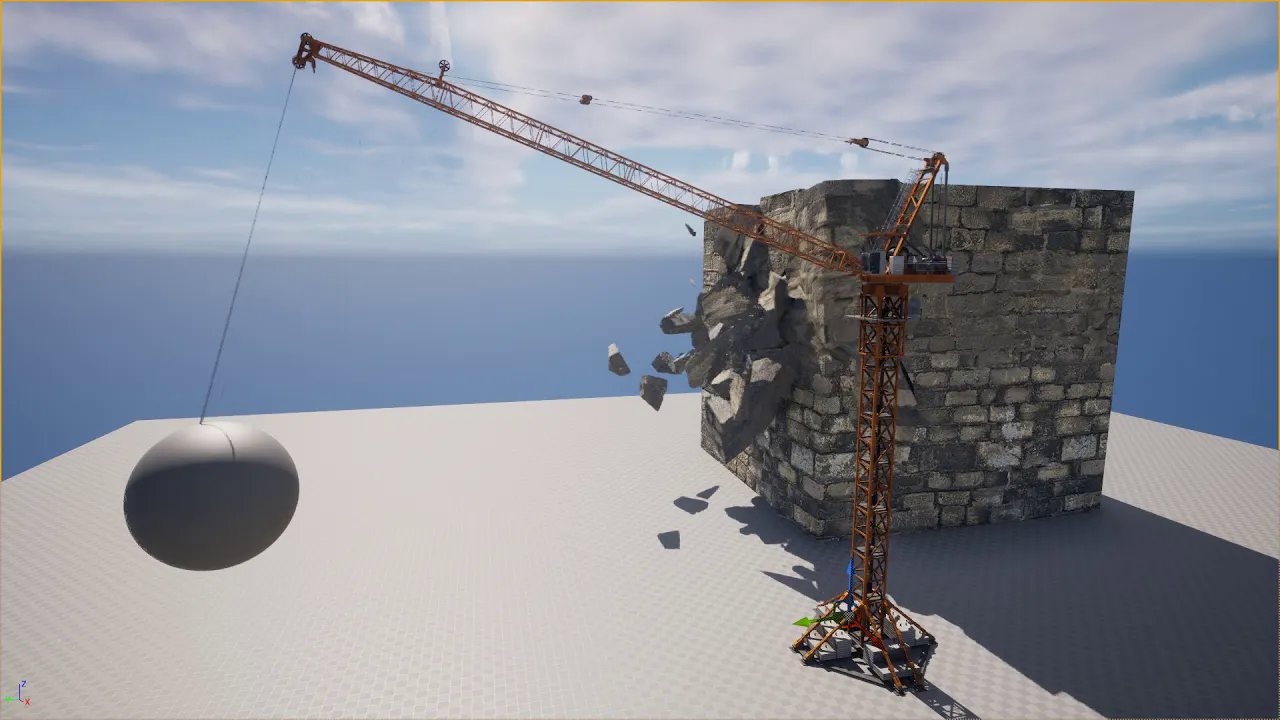
UE5 - Let's build a wall-breaking crane system using Physics Constraint
에피소드 167
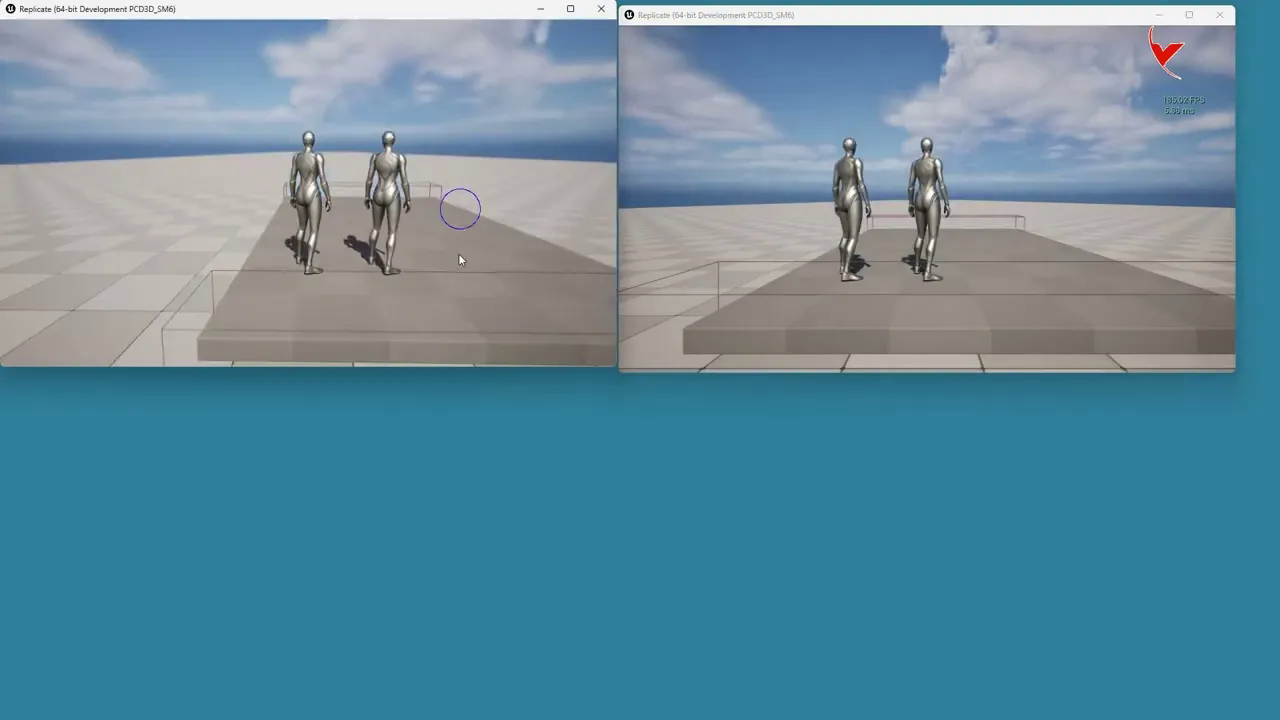
UE5 - Multiplayer Replication Test with the same or different computers by packaging the game. (SUB)
에피소드 166
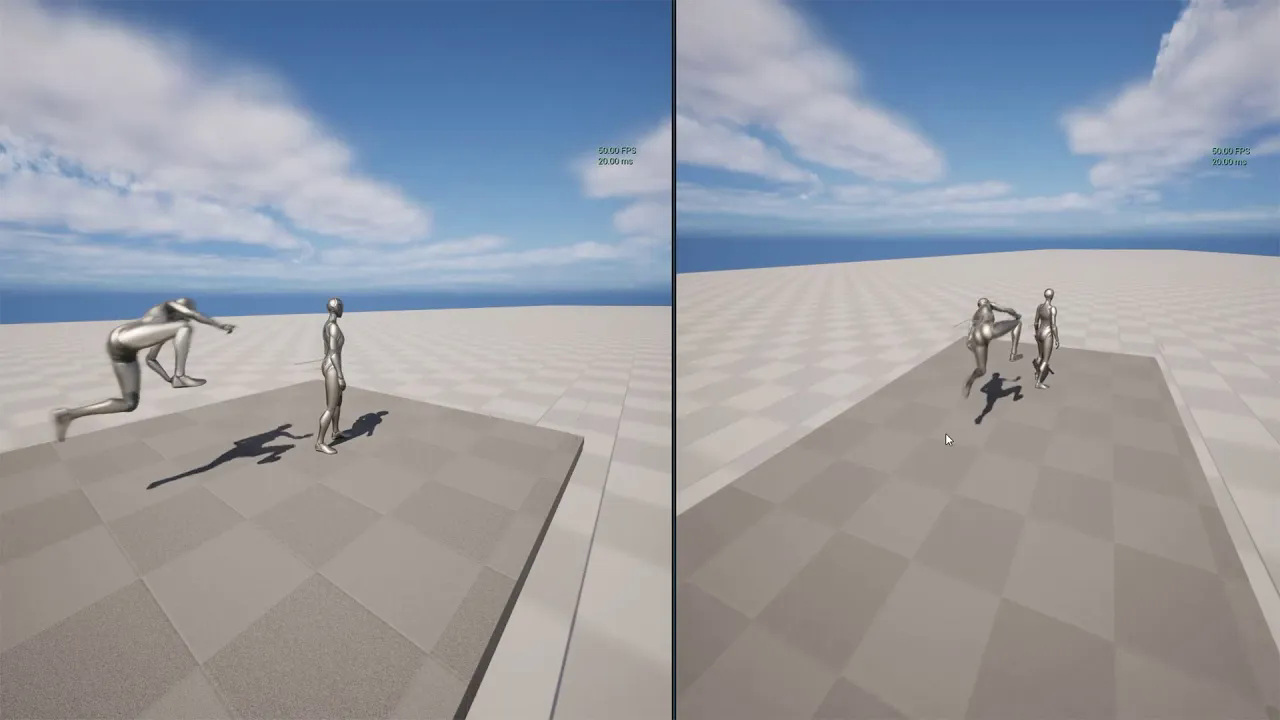
UE5 - Replication - The character on the moving pawn. Fixing the flickering - FPS limit (Subtitle)
에피소드 165
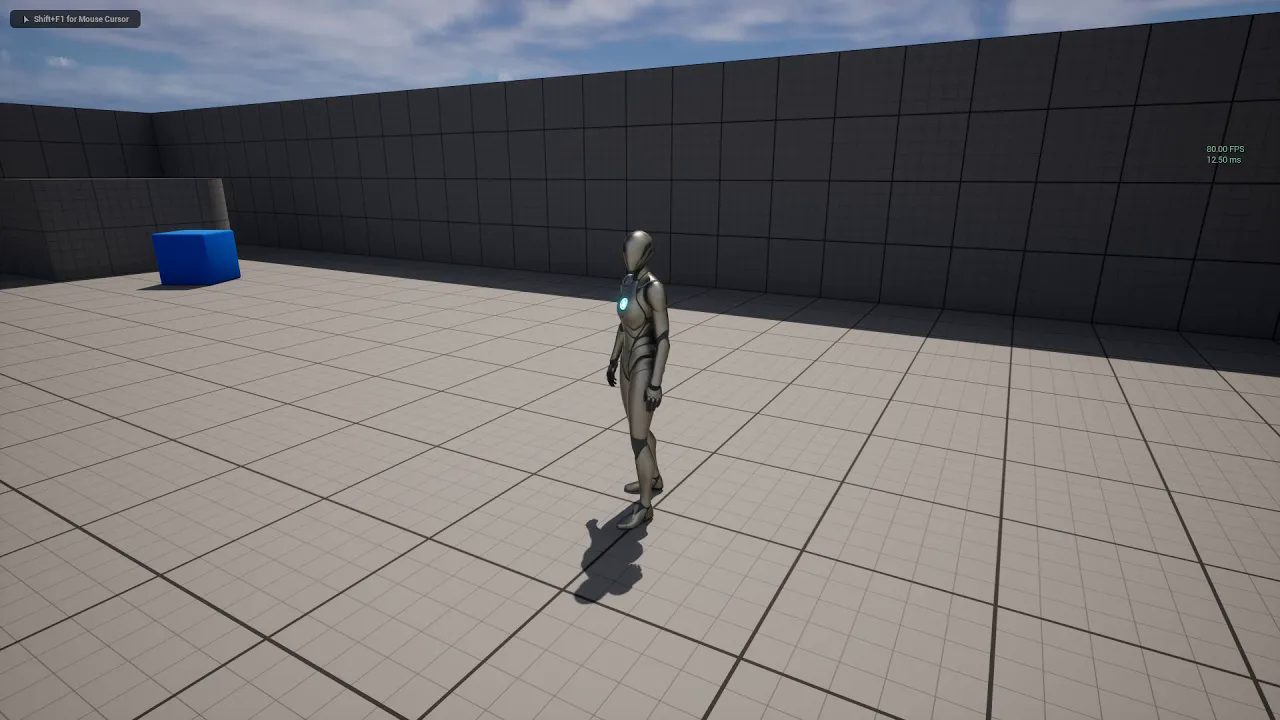
UE Tips - FPS limit with #Fixed Frame Rate#. Changing with project settings or Blueprint codes. (SUB)
에피소드 164
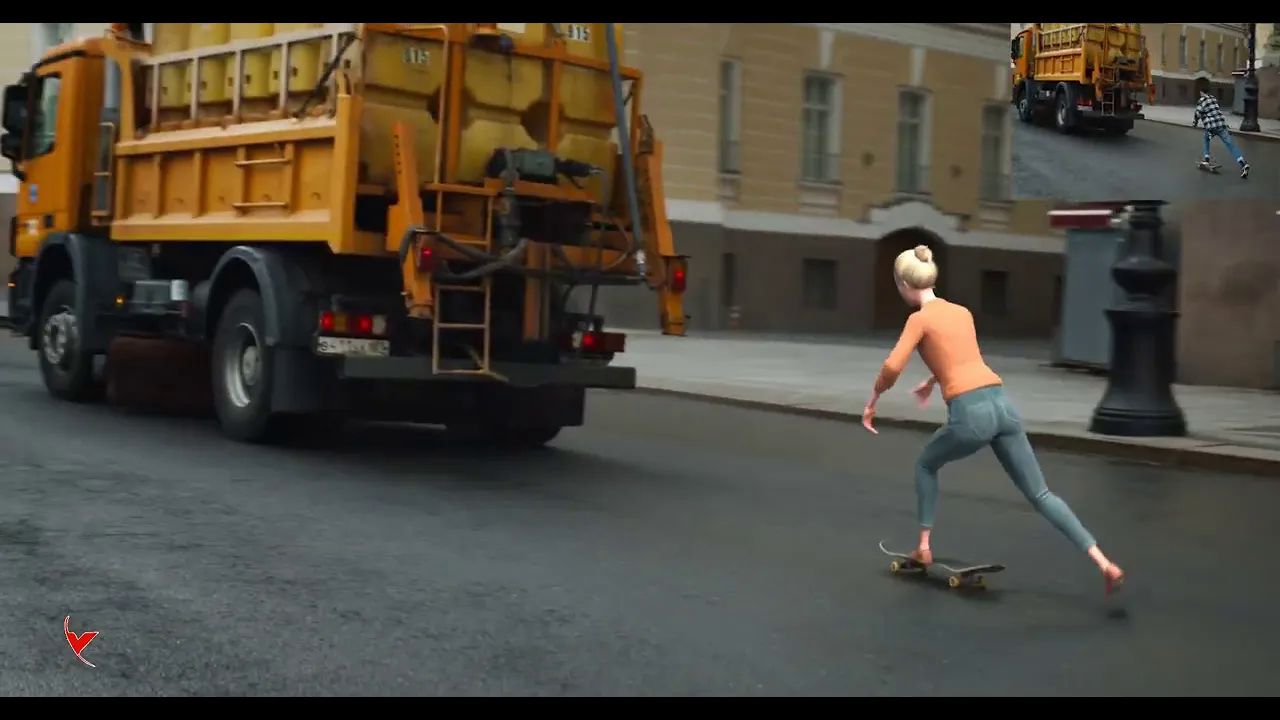
Wonder Studio Skateboard Test
에피소드 163

UE5 and Twinmotion 2023.1 - Datasmith Plugin - Simple test
에피소드 162
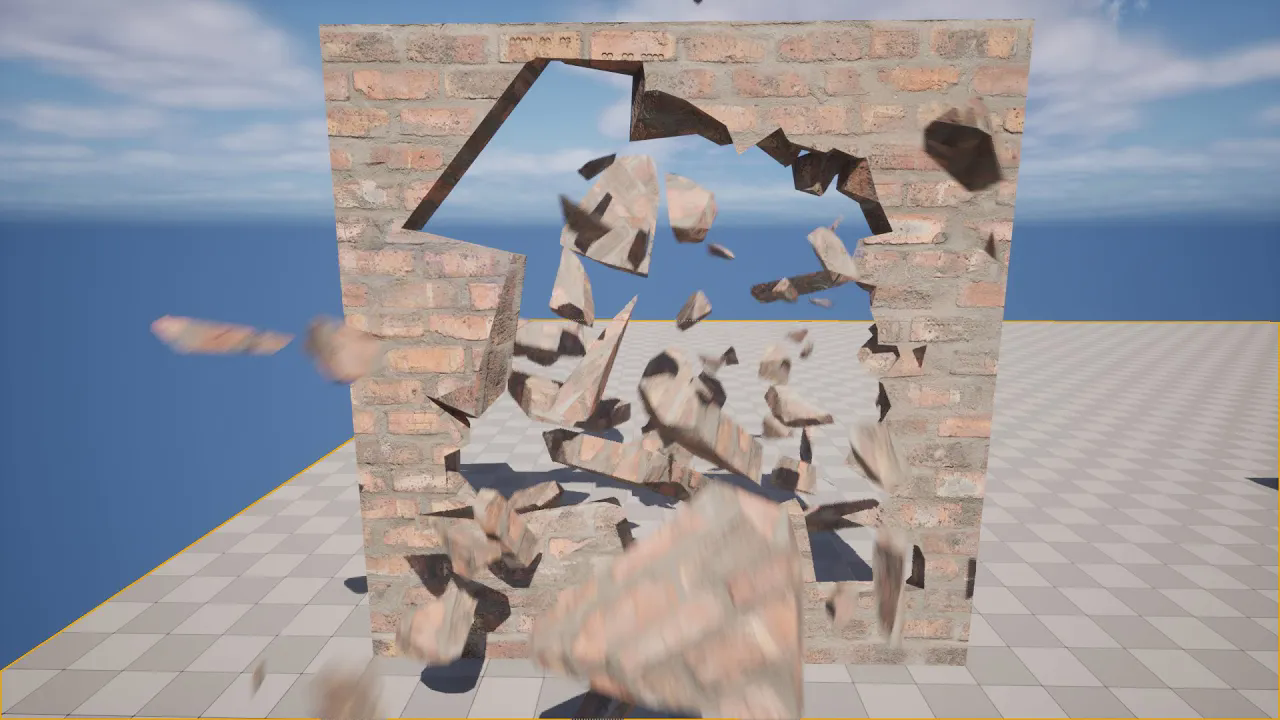
UE5.2 Chaos Destruction - Anchor Field and Master Field, destroy pieces with the Remove On Sleep - SUB
에피소드 161
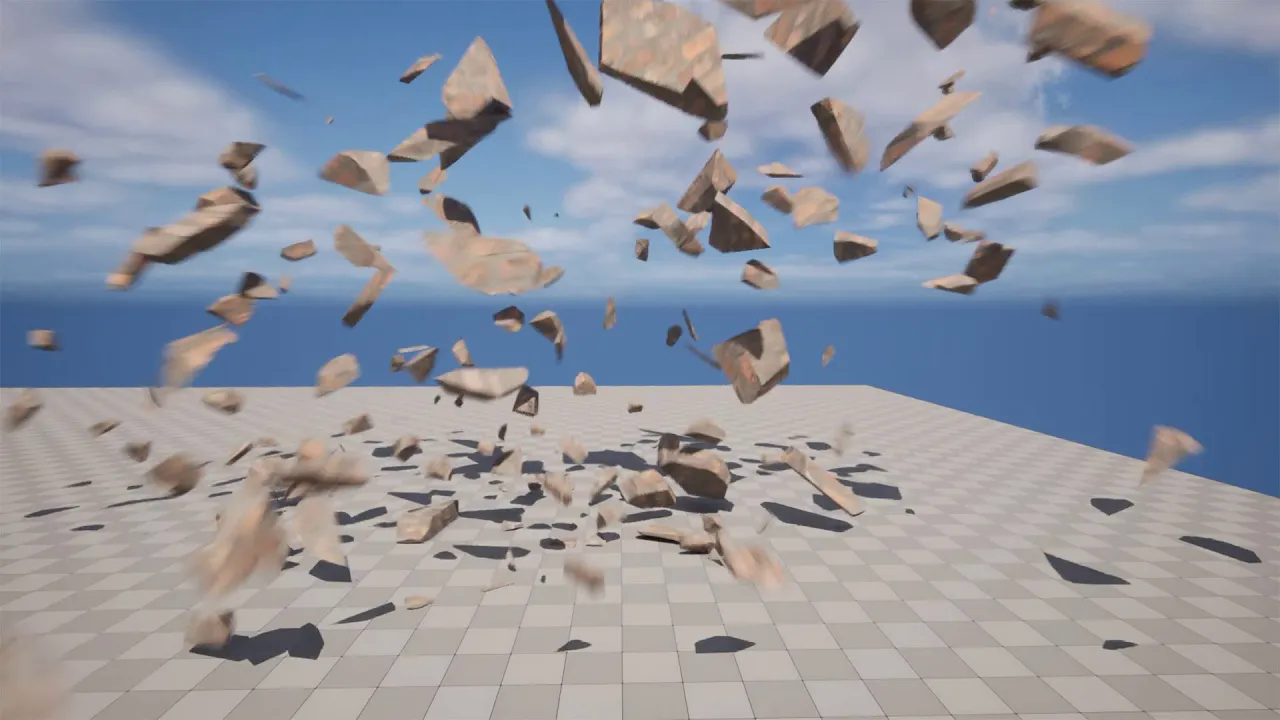
UE5 - Chaos Destruction - Destroying the mesh with the fade. Normal and explosive destruction (SUB)
에피소드 160
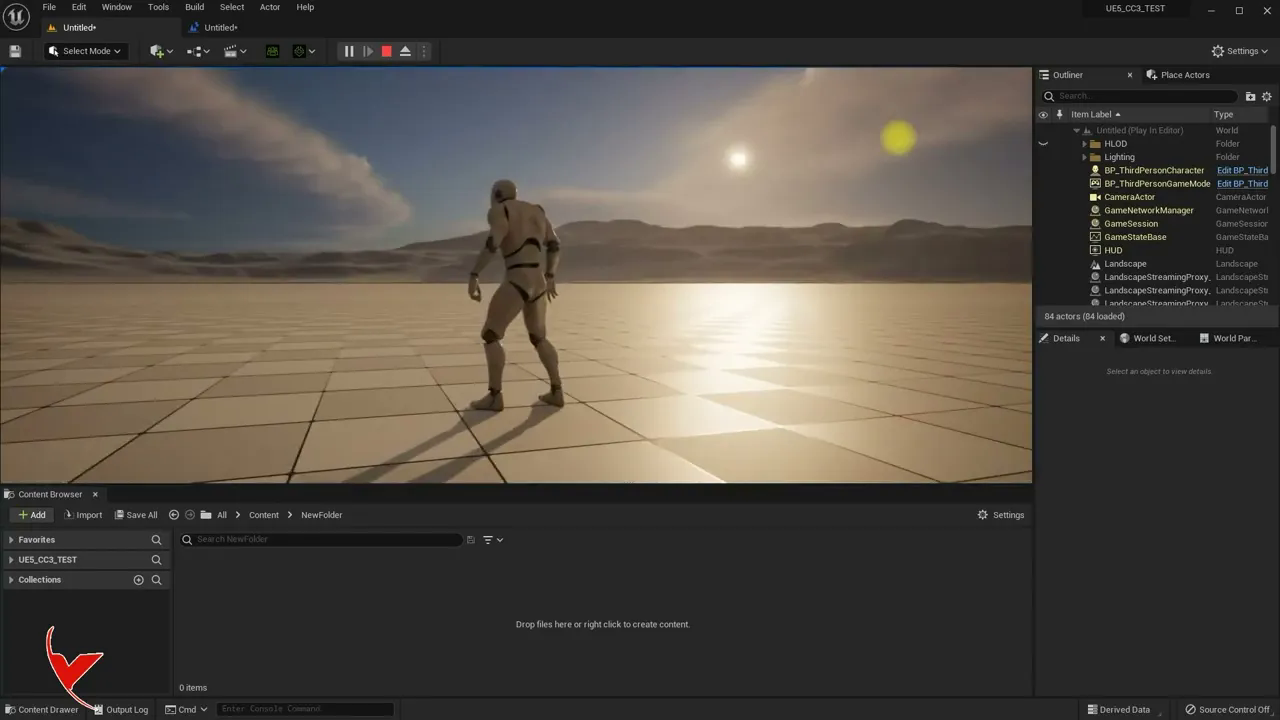
UE5 Tutorial# Changing Post Process Volume settings with Blueprint and defining material
에피소드 16
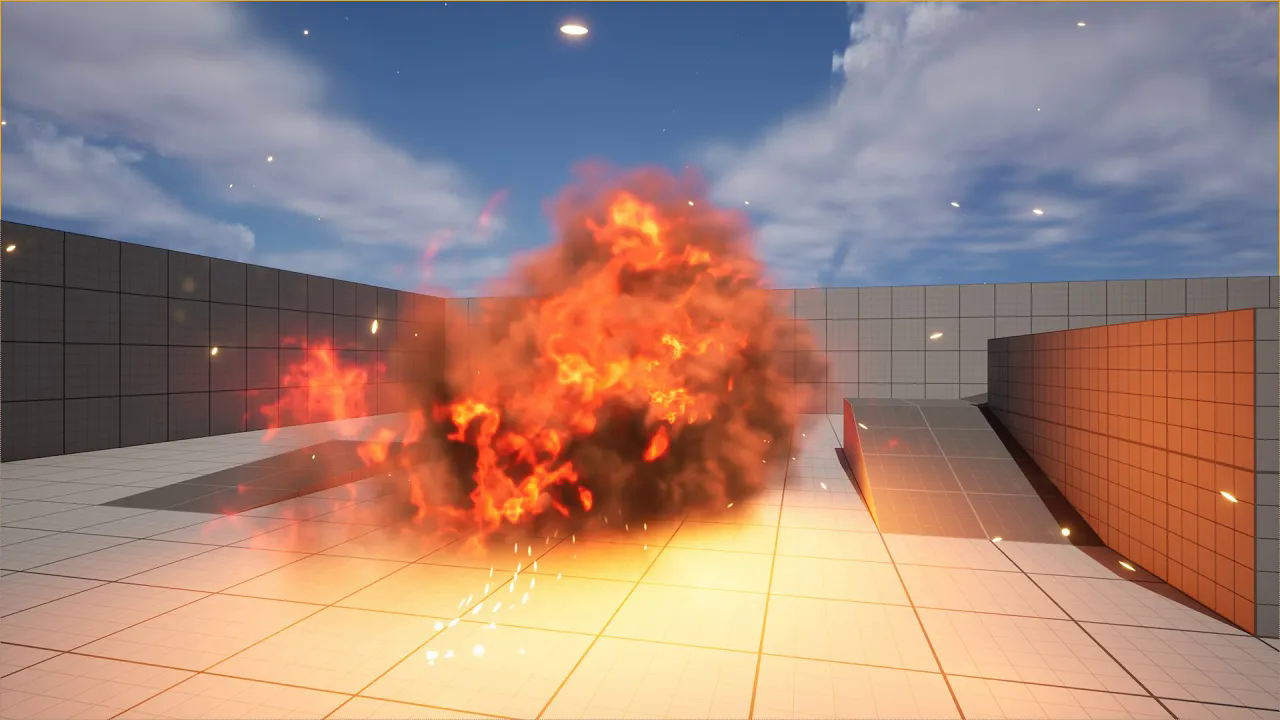
UE5.2 - Niagara Sim Caching plugin - You can use Niagara effects in real time with the Cinematic (SUB)
에피소드 159
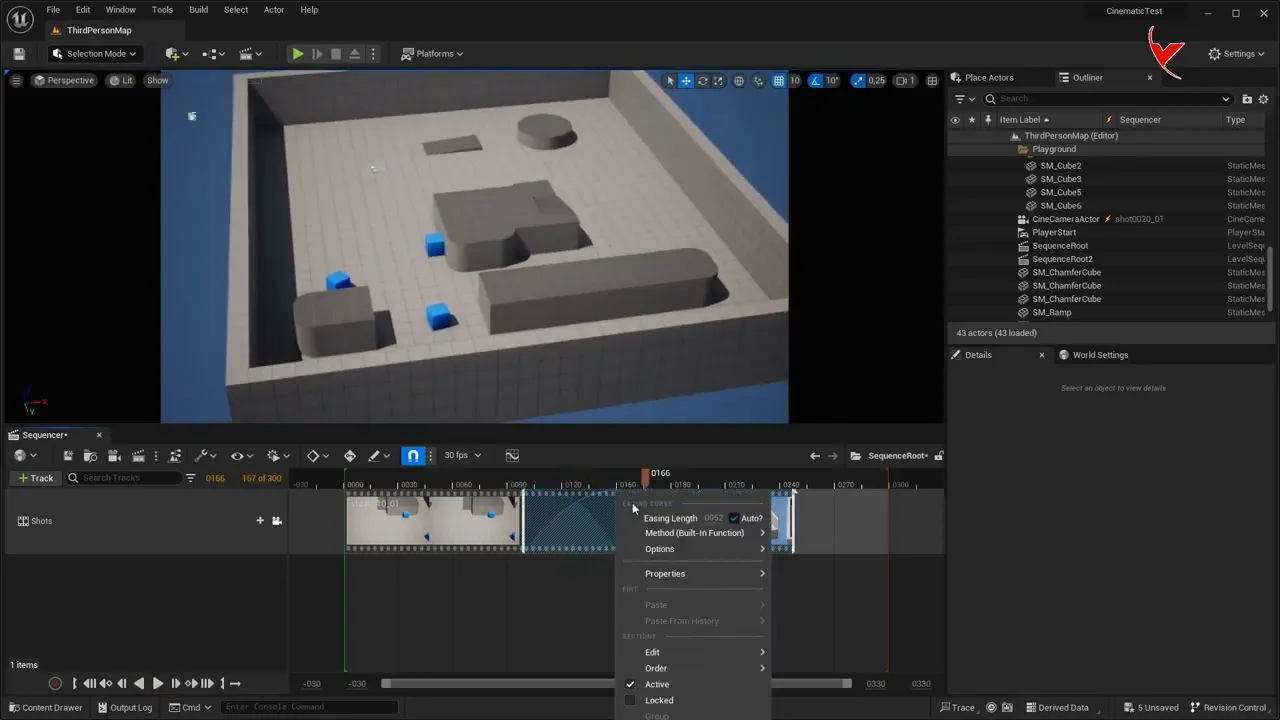
UE 5.2 Cinematic Cross feature (Subtitle)
에피소드 158
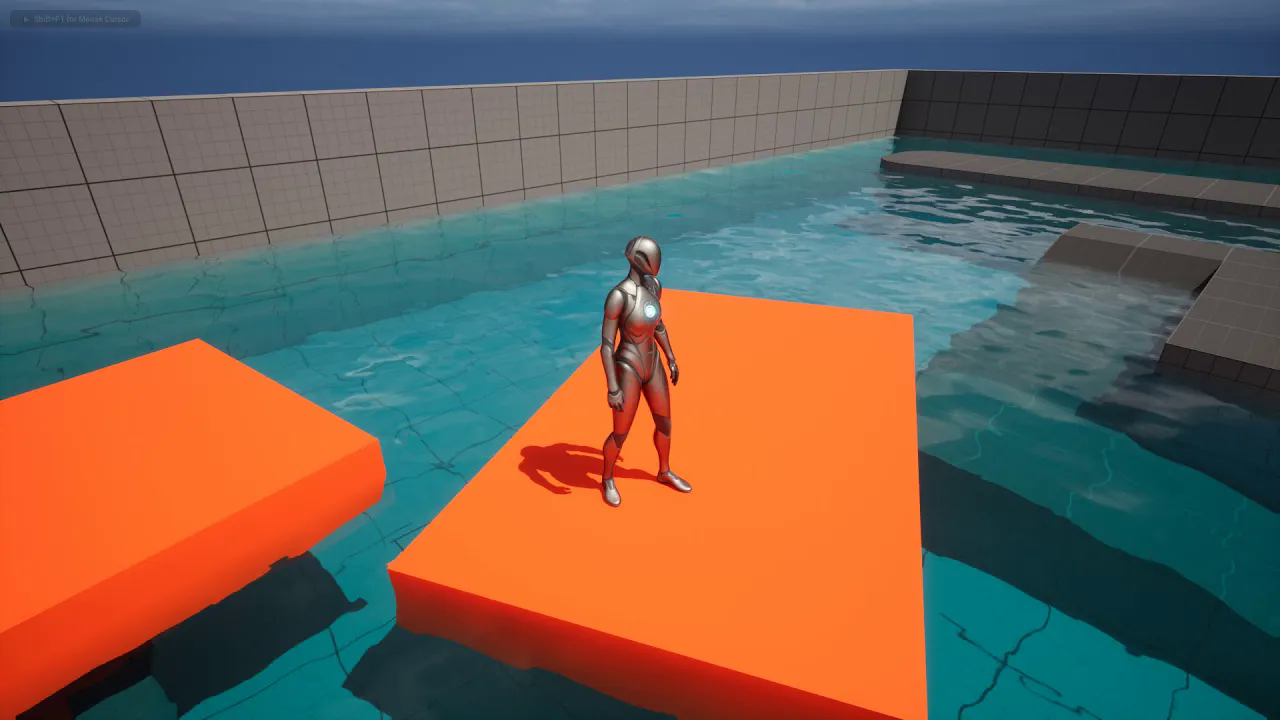
UE5.2 - Physics Control Component - Let's build a character interactive raft in the water (Subtitle)
에피소드 157
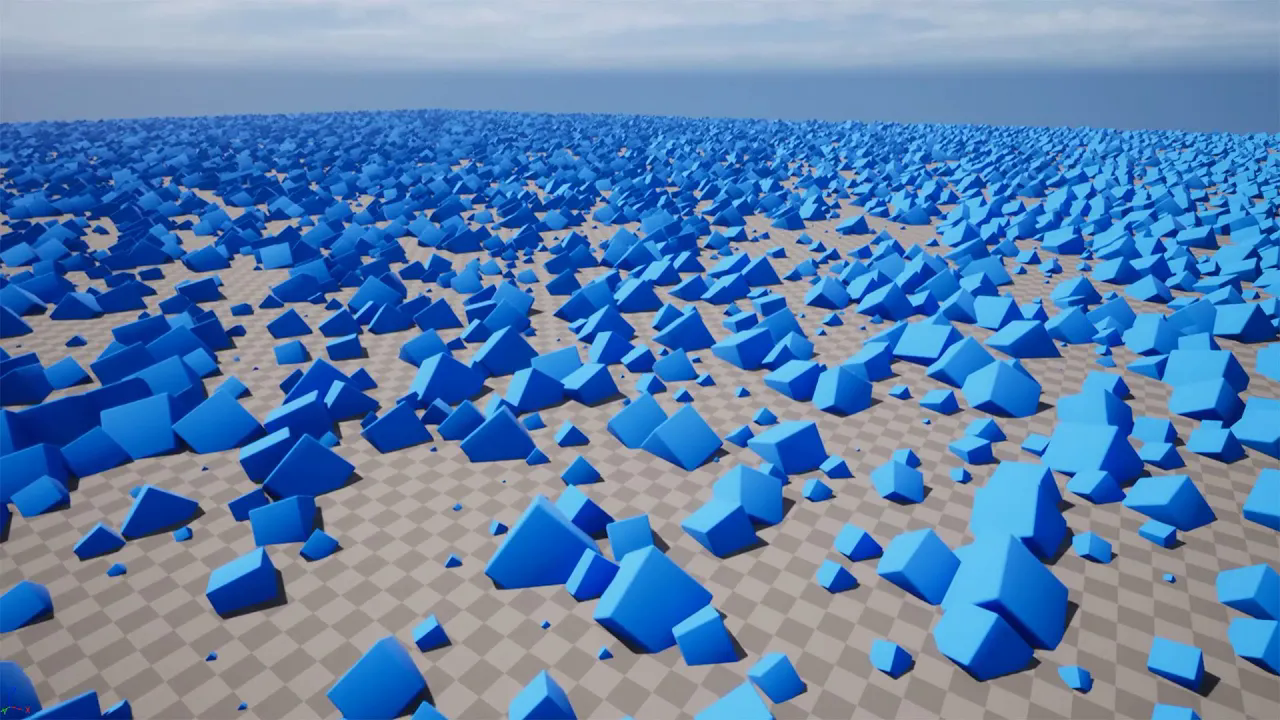
UE 5.2 - Procedural Content Generation Framework - Quickly populate large maps (Subtitle)
에피소드 156
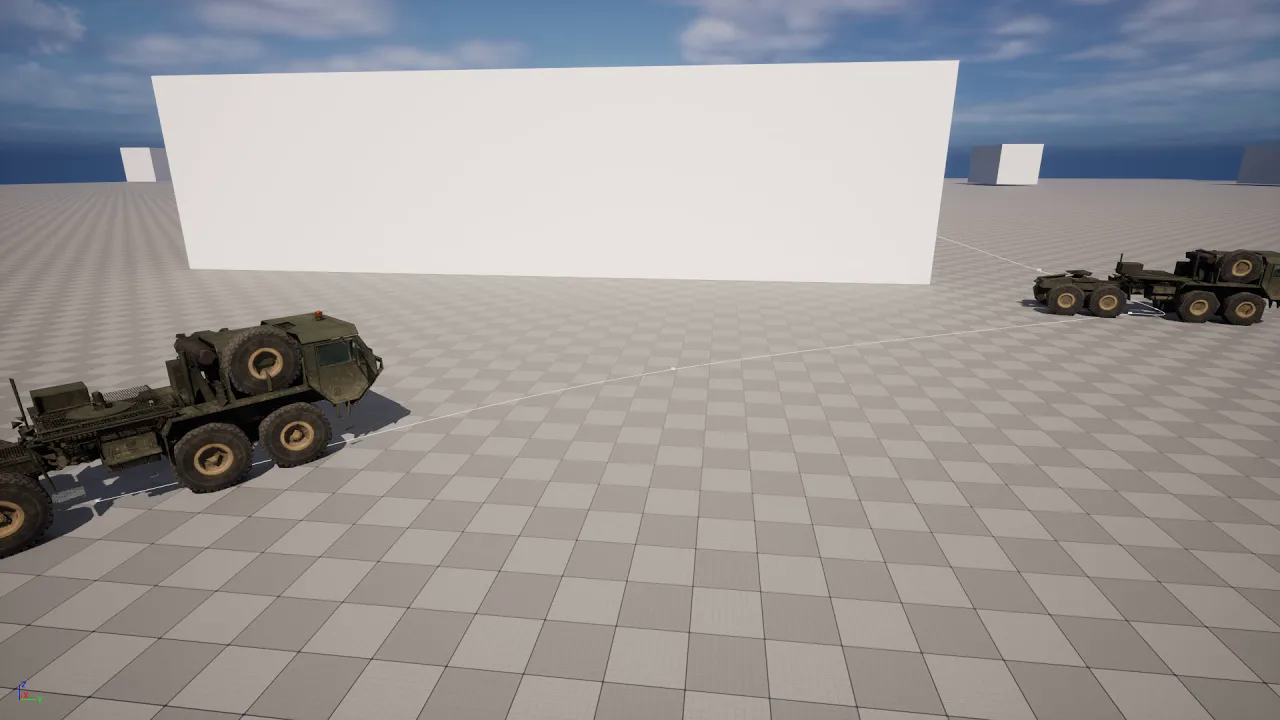
UE5 - AI Vehicle system that goes directly to the target or follows a vehicle. (Subtitle)
에피소드 155
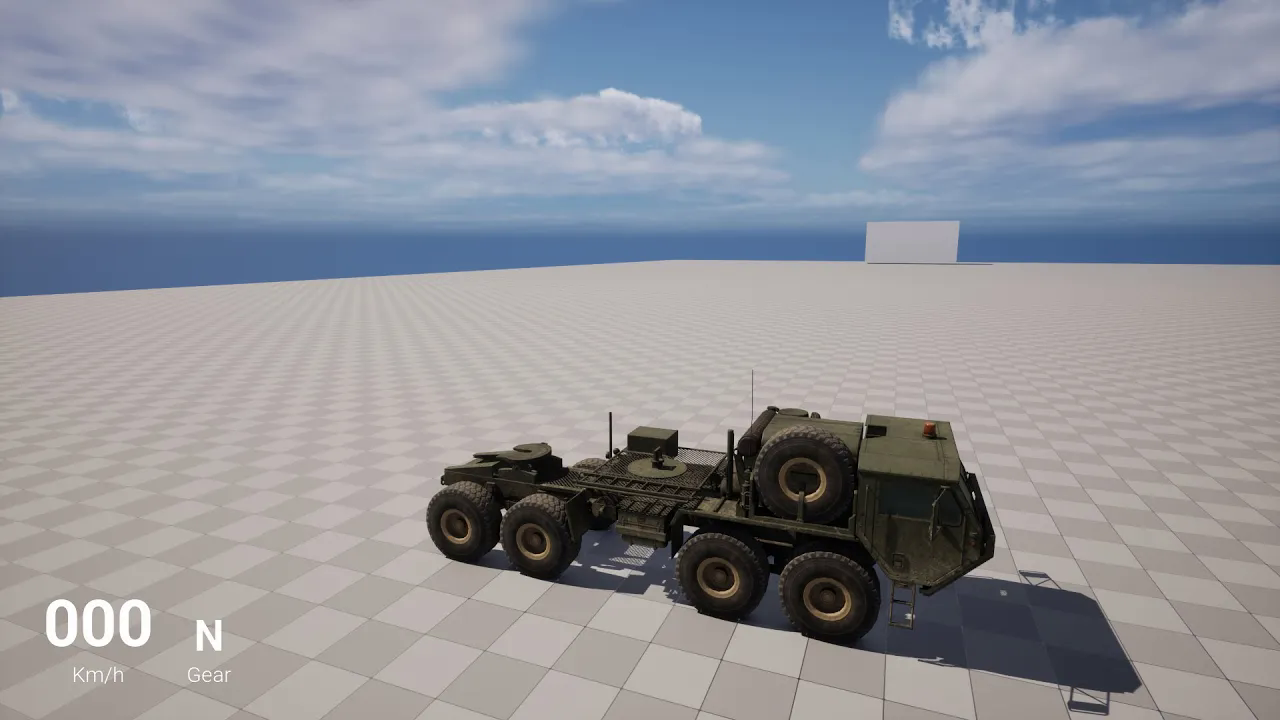
UE5 - With automatic camera detection, you can add unlimited cameras and change with tab. (Subtitle)
에피소드 154
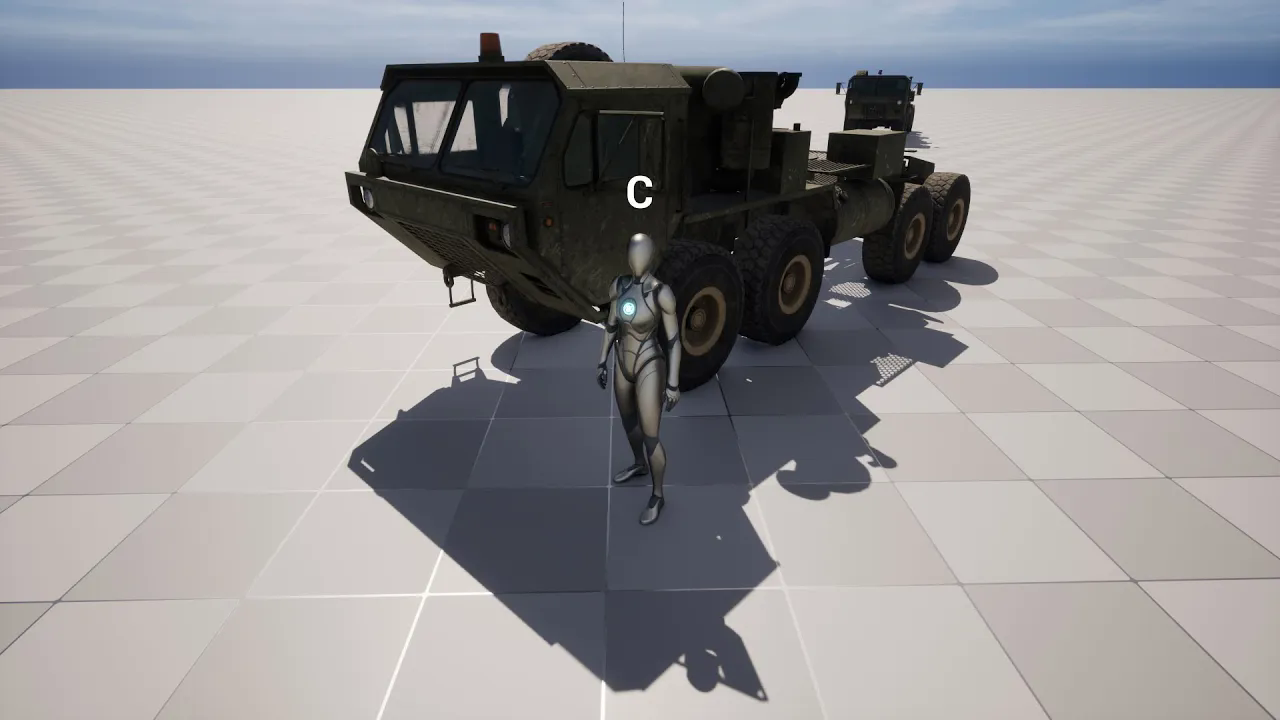
UE5 - Advanced Vehicle Possession. Switch Possess between character and vehicle with hotkey. (SUB)
에피소드 153
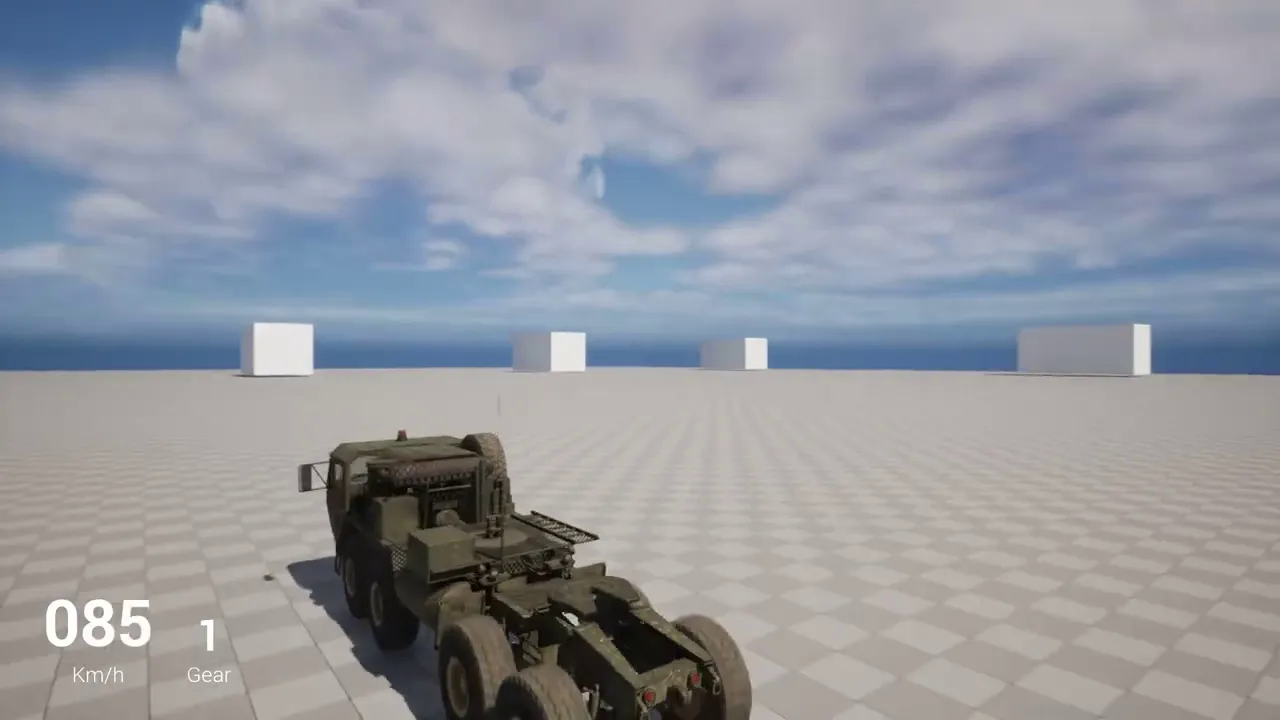
UE5 - Vehicle installation from scratch with Unreal engine. Let's set up an 8 wheeler truck. (SUB)
에피소드 152
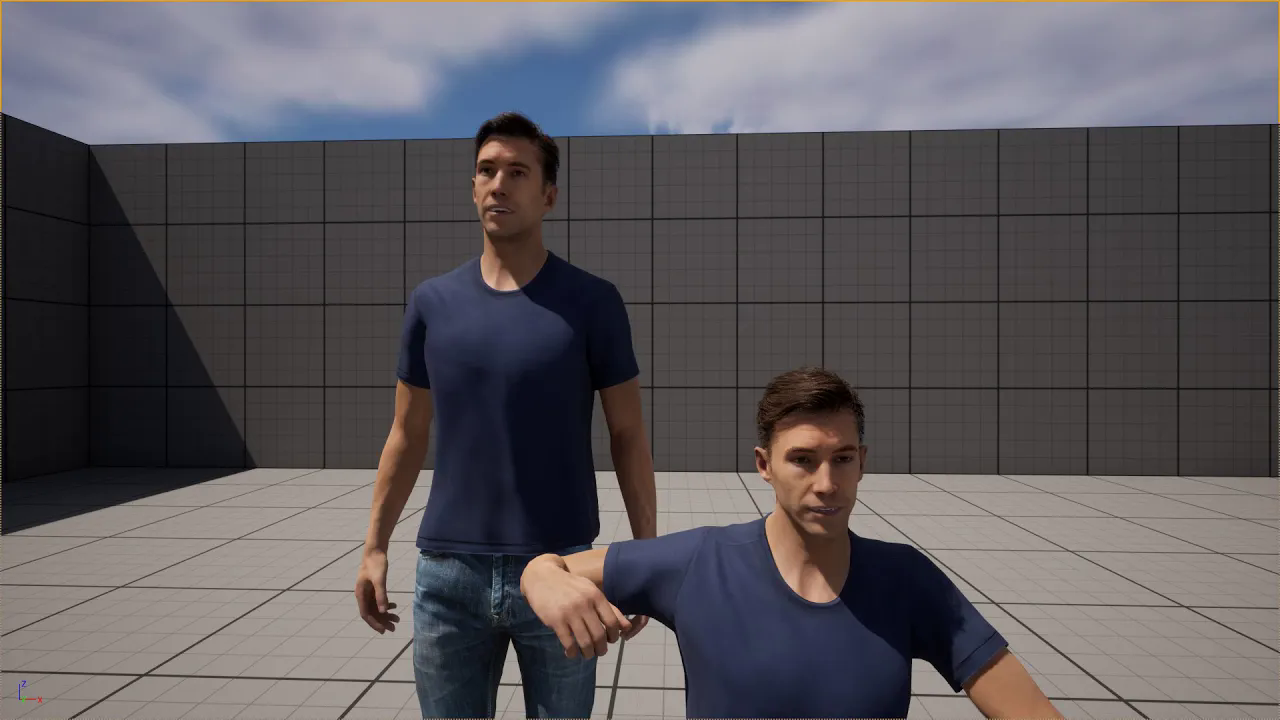
CC4 - iClone 8 wrinkle feature and Live Link in UE5. (Subtitle)
에피소드 151
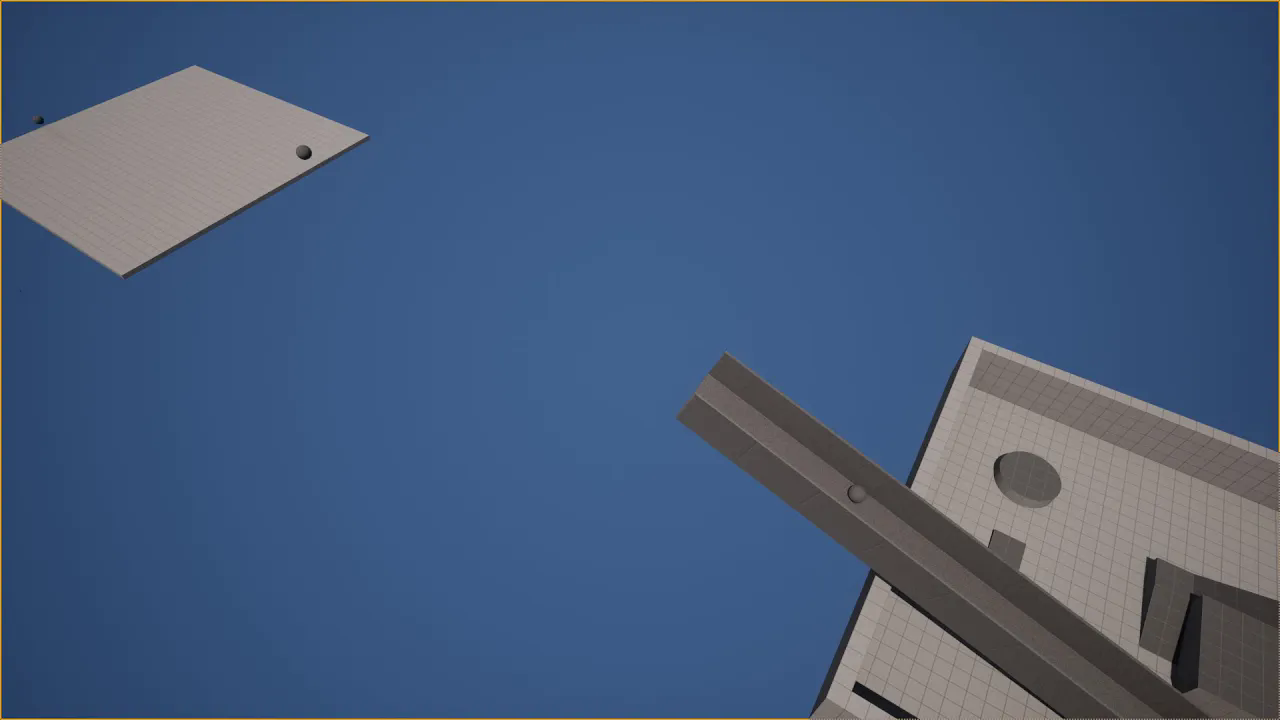
UE5 - The Radial Damage and Radial Force functions can also be used as push forces. (Subtitle)
에피소드 150

UE5 Tutorial# Toon Shader - Part 5 - Blur, Posterize and Colorize
에피소드 15
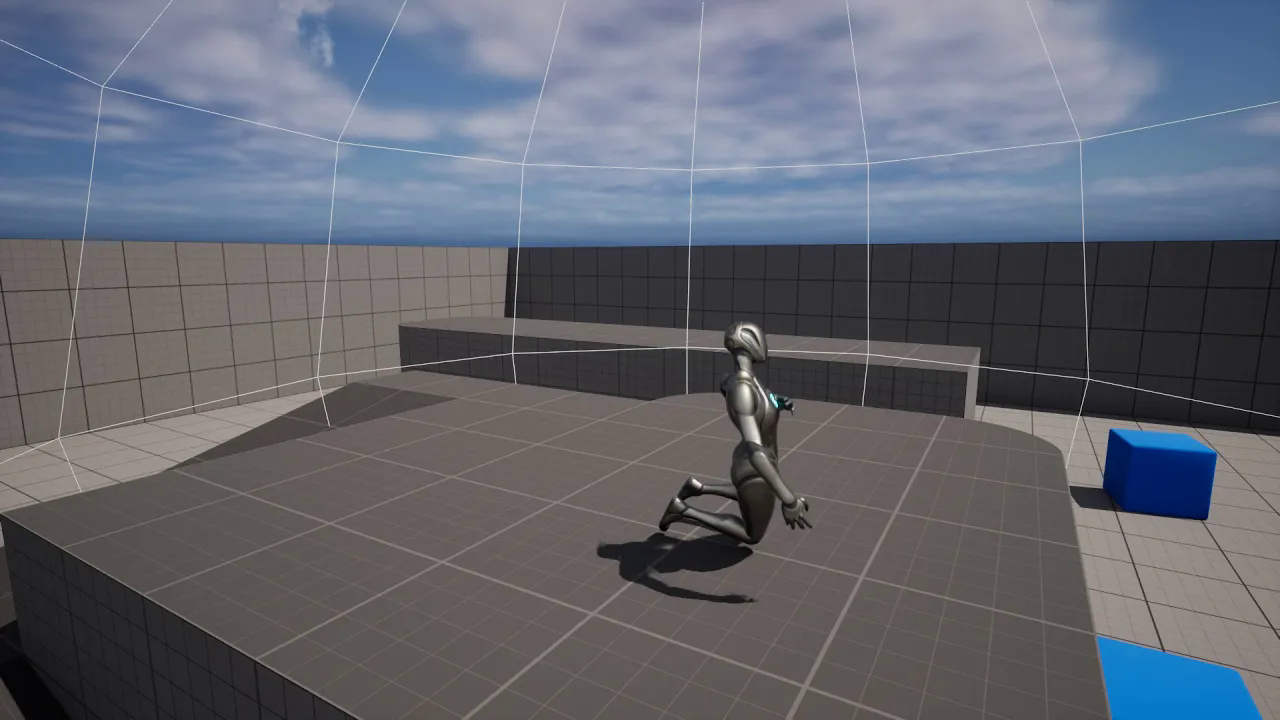
UE5 - The character taking damage in a certain area with the Apply Radial Damage function (Subtitle)
에피소드 149
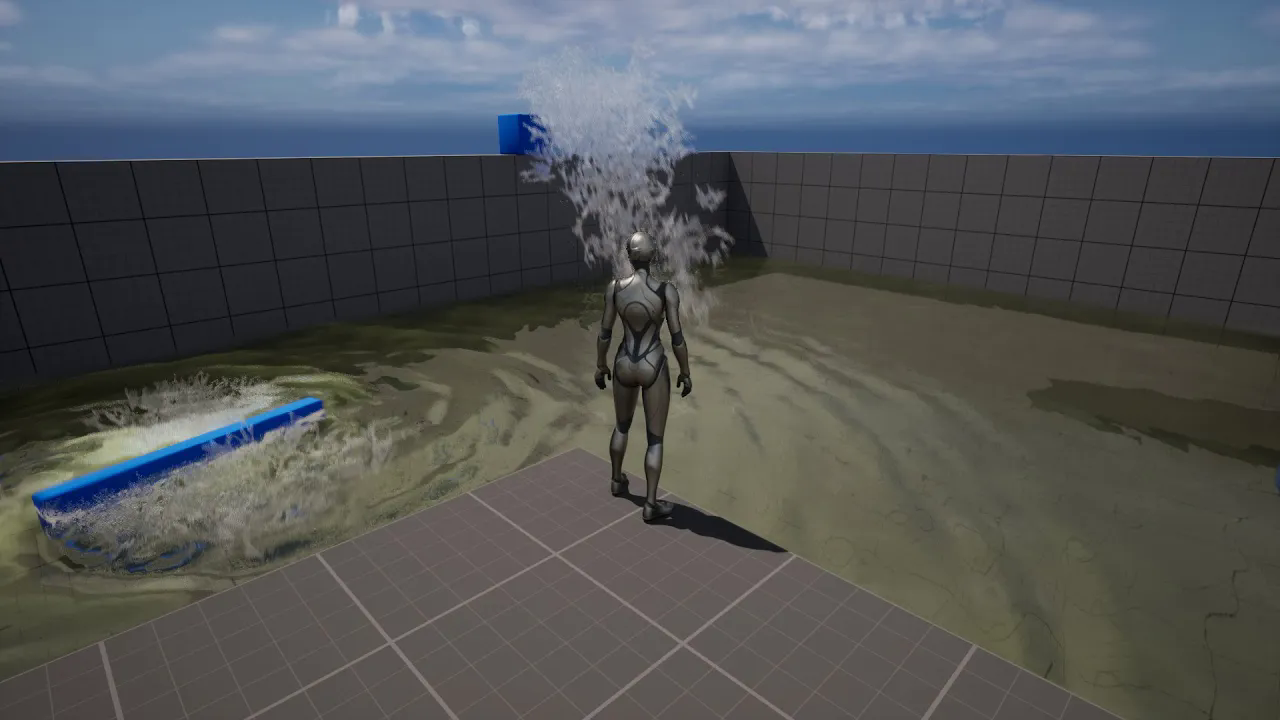
UE5 - UIWS Water Plugin Full Tutorial, Water Interaction, Splash, Radial (Subtitle)
에피소드 148
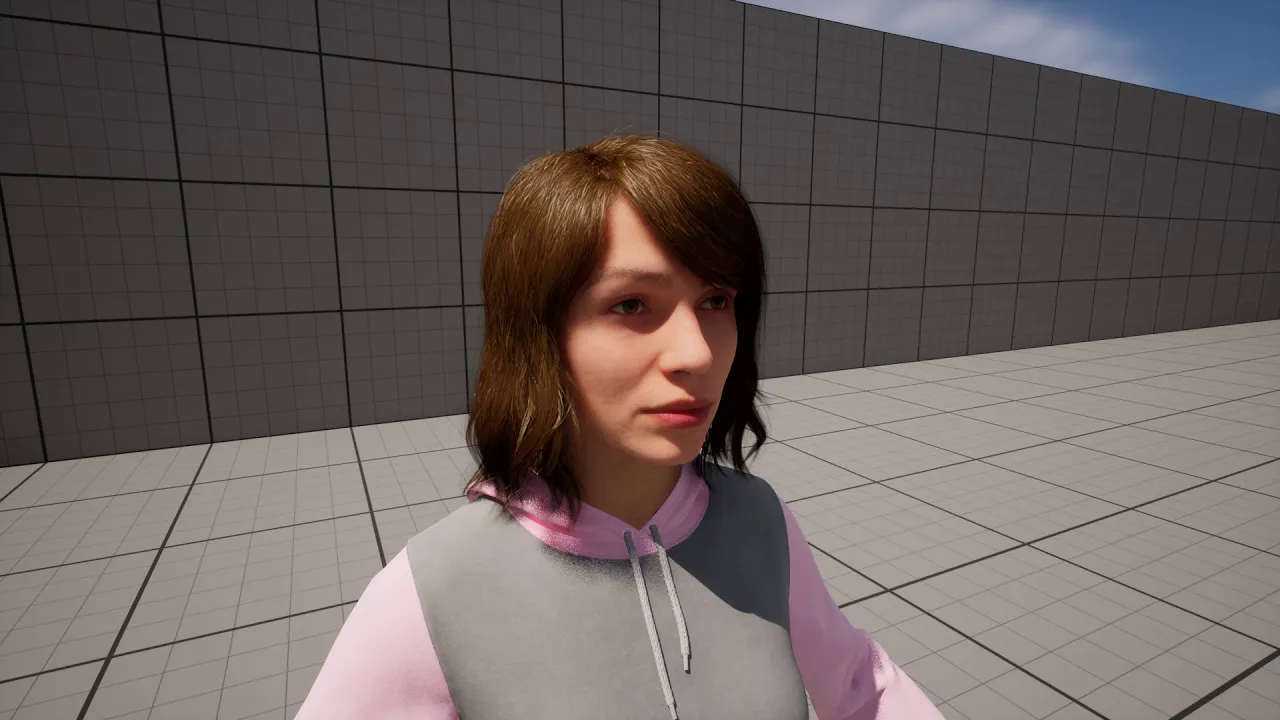
Creating Metahuman by exporting only the head with the Mesh to MetaHuman option of CC4#iC8. (SUB)
에피소드 147
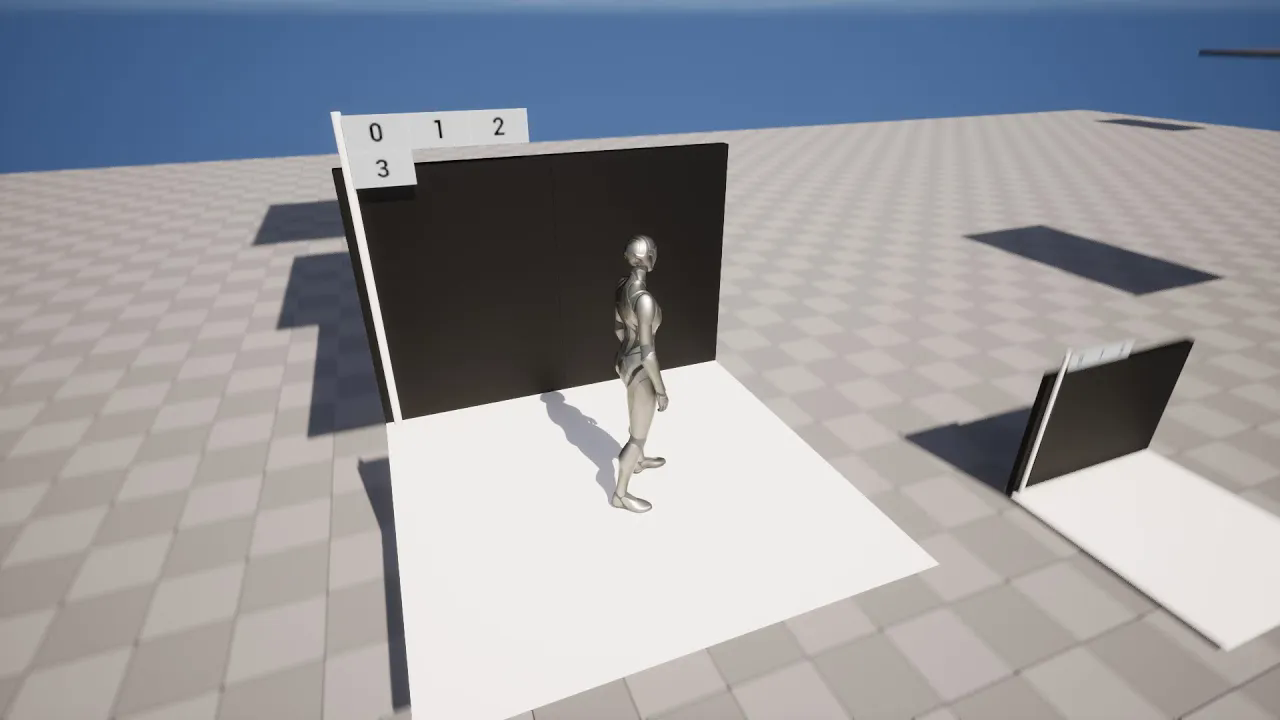
UE5 - Let's make an lift with automatic floor detection using the Move Component To function. SUB
에피소드 146
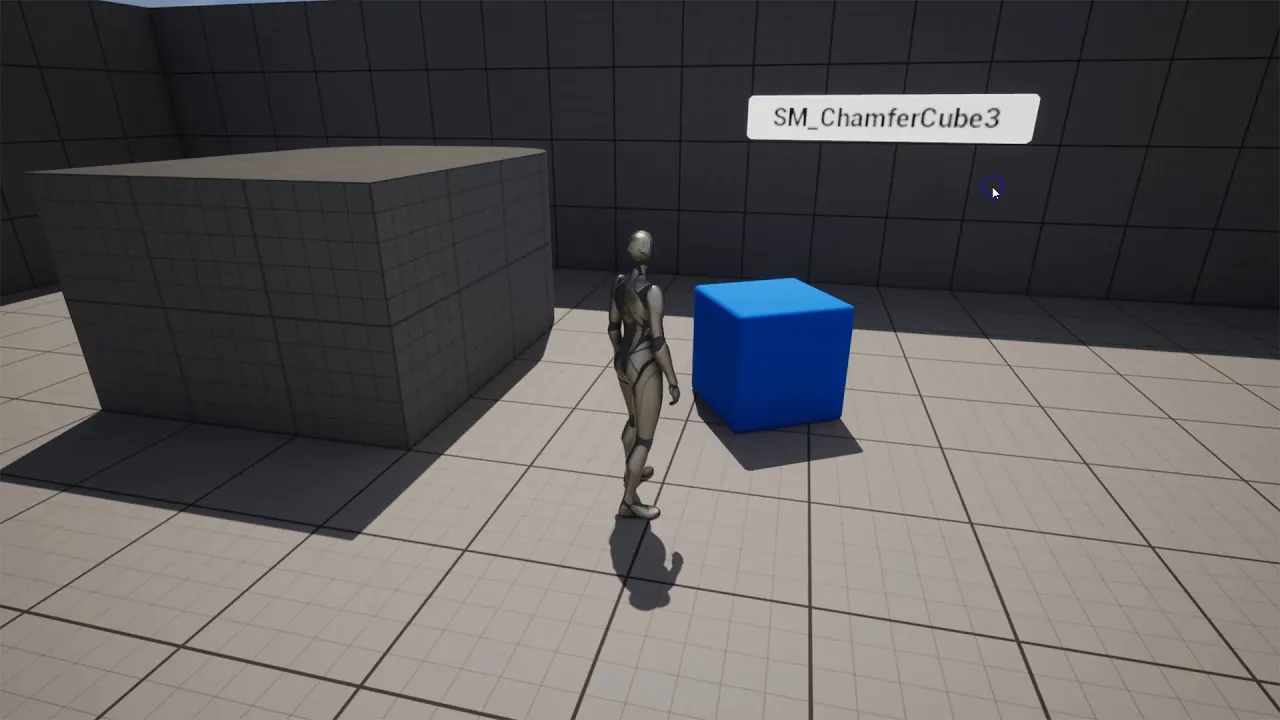
UE5 - Using the User Widget as a local 3D widget with the Widget component. (Subtitle)
에피소드 145
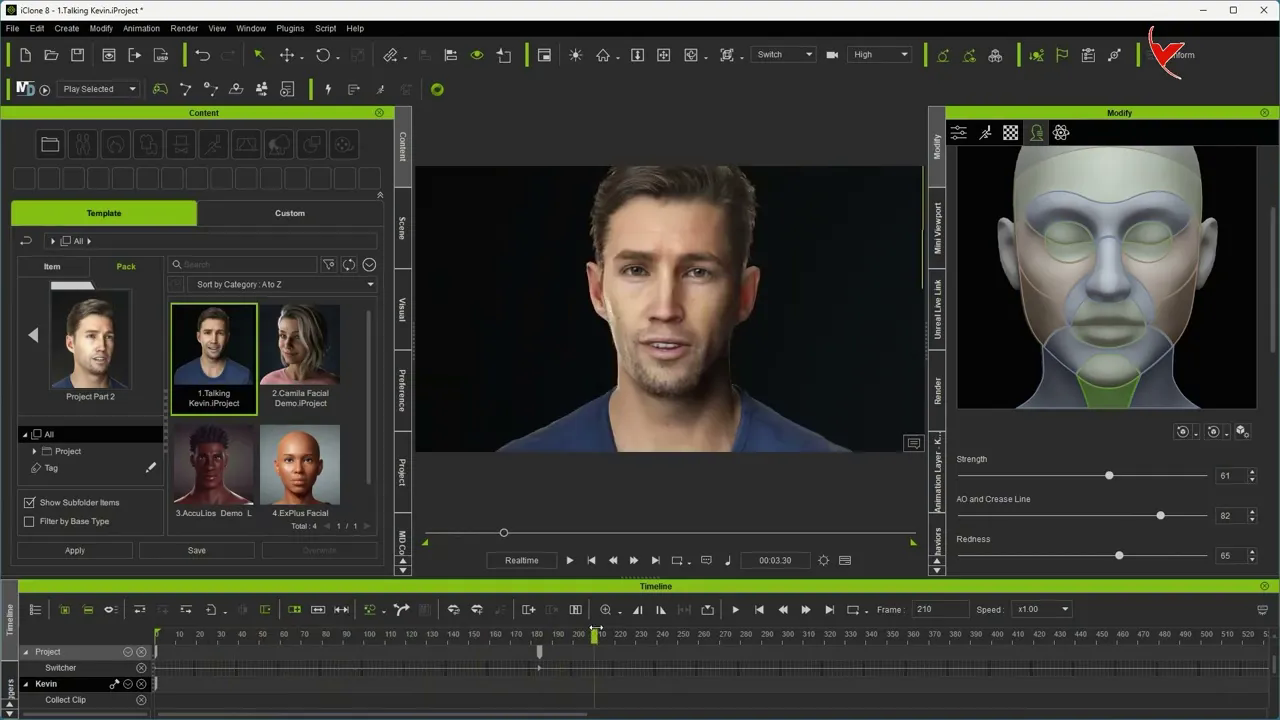
Wrinkle test with CC4 or iClone 8
에피소드 144
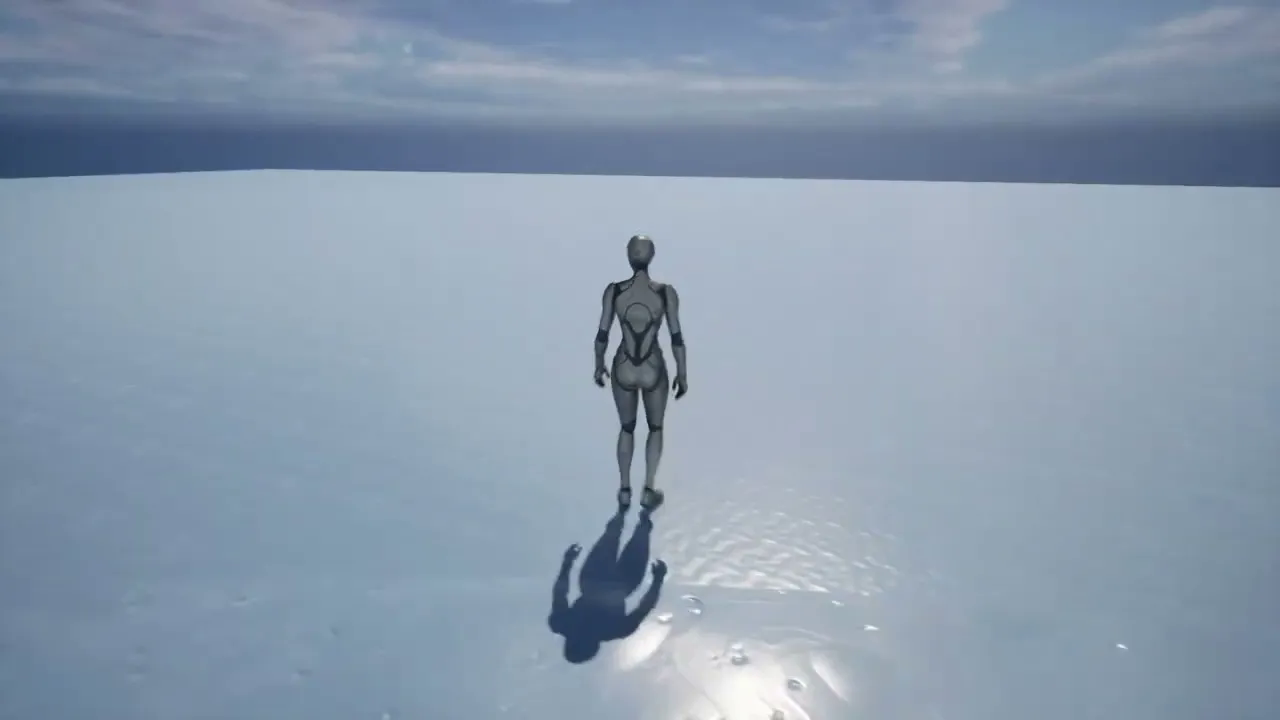
UE5 Physics Volume - Example of throwing the character into the water by sliding on the ice (SUB.)
에피소드 143
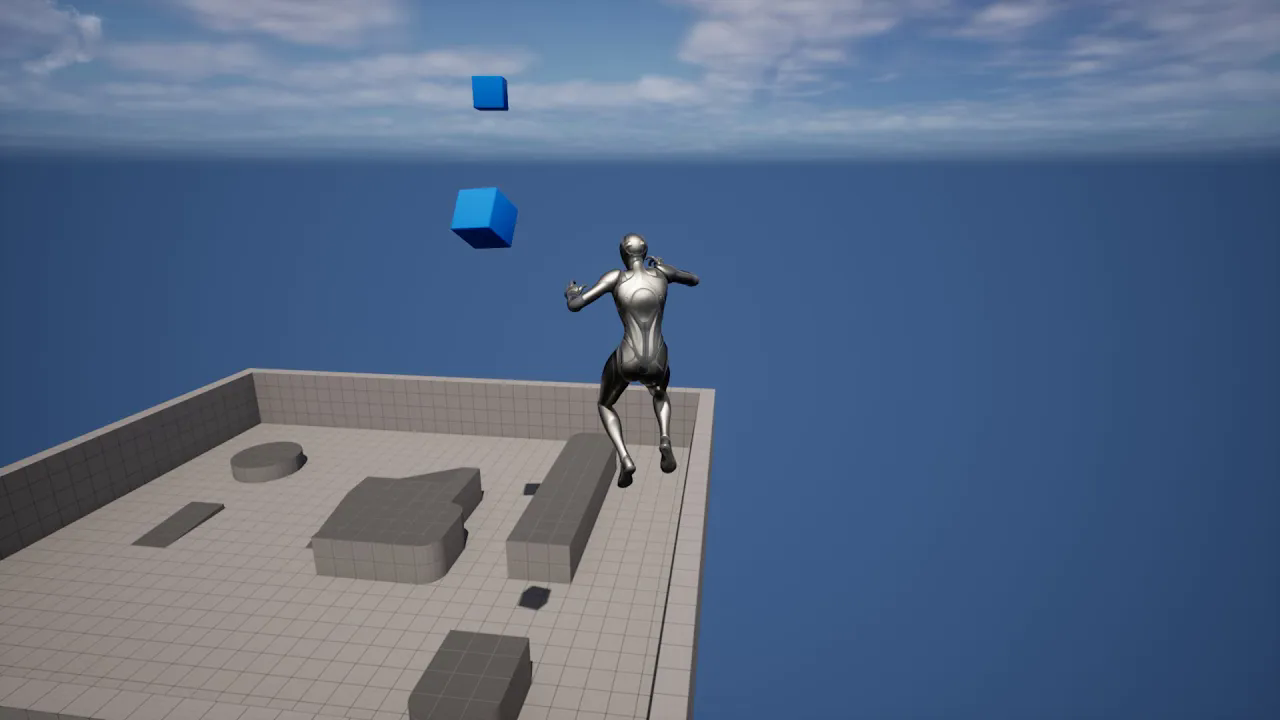
UE5 - World gravity and Actor gravity, Character navigating in space or flying without gravity (SUB)
에피소드 142
UE5 Tips - Speeding up and slowing down the game
에피소드 141
UE5 Tips - Rotation the line tracing in the direction of the actor
에피소드 140
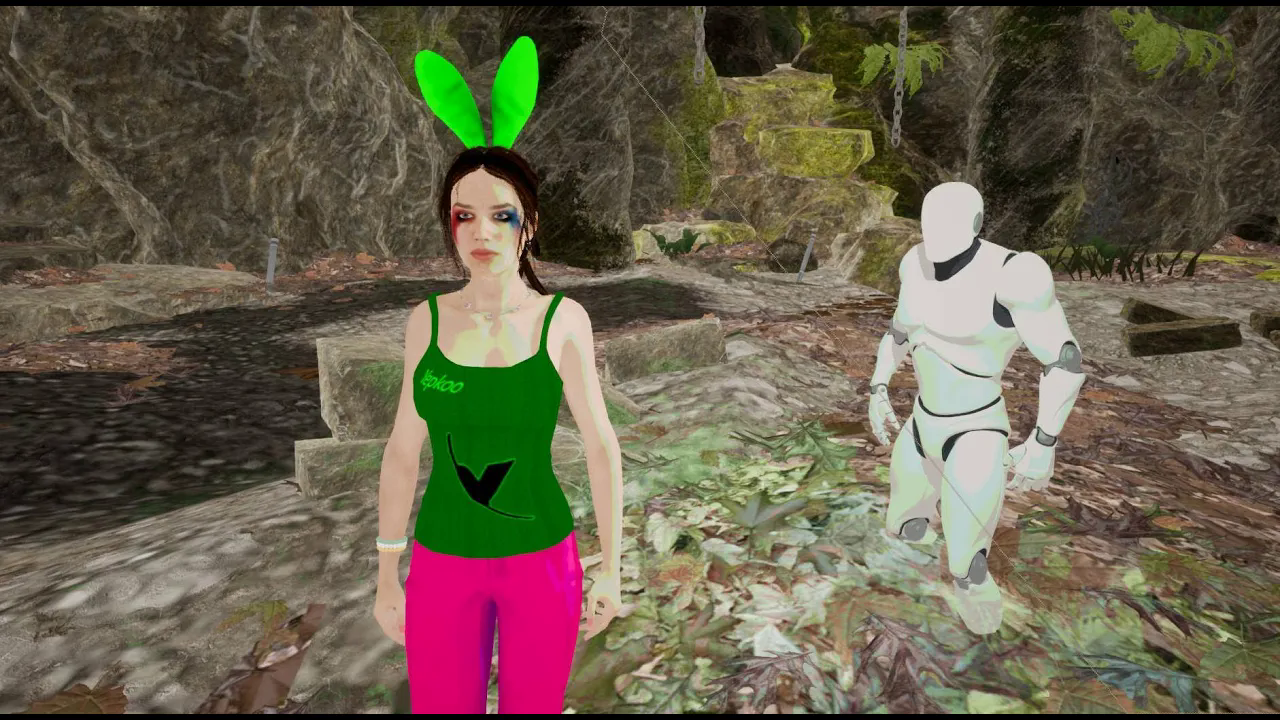
UE5 Tutorial# Toon Shader - Part 4 - Creating Custom Color Bands
에피소드 14
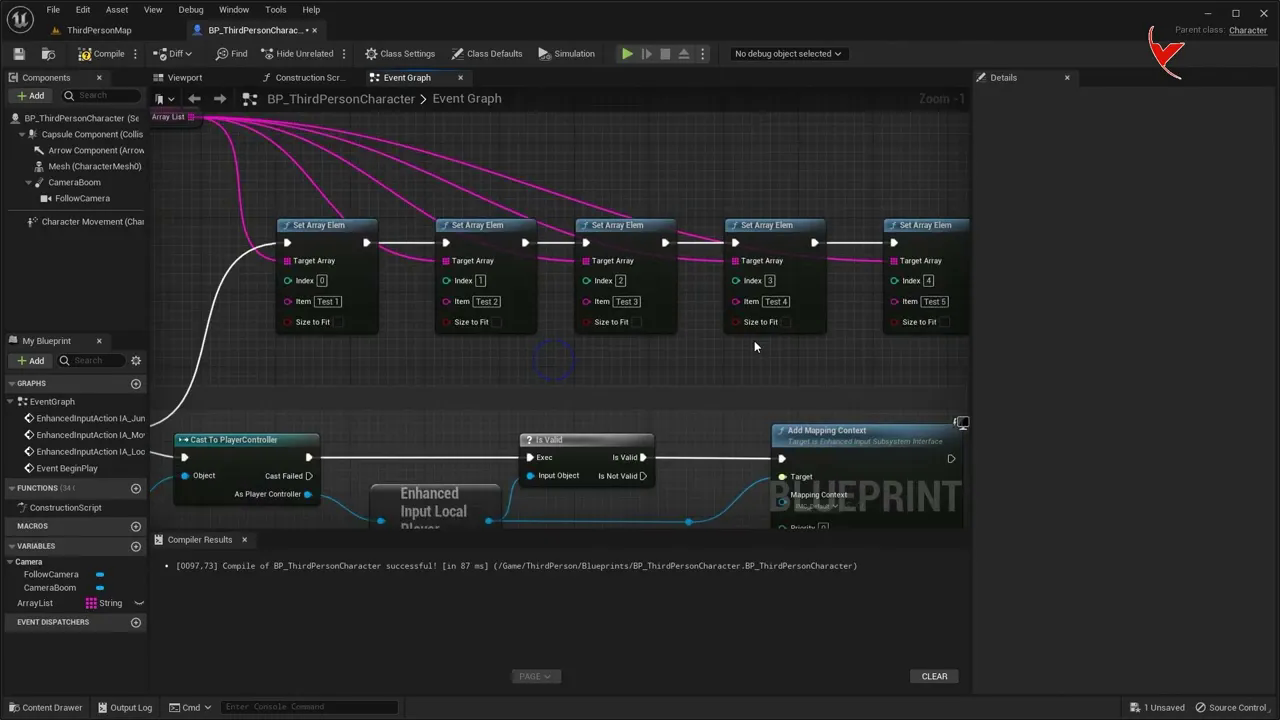
UE5 Tips - Resetting only the data defined for the element without removing the Array elements (SUB)
에피소드 139
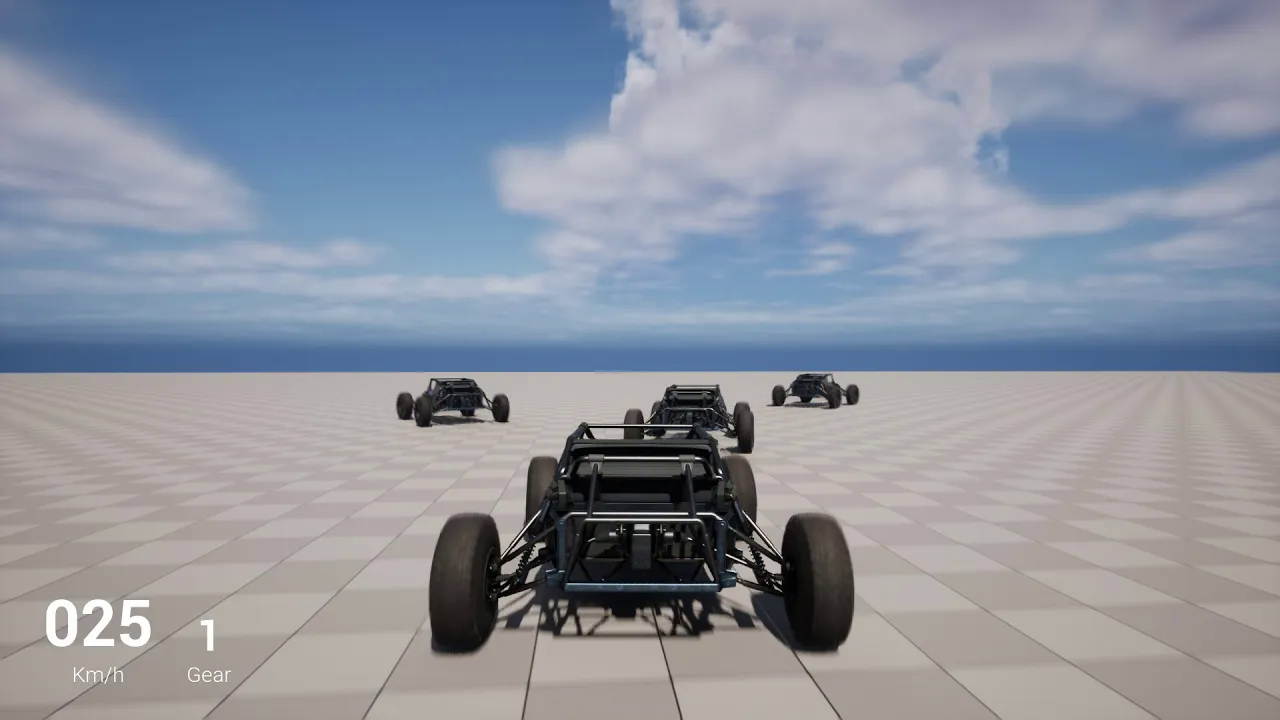
UE5 - Vehicle random spline path change - Vehicle Path #3 - (Subtitle)
에피소드 138
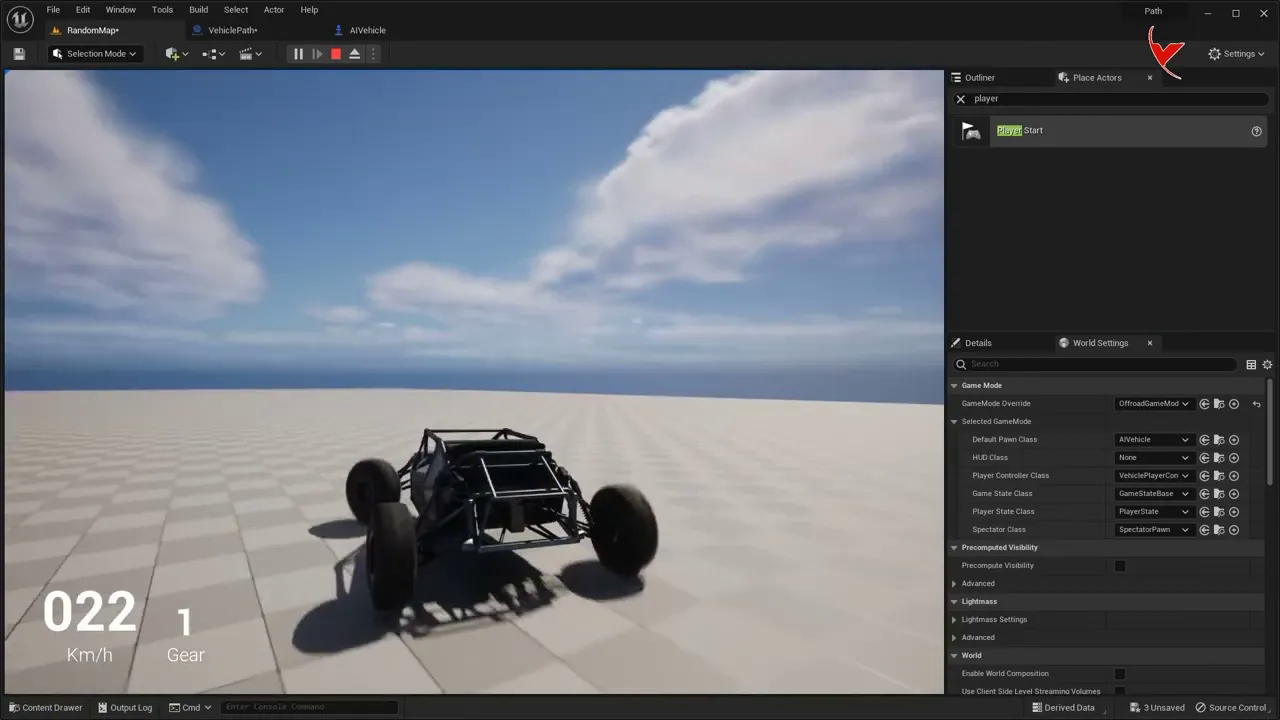
UE5 - Automatic spline switching of vehicles - Multiple spline - Vehicle Path #2 - (Subtitle)
에피소드 137
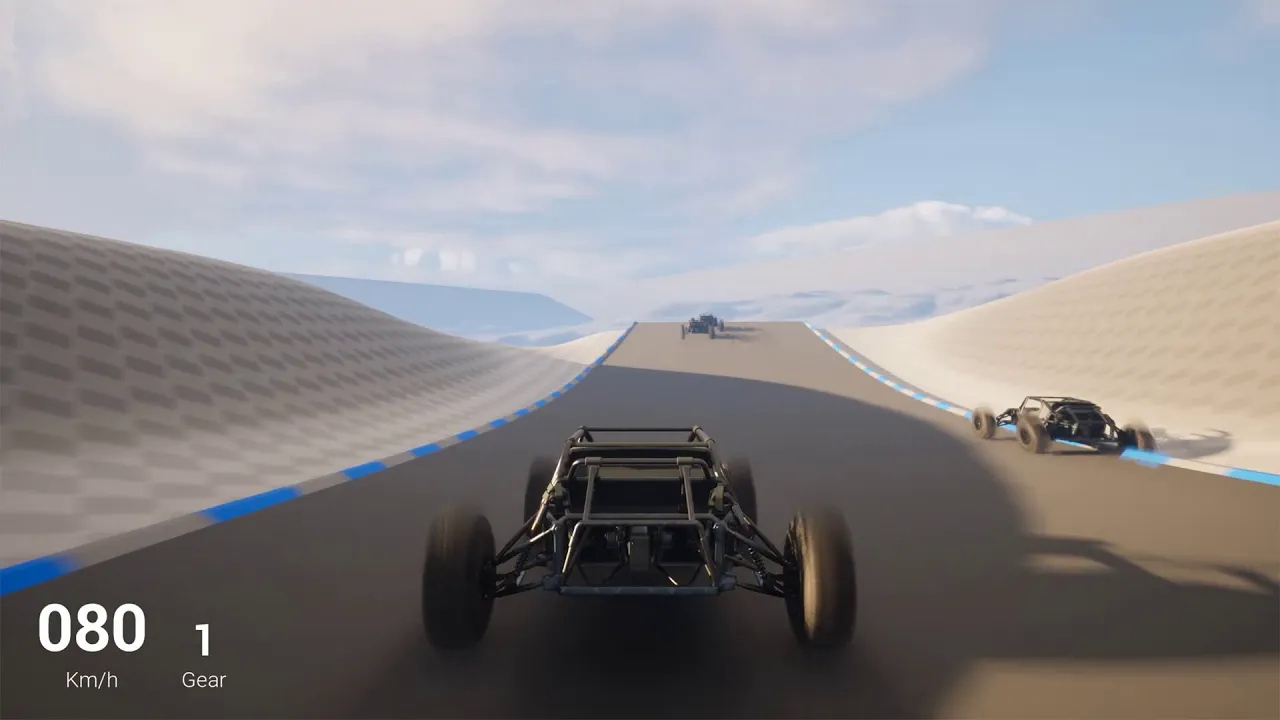
UE5 - Vehicle follow spline - A simple car racing simulator - Vehicle Path #1 - (Subtitle)
에피소드 136
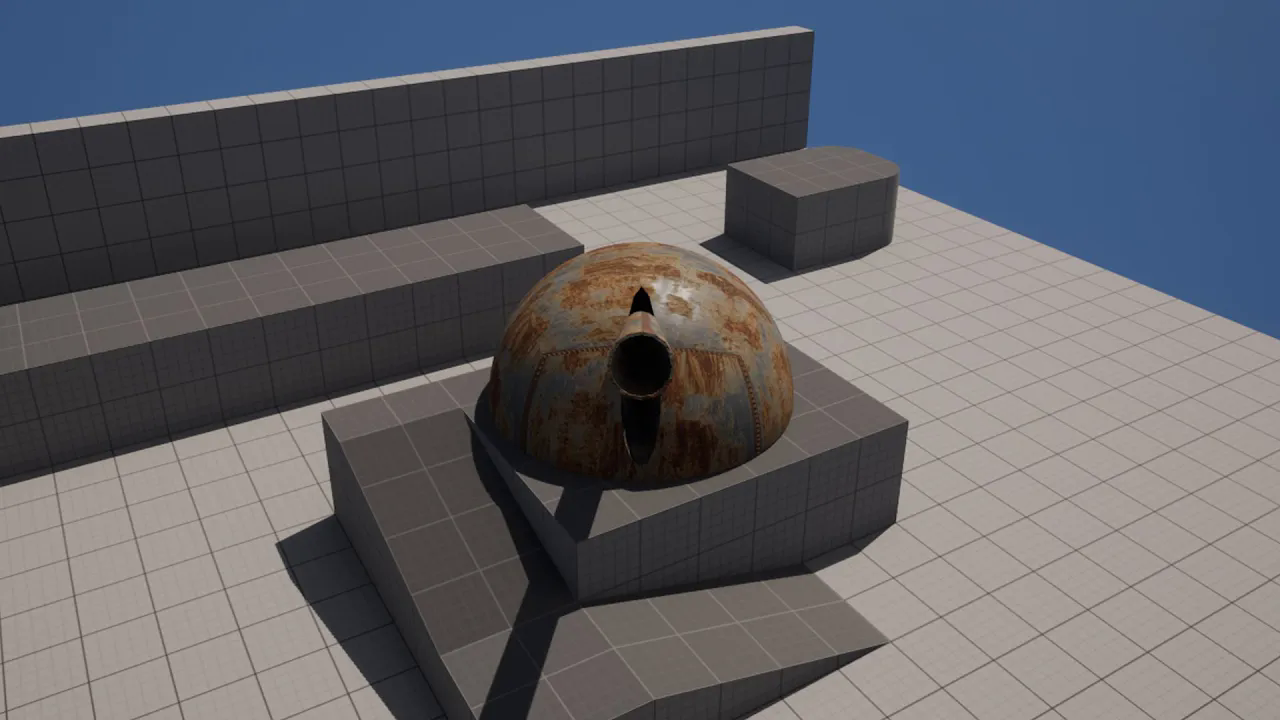
UE5 - Locking Static Mesh to any target Target locking on the pawn using the cannon gun example (SUB)
에피소드 135
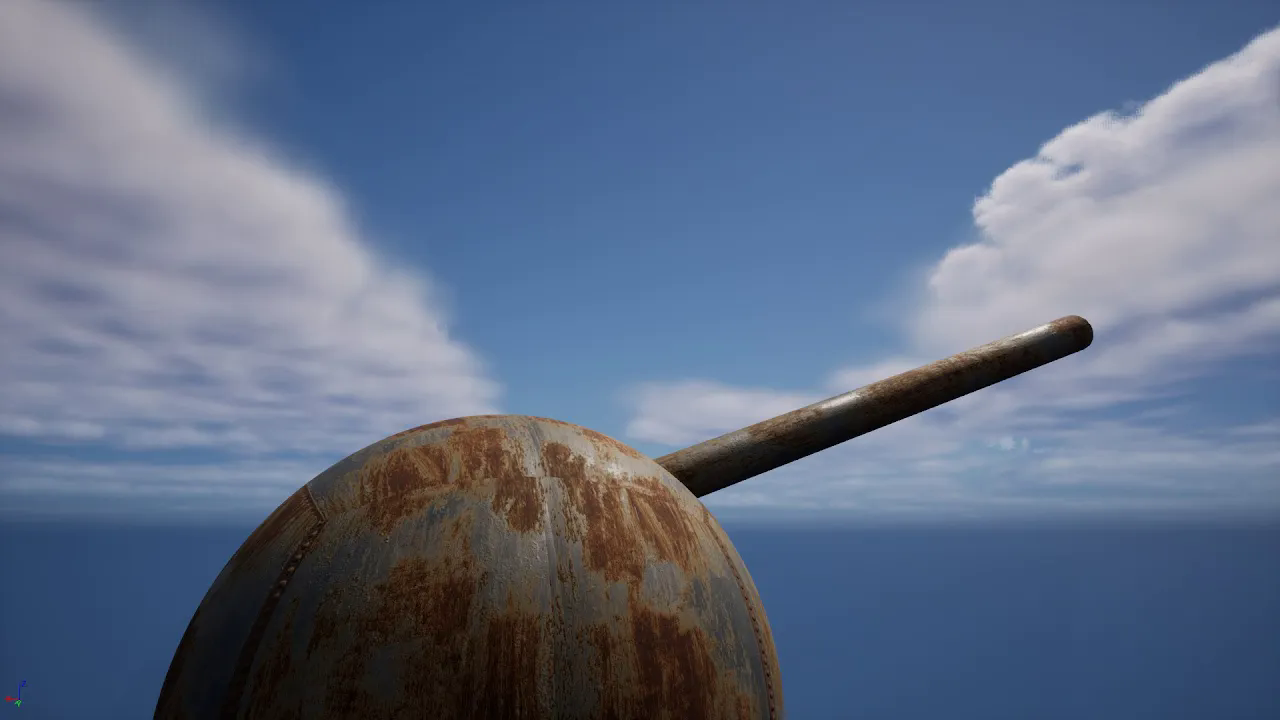
UE5 - Simple apocalypse gun, Let's make a Doomsday Cannon using modeling tools. (Subtitle)
에피소드 134
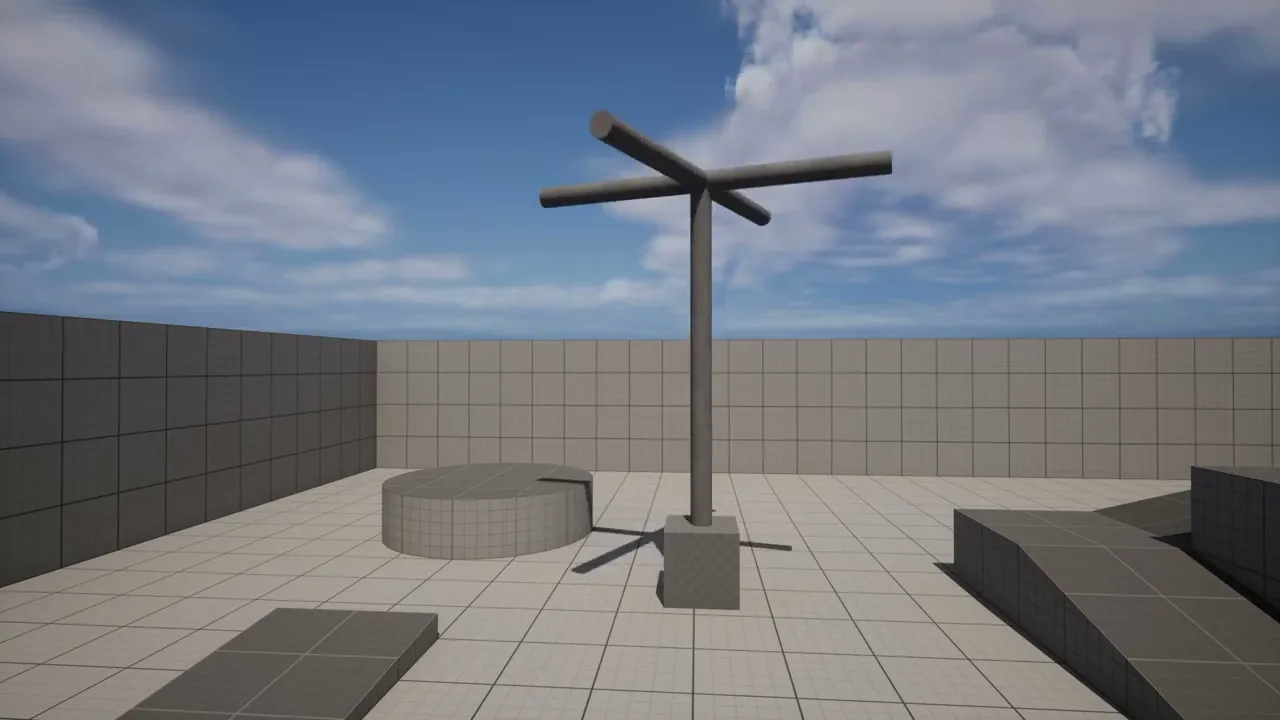
UE Tutorial - Let's make an example propeller with the use of Curve Float (Subtitle)
에피소드 133
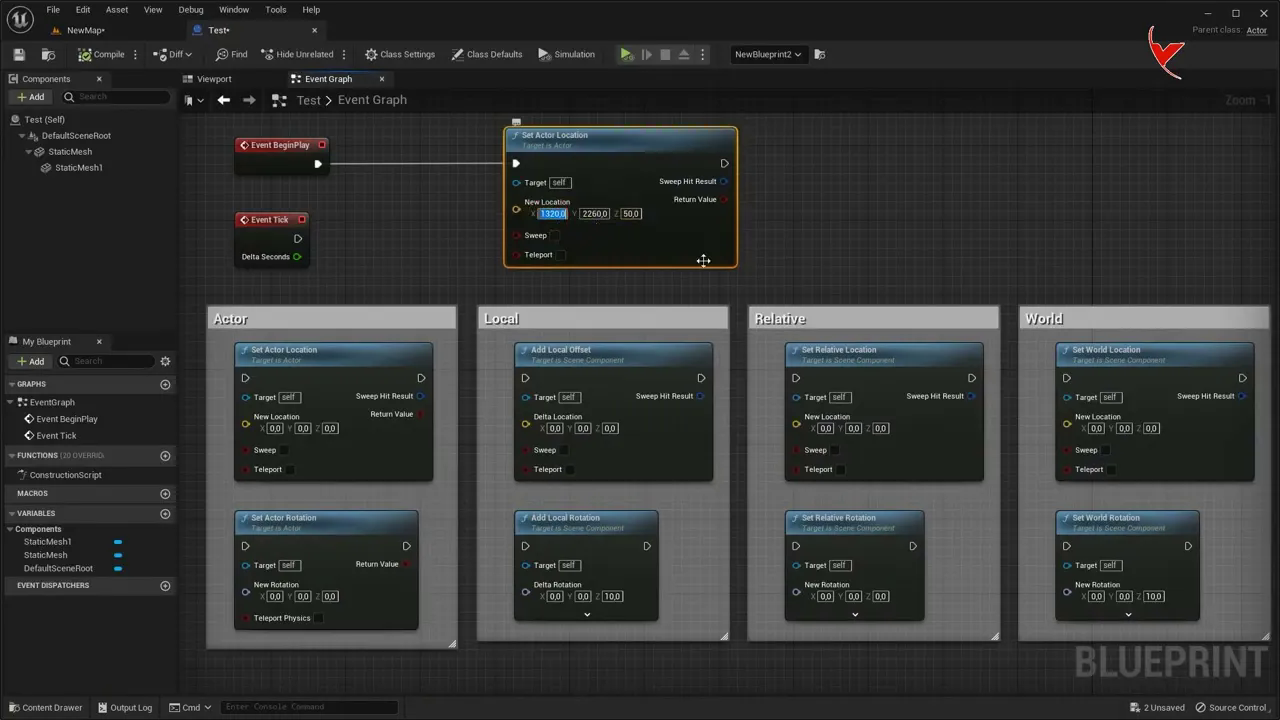
Unreal tips# What are the differences between Relative,World, Actor and Add Location#Rotation# (SUB)
에피소드 132
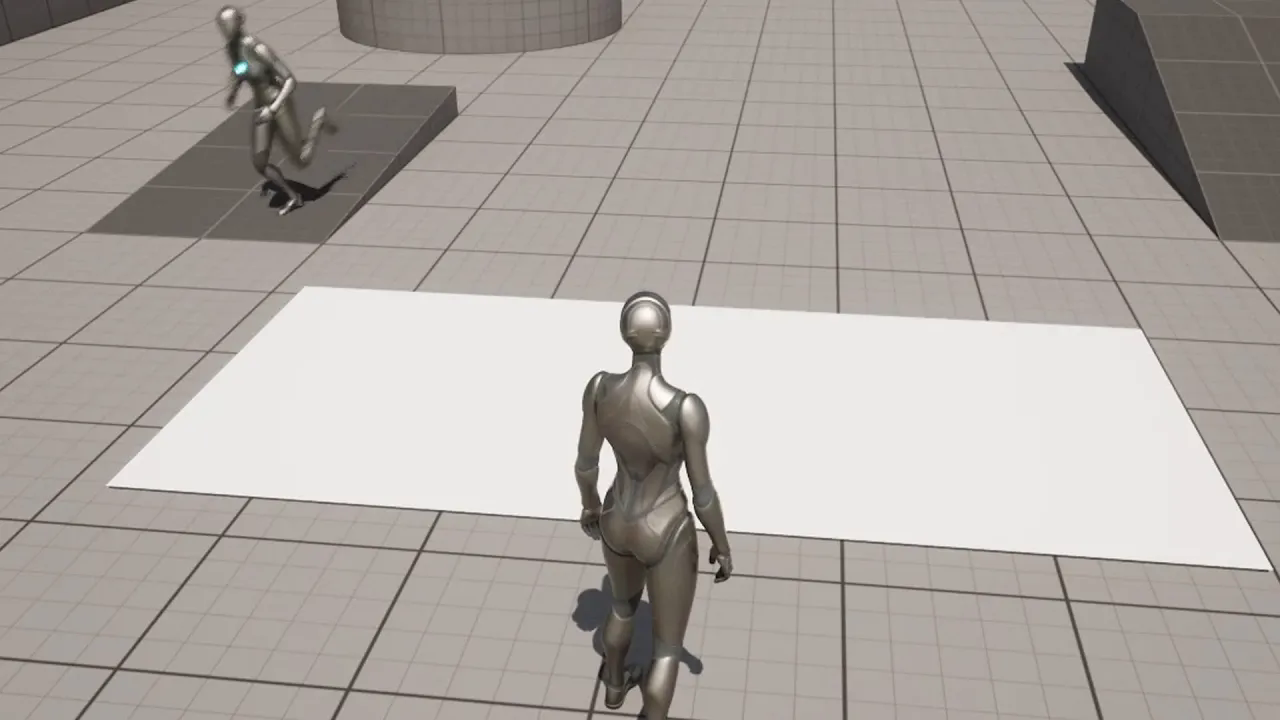
UE5 - Patrol and Pawn Sensing. Block AI from entering some areas with Nav Modifier Volume. (Subtitle)
에피소드 131
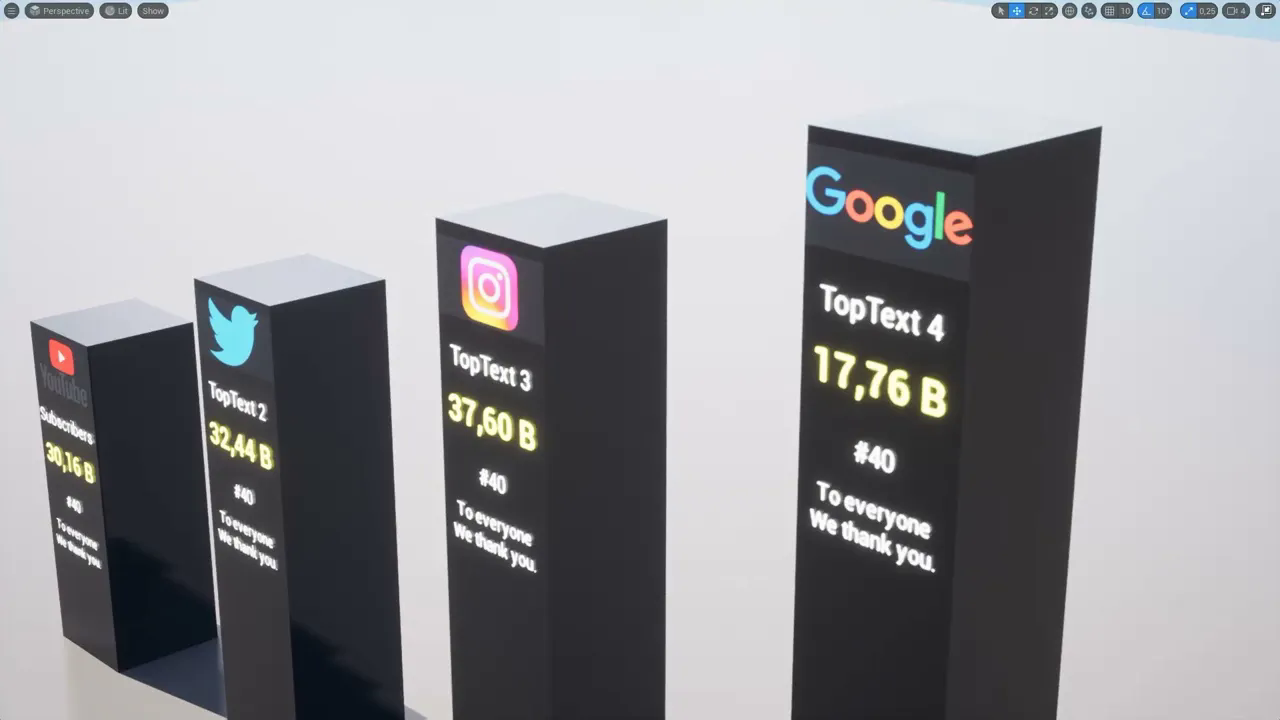
UE5 - Cinematic with pillar and number effect, local widget usage for each BP file (Subtitle)
에피소드 130
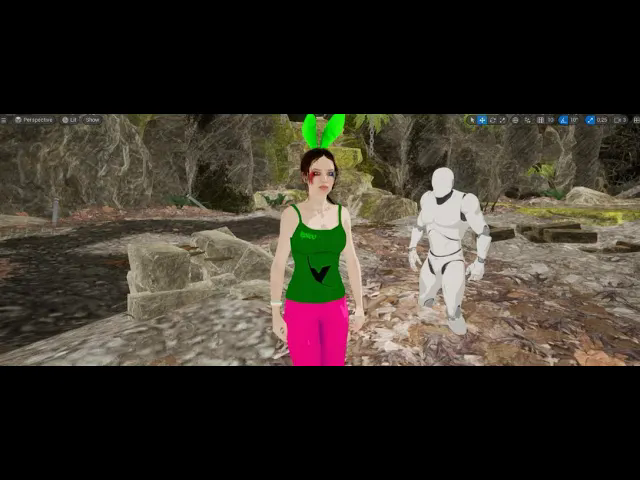
UE5 Tutorial# Toon Shader - Part 3 - Applying Light and Shadow - UE4 and UE5
에피소드 13
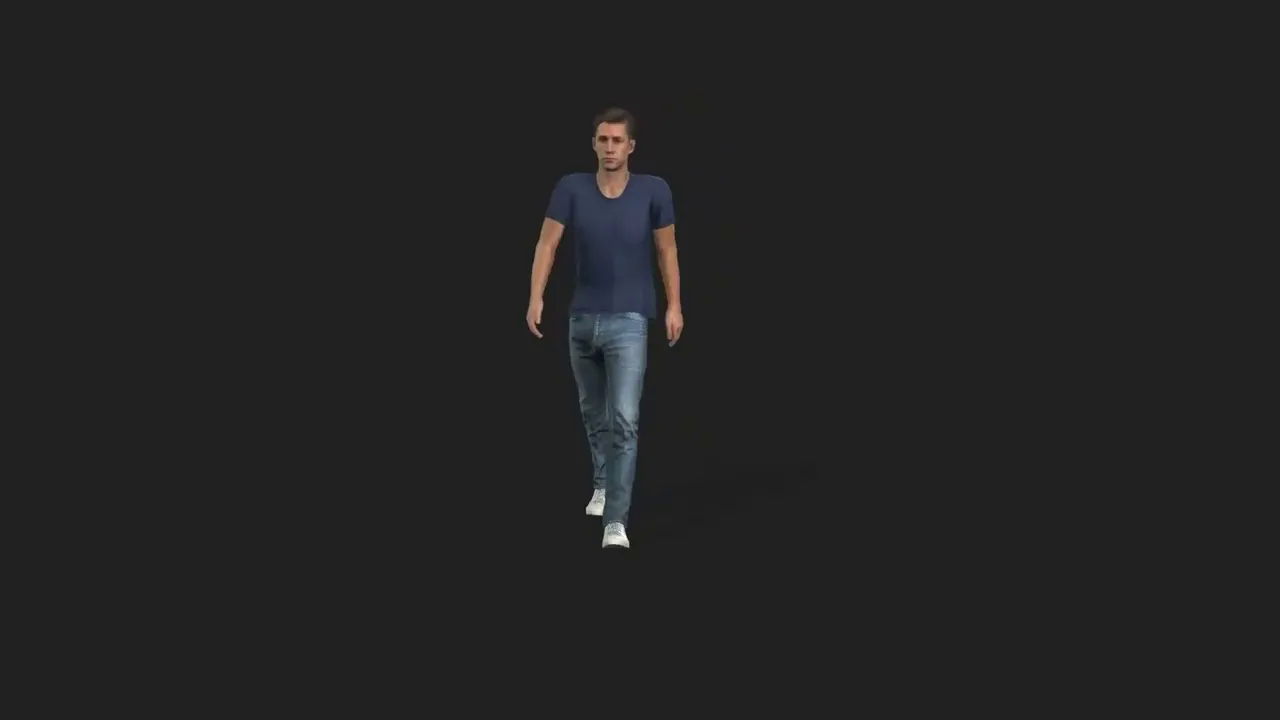
Transfer and rig CC4 Character to Cascadeur, export created animation back to iClone (Subtitle)
에피소드 129
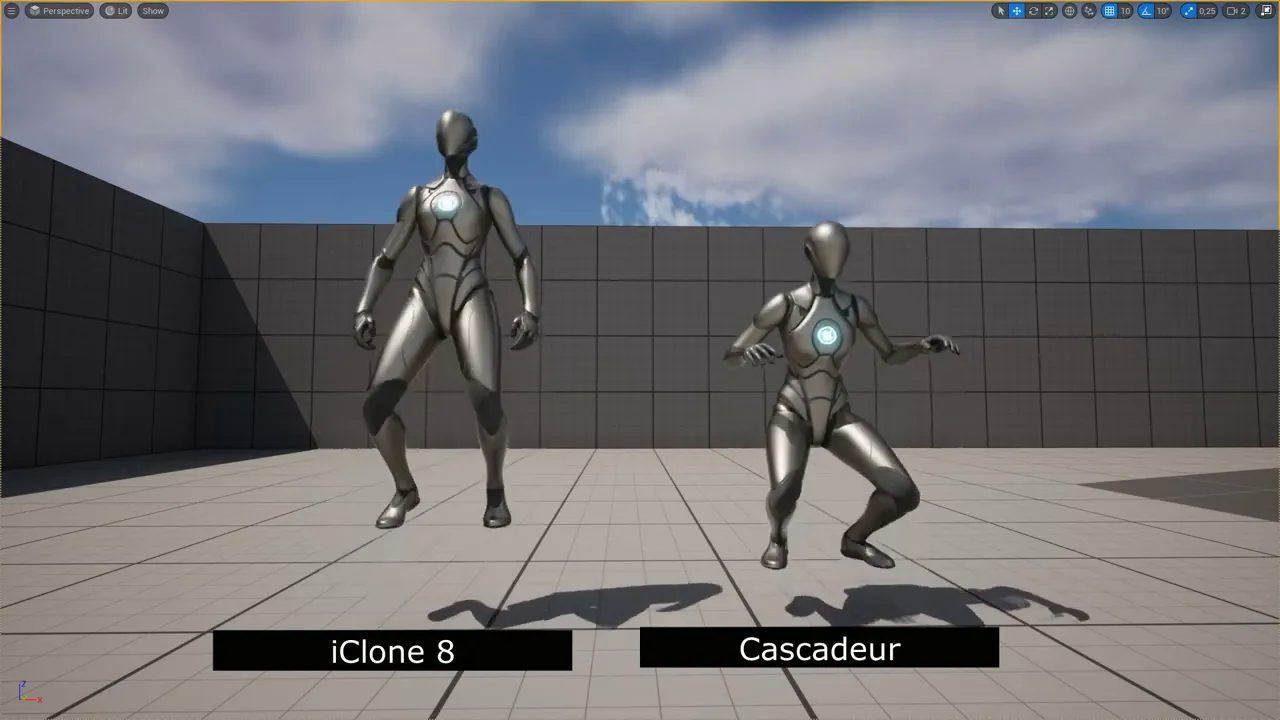
Cascadeur vs iClone 8. Simple animation creation from scratch comparison
에피소드 128
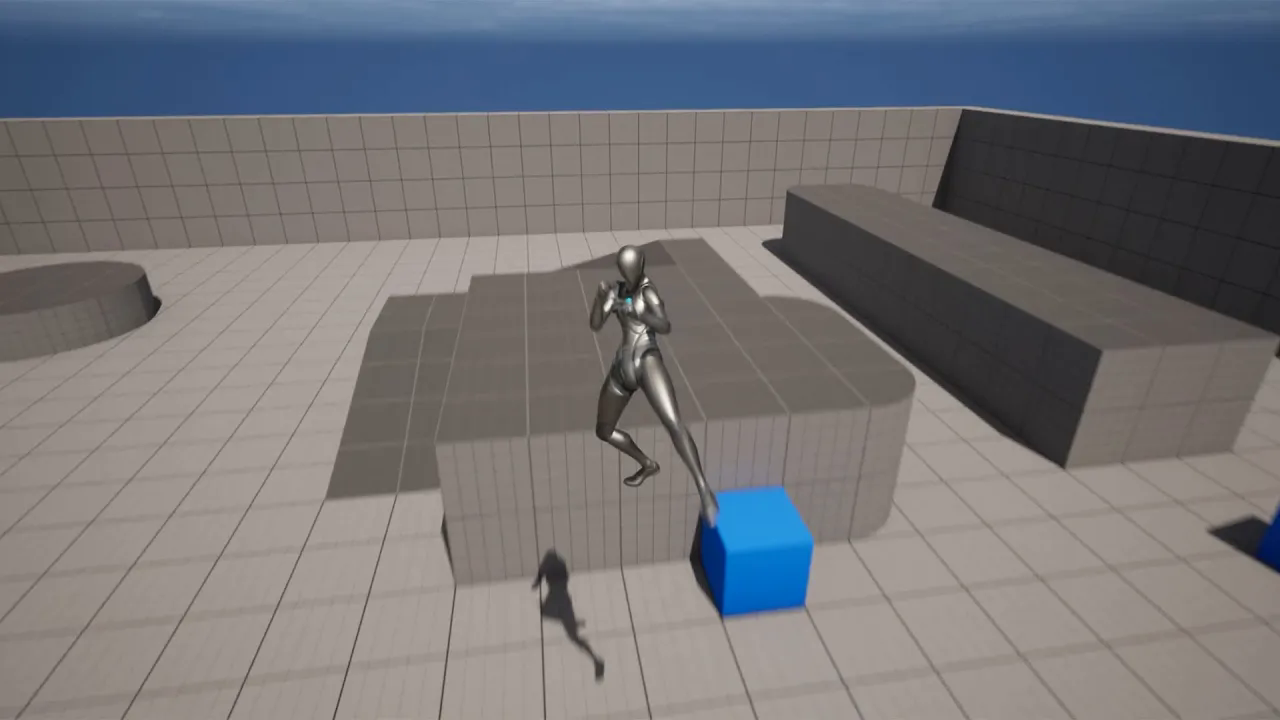
UE5 - Blending animations without using AnimBp with the Blueprint Montage Blend function. (Subtitle)
에피소드 127
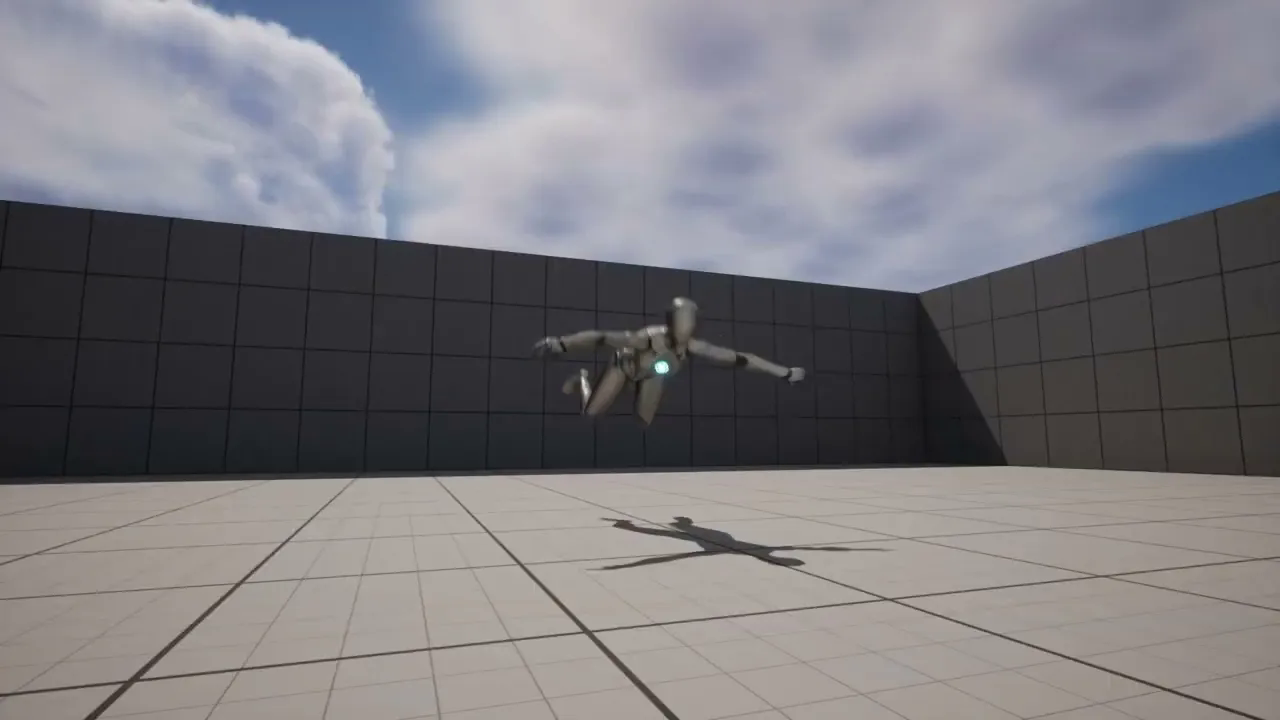
UE5 - Playing different animations in sequence with Play Montage according to the montage length (SUB
에피소드 126
UE5 - Let's use Release and Hold triggers for different actions, using single hotkey. (Subtitle)
에피소드 125
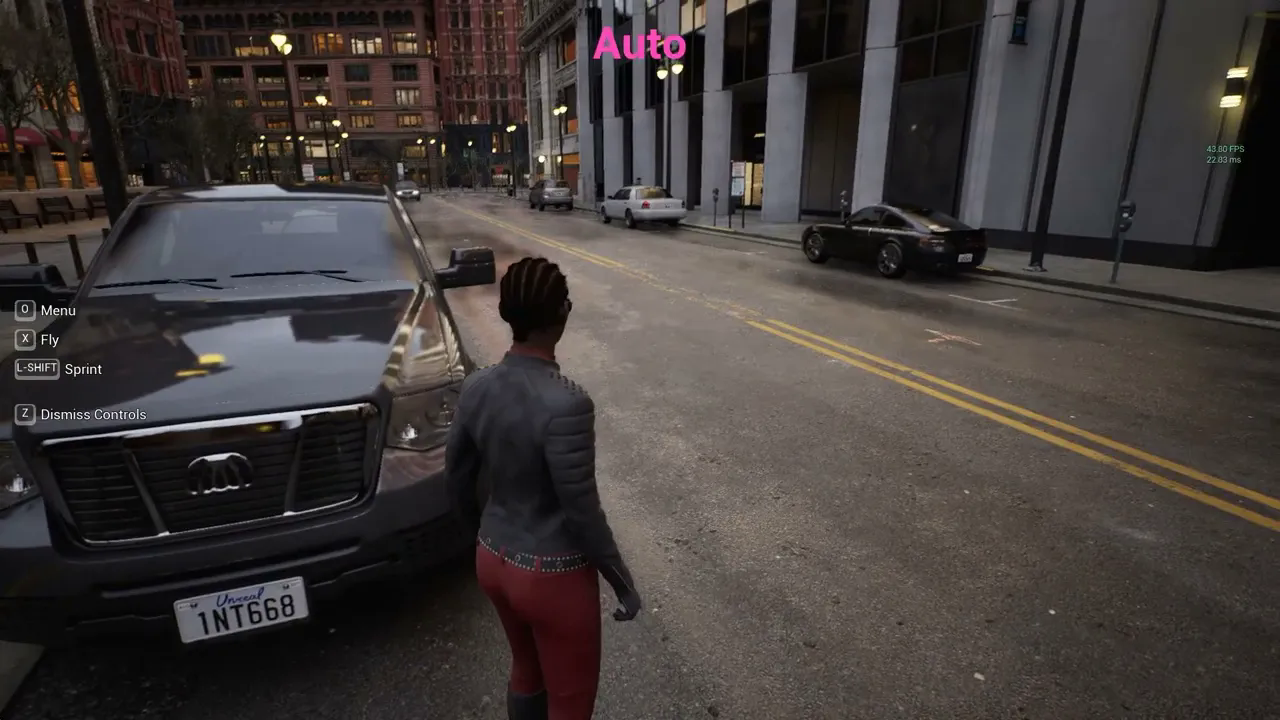
Nvidia DLSS Test with UE5 City Sample - (Subtitle)
에피소드 124

Installing NVIDIA DLSS Plugin for UE (Subtitle)
에피소드 123
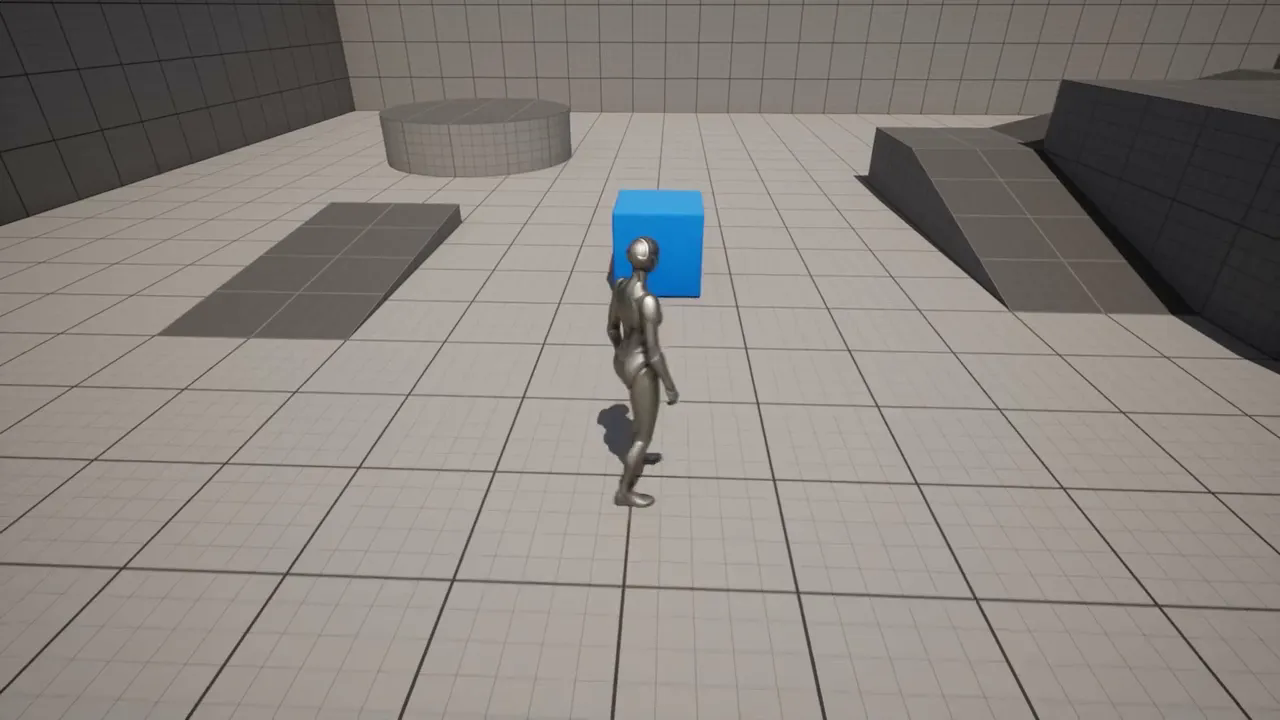
UE5 - Run a function when a player enters a proximity with a certain radius - toggle Event Tick (SUB)
에피소드 122
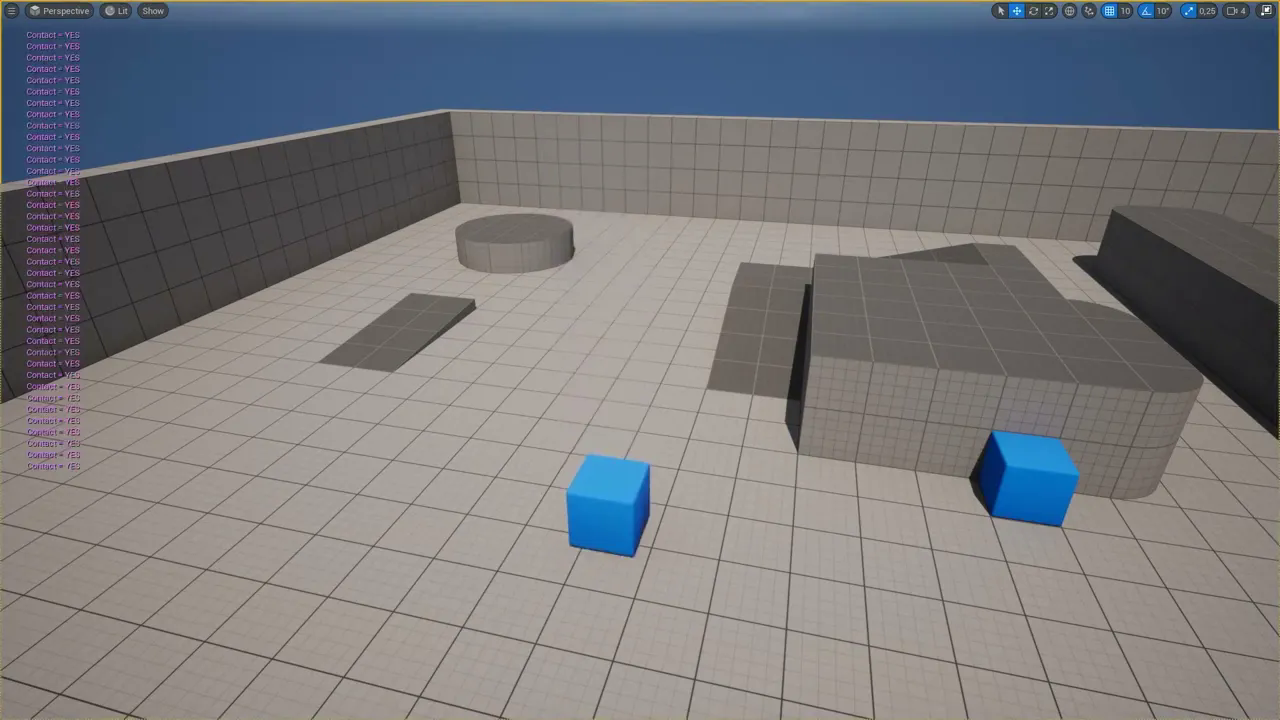
Detect if any component is contacting the ground or getting close to something (Subtitle)
에피소드 121
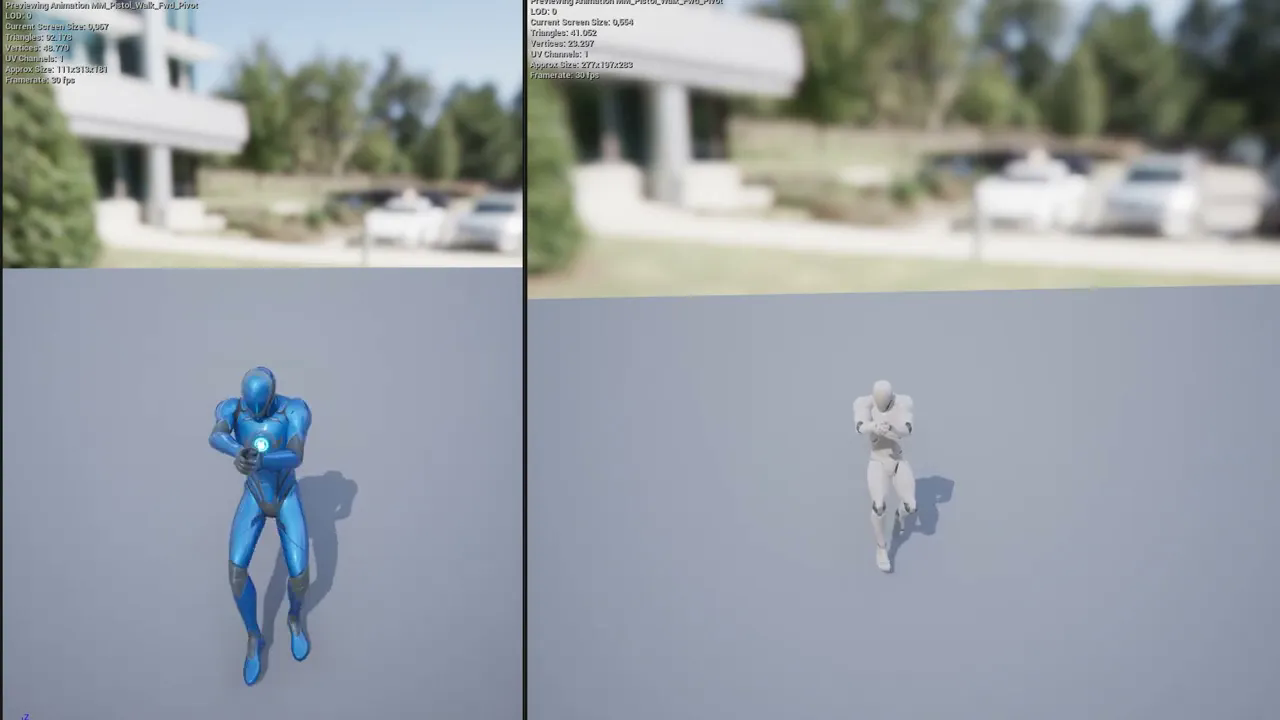
Fix for animation root motion not working after retargeting in UE5 (Subtitle)
에피소드 120
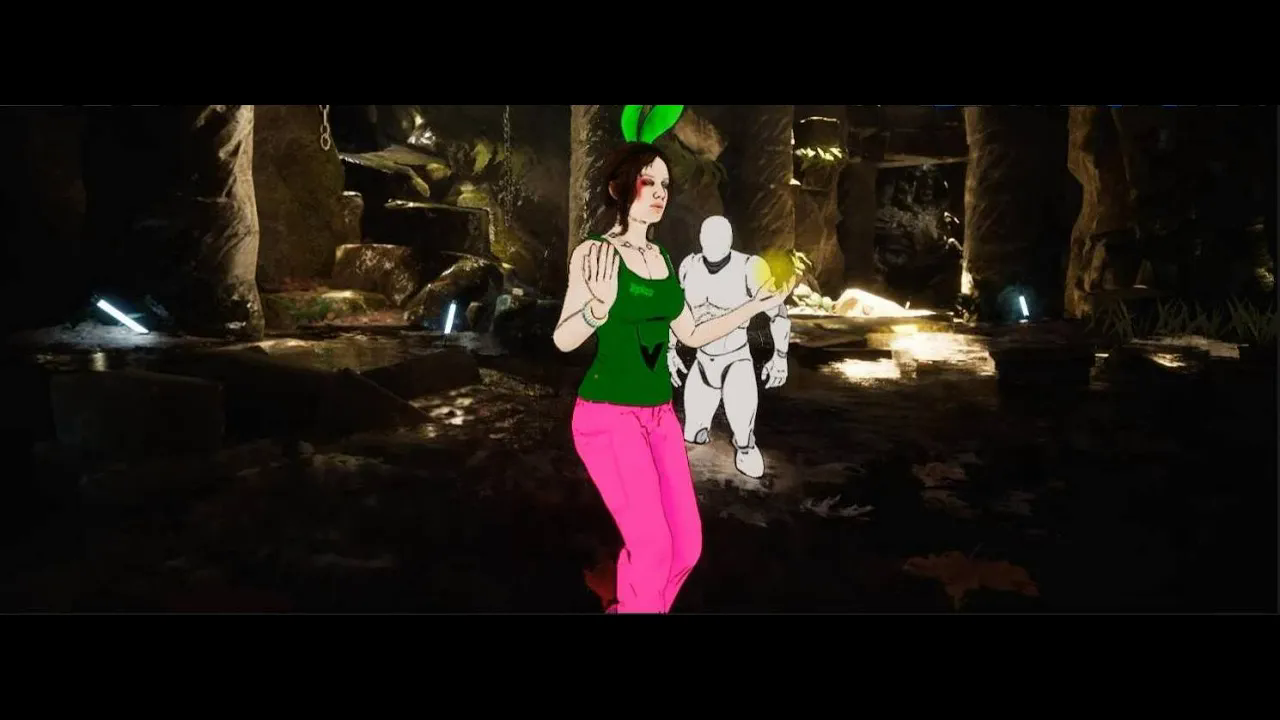
UE5 Tutorial# Toon Shader - Part 2 - Stylizing selected entities - UE4 and UE5
에피소드 12
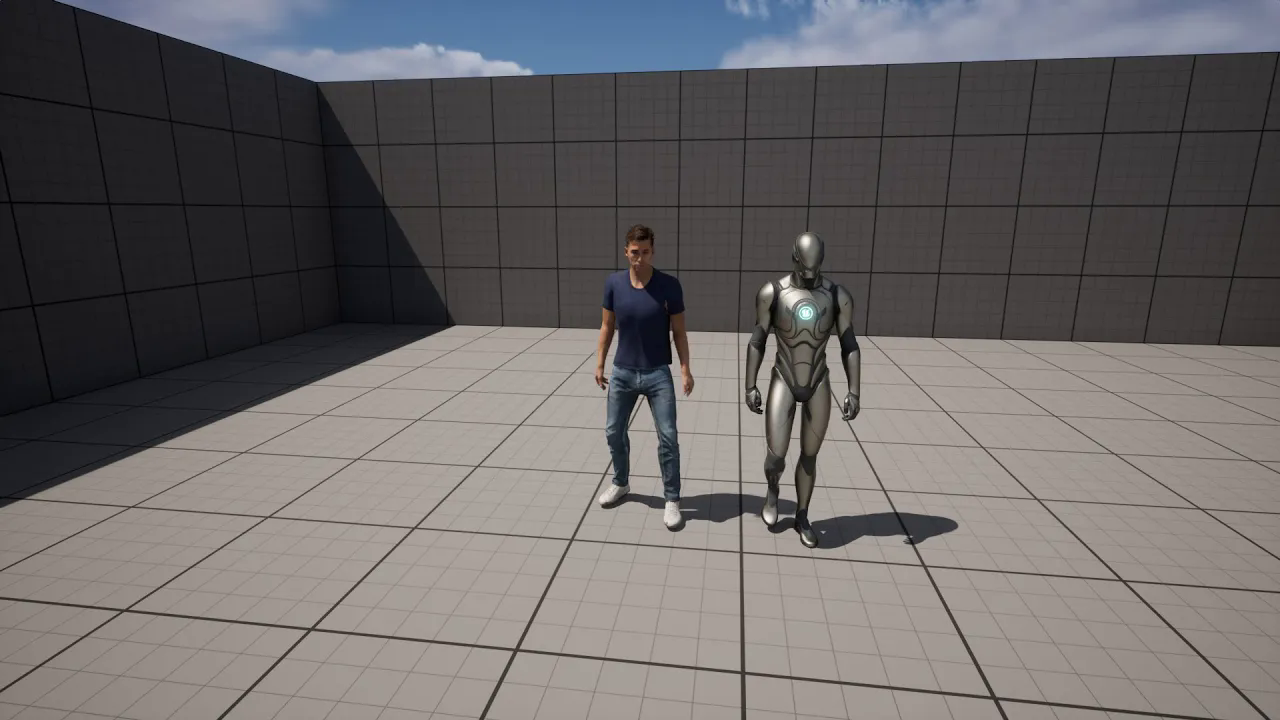
Retargeting CC4 character to UE 5.1 character (and reverse) - Subtitle
에피소드 119
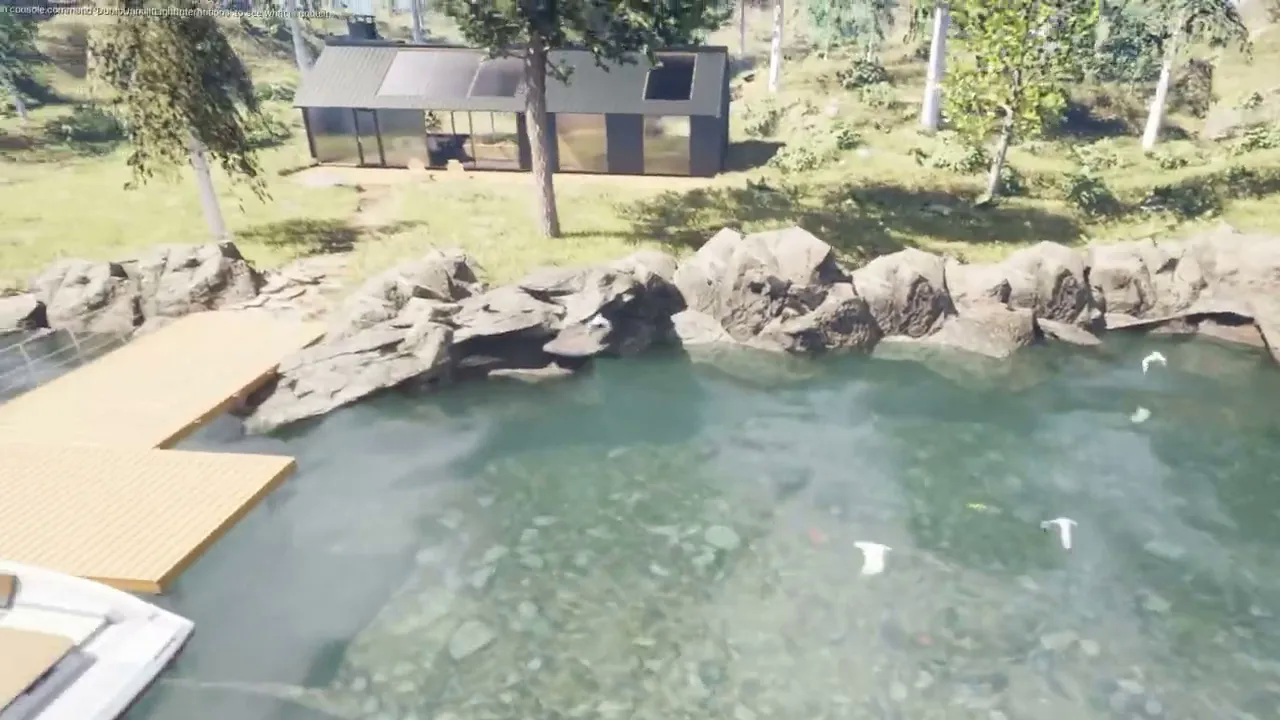
Twinmotion to UE5, Datasmith import plugin (Beta 1) testing
에피소드 118
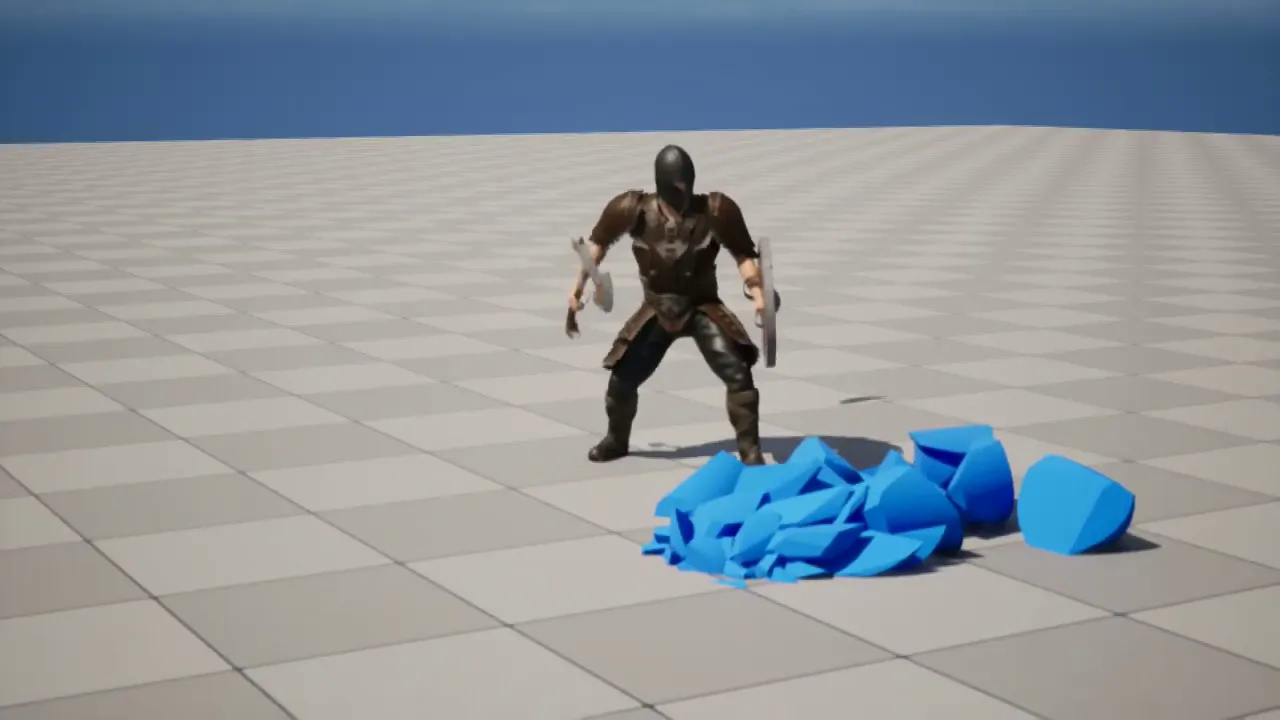
Using iClone 8 Livelink, let's record with UE5.1 Take Recorder and create Chaos Destruction (Sub.)
에피소드 117
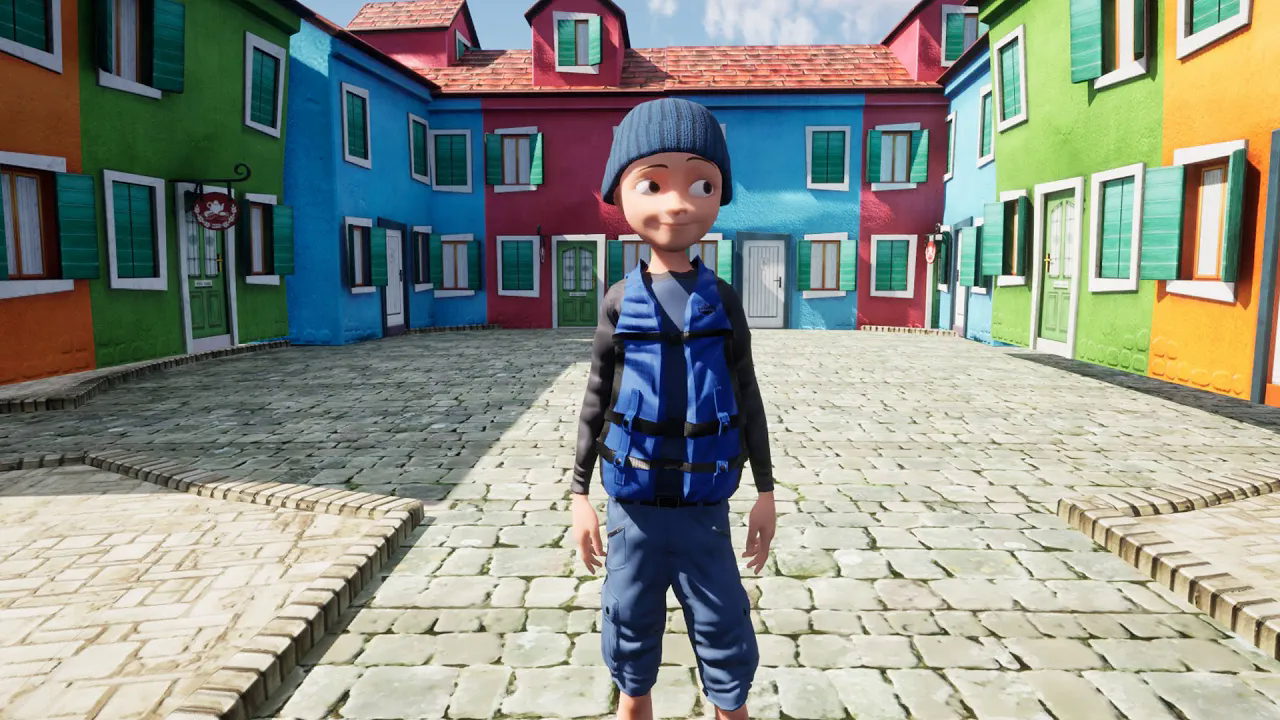
iClone 8 to UE5.1 character, prop and Motion transfer test using iClone Livelink (Sub.)
에피소드 116
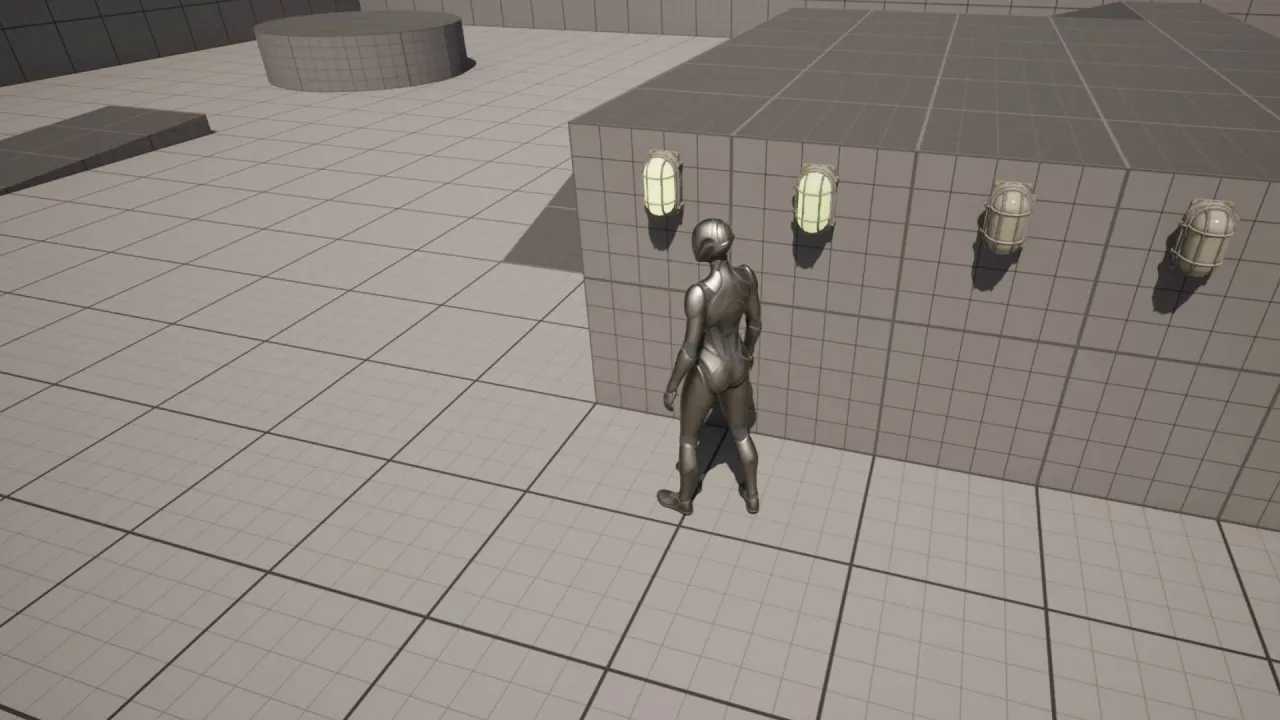
UE5 - Dynamic Material change with blueprint and flashing light creation with timeline system. (Sub)
에피소드 115
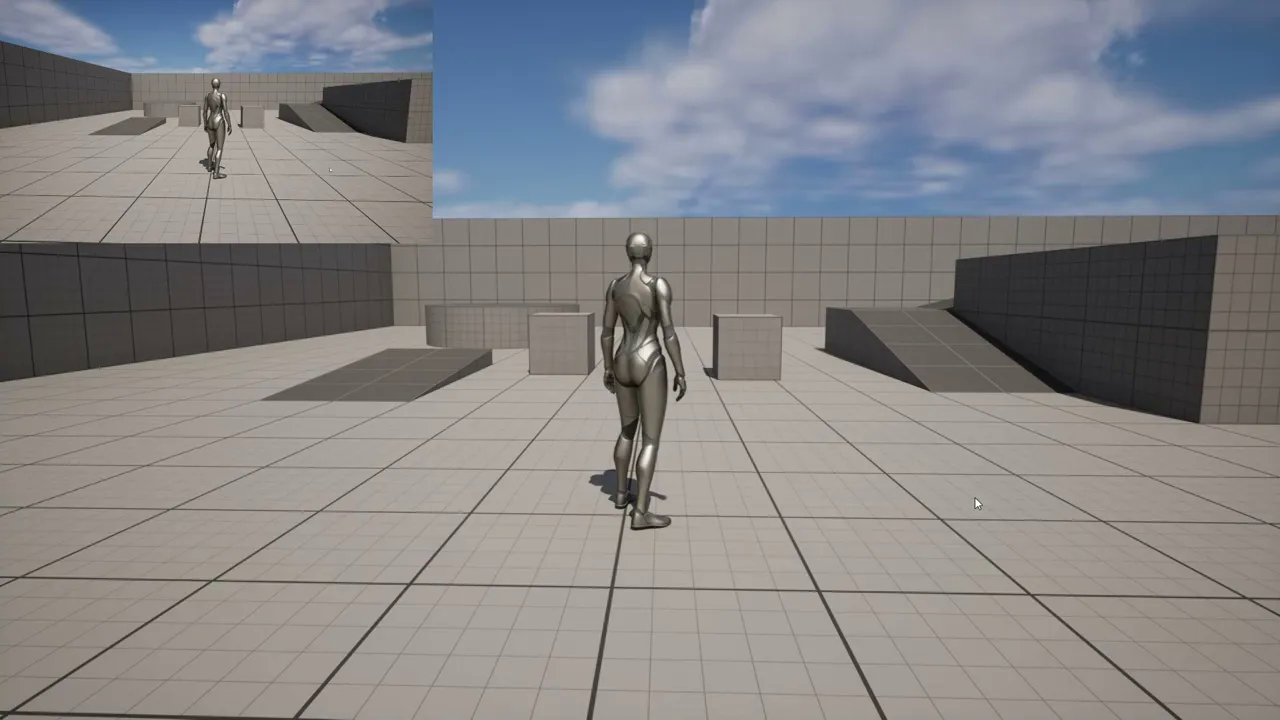
UE - Using single #Boolean# variable with #Array Elem# function in UE. (Subtitle)
에피소드 114
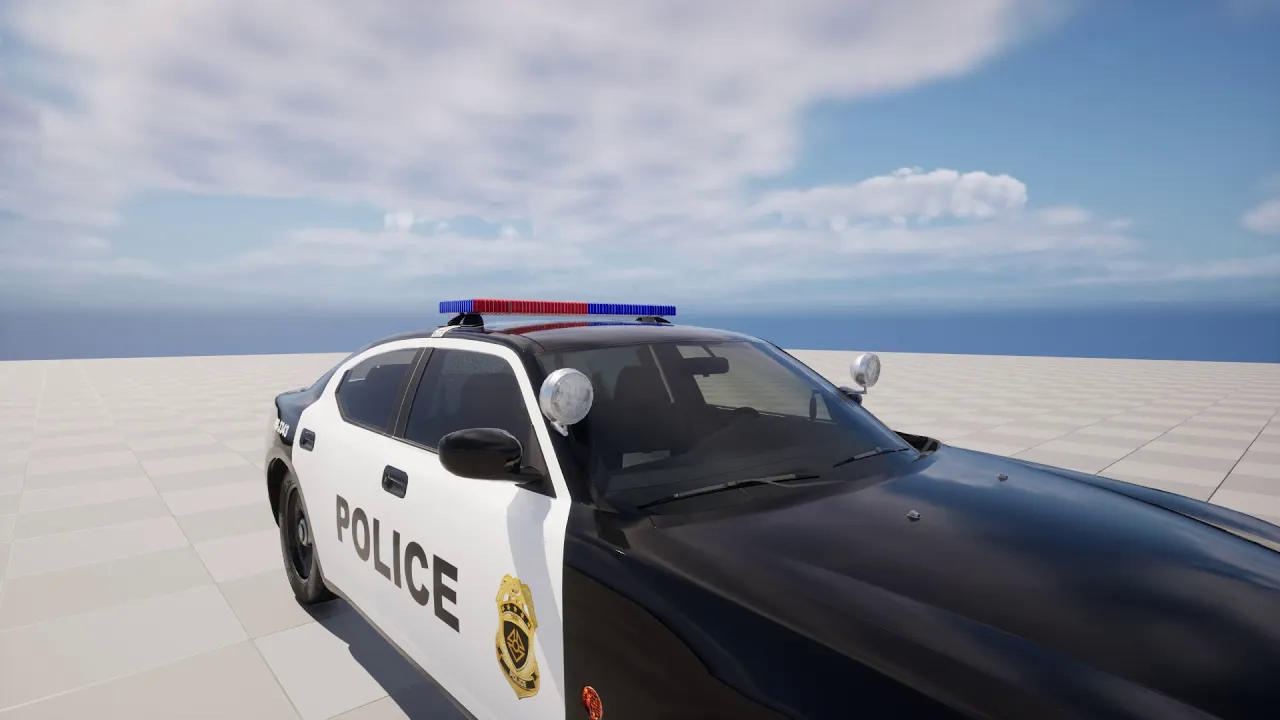
Fix opacity of windows of vehicles transferred from CC4 or iC8 to UE (Subtitle)
에피소드 113
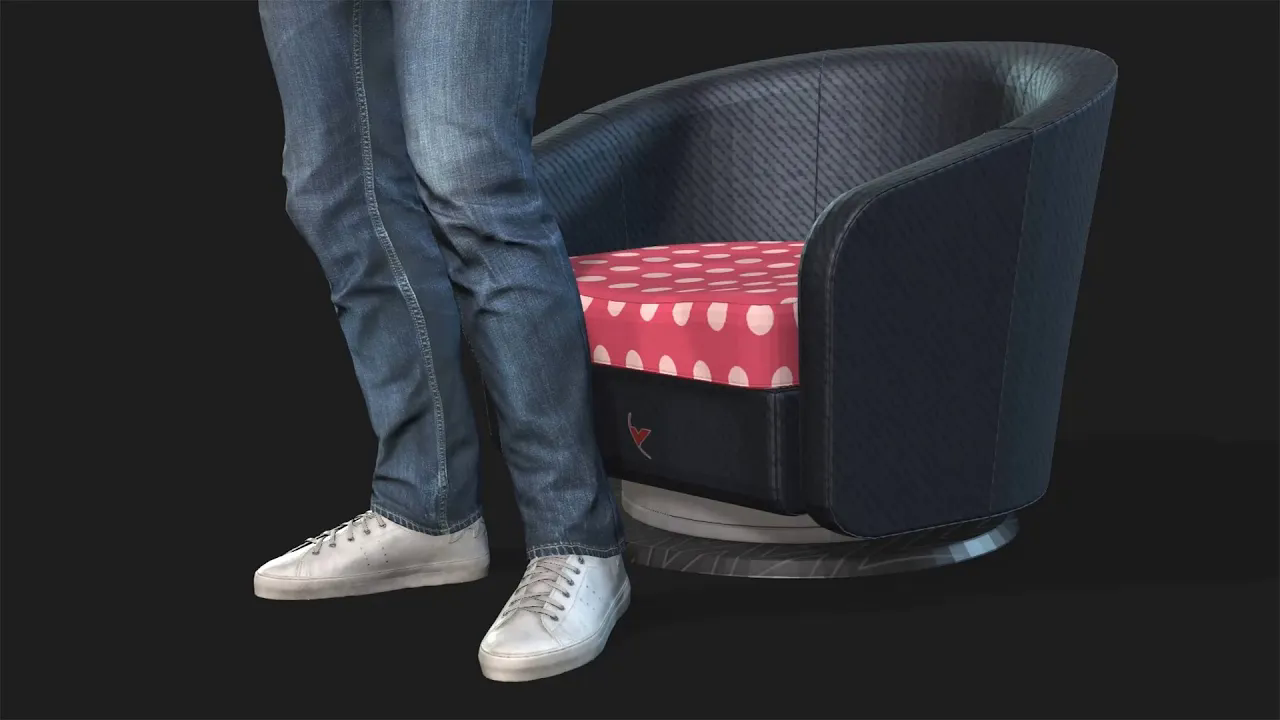
Apply Materials and Textures to 3D Models (Obj#Fbx) with Adobe Dimension and export to iClone (Sub)
에피소드 112
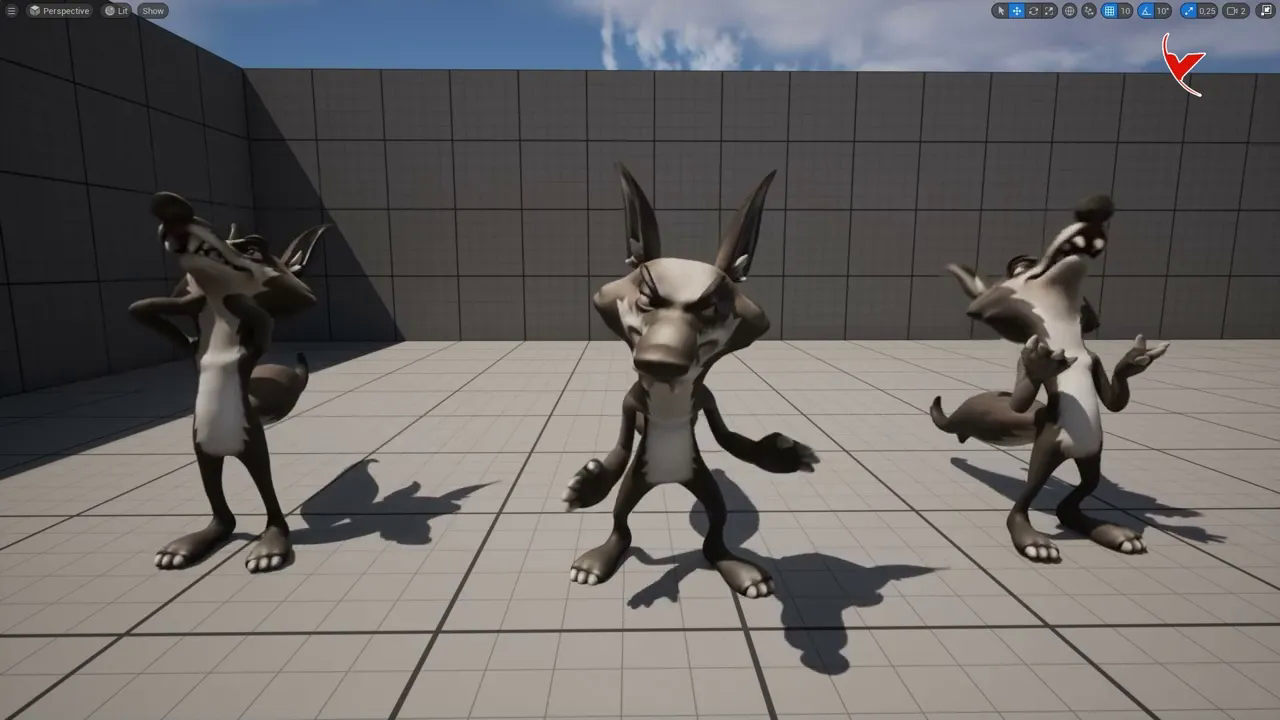
UE5.1 and CC4 testing. Importing animated characters from CC4 to Unreal 5.1 - Adding extra motion
에피소드 111
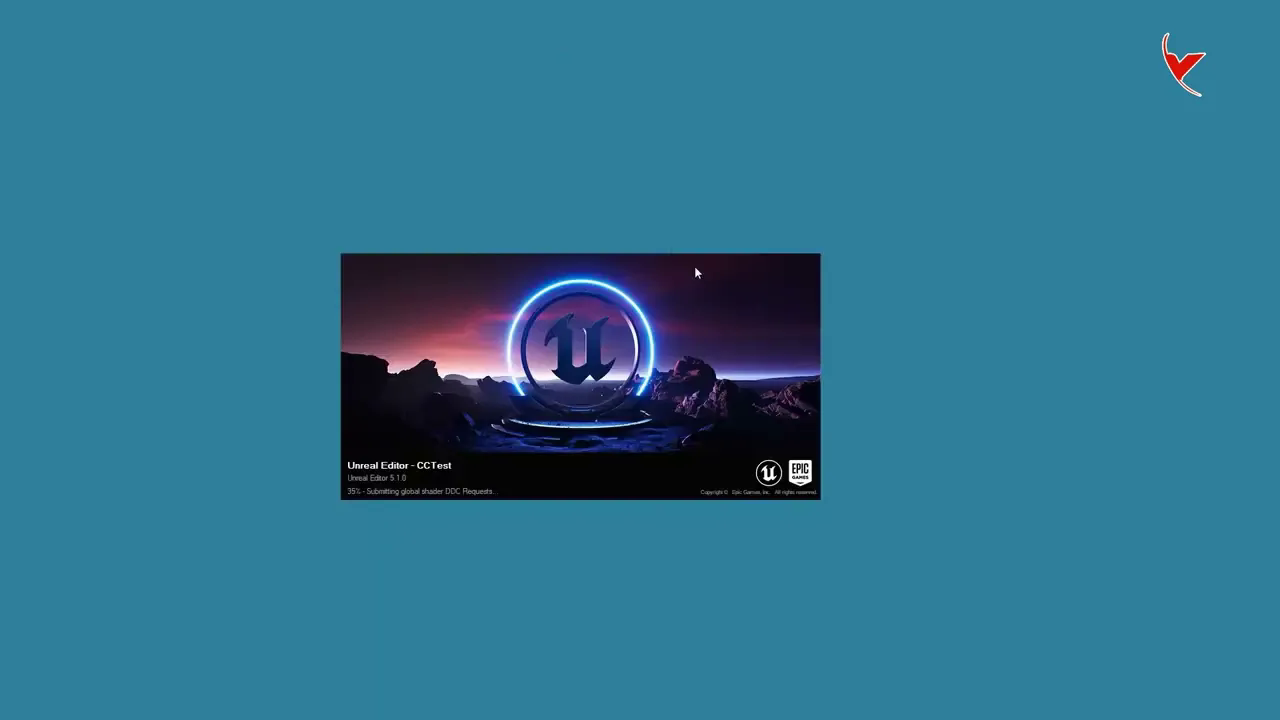
Installing Character Creator Auto Setup and iClone Live Link plugin for UE. (Subtitle)
에피소드 110
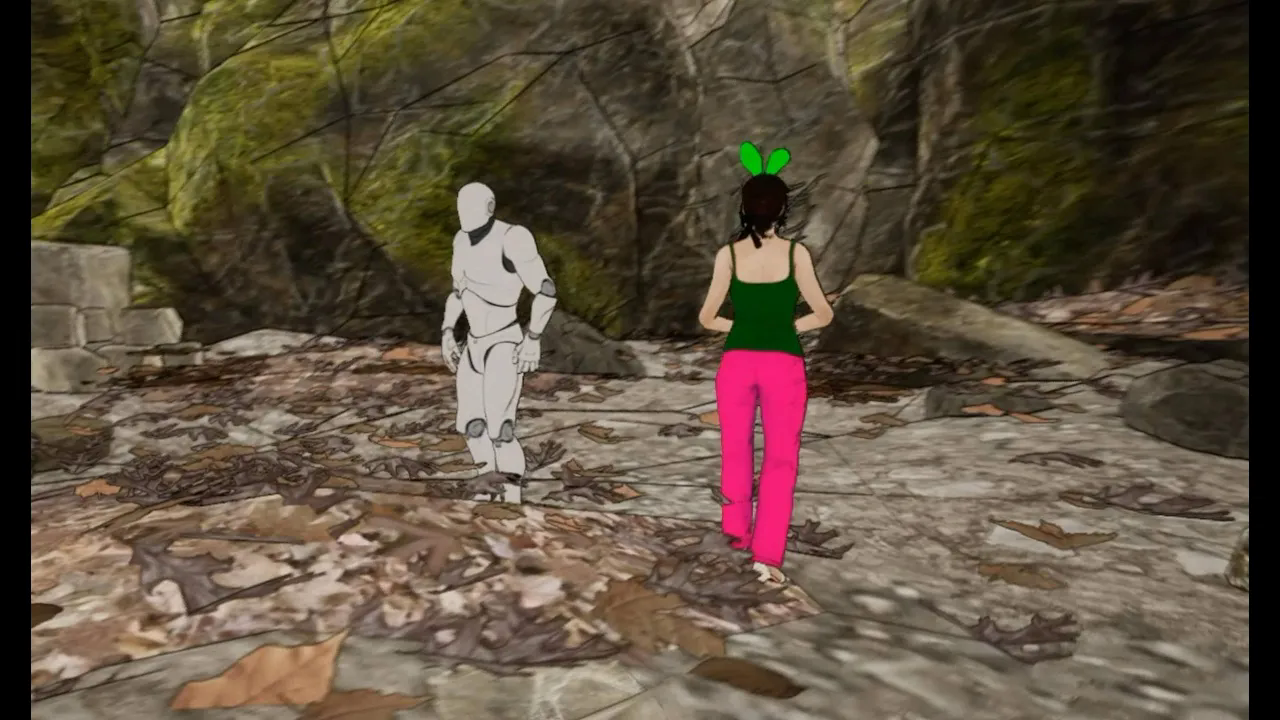
UE5 Tutorial# Toon Shader - Part 1 - Stylizing the entire environment - UE4 and UE5
에피소드 11
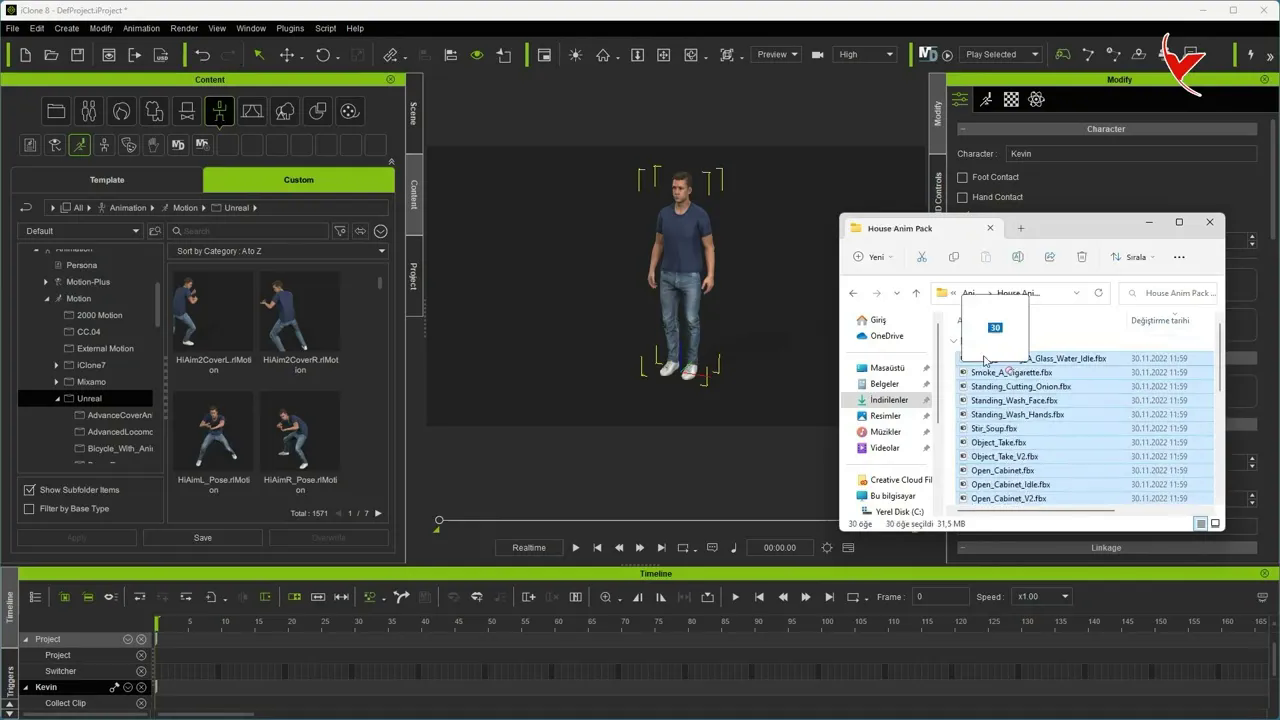
Import animation from UE5 to iC8 - Cheap animation alternatives for iClone 8
에피소드 109
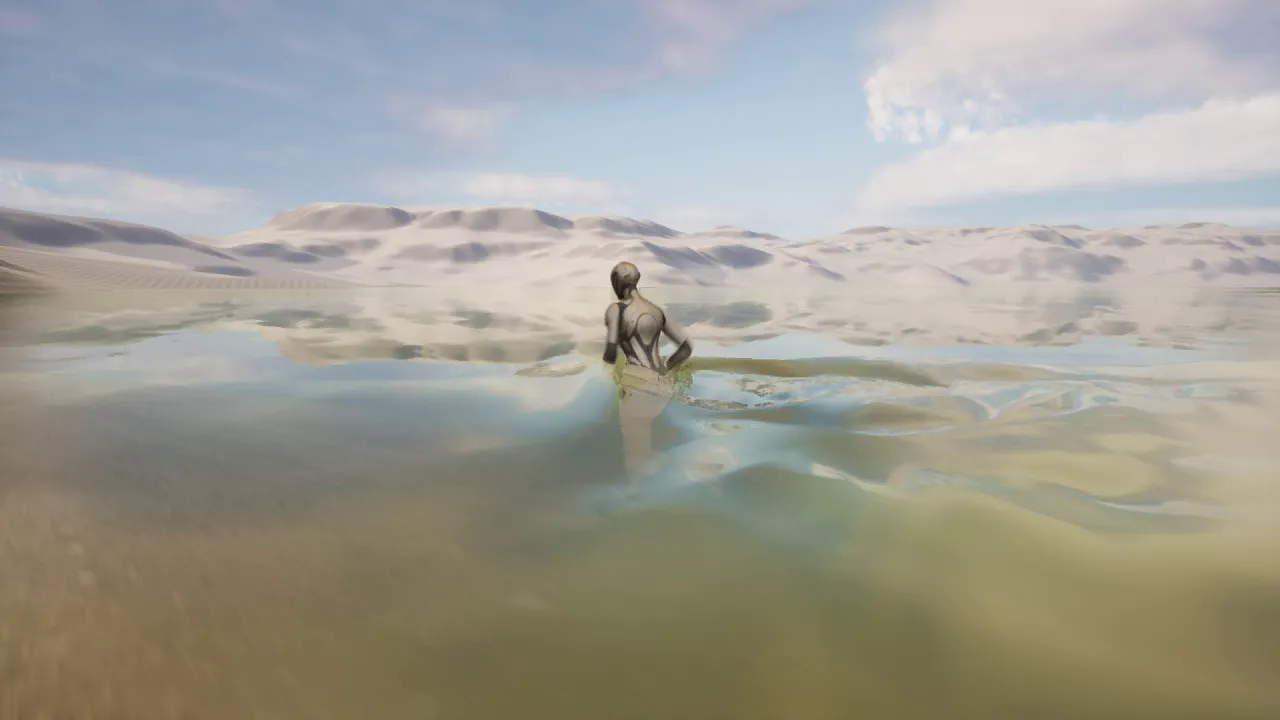
UE5 - Unified Interactive Water System (UIWS) - Plugin testing
에피소드 108
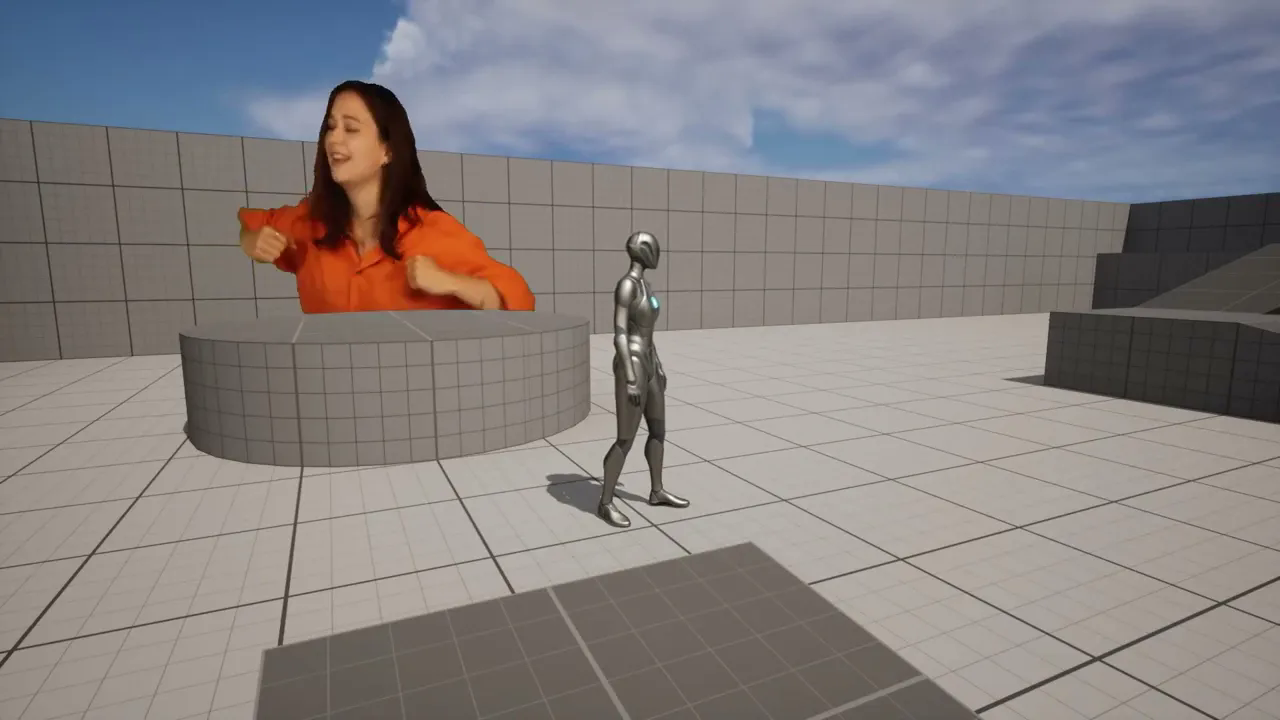
Green screen video with UE5, video background removal with Movavi, Media Player black screen fix SUB
에피소드 107
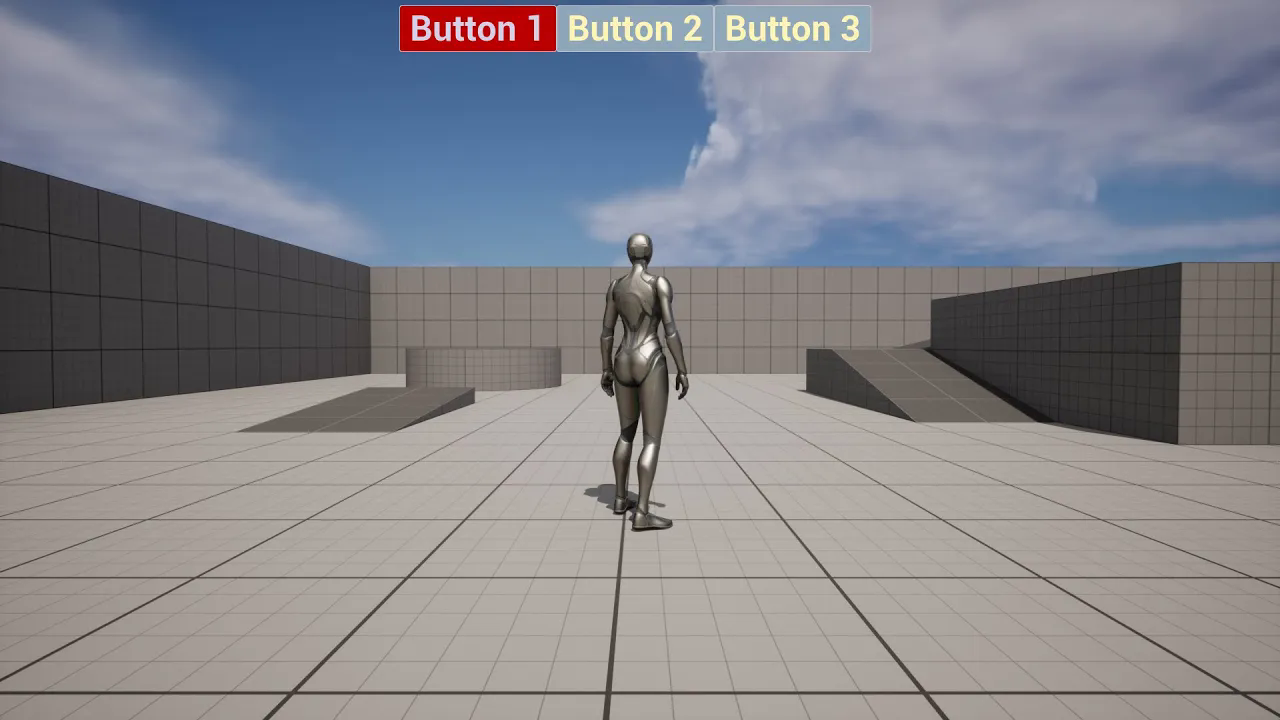
UE5 - Changing the active button colors in the widget - Subtitle
에피소드 106
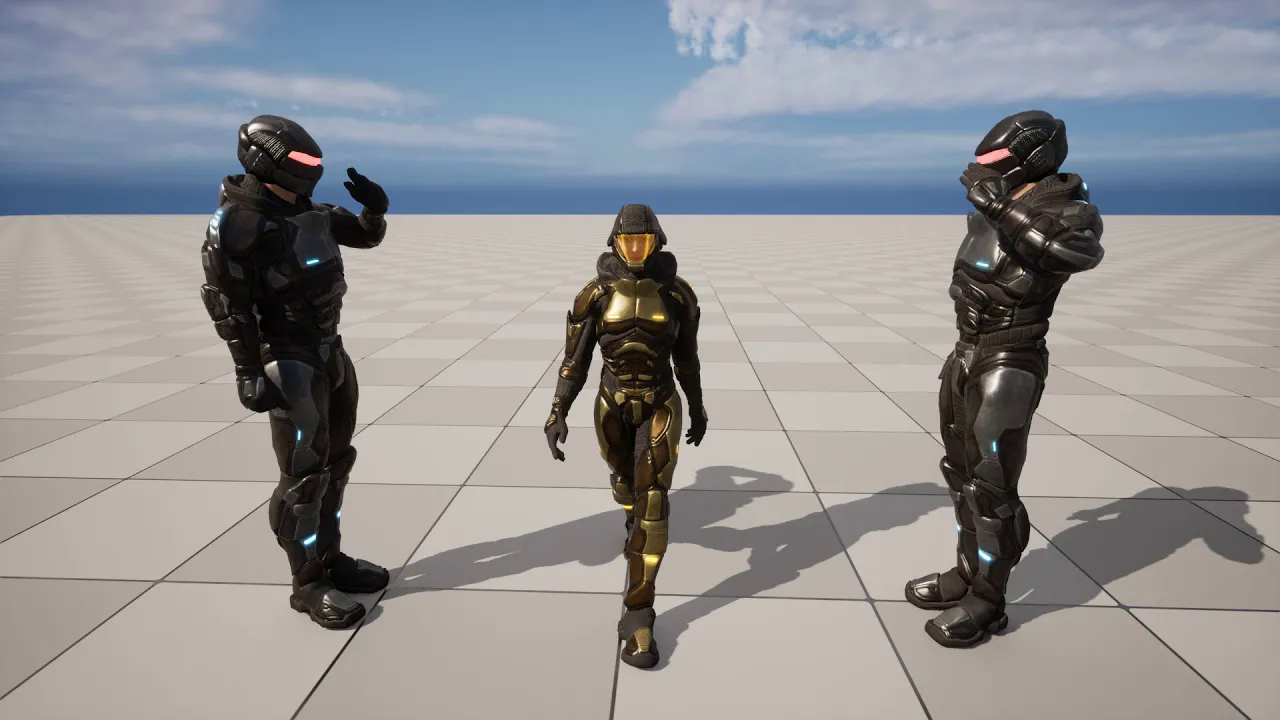
Multiple characters and#or duplicate characters in UE with iClone live link (Subtitle)
에피소드 105
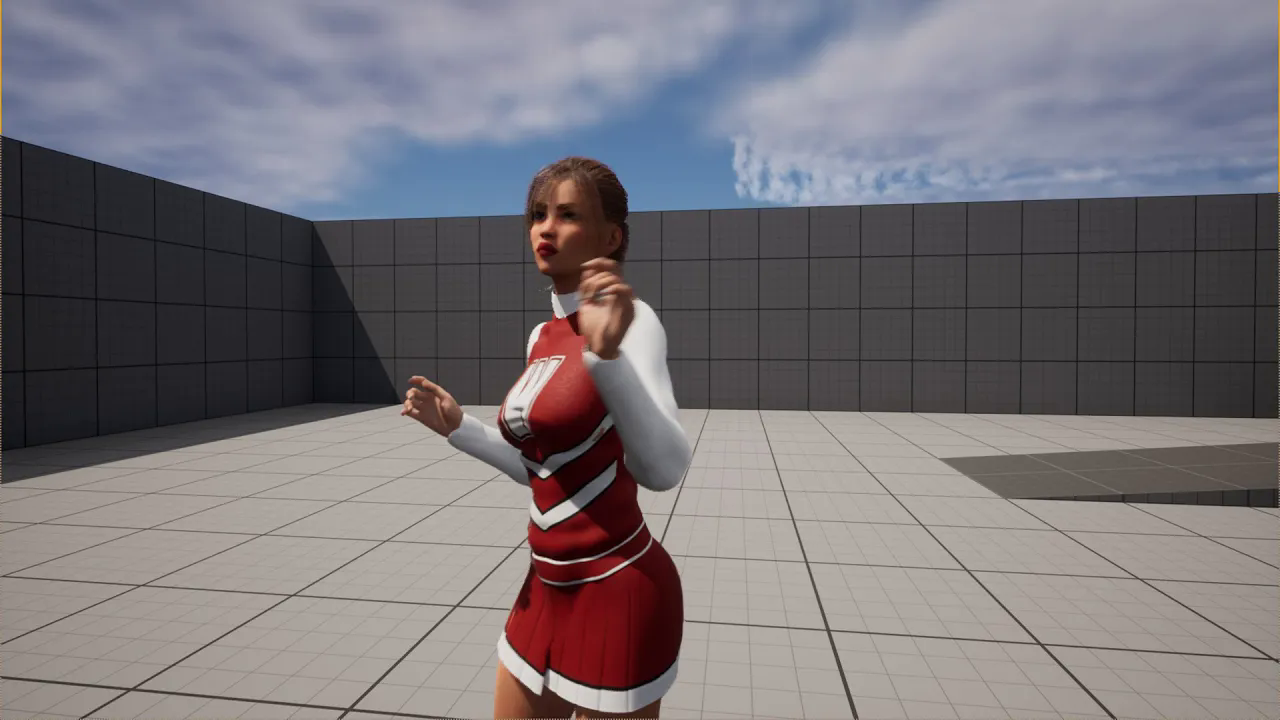
DAZ-CC4-UE5 Transfer DAZ character to CC4. Animate by transferring to UE with iC Live link (SUB)
에피소드 104
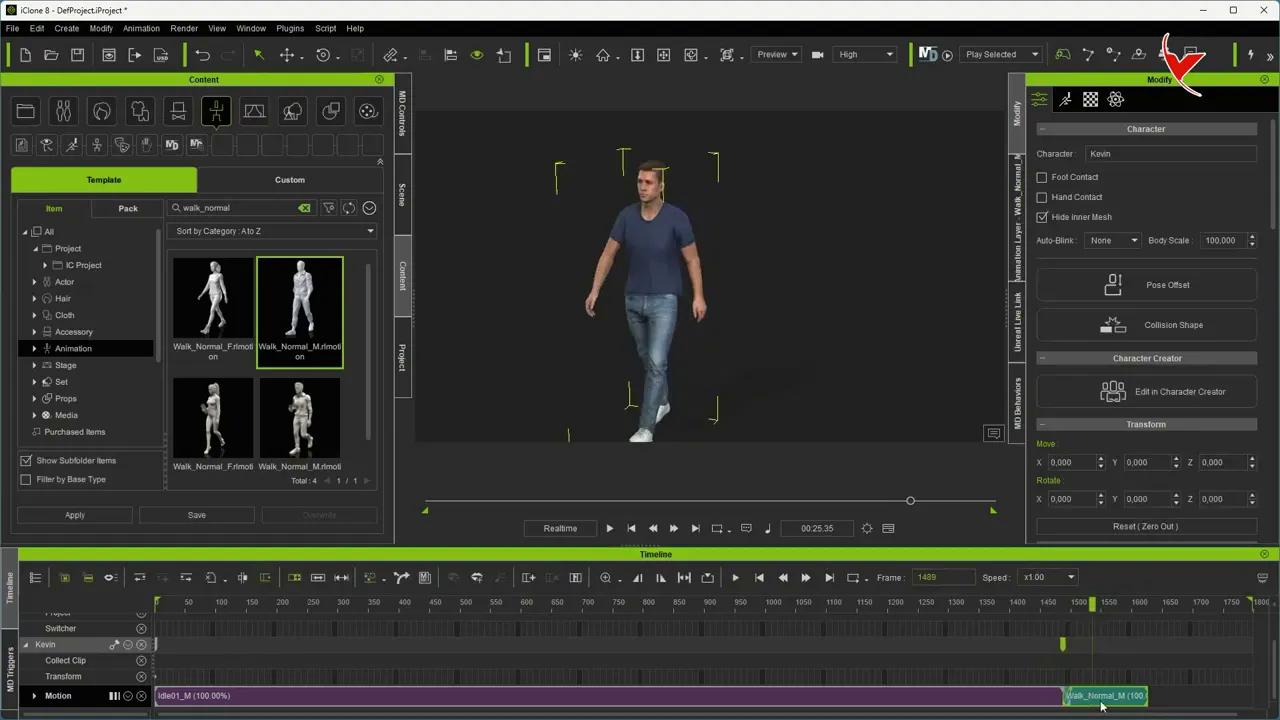
iClone 8 - Let's continue the pose created with the animation layer in the next motion added
에피소드 103
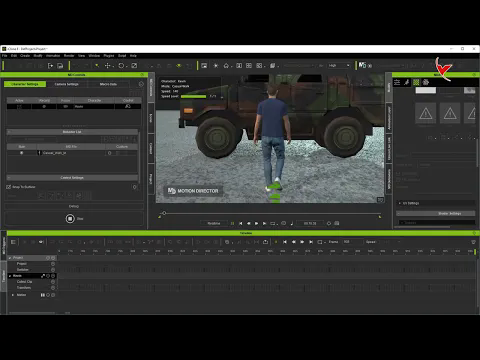
iClone 8 - Adding different animations to the middle and front of your completed animation - Subtitle
에피소드 102
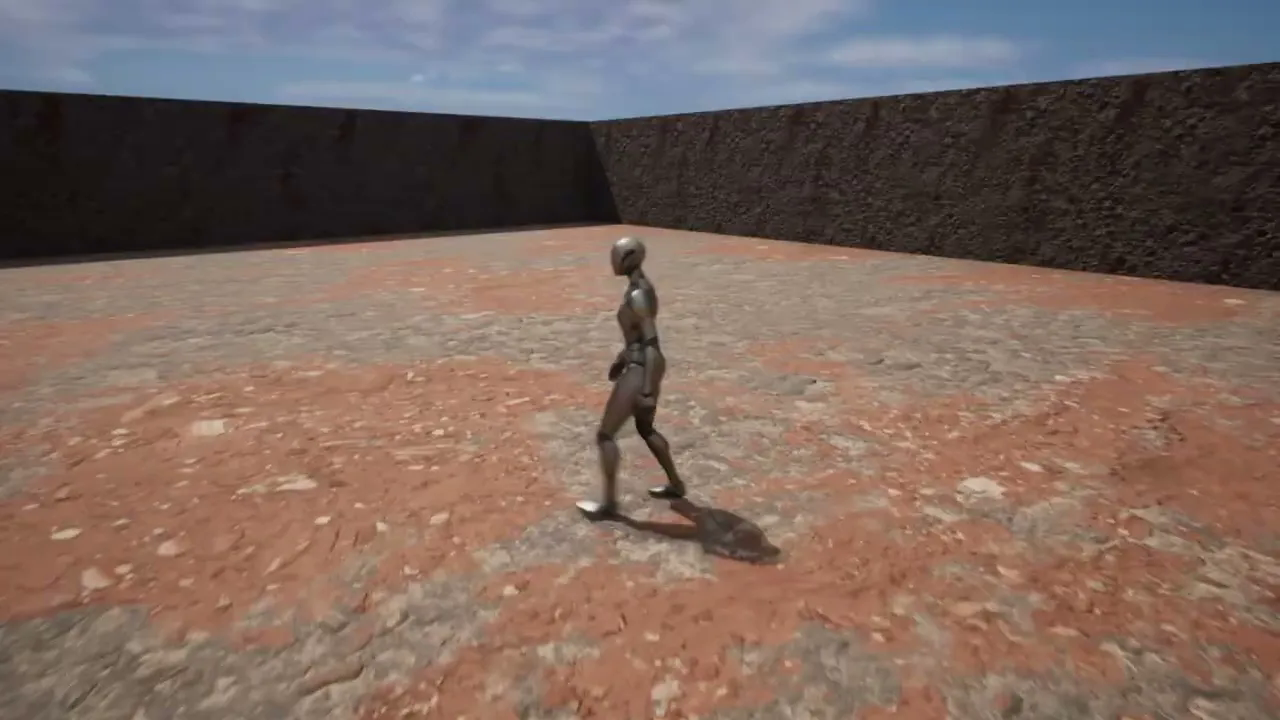
How to paint with the UE5 Mesh Paint tool# (Subtitle)
에피소드 101
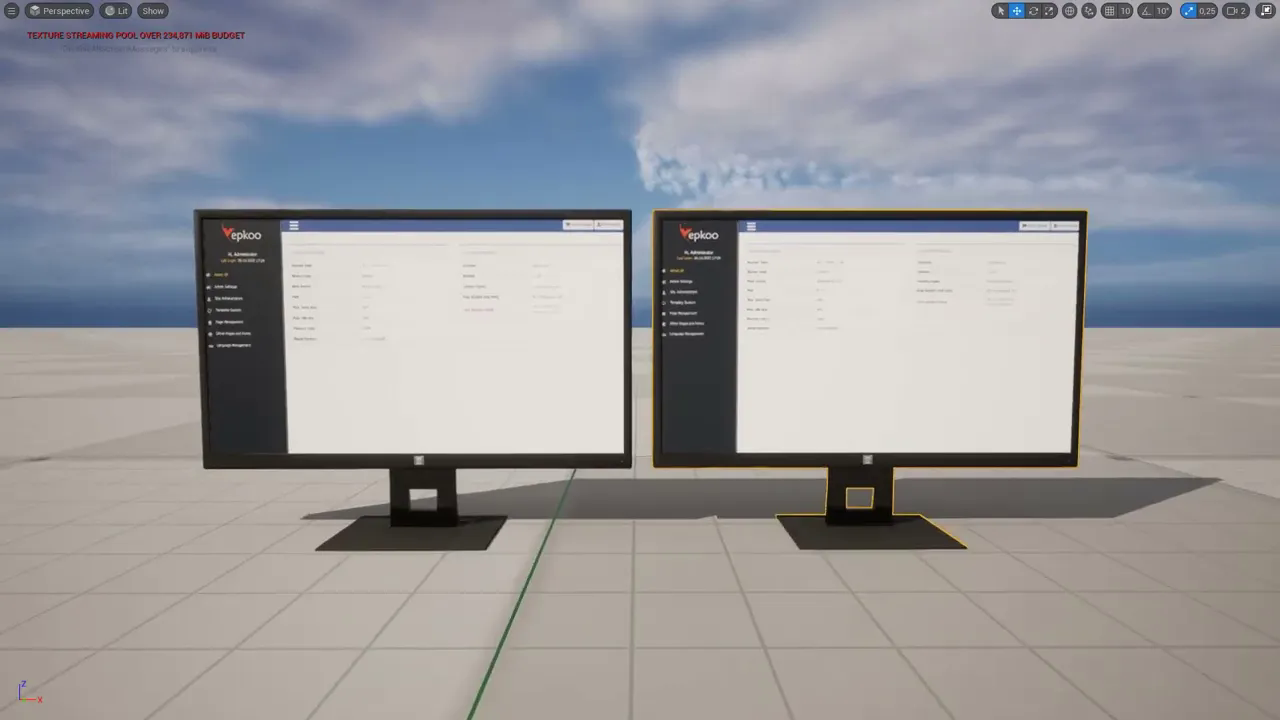
Let's modify the UV map using 2 different methods (UE5 Modeling tools and Photoshop) - Subtitle
에피소드 100
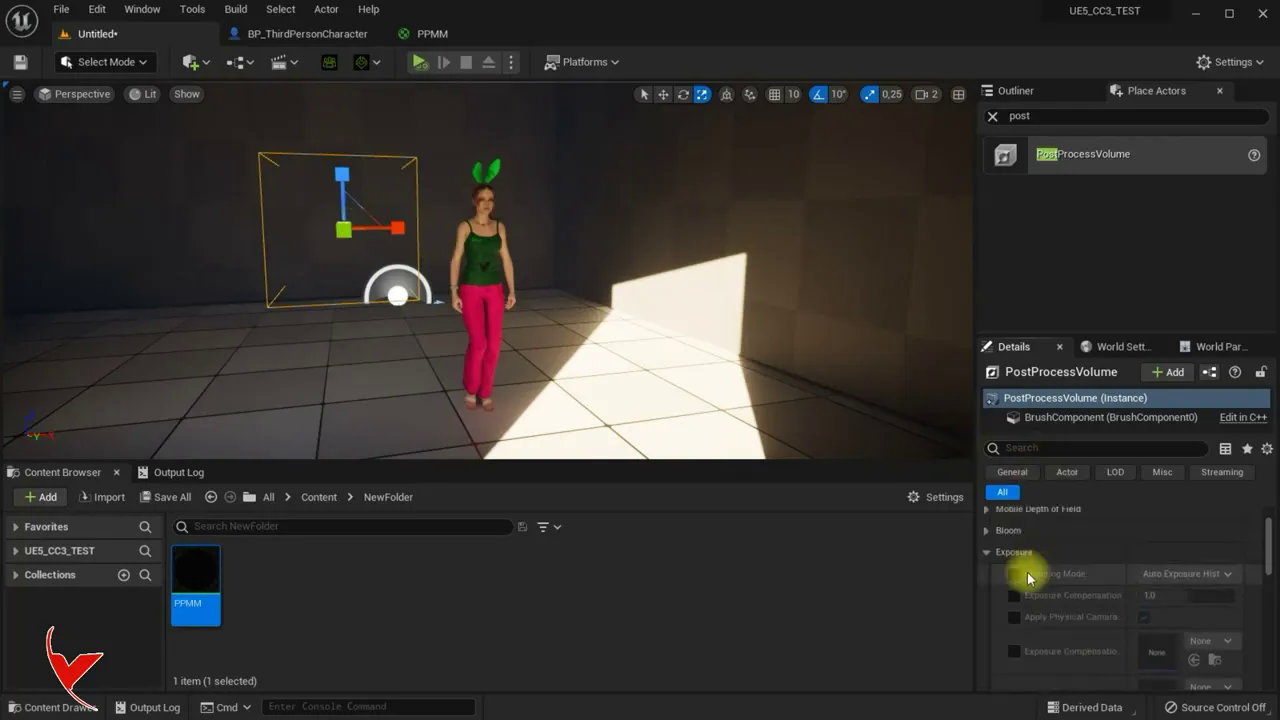
UE5 Activating Post volume and fixing light instead of gradual lightening in dark places
에피소드 10
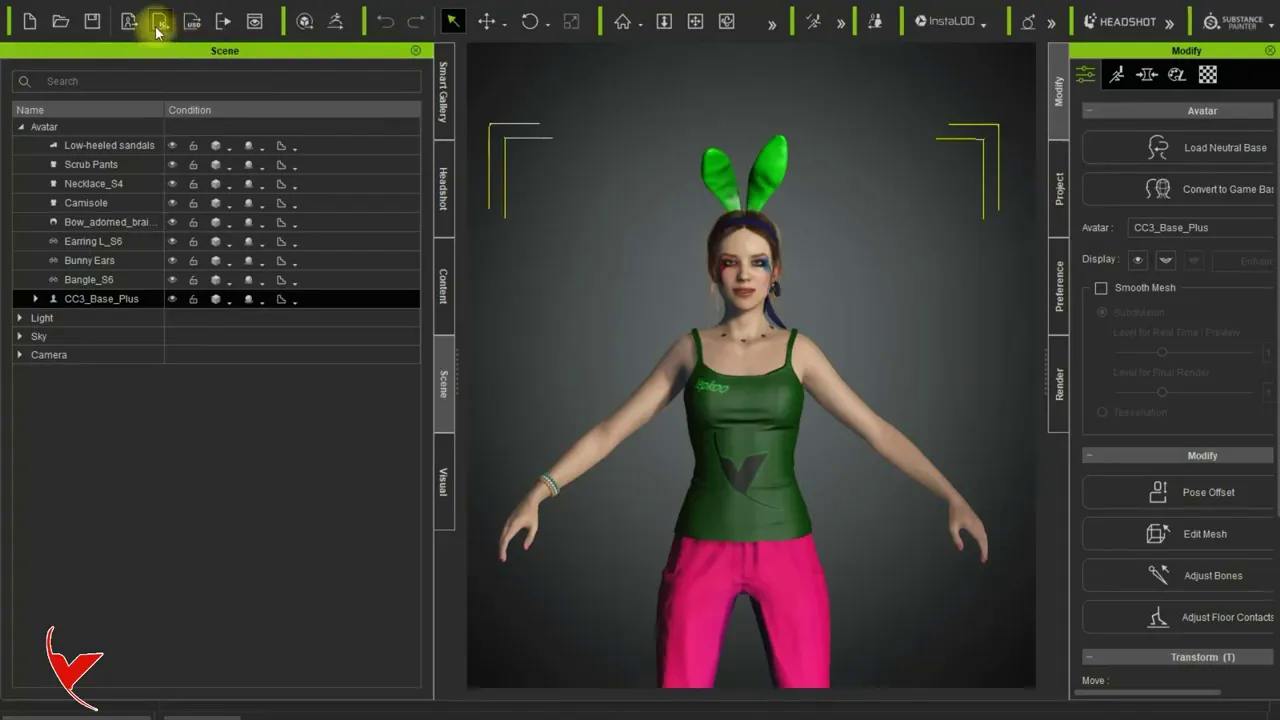
Character Creator Auto Setup and iClone Live Link beta plugins testing with UE5
에피소드 9
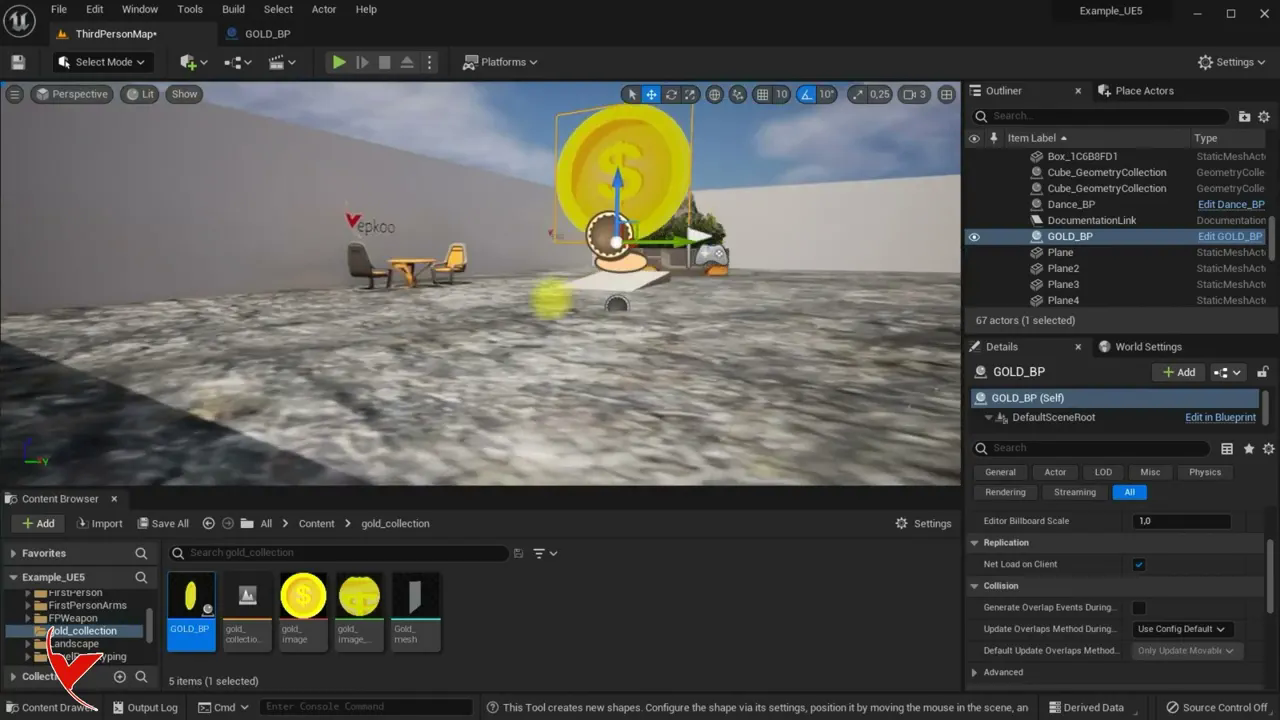
UE5 - Collecting items or gold by keyboard shortcut or touch
에피소드 8
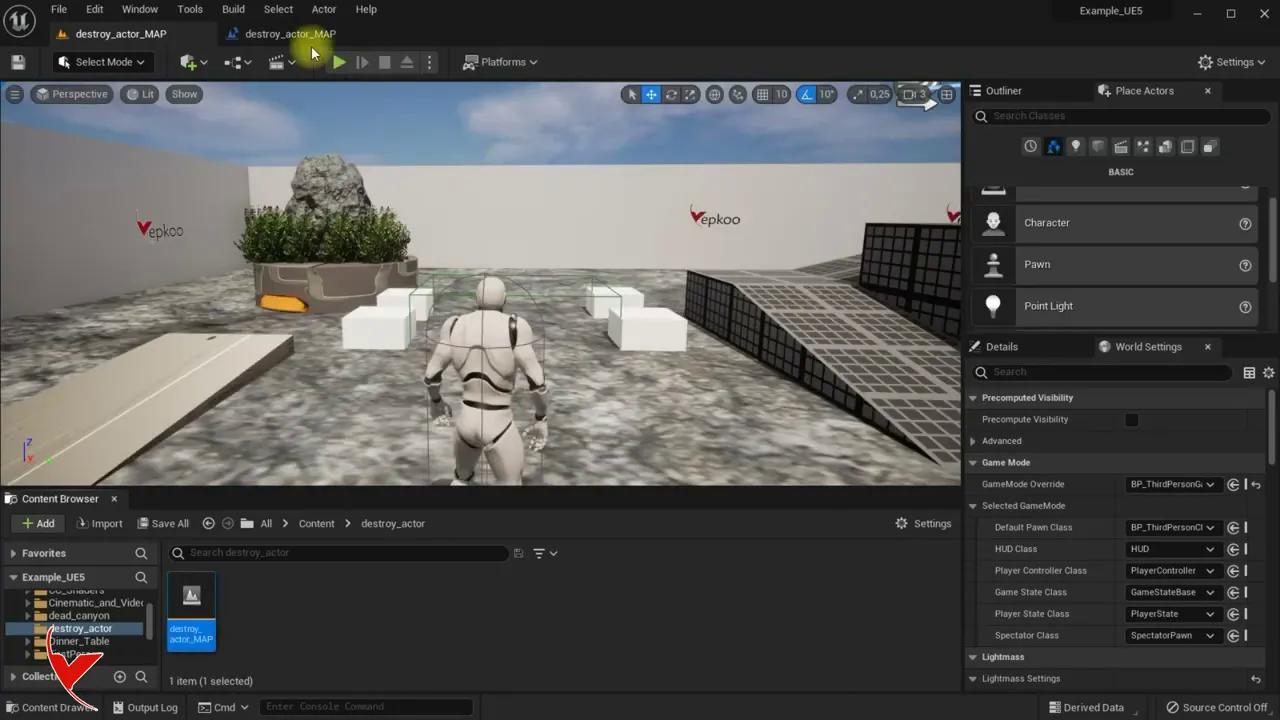
Destroying a character by keyboard or collision using UE5 and trigger box
에피소드 7
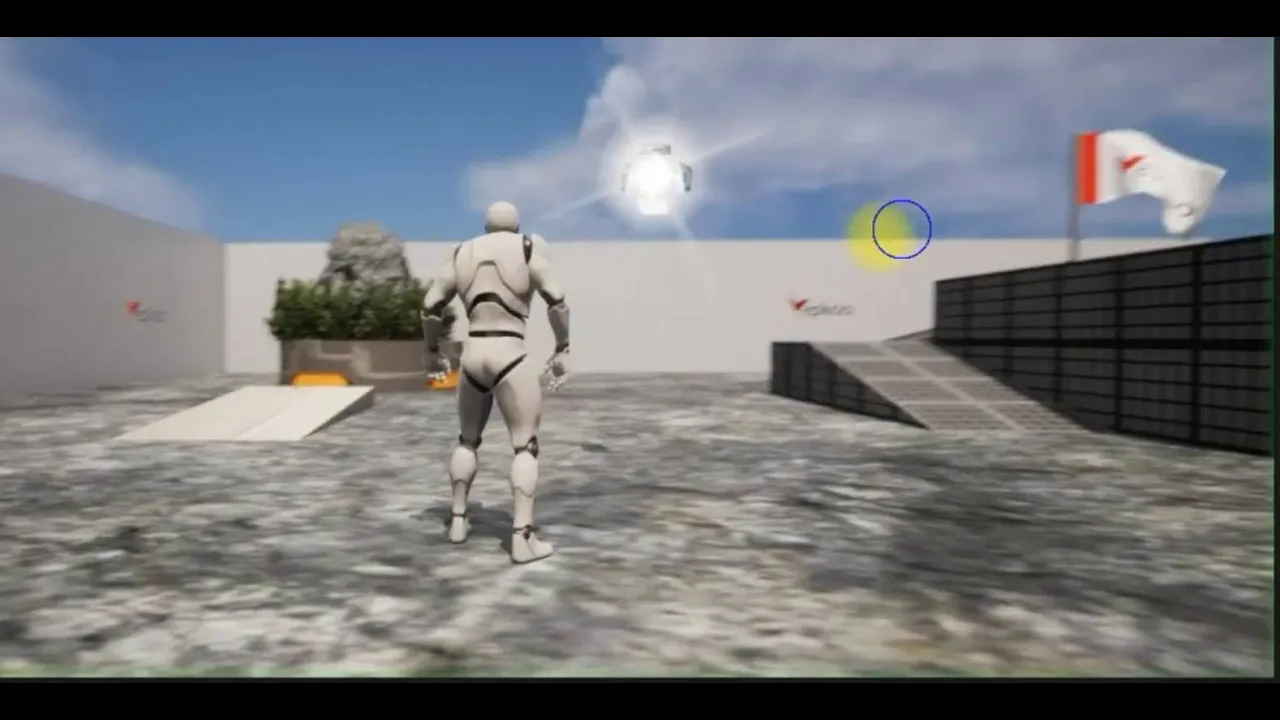
UE5 Niagara Shiny star effect for lights and star rendering for sky
에피소드 6
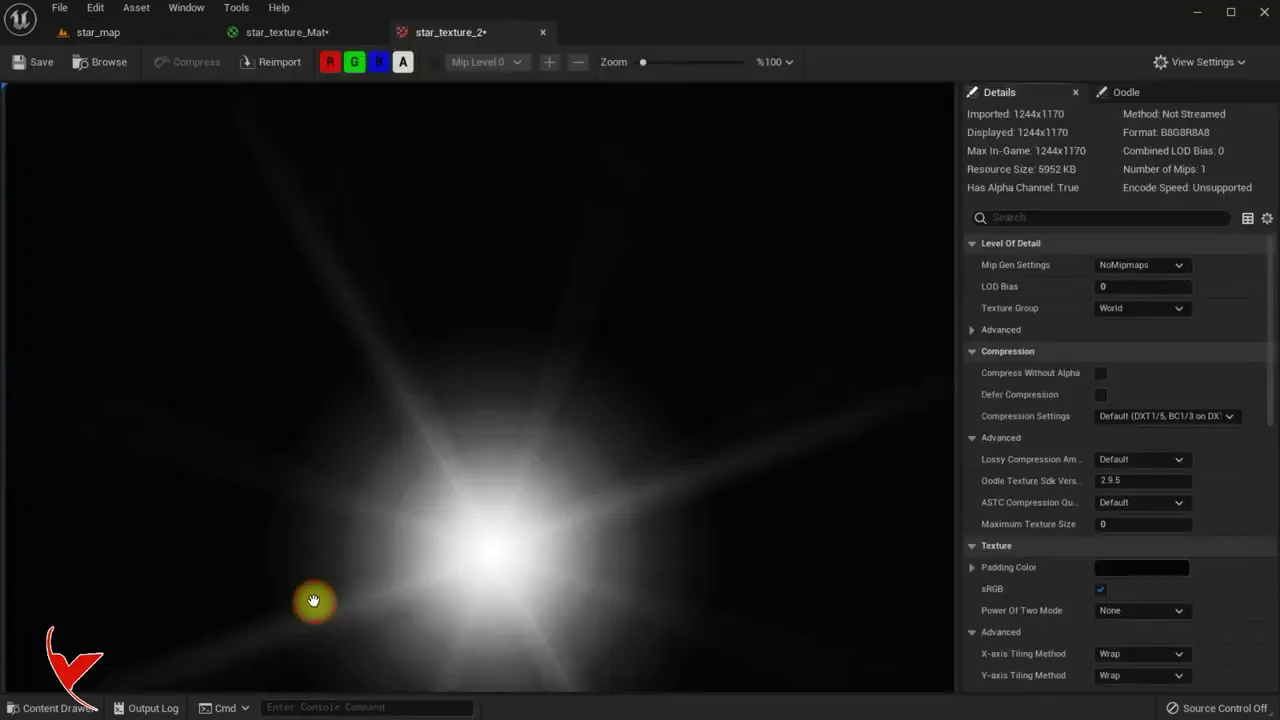
Resolving UE5 Linear Color Error
에피소드 5
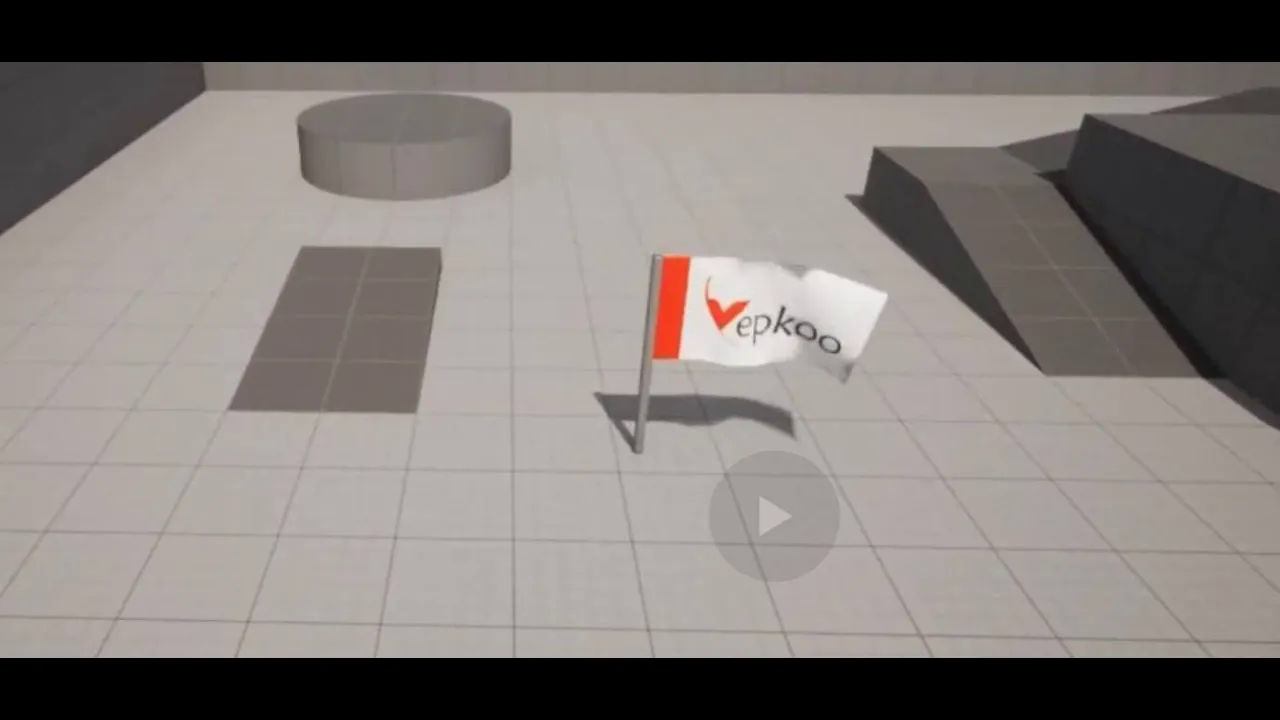
Flag making and wind effect with cloth system with UE5
에피소드 4
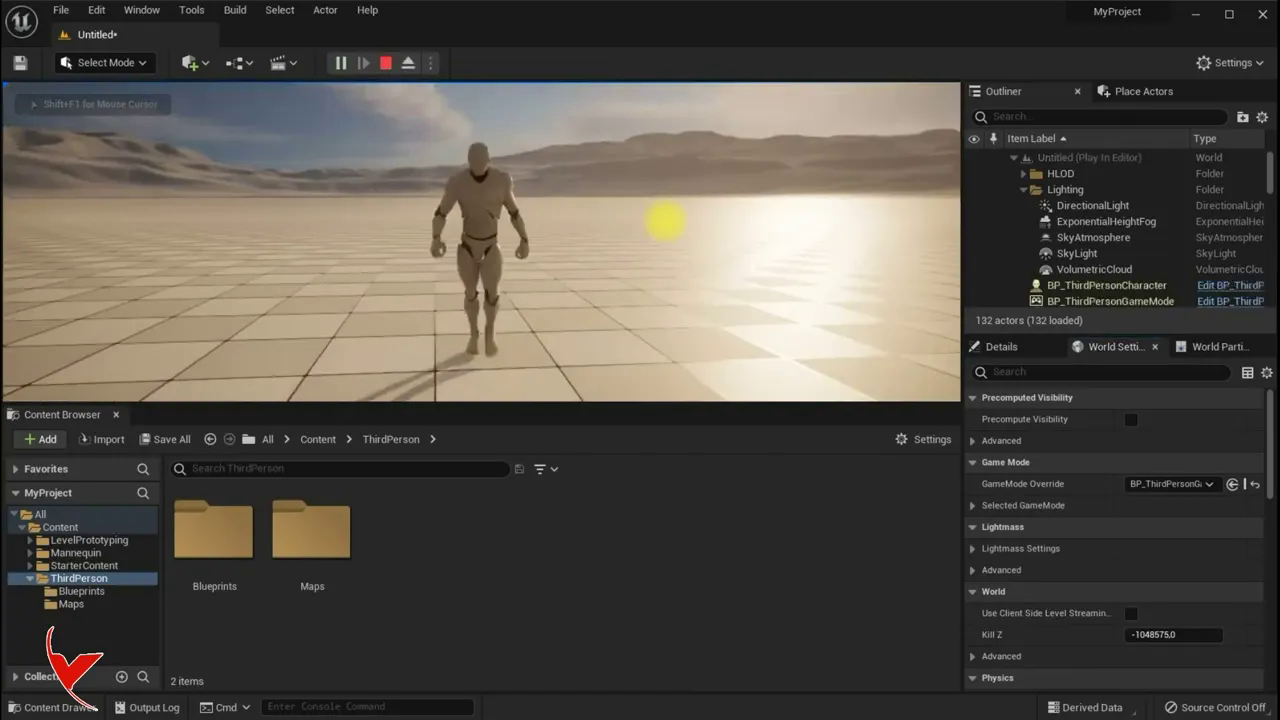
UE5 Activating a thirdperson character
에피소드 3
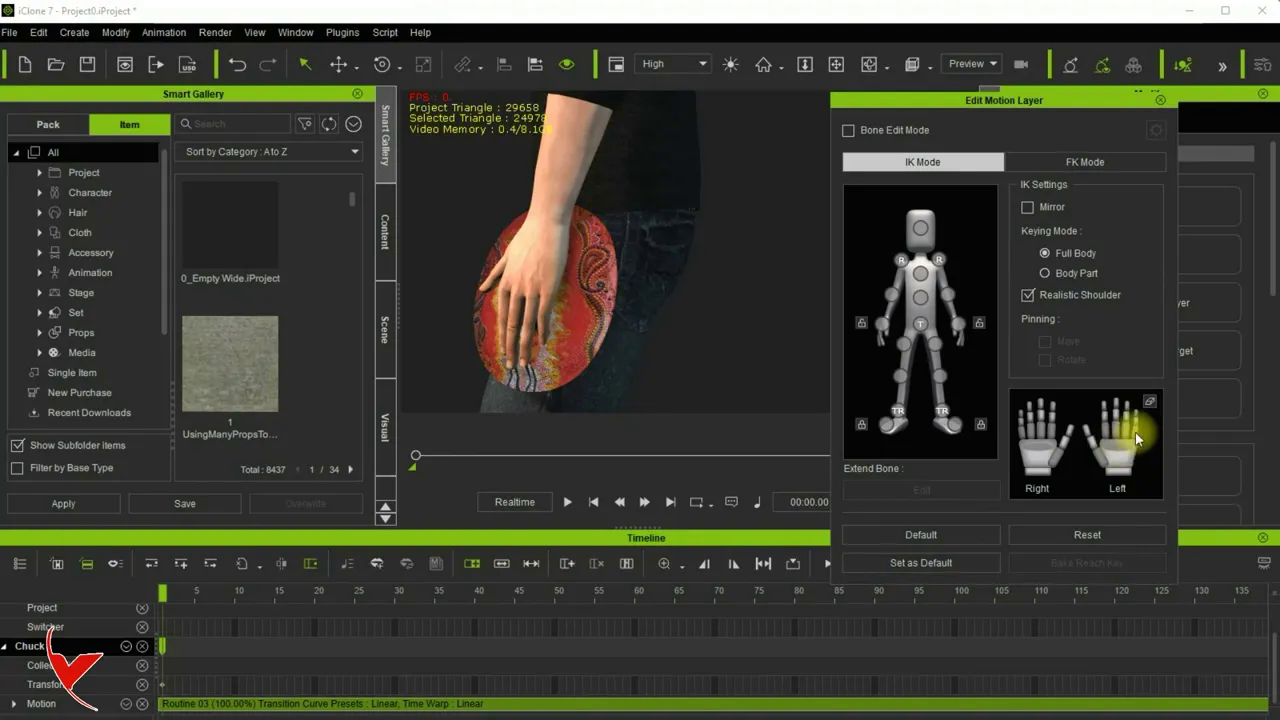
Adding prop to character and fixing fingers passing through prop with iClone 7
에피소드 2
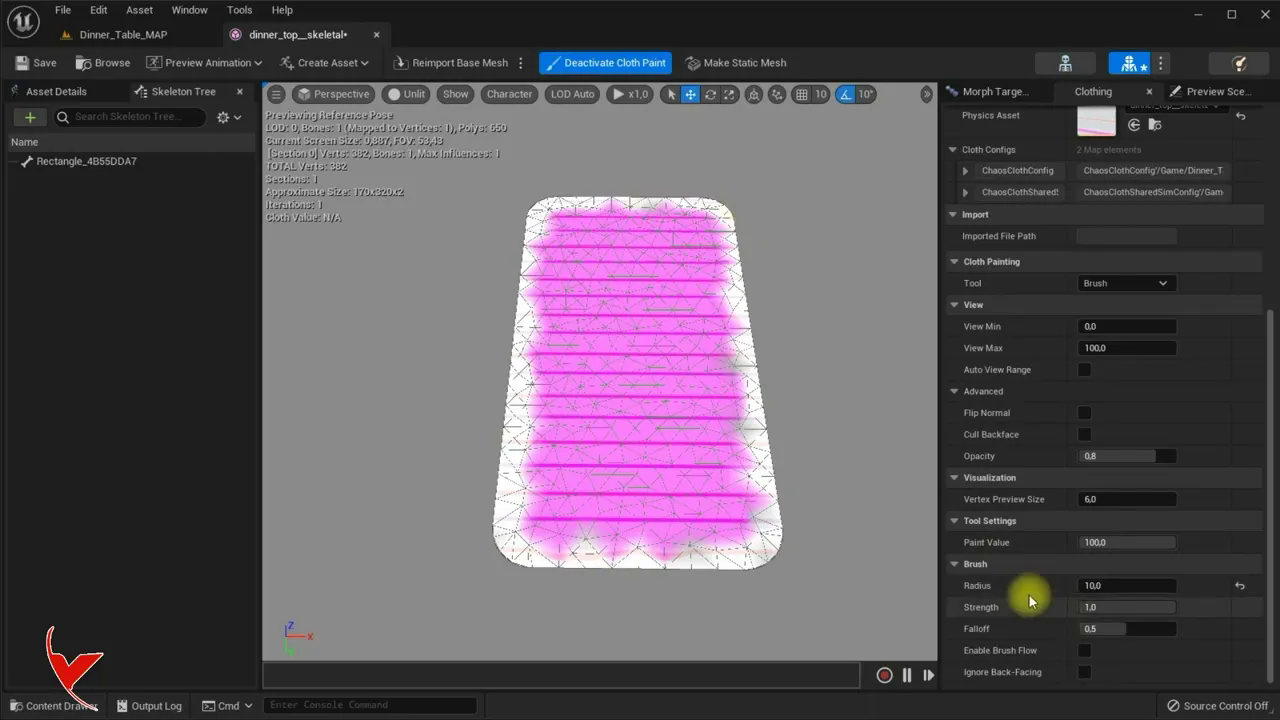
Table Making with UE5 and creating material in Quixel Mixer with your own pictures, Cloth creation
에피소드 1